Type
LoCon
Publish Time
2023-03-20
Base Model
SD 1.5
Trigger Words
ufotable style
anime coloring
anime screencap
Copy


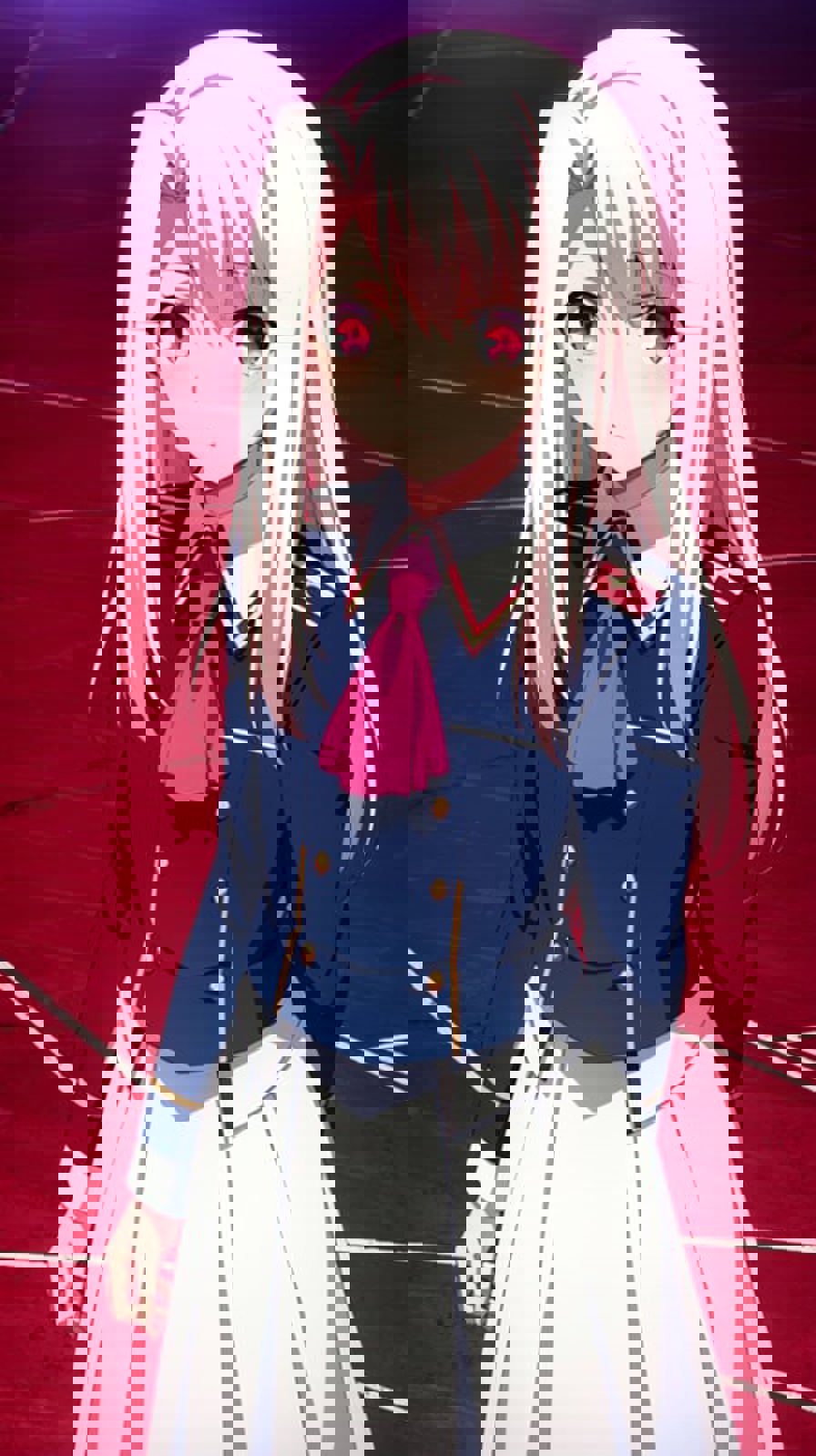
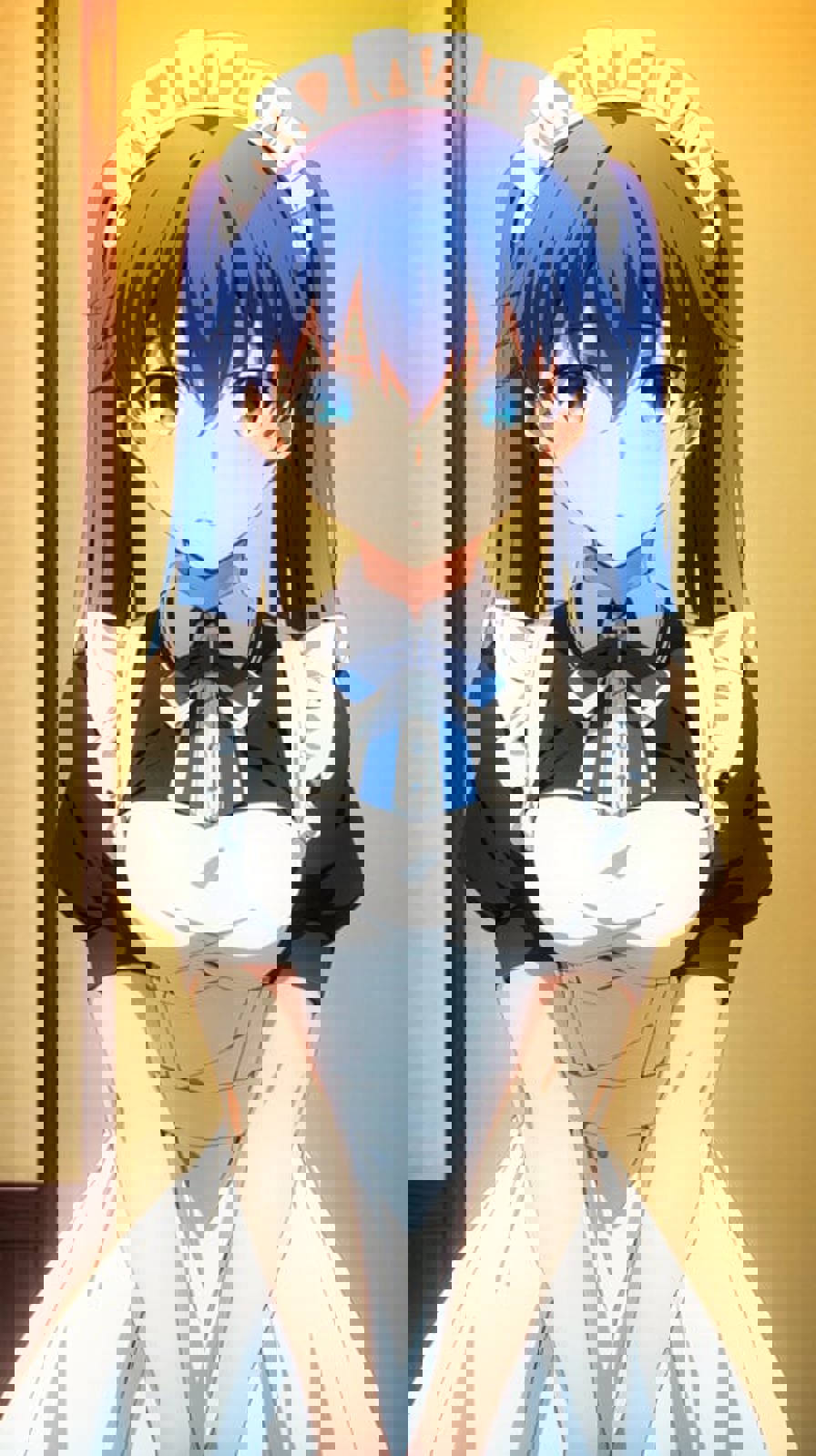
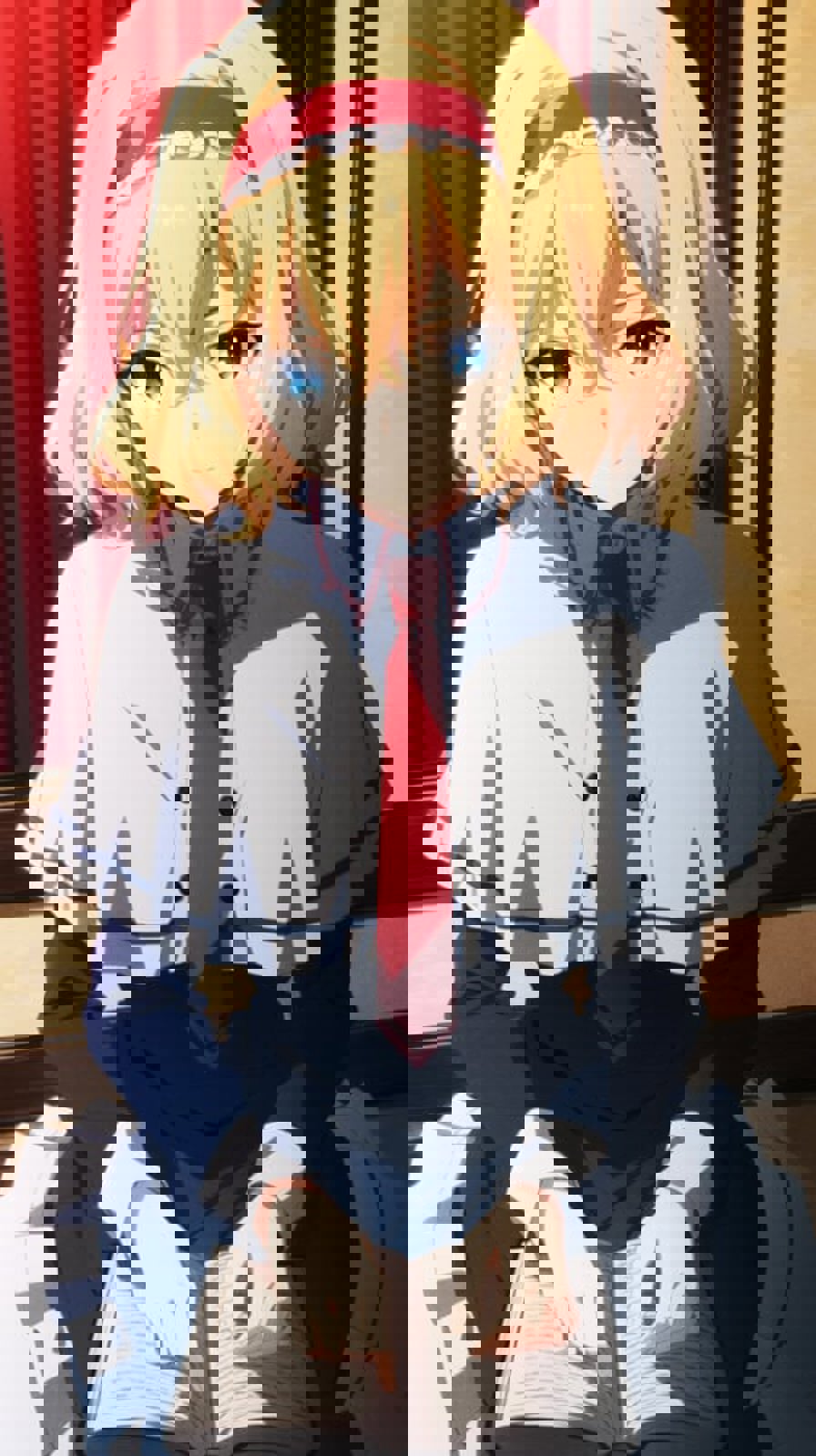
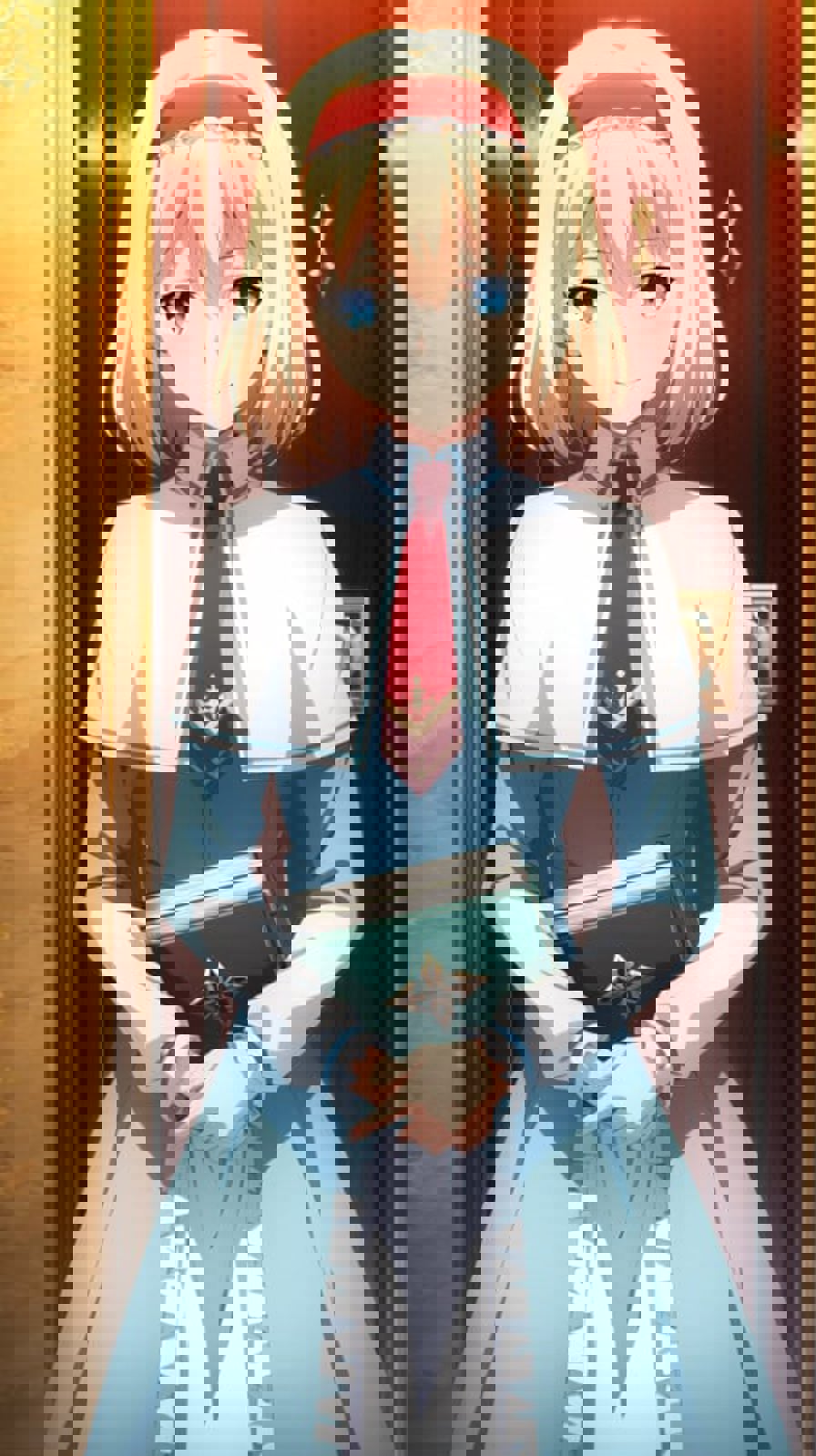

Making models is costing me my children's tuition. Do you like what I do? Feel free to buy me a coffee 🤗💖
This LoRA was made due to the request of KoRo#8133 and as a Ufotable Enjoyer I complied. Also, thanks to KoRo#8133 for gathering the dataset for this. I used Anything V4.5 as a base model for training. This LoRA was trained on more than 100 Images of Ufotable's Artstyle (Backgrounds, Characters, etc). Either way and it turned out well so I hope you like it.
You don't need the negative embeddings used in the example prompts, but if you want the exact quality of Images I have you can download the negative embeddings from here https://huggingface.co/Sikinx/UfotableLoRAFiles/tree/main
and paste them in the "embeddings" folder in your WebUI directory.
It's flexible enough to make all kinds of stuff but please, If you want to make specific characters, use LoRA's for them and proper prompts. You can prompt well Known Fate Characters (Saber etc) and it does them just fine. Please check the examples.
Please be aware that while the LoRA itself is quite flexible with various weights. I recommend that you go below 0.6 LoRA weight as it results in more pleasant looking gens but still keeps a bit of the artstyle. You may try different configs and find whatever works best for you. However if you want the exact style I have then the weight I used for the examples is "0.9".
The trigger words for the LoRA are "ufotable style, anime coloring, anime screencap" as included on the model page as well. Works great on Anything V4.5, or on any anime model out there. Altough you might need to play around with the settings abit.
Also, if you can get the best looking results I recommend you use Anything V3 or Anything V4.5 Vae.
Please enjoy and consider supporting me.
How to use LoRA's in auto1111:
Update webui (use git pull like here or redownload it)
Copy the file to stable-diffusion-webui/models/lora
Select your LoRA like in this video
Make sure to change the weight according to the instructions (by default it's :1)

1. The rights to reposted models belong to original creators.
2. Original creators should contact SeaArt.AI staff through official channels to claim their models. We are committed to protecting every creator's rights. Click to Claim
