




Type
LORA
Publish Time
2025-10-29
Base Model
Wan Video 2.2 I2V-A14B
Trigger Words
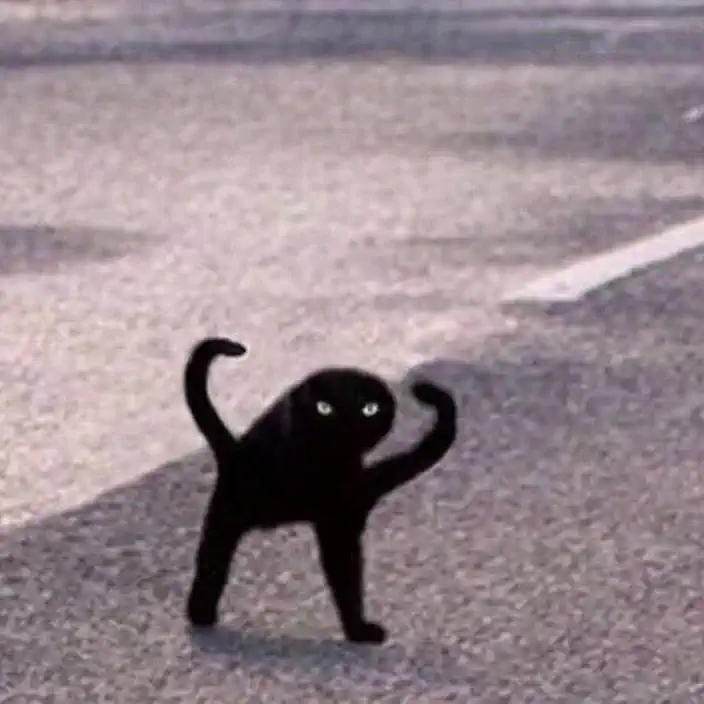
OIIA_cat
Copy
Version Introduction
dataset.toml
resolutions = [[368, 368]]
enable_ar_bucket = true
min_ar = 0.5
max_ar = 2.0
num_ar_buckets = 7
frame_buckets = [ 1, 48, 51, 72, 75, 80, 81,]
[[directory]]
path = "/home/user/oiia_cat_videos_16fps"
num_repeats = 4
train.toml
output_dir = "/home/user/oiia_cat_A14B_i2v_v2/A14B"
dataset = "/home/user/dataset_A14B.toml"
epochs = 120
micro_batch_size_per_gpu = 1
pipeline_stages = 1
gradient_accumulation_steps = 1
gradient_clipping = 1
warmup_steps = 10
eval_every_n_epochs = 1
eval_before_first_step = true
eval_micro_batch_size_per_gpu = 1
eval_gradient_accumulation_steps = 1
save_every_n_epochs = 6
activation_checkpointing = true
partition_method = "parameters"
save_dtype = "bfloat16"
caching_batch_size = 1
steps_per_print = 10
video_clip_mode = "single_beginning"
blocks_to_swap = 32

[model]
type = "wan"
ckpt_path = "/home/user/Wan2.2-I2V-A14B"
dtype = "bfloat16"
transformer_dtype = "float8"
timestep_sample_method = "logit_normal"
transformer_path = "/home/user/Wan2.2-I2V-A14B/high_noise_model"
min_t = 0.875
max_t = 1

[adapter]
type = "lora"
rank = 32
dtype = "bfloat16"

[optimizer]
type = "adamw_optimi"
lr = 1e-4
betas = [ 0.9, 0.99,]
weight_decay = 0.01
eps = 1e-8