Type
LORA
Publish Time
2024-04-01
Base Model
SDXL 1.0
Trigger Words
WhiteboxStyle
Copy

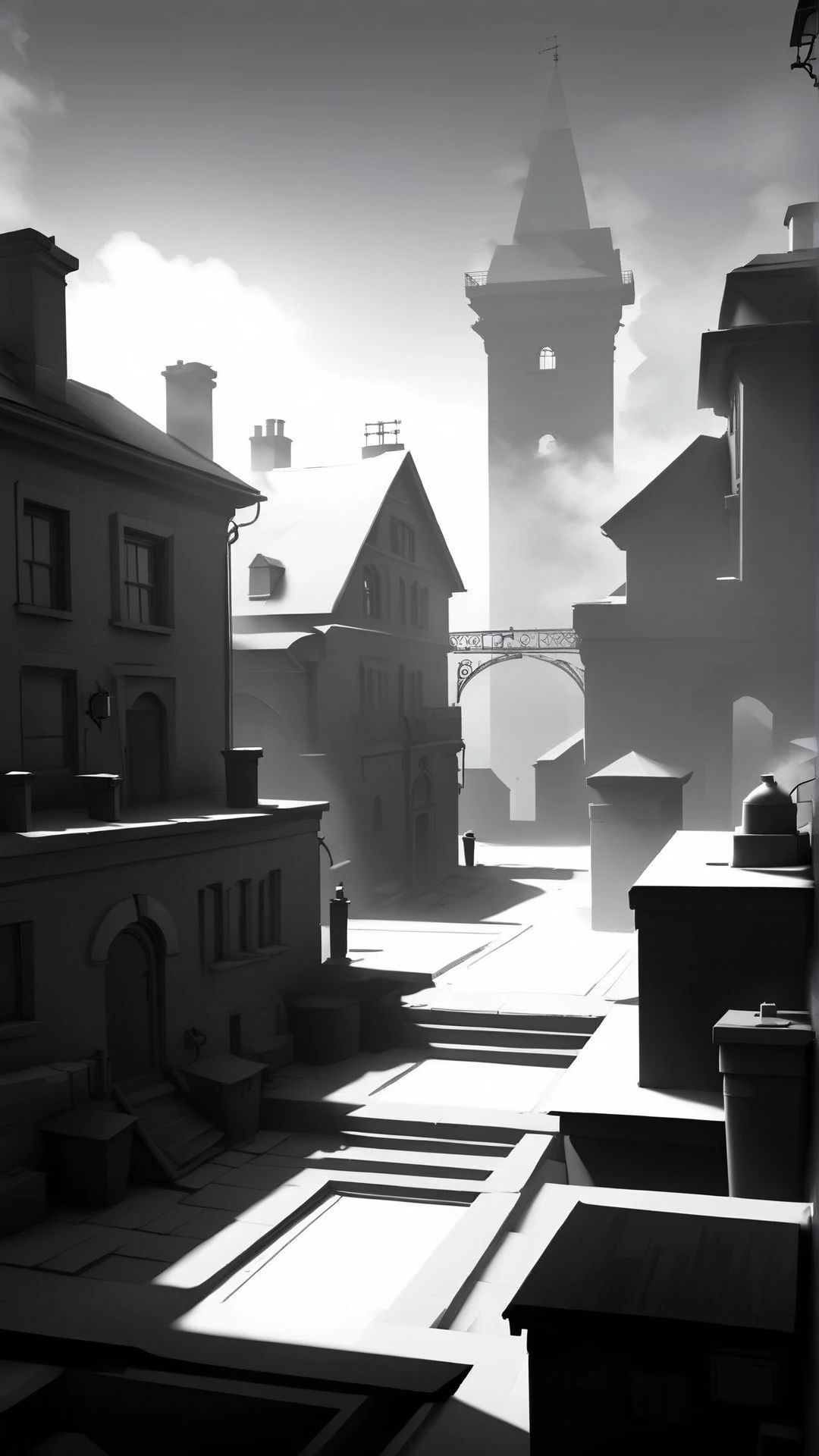
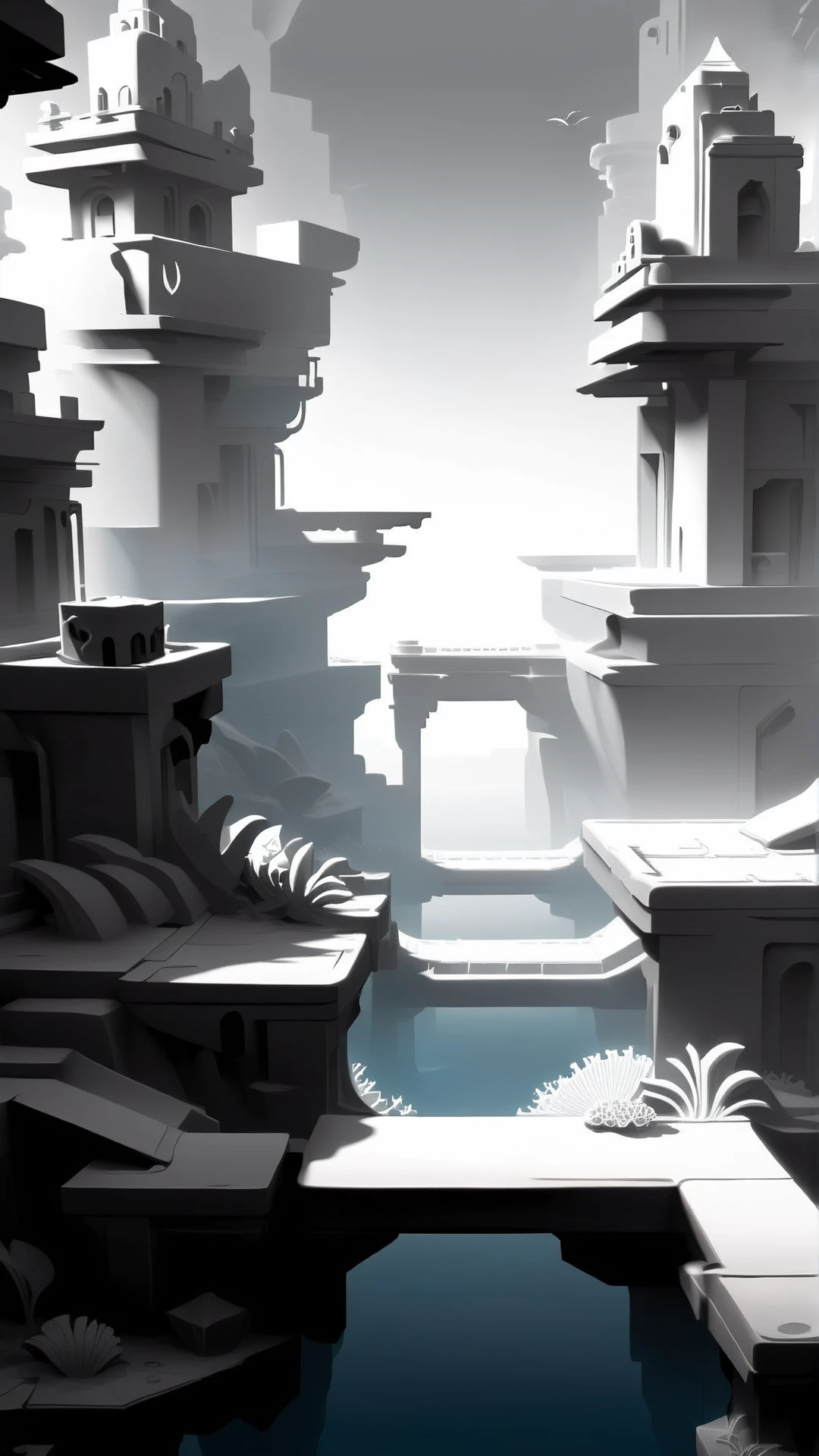
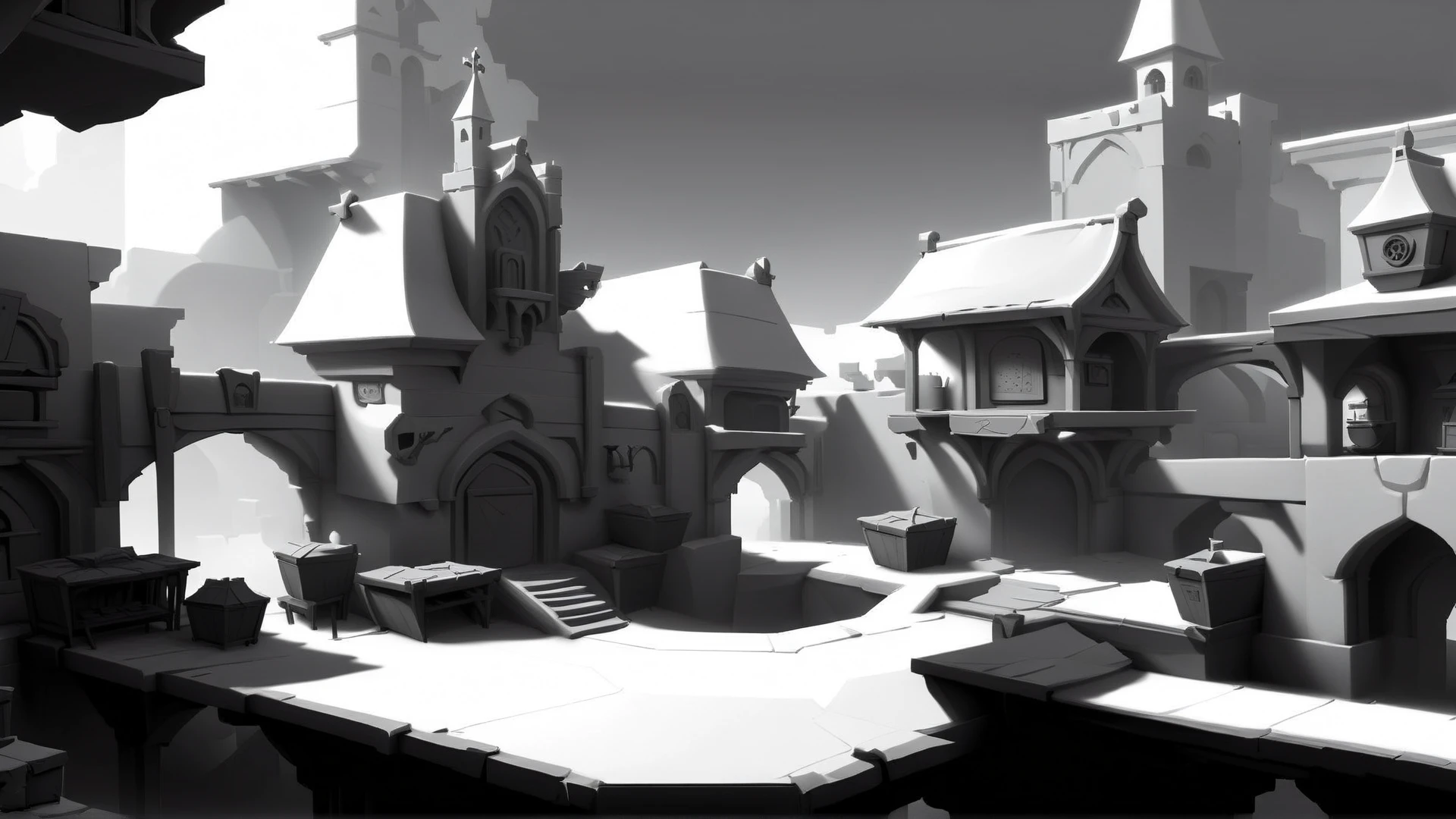
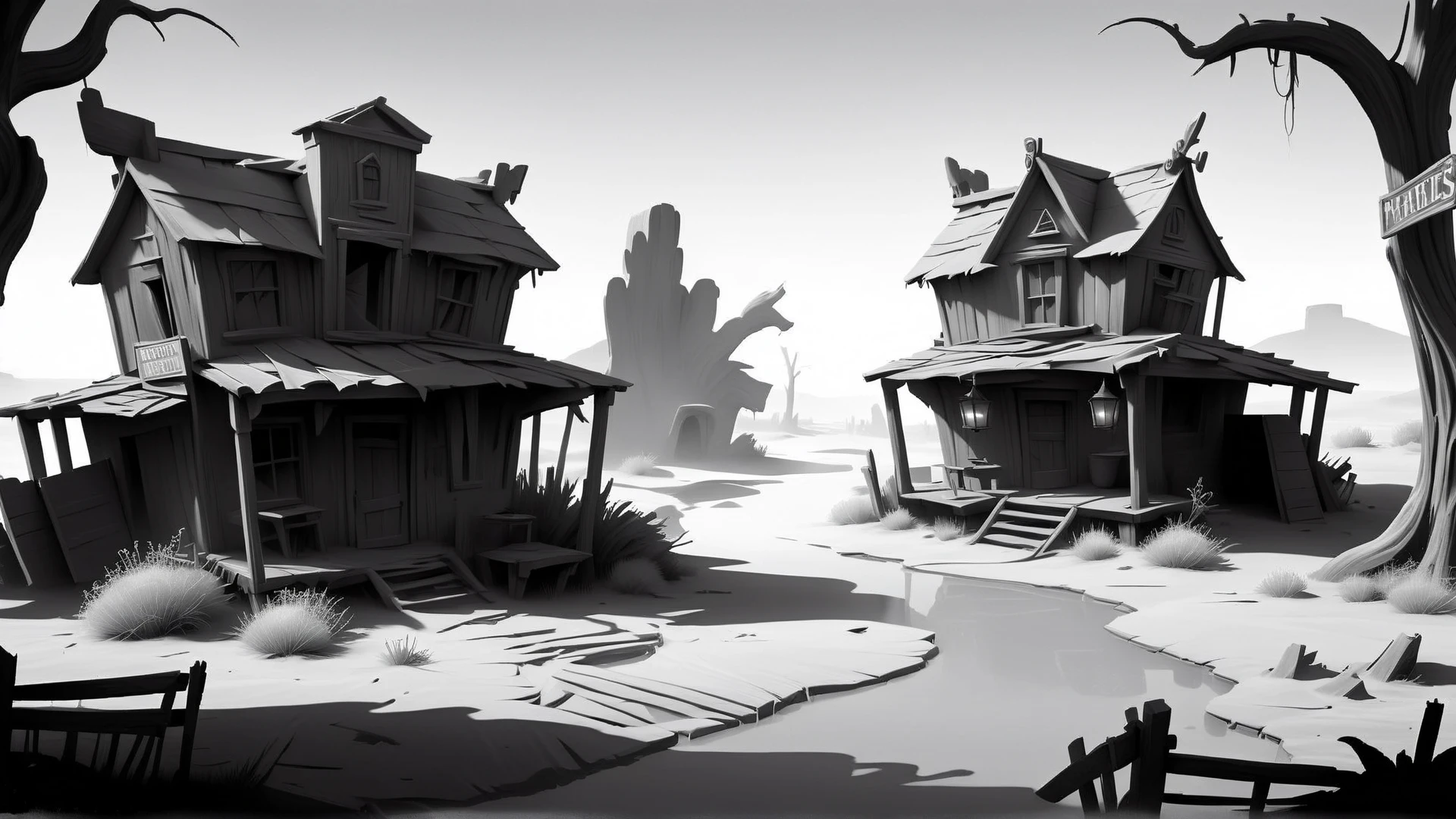
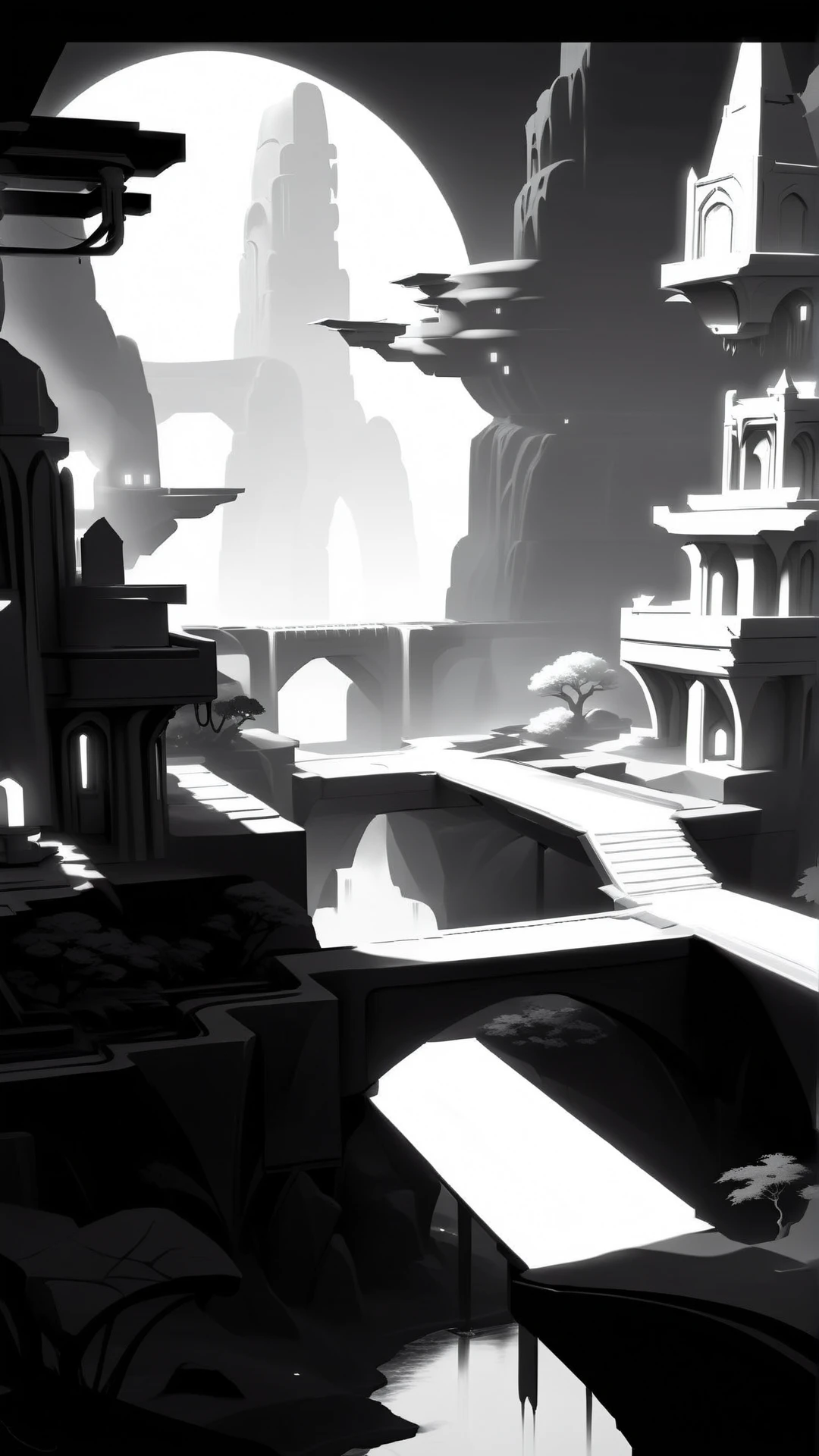
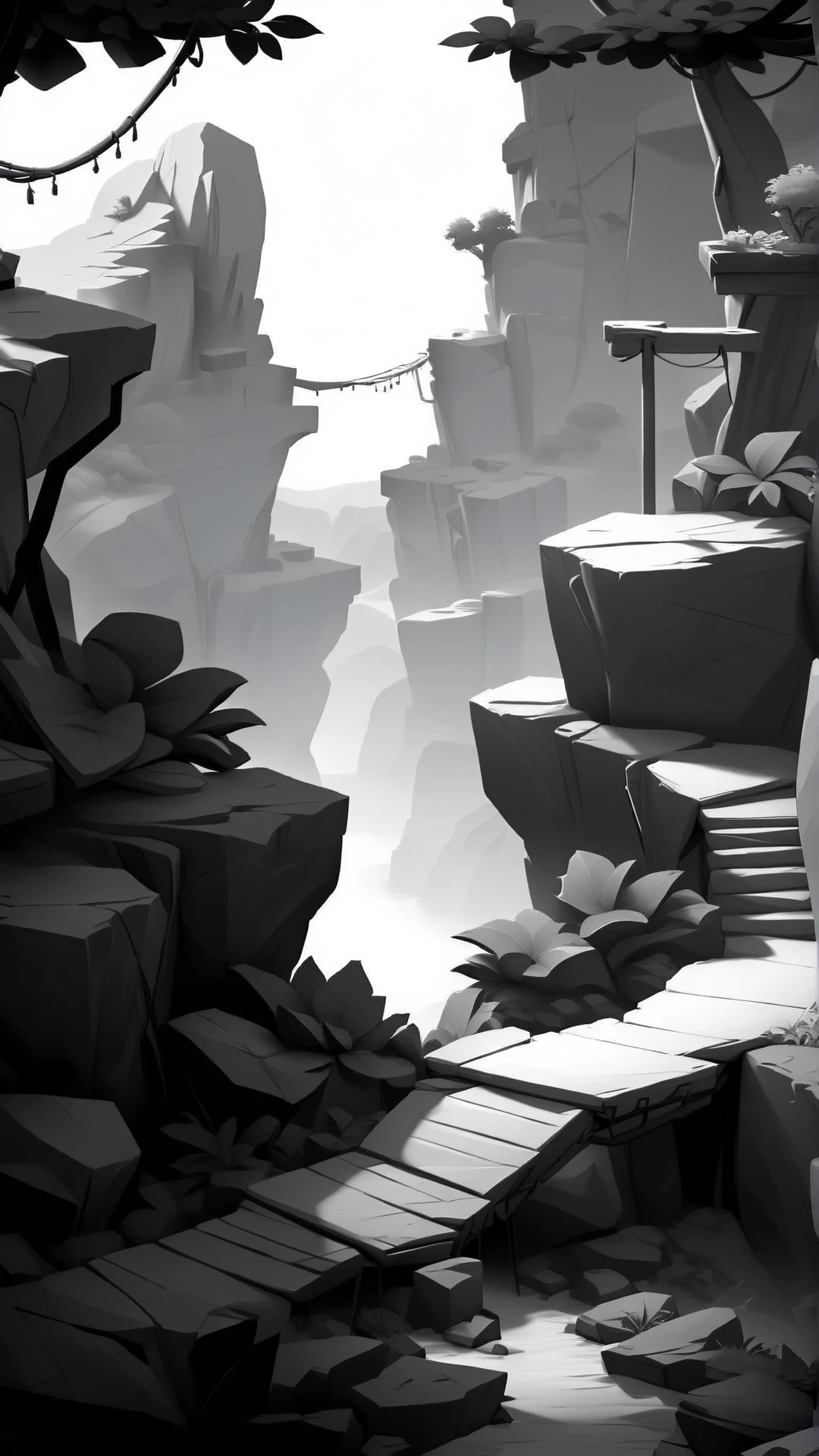
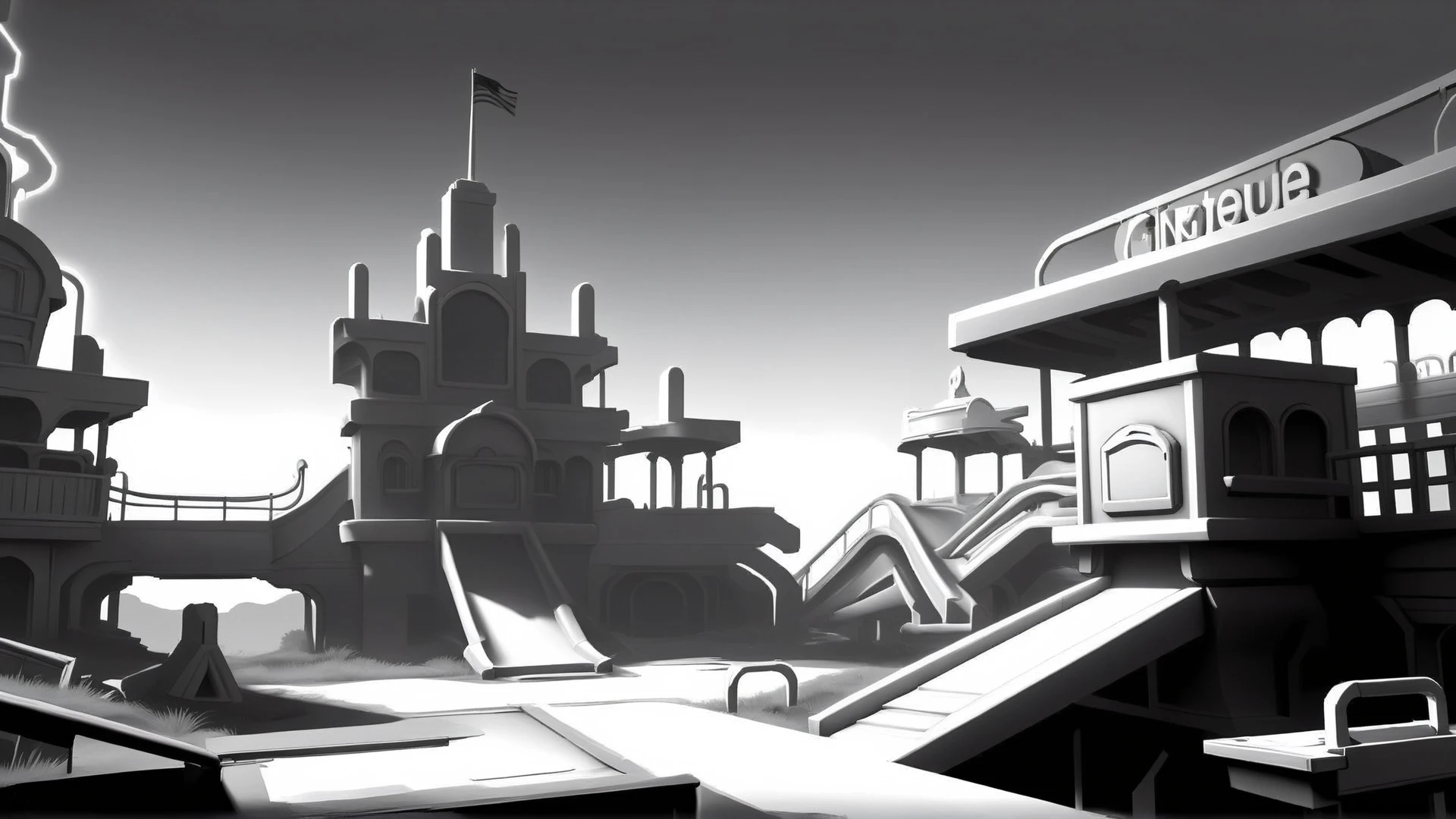
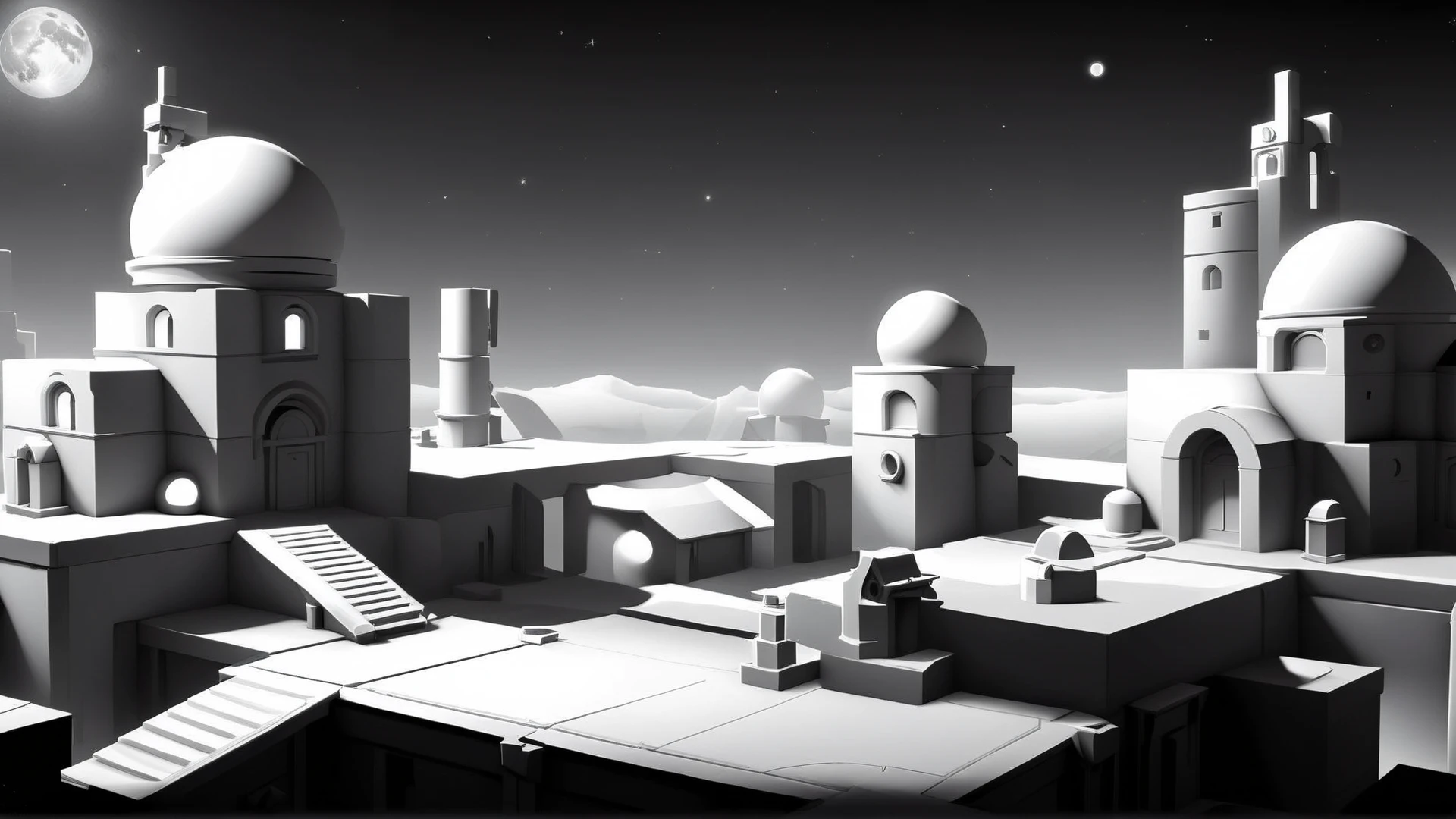
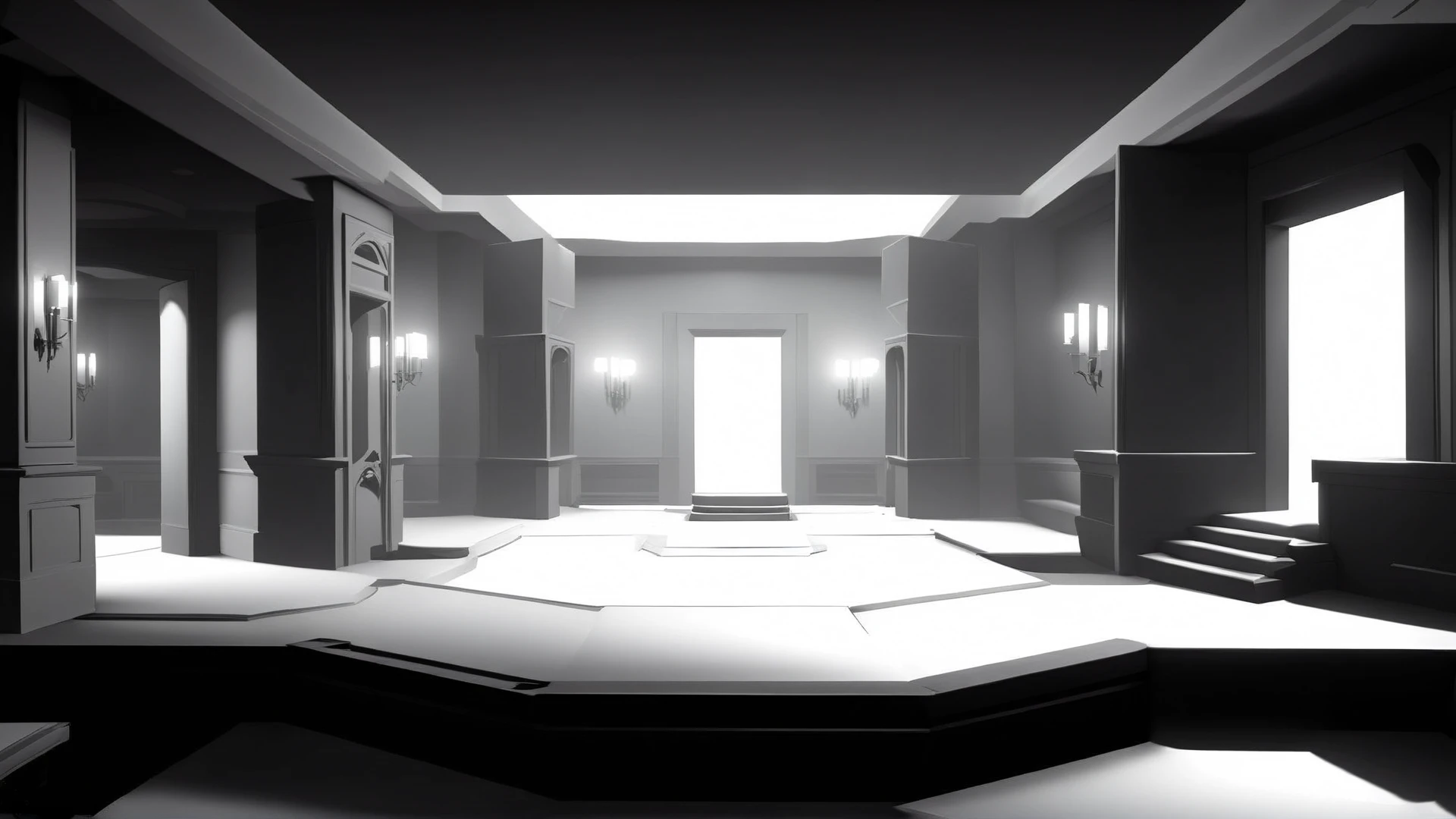
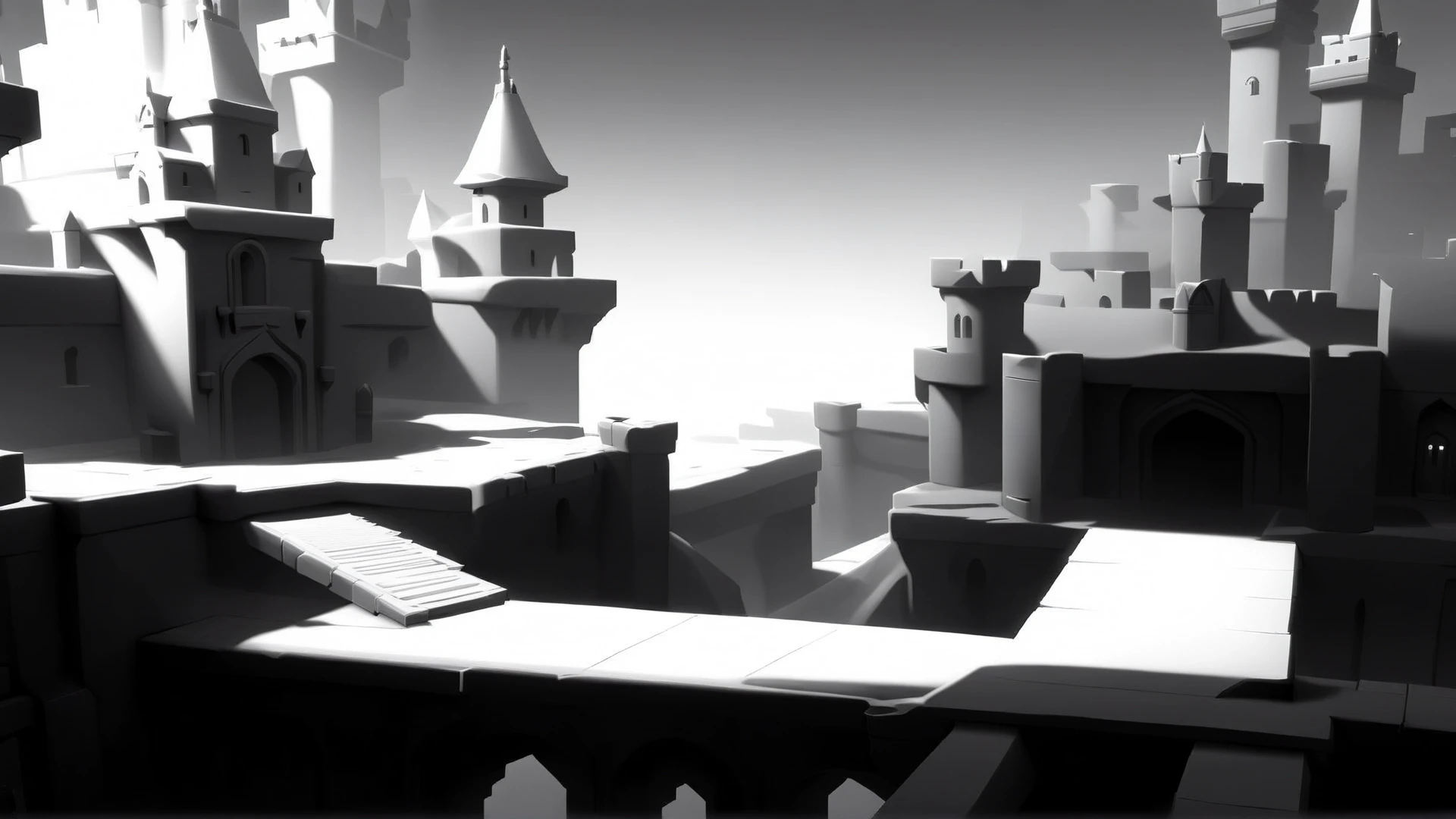
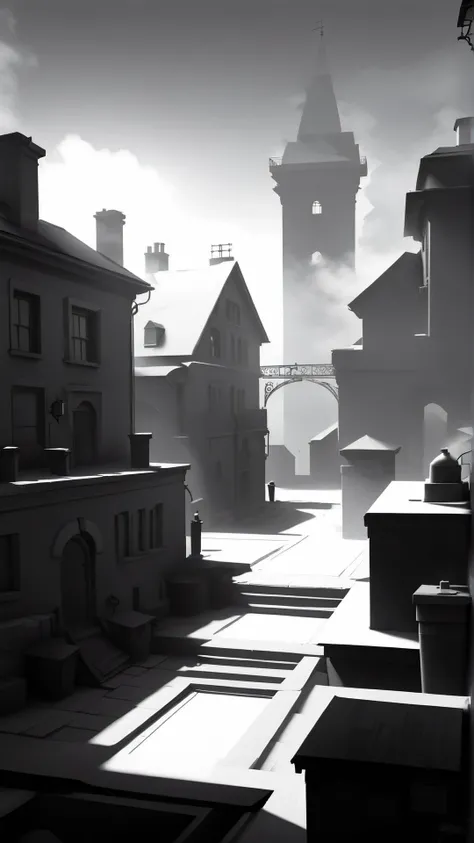
Use the trigger word: "WhiteboxStyle" along with the LoRA to activate it.
Example prompt: WhiteboxStyle ancient temple ruins <lora:WhiteboxStyleXL:1>
I've found that most settings work well with this model. No special samplers or CFG-scale.
Note:
I may be using the following extensions in the reference images: FreeU or ADetailer / Face Editor. I may also be using a specific Hires Checkpoint (swaps to another model when doing the hires steps). If your results don't match mine exactly, this may explain why.
Here's a list of keywords you can use to enhance the different effects of the model.
monochrome
ambient occlusion
You can also add some color by using prompting like:
red two-tone colorOther good prompt words
indoor
outdoors
platform
bridge
path
cubes
blocky
box
lowpoly
low-poly
Training Data attached.
Like it?


1. The rights to reposted models belong to original creators.
2. Original creators should contact SeaArt.AI staff through official channels to claim their models. We are committed to protecting every creator's rights. Click to Claim
