



Details
Related
FurtasticV2.0
FurtasticV1.1
FurtasticV1.0
FurtasticV0.9
FurtasticV2.0

FurtasticV2.0

8.3K
400
2.3K
#3D
#digital art
#blender
#Style
#Furry
#beautiful
#digital illustration
#3D
#digital art
#blender
#Style
#Furry
#beautiful
#digital illustration

Don't forget the negative embeddings or your images won't match the examples

The negative embeddings go in your embeddings folder inside your stable diffusion webui folder

(if you have a different install I'm not sure but someone will know online)

To use the negative embeddings properly they need to be added to your negative Prompt only

Also this is trained on 768 resolution images so it won't do well with 512 resolutions, different ratios do work but are hit or miss.

4 months, 700,000 images, and a very high electric bill and the model is finally in the "Good Enough" stage.

Tags

Tags Alt

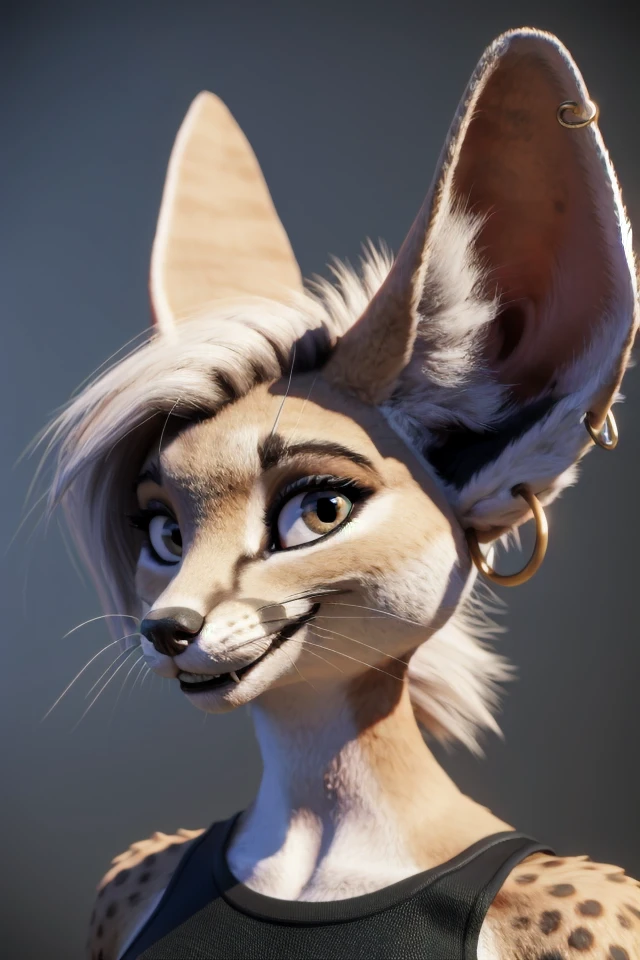
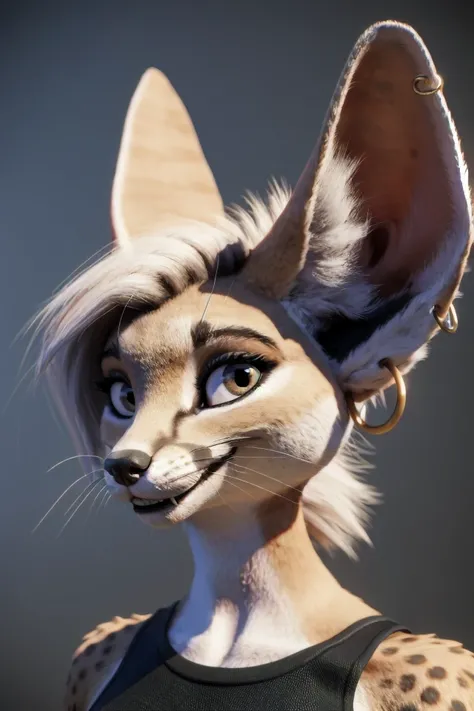
My goal of this model was for it to generate highly detailed and realistic images without the need of those tags in the prompt and it works most of the time, but not every time so that's were the negative embeddings came in making the model about 50% better in most cases.

There is another version of this model the pushes the realistic style even harder, but loses some coherency for it as they're just not enough differing images of that type that at least I could find, so I haven't released it. If you guys want it I will release it in it's current state but I'll probably never get to finishing it as it is now Summer time and I'm tired of it being 105 degrees in my room all day long, so this might be my last model at least until SD LX comes out. Might do some Loras if people want them, but for this model there not really need.

View Translation

Rating & Review

4.9 /5
0 Ratings

Not enough ratings or reviews received yet

no-data
No data available
avatar
Chat with the model
Notice
2023-03-20
Publish Model
2024-08-06
Update Model Info
Model Details
Type
Checkpoint
Publish Time
2023-05-28
Base Model
SD 1.5
Version Introduction

Don't forget the negative embeddings or your images won't match the examples

The negative embeddings go in your embeddings folder inside your stable diffusion webui folder

(if you have a different install I'm not sure but someone will know online)

To use the negative embeddings properly they need to be added to your negative Prompt only

Also this is trained on 768 resolution images so it won't do well with 512 resolutions, different ratios do work but are hit or miss.

4 months, 700,000 images, and a very high electric bill and the model is finally in the "Good Enough" stage.

My goal of this model was for it to generate highly detailed and realistic images without the need of those tags in the prompt and it works most of the time, but not every time so that's were the negative embeddings came in making the model about 50% better in most cases.

There is another version of this model the pushes the realistic style even harder, but loses some coherency for it as they're just not enough differing images of that type that at least I could find, so I haven't released it. If you guys want it I will release it in it's current state but I'll probably never get to finishing it as it is now Summer time and I'm tired of it being 105 degrees in my room all day long, so this might be my last model at least until SD LX comes out. Might do some Loras if people want them, but for this model there not really need.

License Scope
Model Source: civitai

1. The rights to reposted models belong to original creators.

2. Original creators should contact SeaArt.AI staff through official channels to claim their models. We are committed to protecting every creator's rights. Click to Claim

Creative License Scope
Online Image Generation
Merge
Allow Downloads
Commercial License Scope
Sale or Commercial Use of Generated Images
Resale of Models or Their Sale After Merging
QR Code
Download SeaArt App
Continue your AI creation journey on mobile devices