
Type
Other
Publish Time
2023-11-10
Base Model
SD 1.5

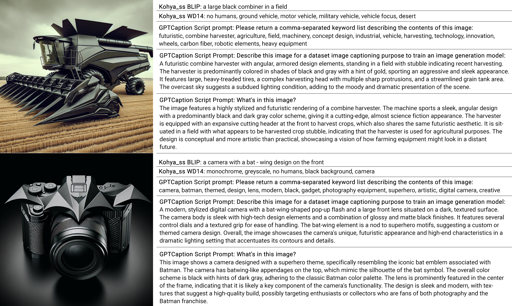
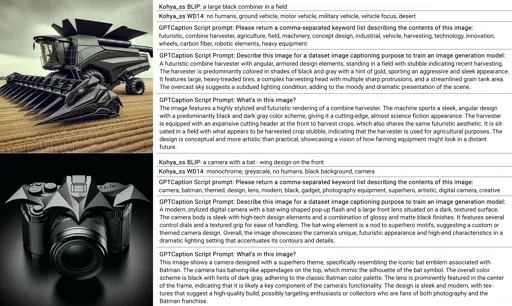
This is a captioning tool using ChatGPT (API) to describe images.
https://github.com/MNeMoNiCuZ/GPTCaption
Add your OpenAI API-key in the settings.ini-file.
Run main_gui.py.
Paste a bunch of URLs to images you wish to caption, one per line. Supports JPG, JPEG, PNG.
Optional: Edit the image analysis prompt.
Press Generate Captions
It will make a rough estimate of the API call costs and ask if you want to continue.
It will output everything in a date-folder, with an additional time-stamped folder each time you use the tool. Inside this folder there's also one caption with the same name as the folder that includes all captions.
You can use any service as long as the URL is public.
You can upload a batch of images (max 1000) on https://PostImages.org and get a list of URLs.
Be sure to select "Direct Link" as URL type.
Don't forget to edit the prompt to ChatGPT based on how you want to instruct it. It can give you the caption back in many different ways and styles.


1. The rights to reposted models belong to original creators.
2. Original creators should contact SeaArt.AI staff through official channels to claim their models. We are committed to protecting every creator's rights. Click to Claim
