
Type
Poses
Publish Time
2023-09-10
Base Model
SD 1.5


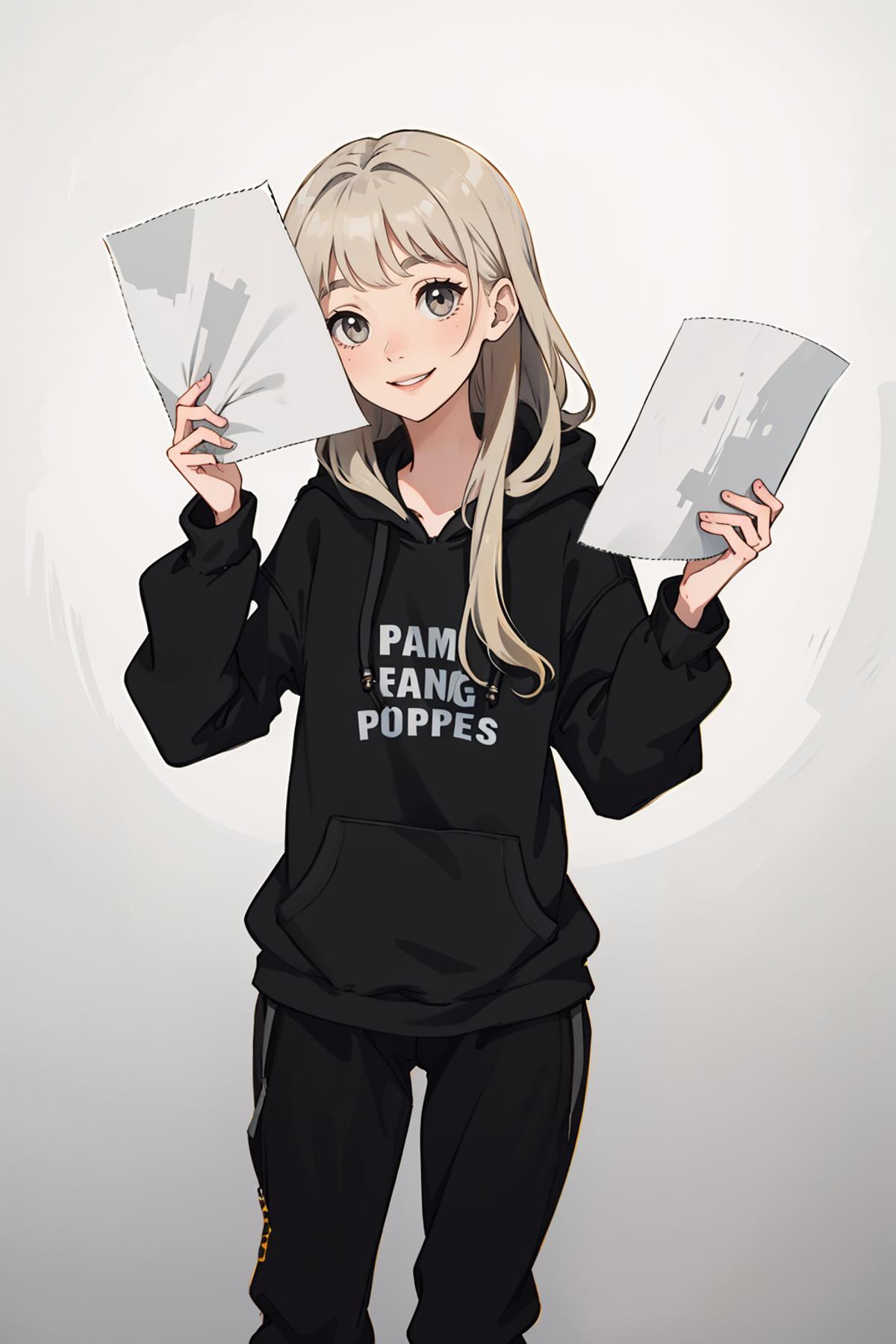
![[OpenPose + Canny] Holding paper](https://image.cdn2.seaart.me/temp-convert-webp/jpeg/static/857b127468db3602ef9e25a2ccea85e1/1694436892088/e9dd31b8346d5ddc7168d354ca1732f4_low.webp)
If you have only one ControlNet unit go to the Settings > ControlNet and set "Multi-ControlNet: ControlNet unit number" to 2 or more. Click "Apply settings" and restart UI.
In ControlNet unit 0 use Preprocessor: none and Model: openpose. Drop openpose image here and enable it.
In ControlNet unit 1 use Preprocessor: none and Model: canny. Drop canny image here and enable it.
ControlNet mode for OpenPose set to "Balanced", for Canny set to "ControlNet is more important" and generate image.


1. The rights to reposted models belong to original creators.
2. Original creators should contact SeaArt.AI staff through official channels to claim their models. We are committed to protecting every creator's rights. Click to Claim
