Type
LORA
Publish Time
2023-11-23
Base Model
SD 1.5
Version Introduction
Add more sprite from other games that have similar sprite style.
Add more sprite that characters can have other poses than standard pose.

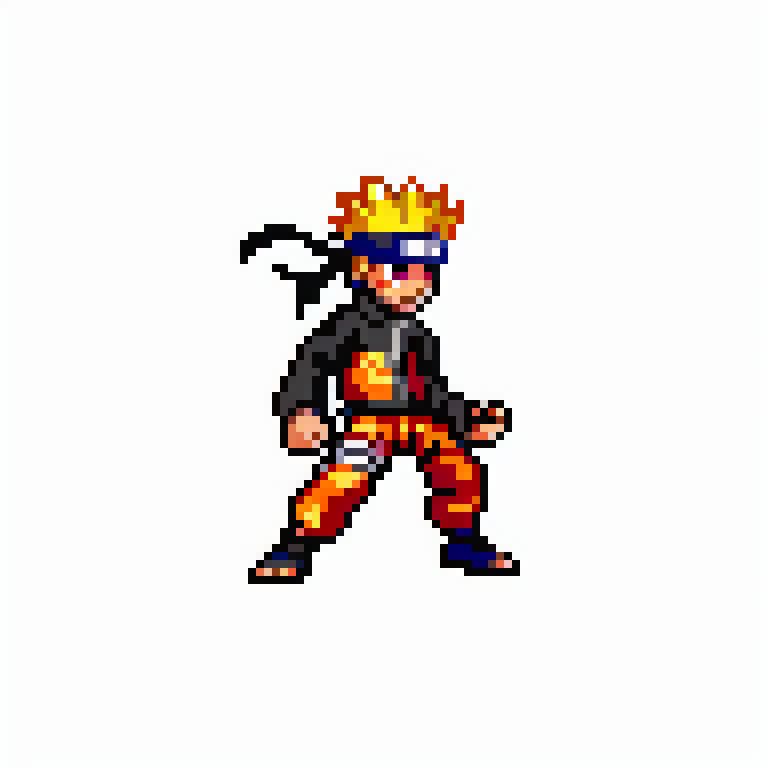
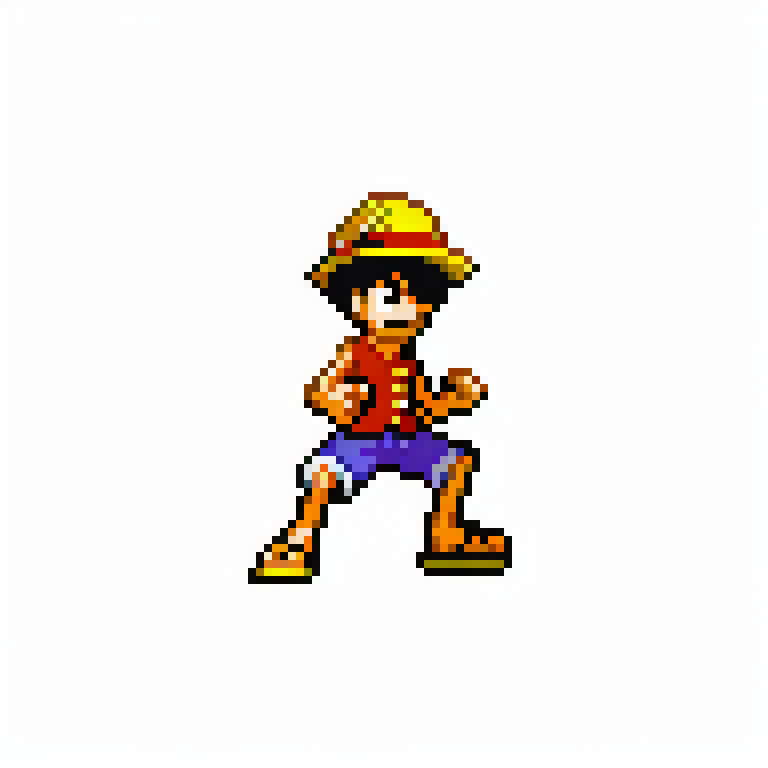
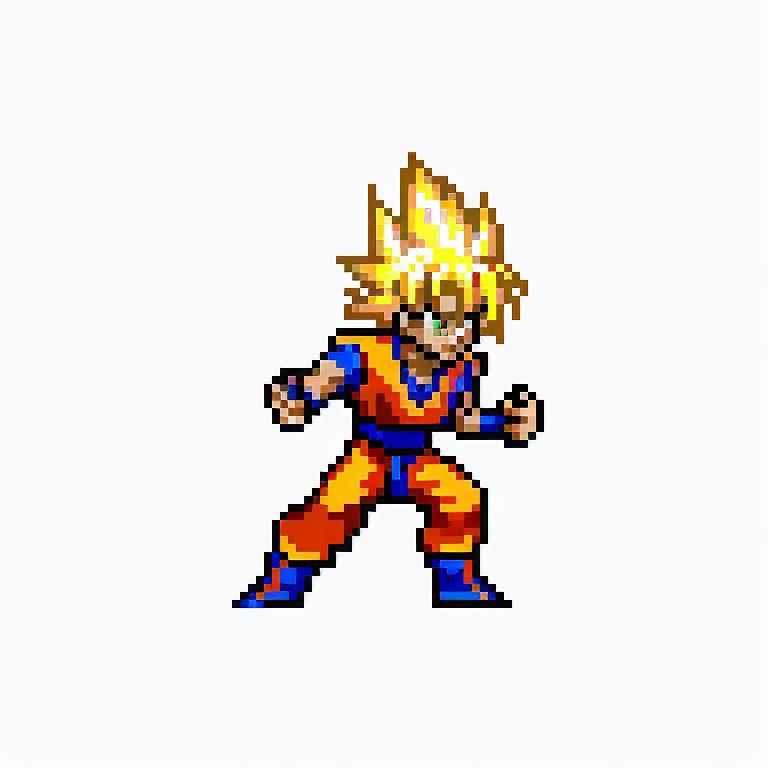
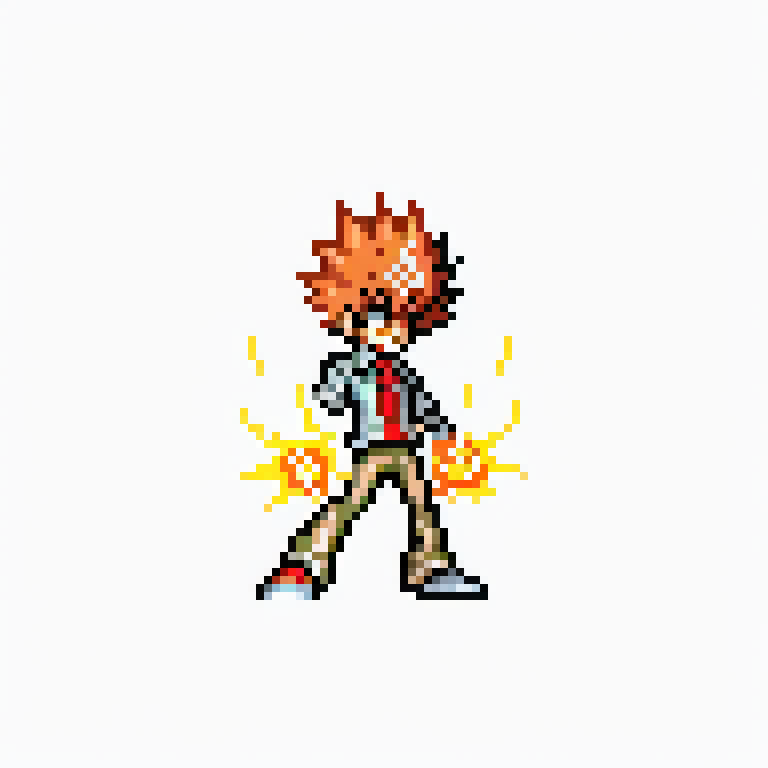
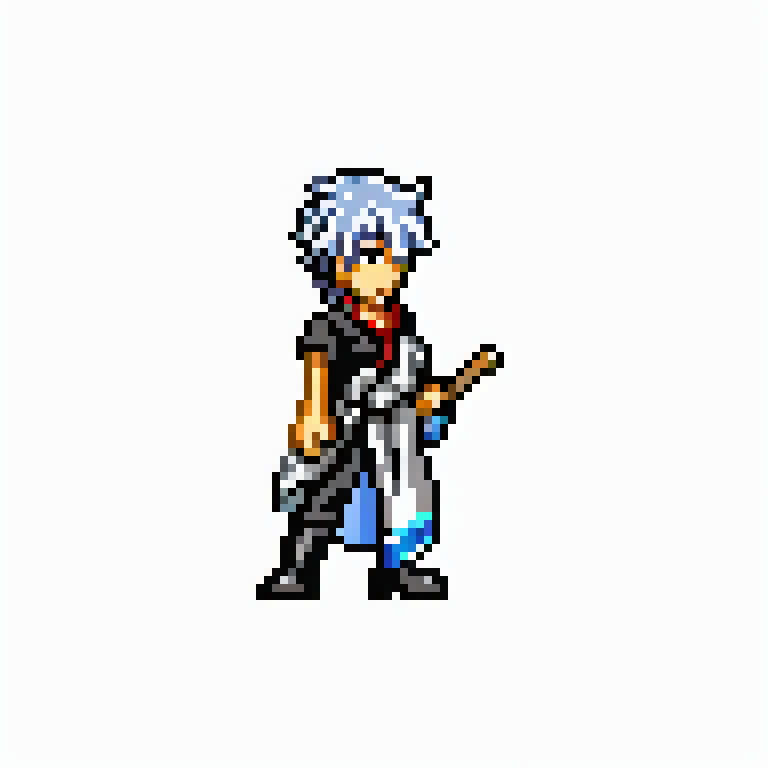
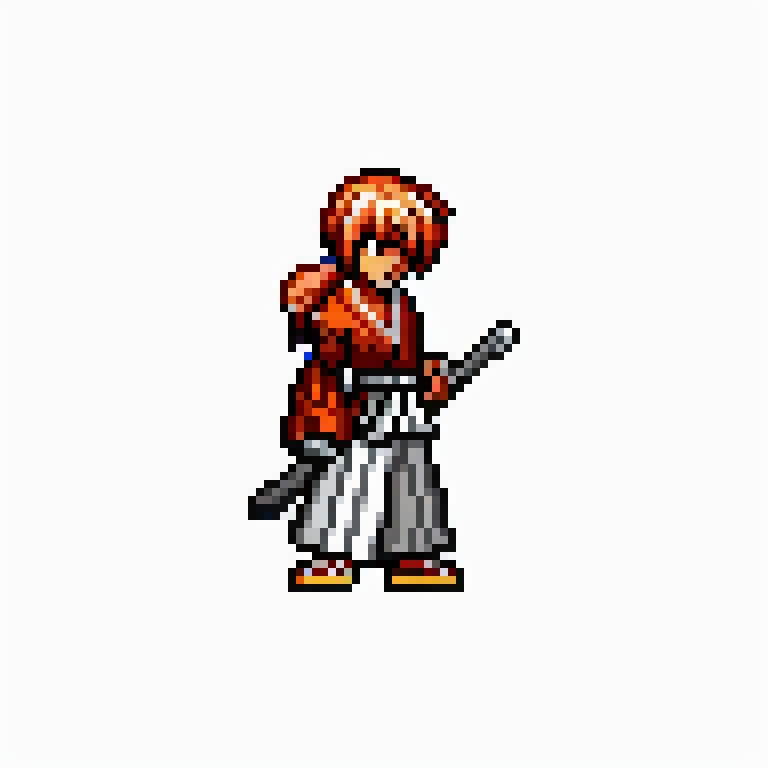
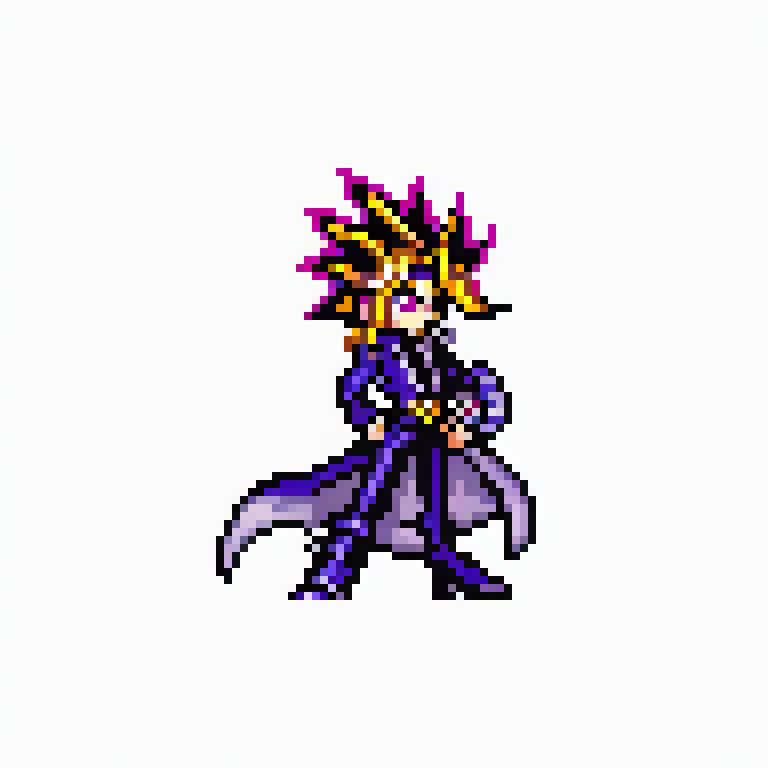
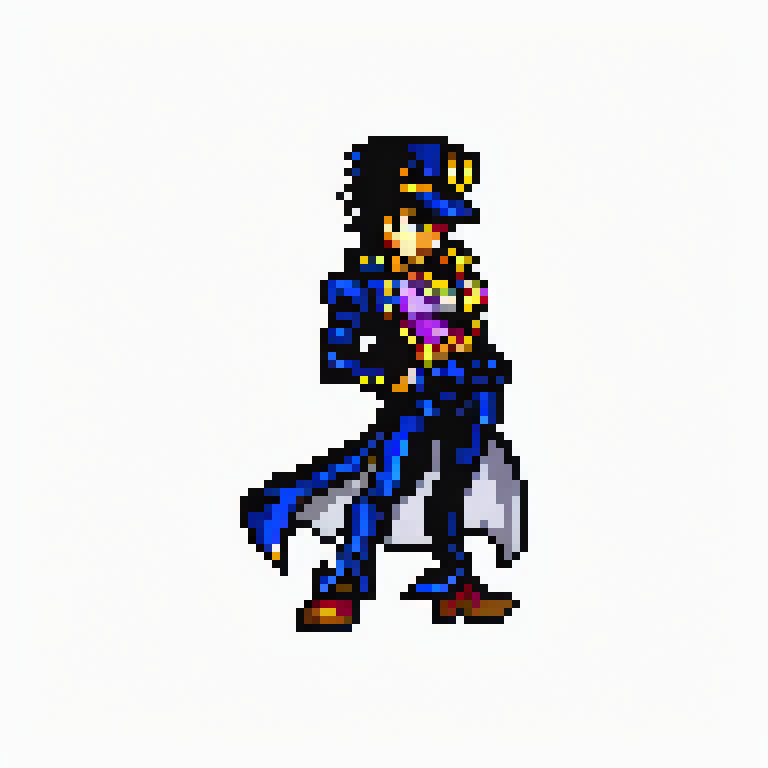
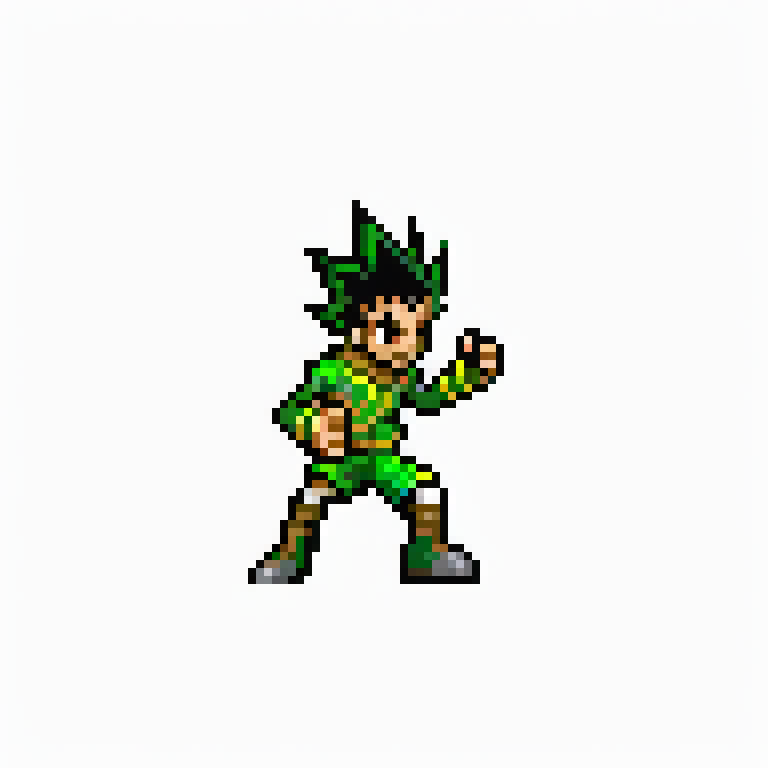
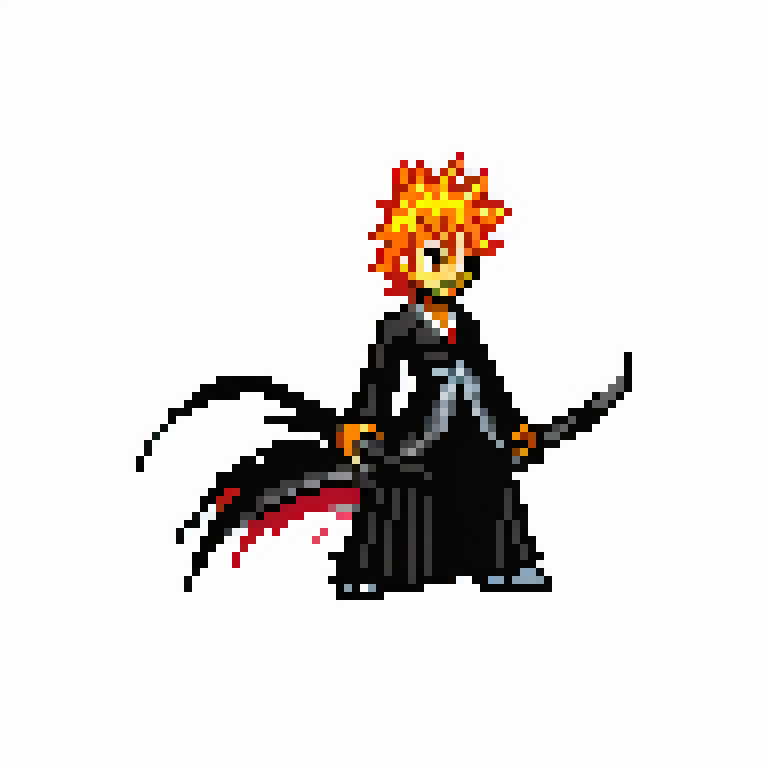

If You Like This Model, Give It a ❤️
This LoRA model is trained on sprite images from the popular games Jump Superstars and Jump Ultimate Stars. These games feature stunning pixel art graphics and showcase characters from Weekly Shonen Jump.
No Trigger Word Required: LoRA operates seamlessly without the need for a trigger word.
Recommended Resolution: Our model is trained on 96x96 resolution images, which are then upscaled to 768x768 resolution. For the best results, we recommend setting your image resolution to 768x768 and then downscaling it by 8 times to 96x96. You can use various image editing programs, but we highly recommend using the plug-in for post-processing. (Plugin: https://github.com/mrreplicart/sd-webui-pixelart) Other resolutions, such as 512x768 and 1024x1024, may also work, but make sure they are divisible by 8 for the best pixel art results.
Class Tags: LoRA is trained with character name tags (without spaces), including names like goku, naruto, luffy, lightyagami, jotarokujo, and Kenshin. Additionally, the model is trained with manga name tags (without spaces), such as narutoshippuden, onepiece, yugioh, shamanking, saintseiya, princeoftennis, and ruronikenshin. To explore all the character and manga names available, please visit the sprite-database website (Jump Superstars, Jump Ultimate Stars).
LoRA Scale: If you wish to generate characters from the Jump games, we recommend using a LoRA scale of 0.9-1.0. For characters already known by the base model, a scale of 0.6-0.8 is recommended. This model can also combine LoRA to create unique characters not known to the base model. In such cases, please use a LoRA scale of about 0.6-0.8 and ensure a sufficient number of sampling steps.
Enjoy creating your sprite art with LoRA!

Add more sprite from other games that have similar sprite style.
Add more sprite that characters can have other poses than standard pose.
1. The rights to reposted models belong to original creators.
2. Original creators should contact SeaArt.AI staff through official channels to claim their models. We are committed to protecting every creator's rights. Click to Claim
