
Type
Other
Publish Time
2024-01-23
Base Model
SD 1.5
Version Introduction
Added custom CSS files for advanced customization.

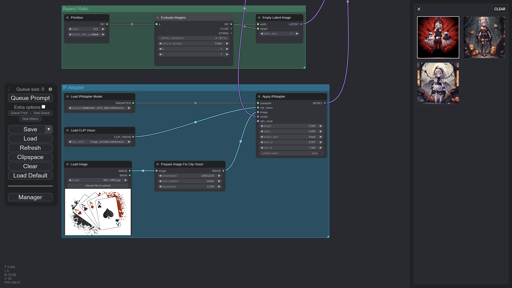
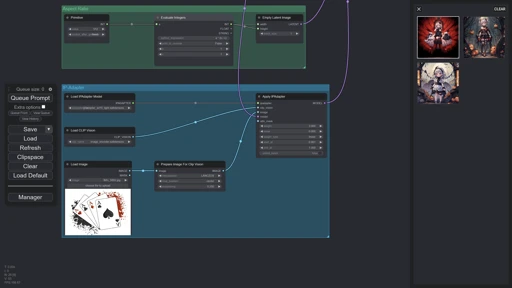
Status: Discontinued.
A comfortable user interface (theme) for ComfyUI.
v1.1
Added grid and dots presets.
Styled the image feed from ComfyUI-Custom-Scripts.
INSTALLATION
Extract the zip file.
Start ComfyUI.
Click Settings.
Go to Color palette.
Click Import.
Select your favorite preset from the color-palette folder.
Paste the styles folder and user.css in the ComfyUI/eb folder.
NOTES
Install ComfyUI-Custom-Scripts by pythongosssss to use the image feed.
If you want to disable the custom CSS styles, comment/delete everything inside user.css.
WHAT'S NEXT?
Better ComfyUI menu interface
Better ComfyUI manager interface
Better interface for every possible window which can be opened by an average user.
CHANGELOG
v1.0
Added json template for color palette.
Discord: rookiepsi


Added custom CSS files for advanced customization.
1. The rights to reposted models belong to original creators.
2. Original creators should contact SeaArt.AI staff through official channels to claim their models. We are committed to protecting every creator's rights. Click to Claim
