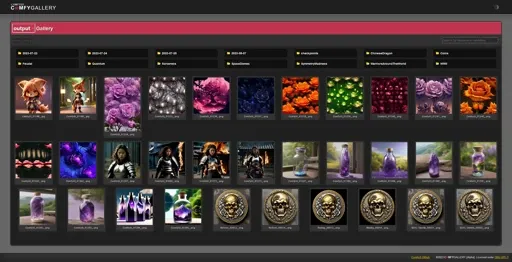
See github for more information and up-to-date code base.

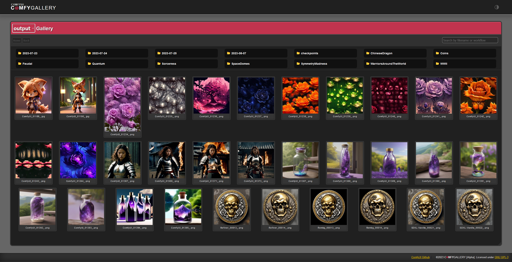
A light-weight browser based gallery for ComfyUI
Browse ComfyUI input and output directories.
Add custom image directories to browse.
Delete images
Search images by filename or workflow data within PNG images.
Clone the project to a location of your choosing. You can move comfy_gallery.py to the root of your ComfyUI if you'd like (recommended) , or run it from where it's at.
Exmaple Launch Batch File (from ComfyUI Portable):
.\python_embeded\python.exe -s ComfyUI\comfy_gallery.py
pauseIf you're running ComfyGallery from outside ComfyUI you'll need to provide the ComfyUI root directory to it with the --comfyui-path launch argument.
Slow searching? The more images you have, the slower searching will be, as it's a sequential process.
--no-browser: Do not launch system browser when the server launches.
--purge-cache: Delete the image gallery cache on startup.
--image-paths: A list of additional image paths for ComfyGallery to manage.
--comfyui-path: Path to ComfyUI root directory.
--comfyui-color-palette: Path to a ComfyUI colorPalette.js file
See github for more information and up-to-date code base.
1. The rights to reposted models belong to original creators.
2. Original creators should contact SeaArt.AI staff through official channels to claim their models. We are committed to protecting every creator's rights. Click to Claim