
Type
LORA
Publish Time
2024-08-19
Base Model
Flux.1 D
Version Introduction
Initial version. It might need the trigger leathmm. Not sure at this point.

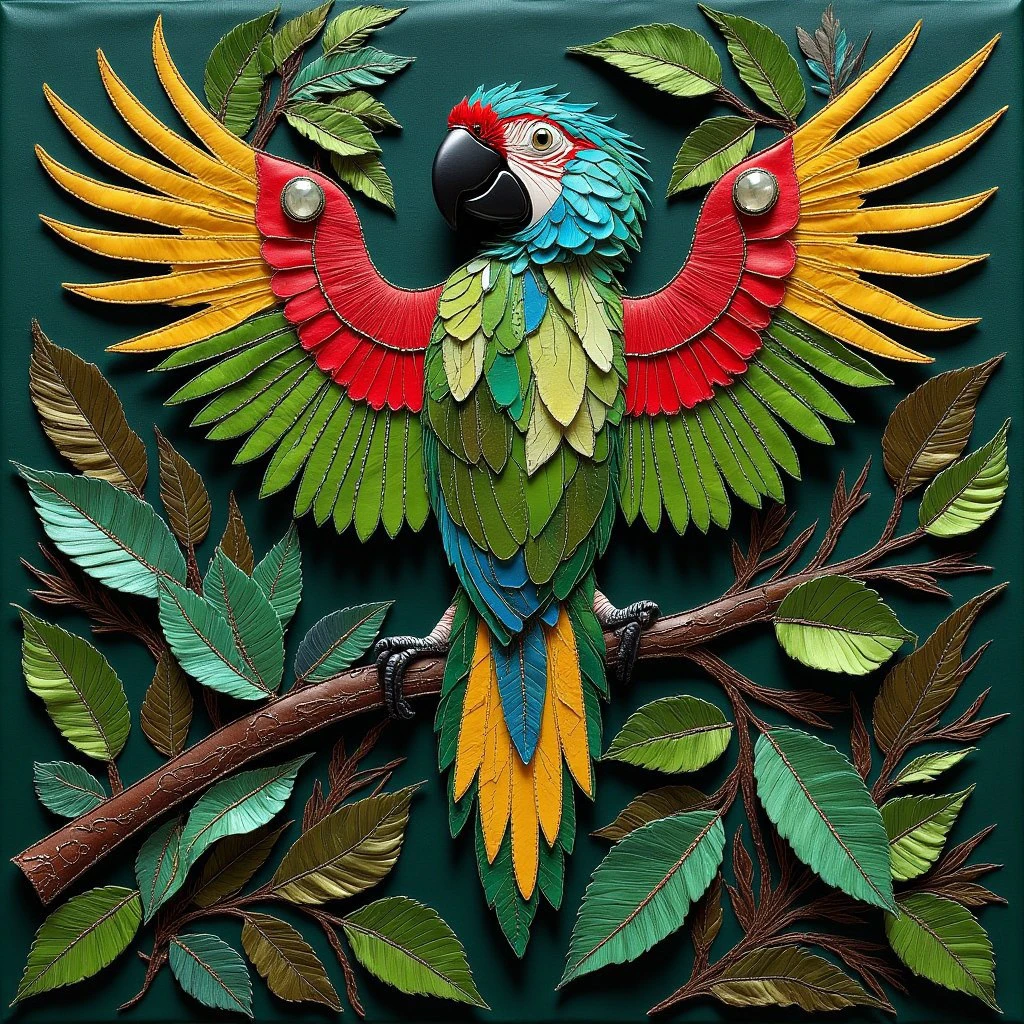
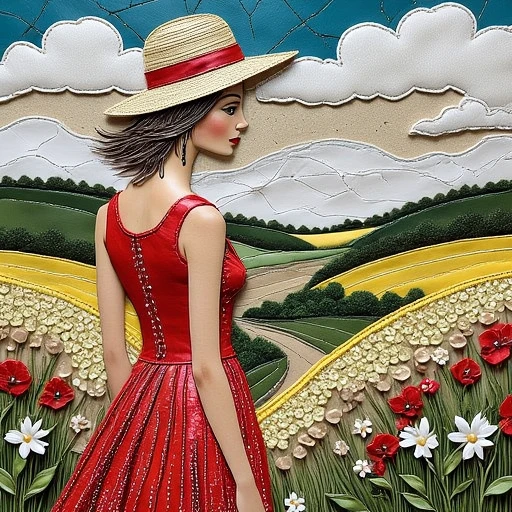
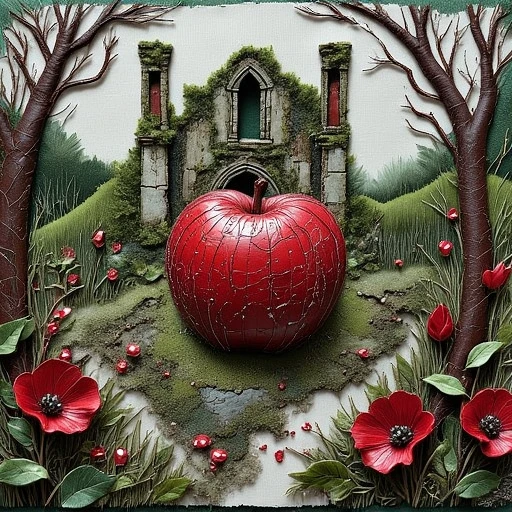

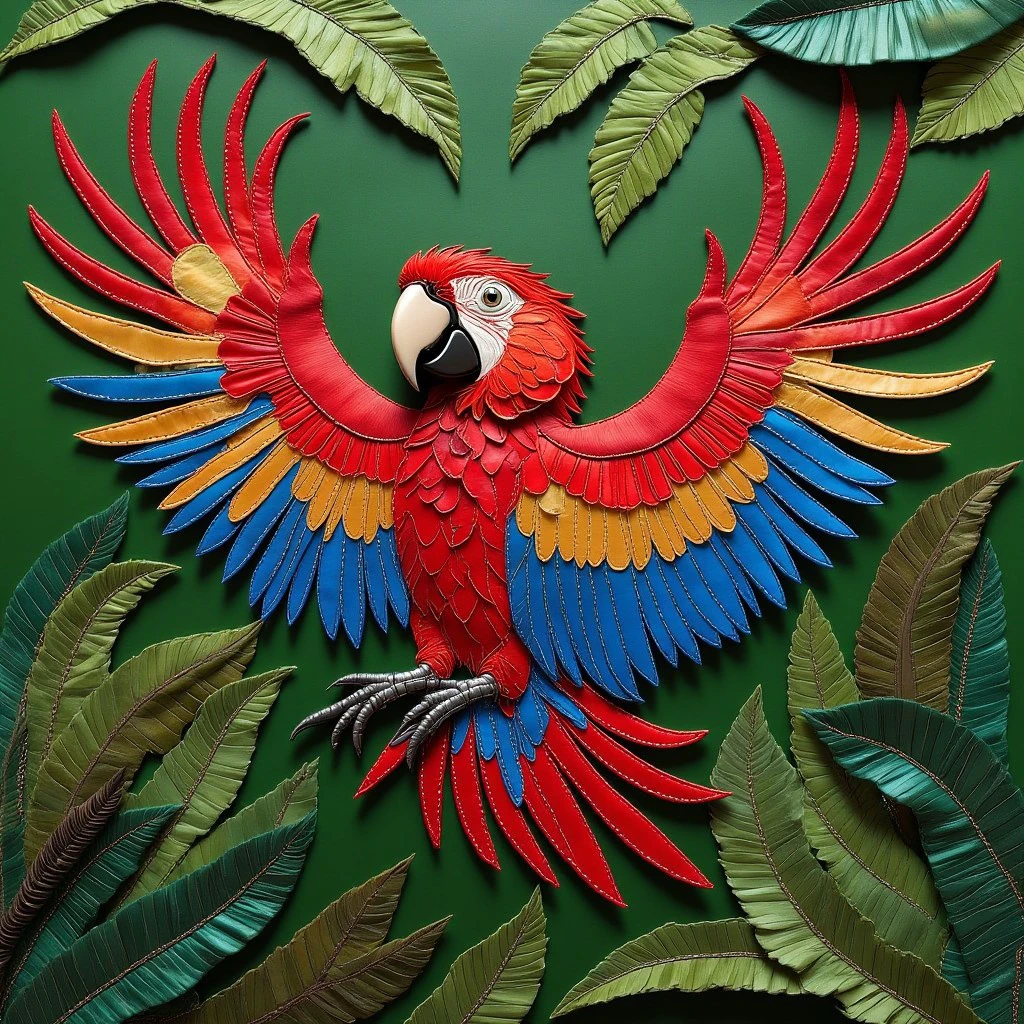
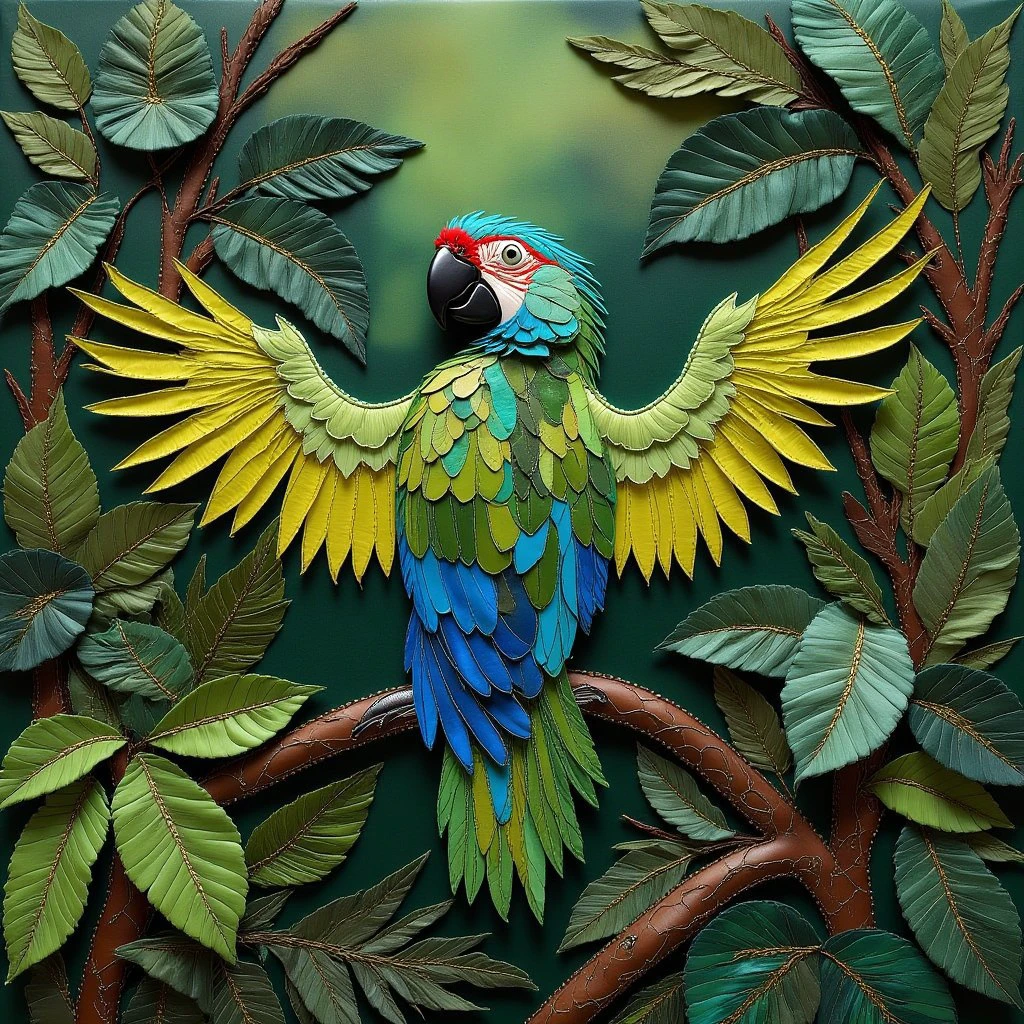
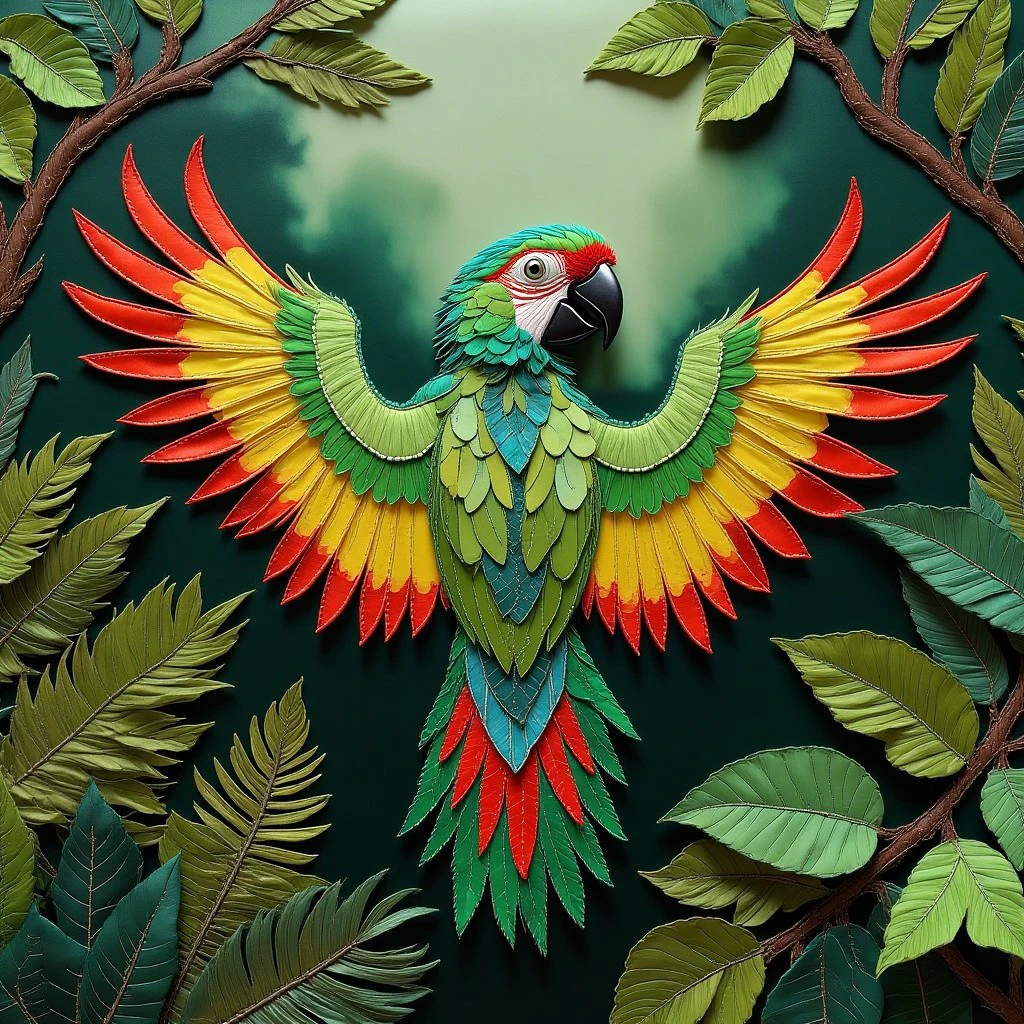


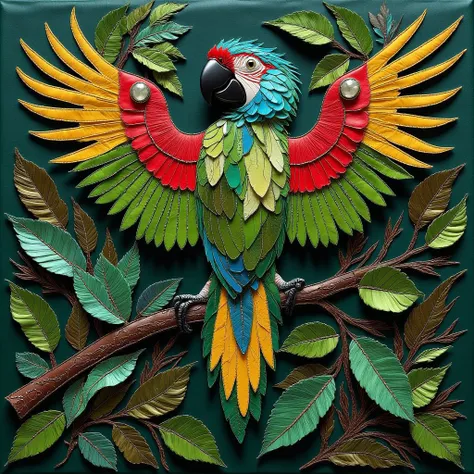
Experiment - test of CivitAI trainer for a Flux LoRA using some of the training images from my Decorative Leather TI SDXL
https://civitai.com/models/569267/decorative-leather-and-mixed-media-tixl
So far, the TI produces better results than the LoRA.
I hope to be able to train a better version locally once kohya_ss allows Flux LoRA training.
- - - - - - - - - - - - - - - - - - - - - - - - - - - - - - - - - - - - - - - -
The LoRA works on CivitAI generator using Flux DEV.
The LoRA has a strong effect as expected.
It cost me 163 Buzz for four 1024x1024 images - see the showcase images above for the 4 parrot images.
- - - - - - - - - - - - - - - - - - - - - - - - - - - - - - - - - - - - - - - -
The LoRA works on ComfyUI with Flux DEV.
The LoRA has a strong effect as expected.
Thanks to @osikubi for the info. See image post below.
- - - - - - - - - - - - - - - - - - - - - - - - - - - - - - - - - - - - - - - -
Working on Forge vf2.0.1v1.10.1-previous-350-g0b70b728 (or greater I assume) with
Flux.1-Dev GGUF Q4.0
https://civitai.com/models/647237?modelVersionId=724099
I also needed:
t5xxl_fp16.safetensors and clip_l.safetensors in Forge’s \webui\models\text_encoder folder
+
ae.safetensors in Forge’s \webui\models\VAE folder.
Speed was a couple of minutes per 1024x1024 image.
However, in Forge the effect of the LoRA was not as strong as I expected.
It is possible that future changes in Forge will sort this “subtlety” issue.
INCREASING THE LoRA WEIGHT FROM DEFAULT 1 ---> 1.5 GIVES FULL EFFECT
Also in Forge:
With flux1 Dev BNB NF4 V1 model:
https://civitai.com/models/638187?modelVersionId=713648
Simple prompt works fine, taking a couple of minutes.
Adding this LoRA to prompt does complete, but it took around 34 minutes for 1 image :-(
- - - - - - - - - - - - - - - - - - - - - - - - - - - - - - - - - - - - - - - -


Initial version. It might need the trigger leathmm. Not sure at this point.
1. The rights to reposted models belong to original creators.
2. Original creators should contact SeaArt.AI staff through official channels to claim their models. We are committed to protecting every creator's rights. Click to Claim
