
Type
Other
Publish Time
2023-12-11
Base Model
SD 1.5

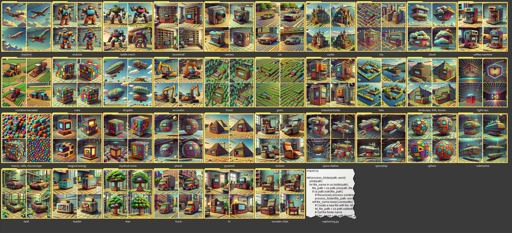
This is a small script written by DonMischo which I modified slightly to make it a bit more flexible. I added support for multiple image-formats, and it now asks you for the model name when running the script instead of having to edit the script manually each time.
Place the script in a folder, and your dataset of images sorted by one folder per concept, and those folders should all be in the same folder as the script. Like this:
Then run the script, and enter the name of your model. This name will be used as the prefix for the captioning. It should then generate a caption-file for each image, placed inside the folder for the concept. It will use the folder name for the concept as part of the caption.


1. The rights to reposted models belong to original creators.
2. Original creators should contact SeaArt.AI staff through official channels to claim their models. We are committed to protecting every creator's rights. Click to Claim
