Type
LORA
Publish Time
2024-05-13
Base Model
SDXL 1.0
Trigger Words
360
360全景
Copy

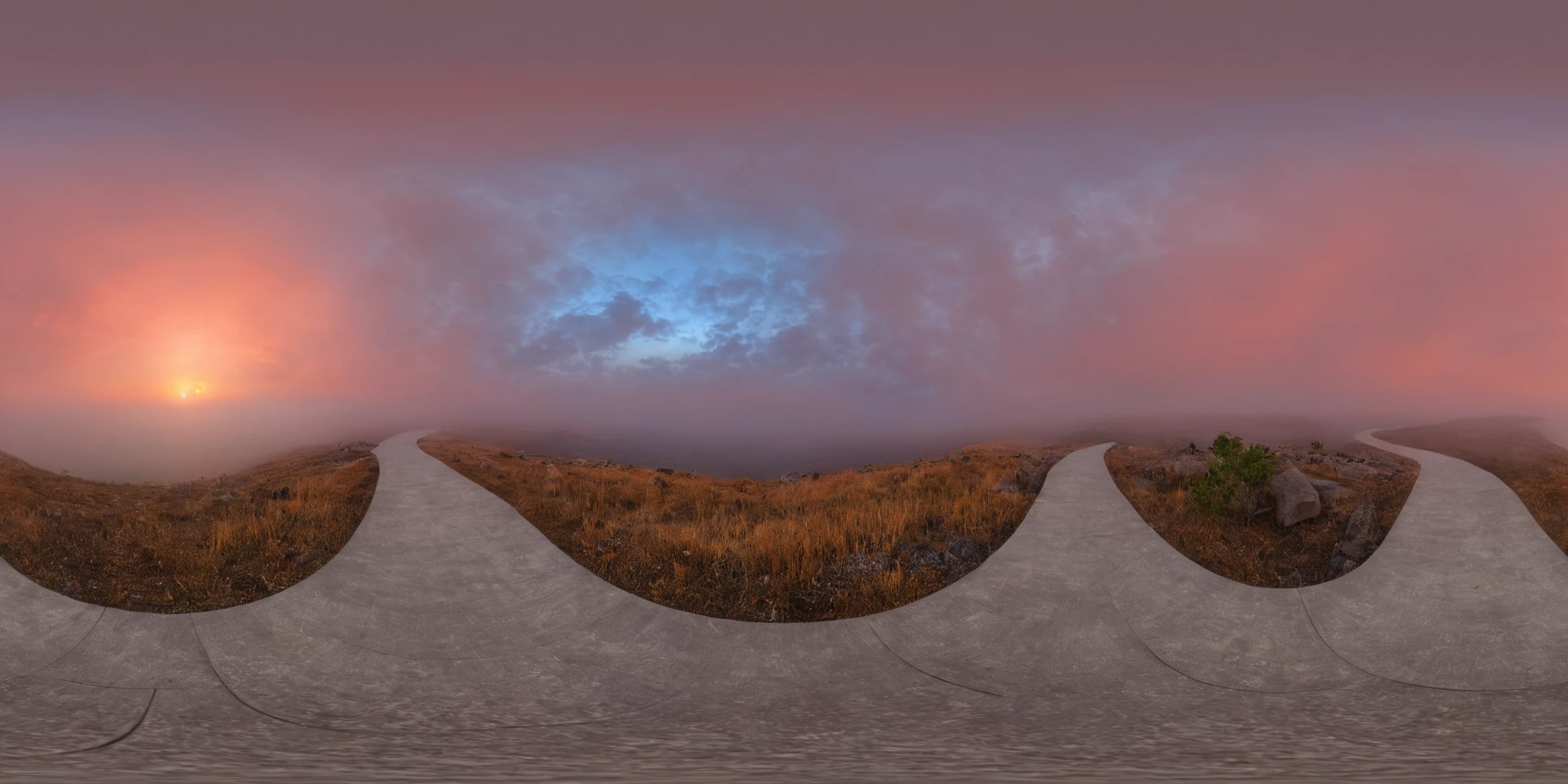
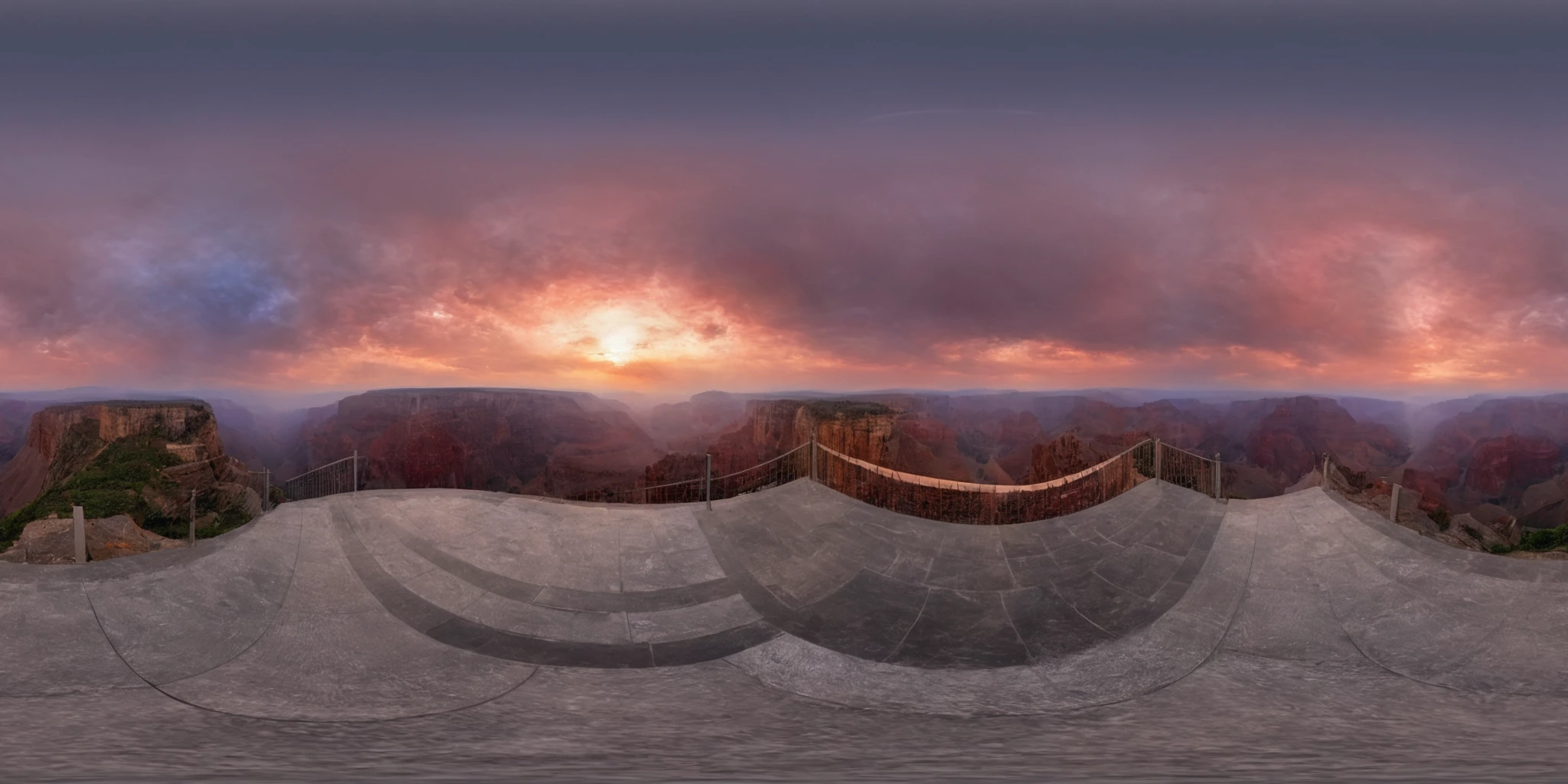
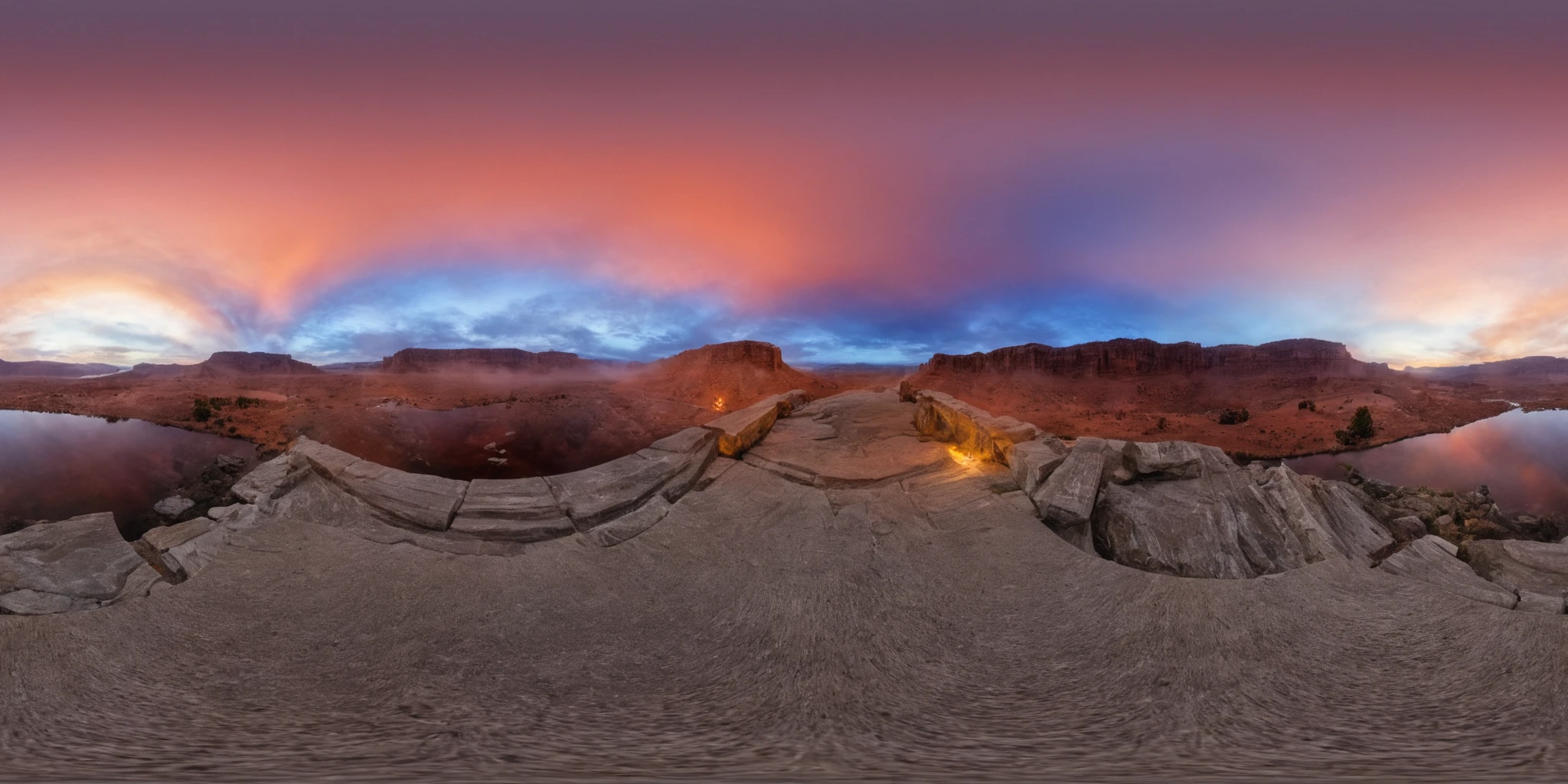
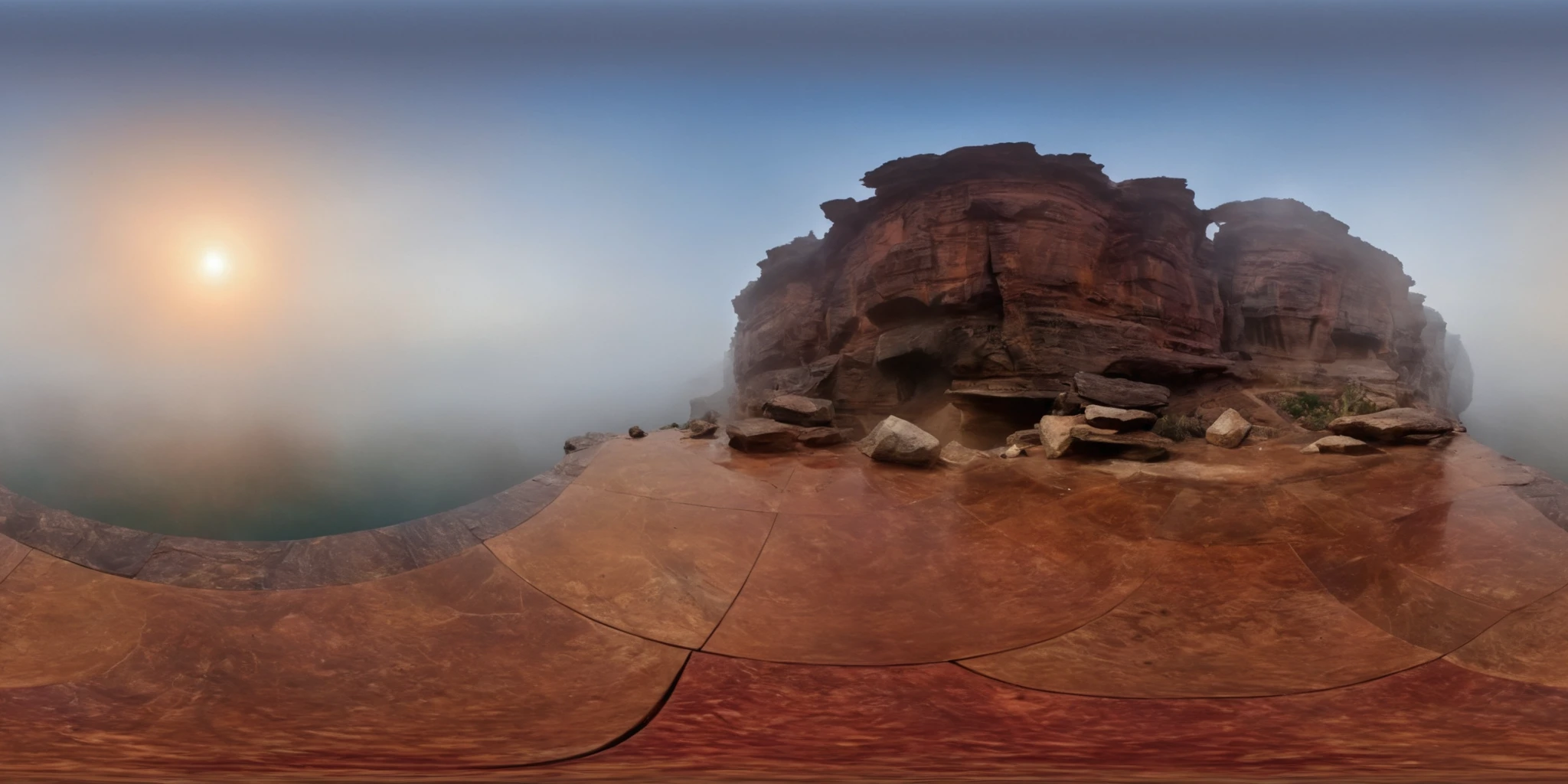
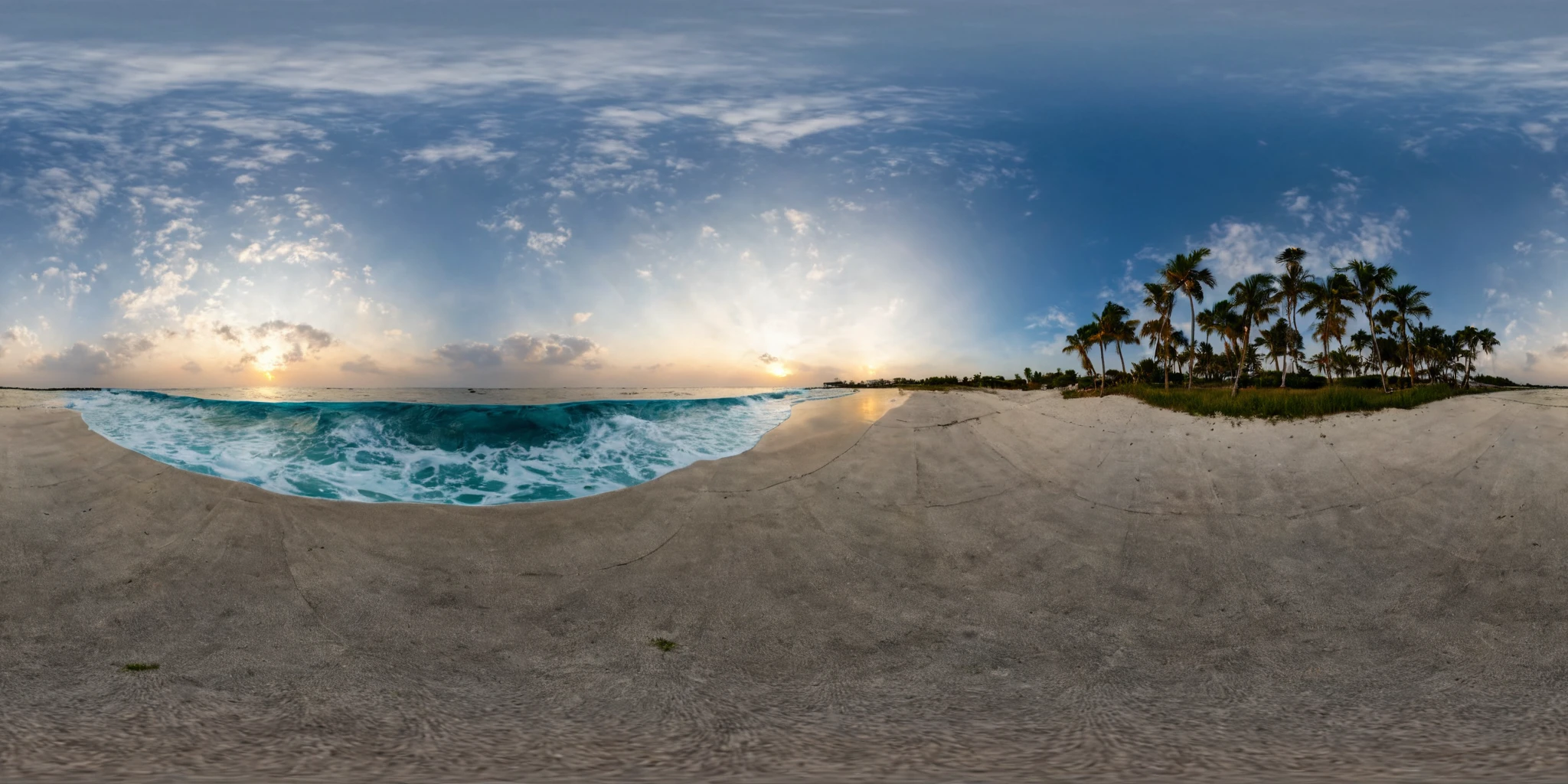
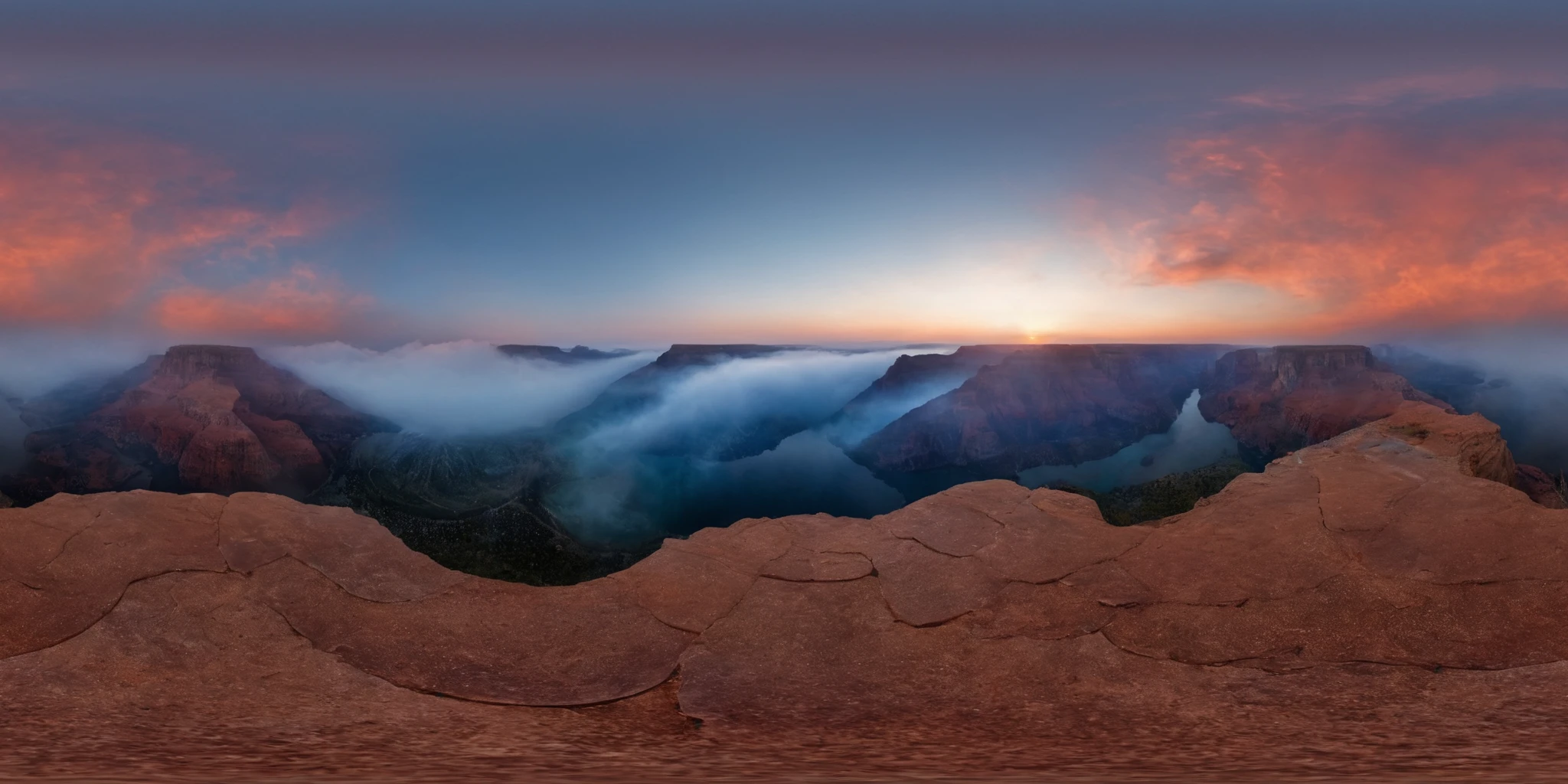
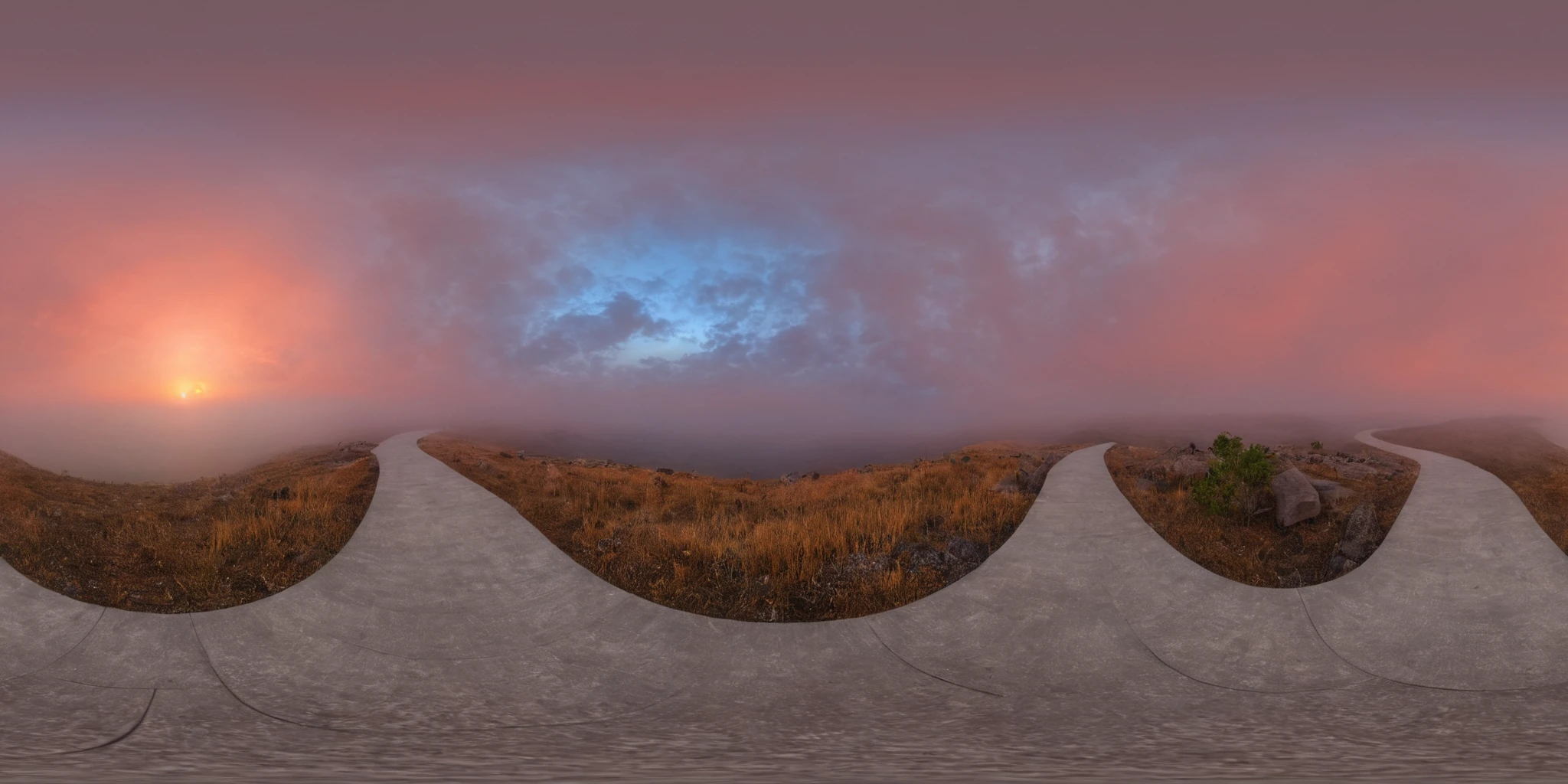
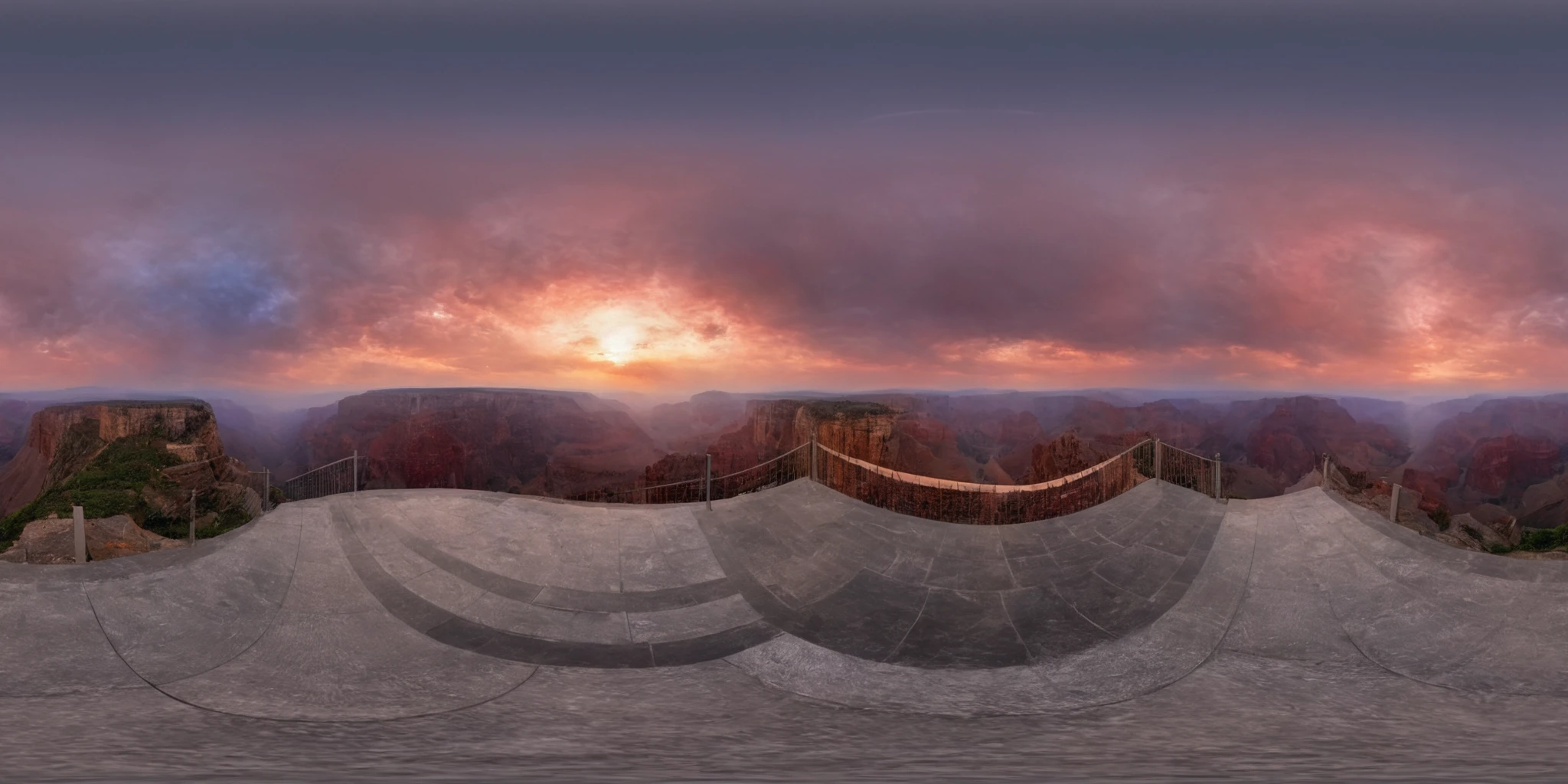
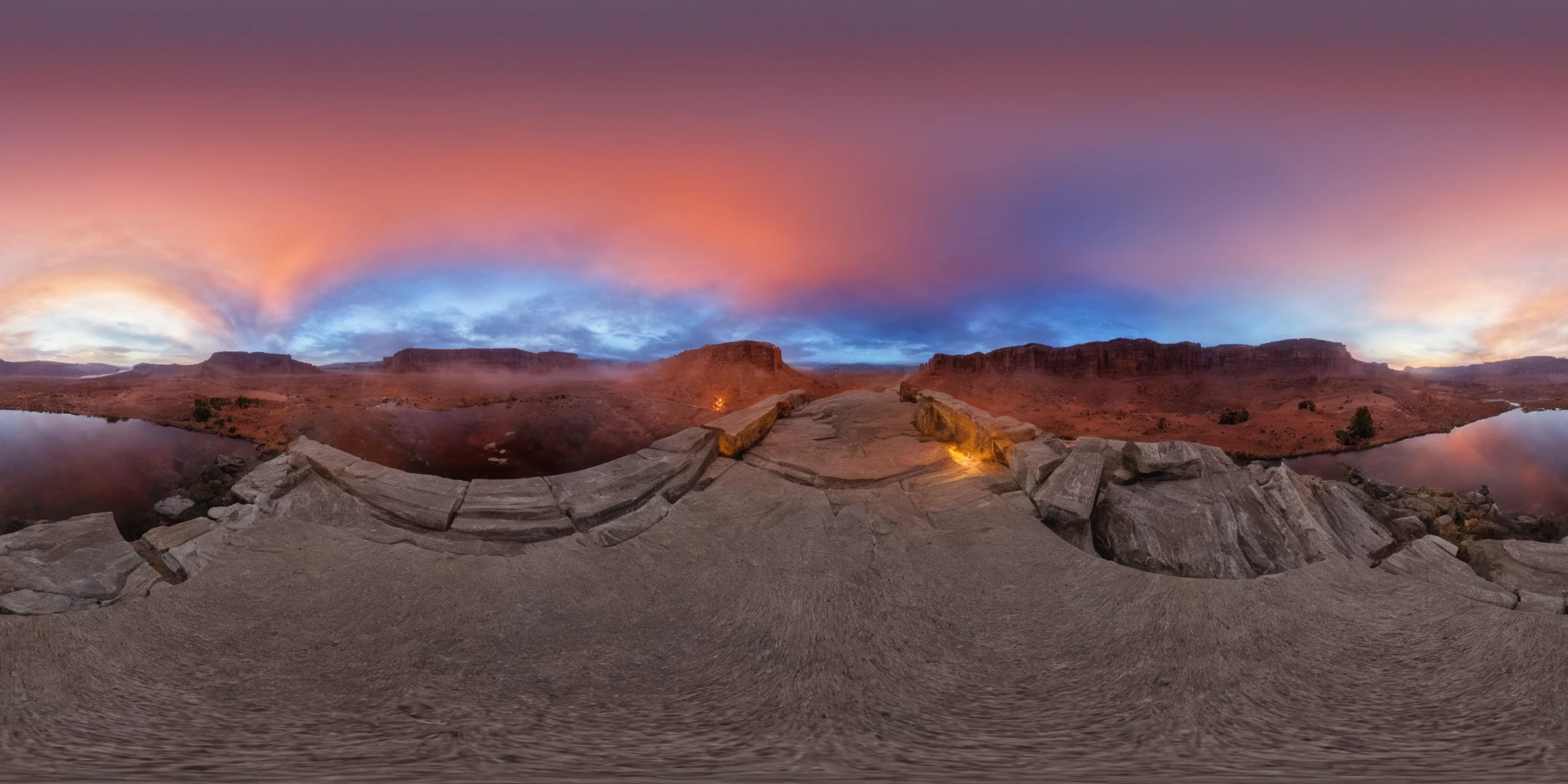
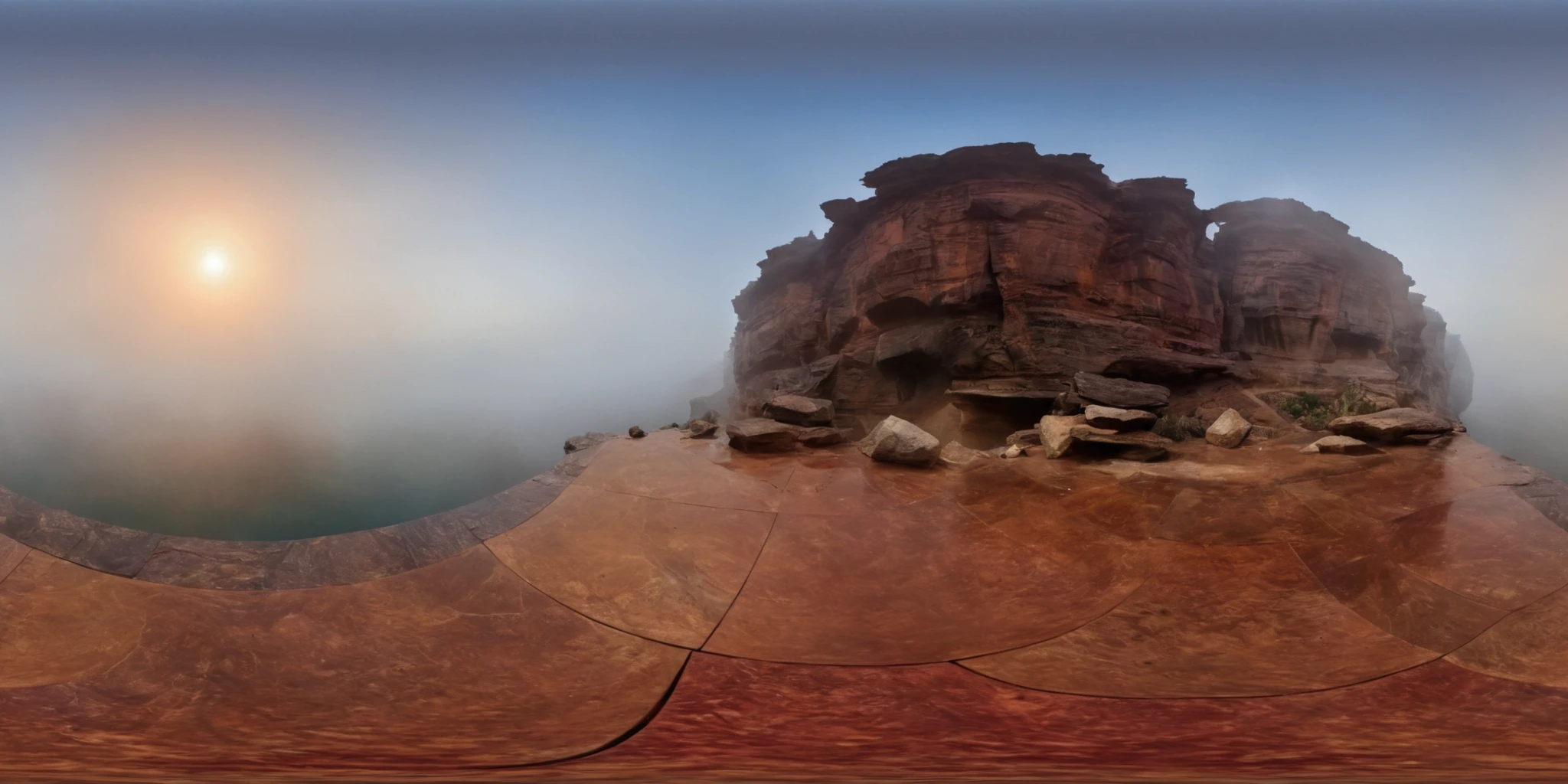
能制作出各式各样的360全景图像,无论是静谧的户外风景还是城市的熙攘喧嚣,都能让您仿佛亲临其境。
建议:
1.设置宽度1024高度512,2:1比例。
2.提示词需添加360panorama或360。
3.为防止出现地平线出现偏上,透视关系不正常,可以添加提示词:CenteredHorizon
4.多次出现多个太阳,可以添加提示词:ASun
5.权重0.5-1
输出图片出现拼接缝请开启Asymmetrictiling勾选Tile X。
To create a variety of 360-degree panoramic images that bring you into the scene, whether it's the peace of the outdoors or the hustle and bustle of the city:
Suggestions:
Set the width to 1024 and height to 512, maintaining a 2:1 aspect ratio.
Include keywords like 360panorama or 360 in your prompt.
To prevent the horizon from appearing too high and distort perspective, use the keyword: CenteredHorizon
If multiple suns appear repeatedly, incorporate the keyword: ASun
Apply a weight of 0.5-1
If the output image shows a stitching seam, please enable Asymmetric tiling and check Tile X.

1. The rights to reposted models belong to original creators.
2. Original creators should contact SeaArt.AI staff through official channels to claim their models. We are committed to protecting every creator's rights. Click to Claim
