Type
LORA
Publish Time
2024-04-14
Base Model
Pony
Trigger Words
CarnageStyle
Copy


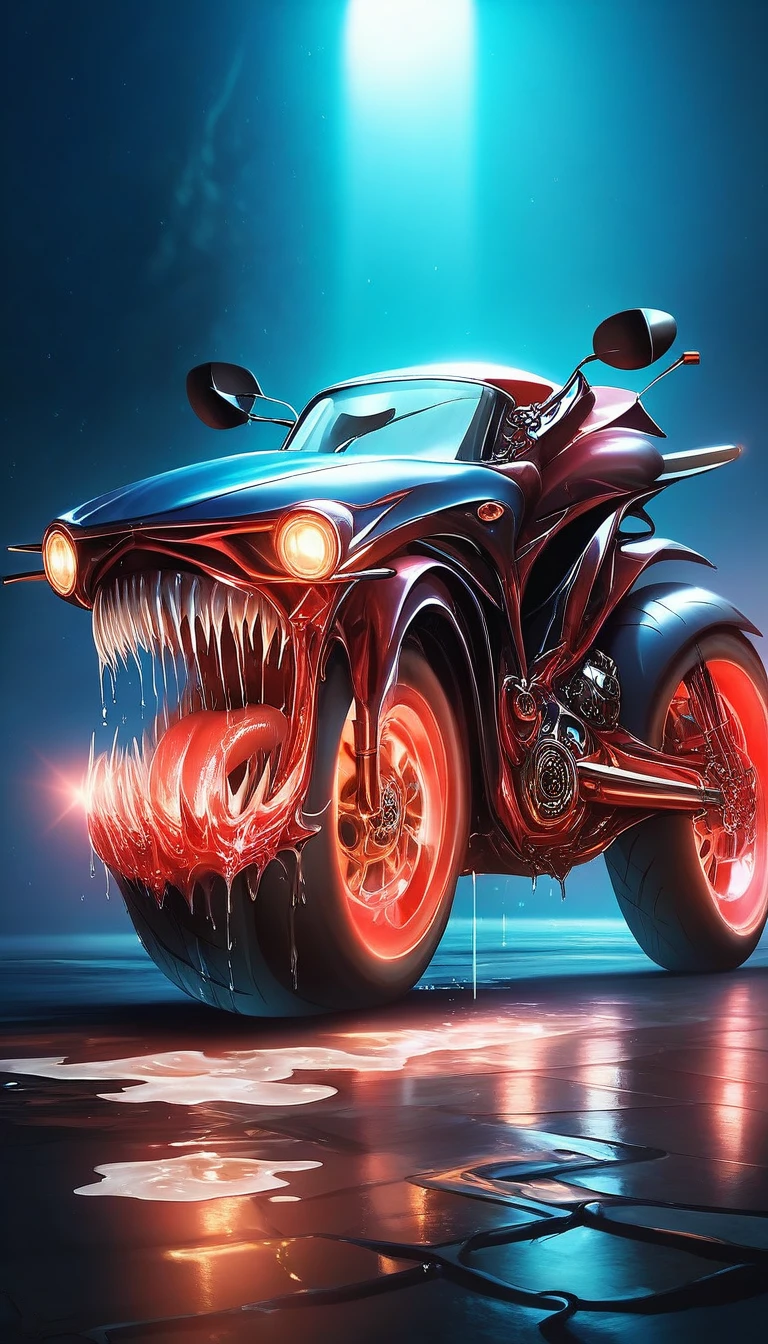

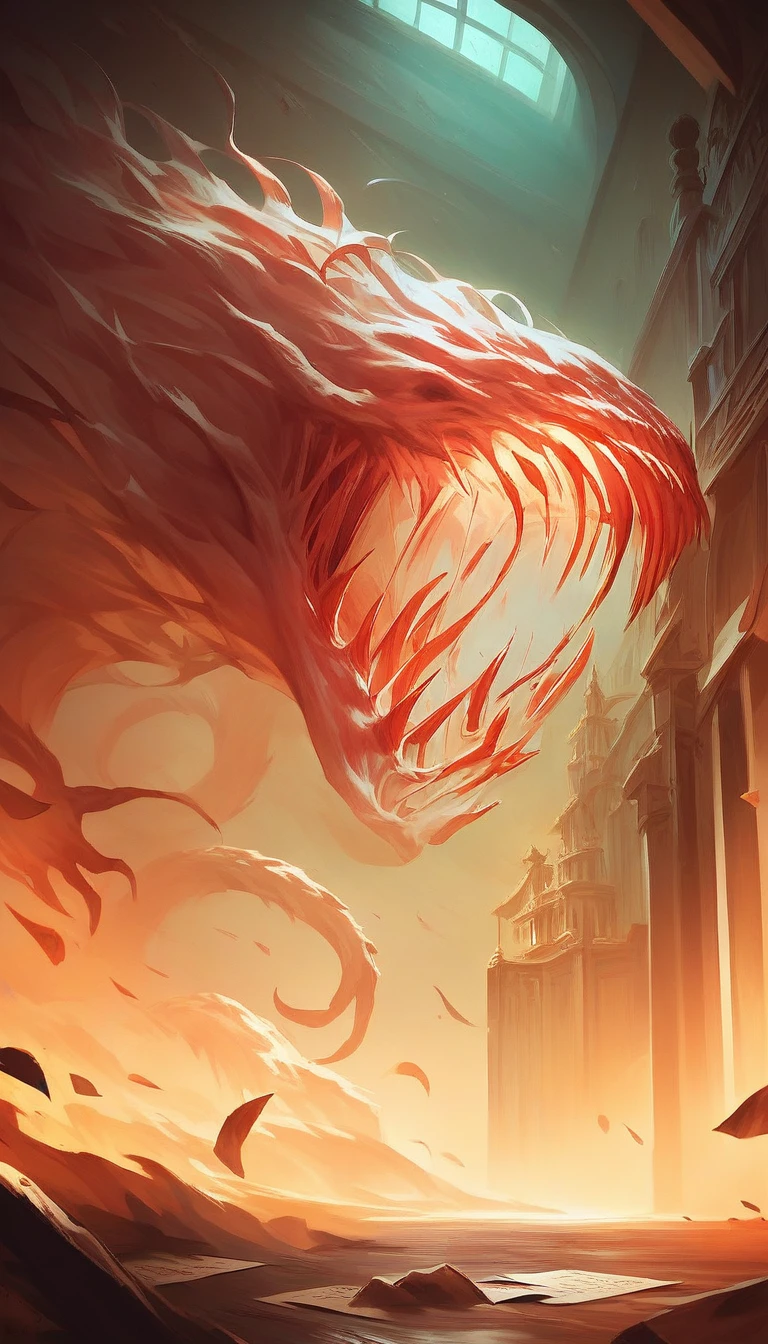
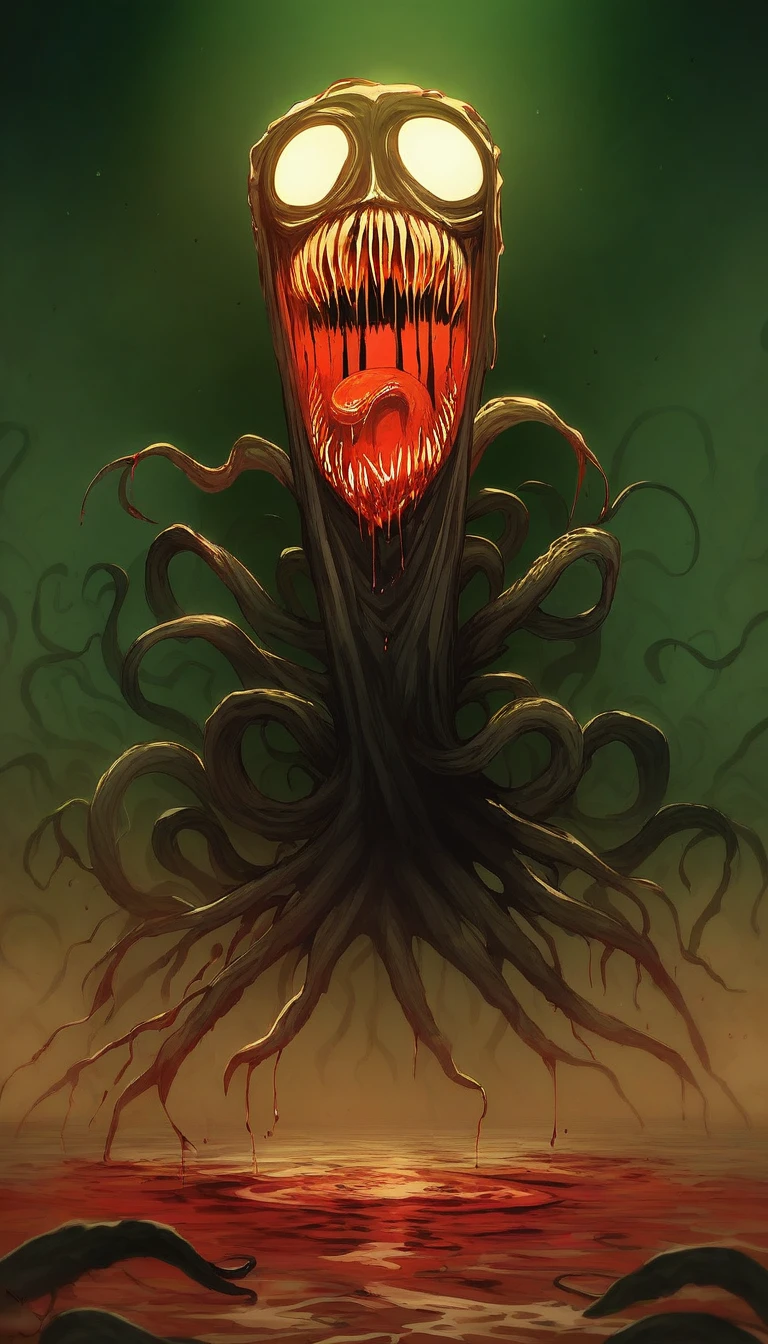


Use the trigger word: "CarnageStyle" along with the LoRA to activate it.
Example prompt: gory, bloody, messy, CarnageStyle assassin kitten <lora:CarnageStyleXL:1.5>
This LoRA supports RGB color changes. Simply prompt any color after the activation keyword, and before your subject, as seen from the examples.
Note:
I may be using the following extensions in the reference images: FreeU or ADetailer / Face Editor. I may also be using a specific Hires Checkpoint (swaps to another model when doing the hires steps). If your results don't match mine exactly, this may explain why.
Here's a list of keywords you can use to enhance the different effects of the model.
blood
????
liquid
wet
red slime
vore
splatter
organs
guts
goo
glowing
luminous_red
black
ebony
abyss
dark
mouth
maw
teeth
incisors
tongue
tendrils
feelers
evil
darkness
spiral
spirals
mutilation
mutation
horror
terror
scary
killer
bloody
hemoglobin
life-fluid
fluid
bodyfluid
slaughter
gruesome
moist
drenched
crimson
malevolence
wickedness
abyss
deformation
alteration
frightening
ominous
macabre
Training Data attached.
Like it?


1. The rights to reposted models belong to original creators.
2. Original creators should contact SeaArt.AI staff through official channels to claim their models. We are committed to protecting every creator's rights. Click to Claim
