Type
LORA
Publish Time
2024-11-08
Base Model
SDXL 1.0
Trigger Words
among us
Copy

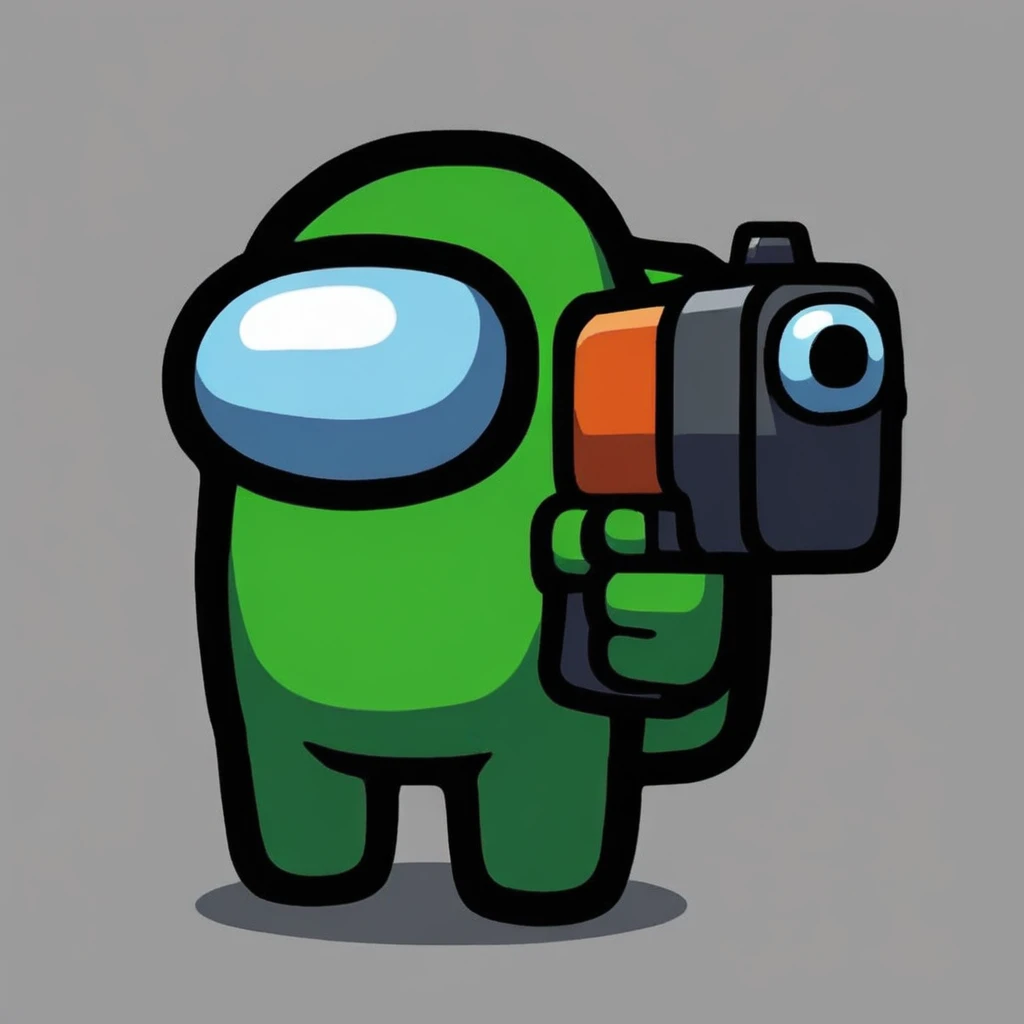
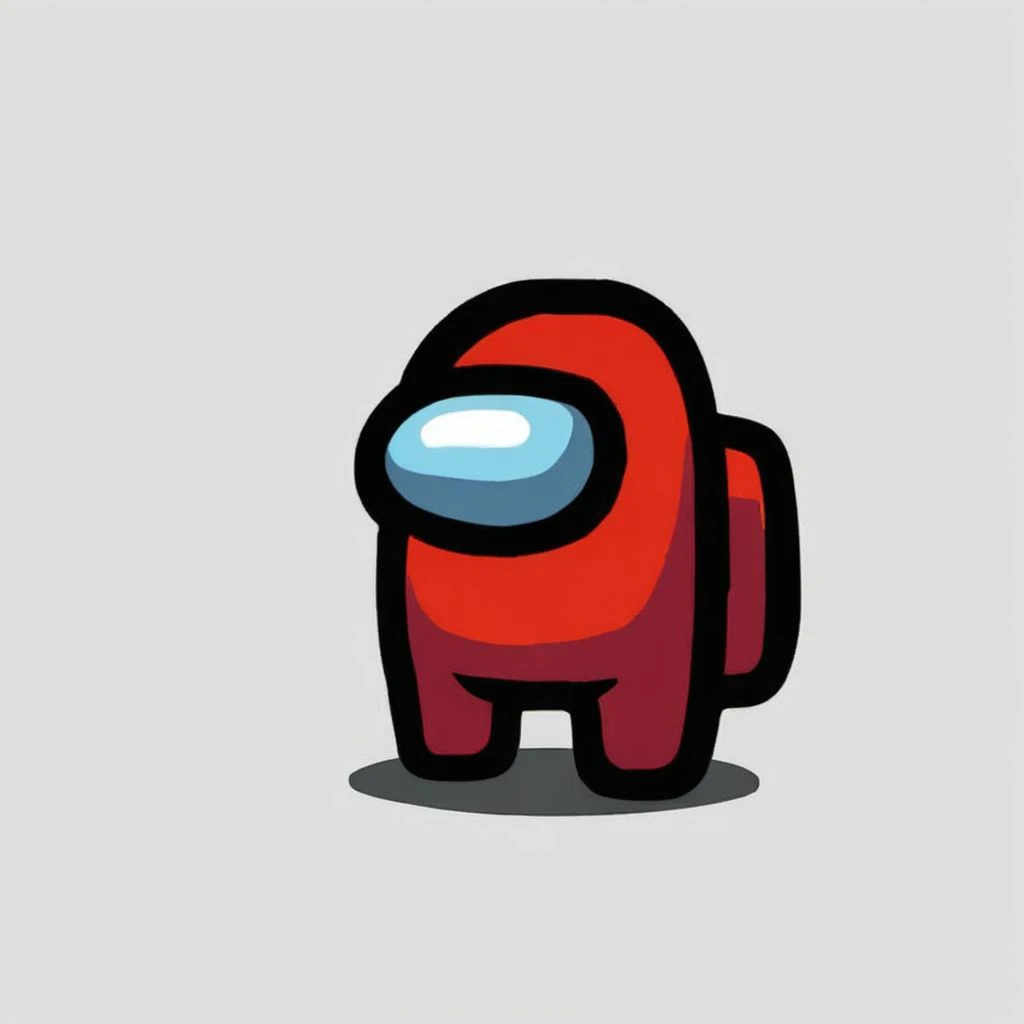
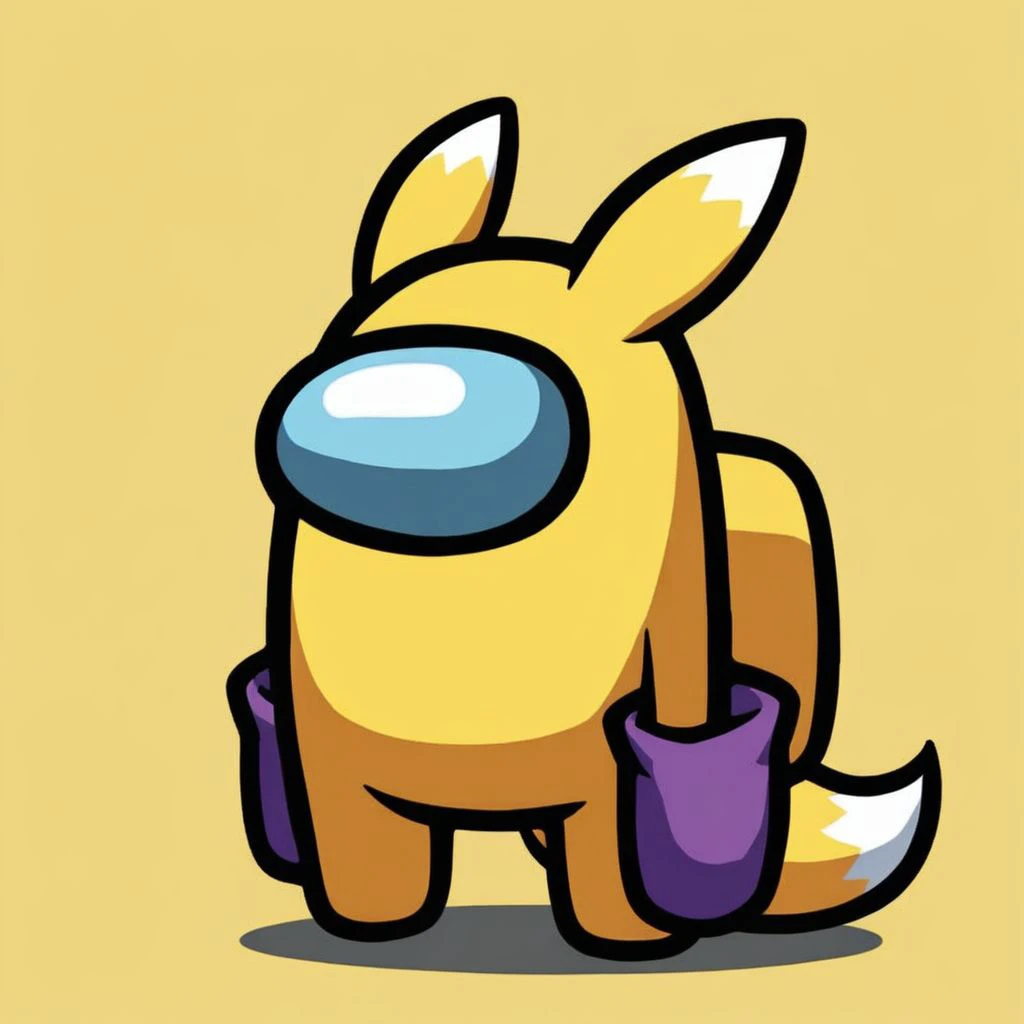
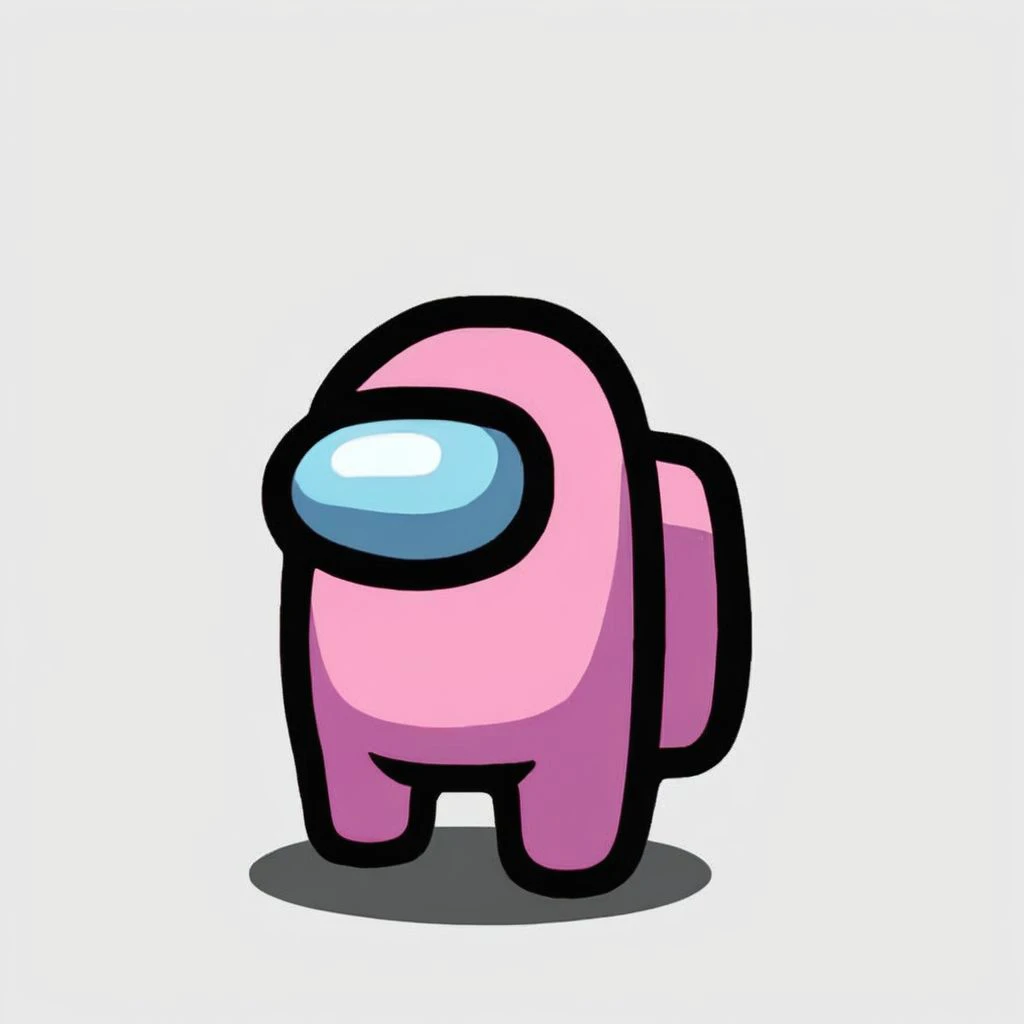
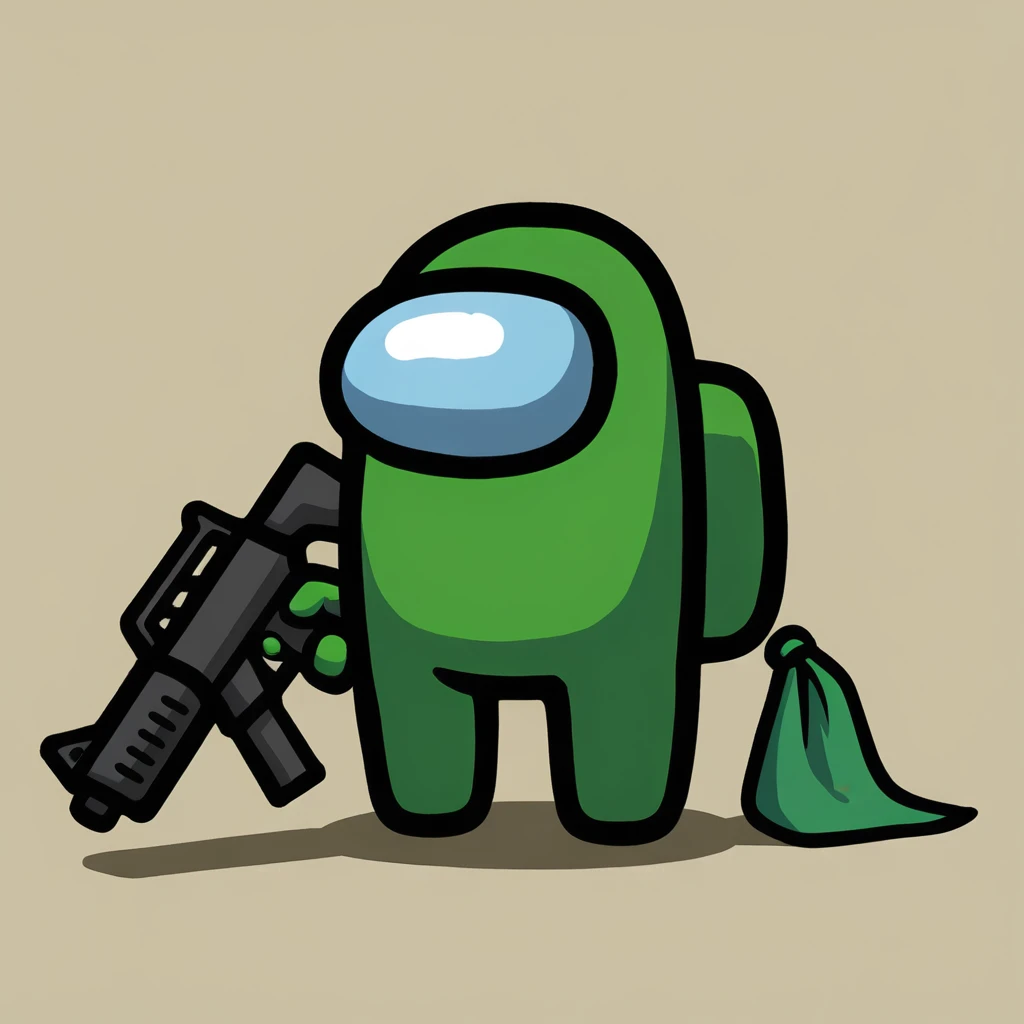
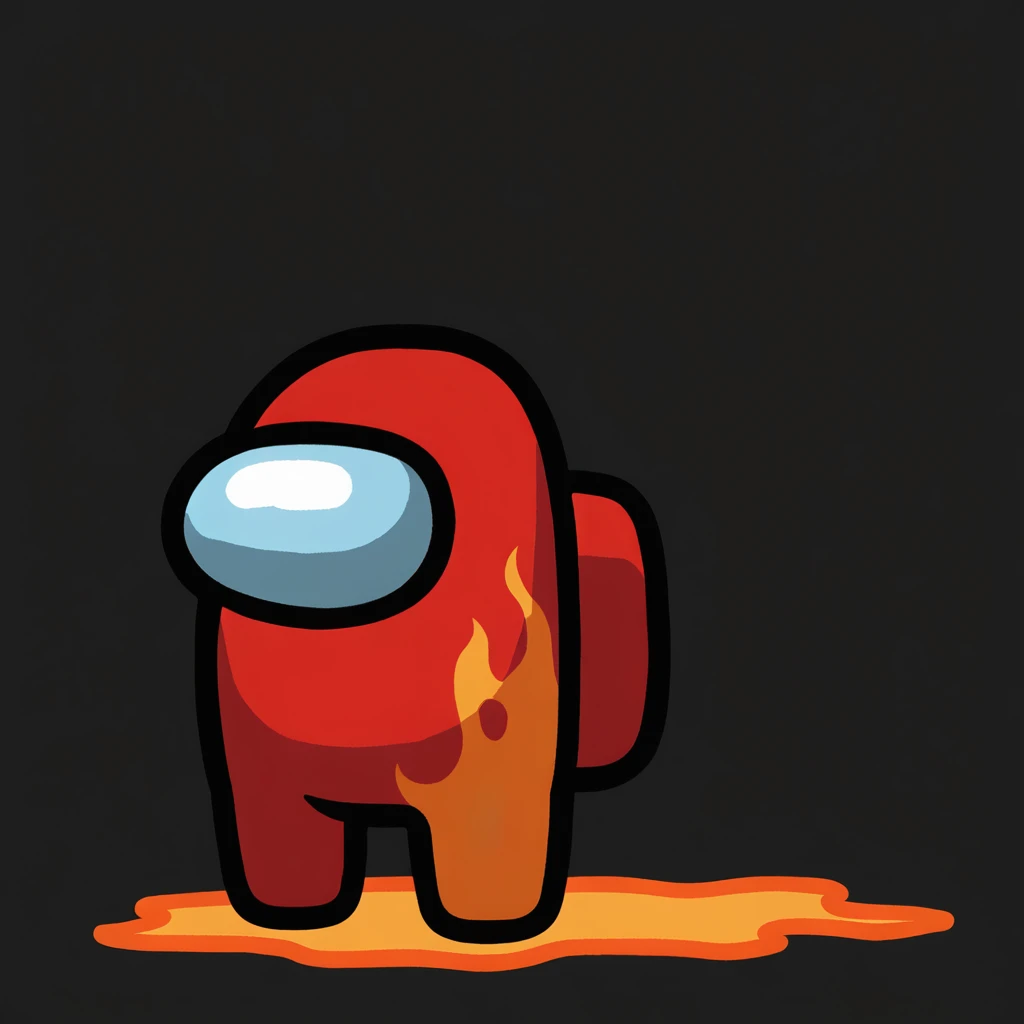

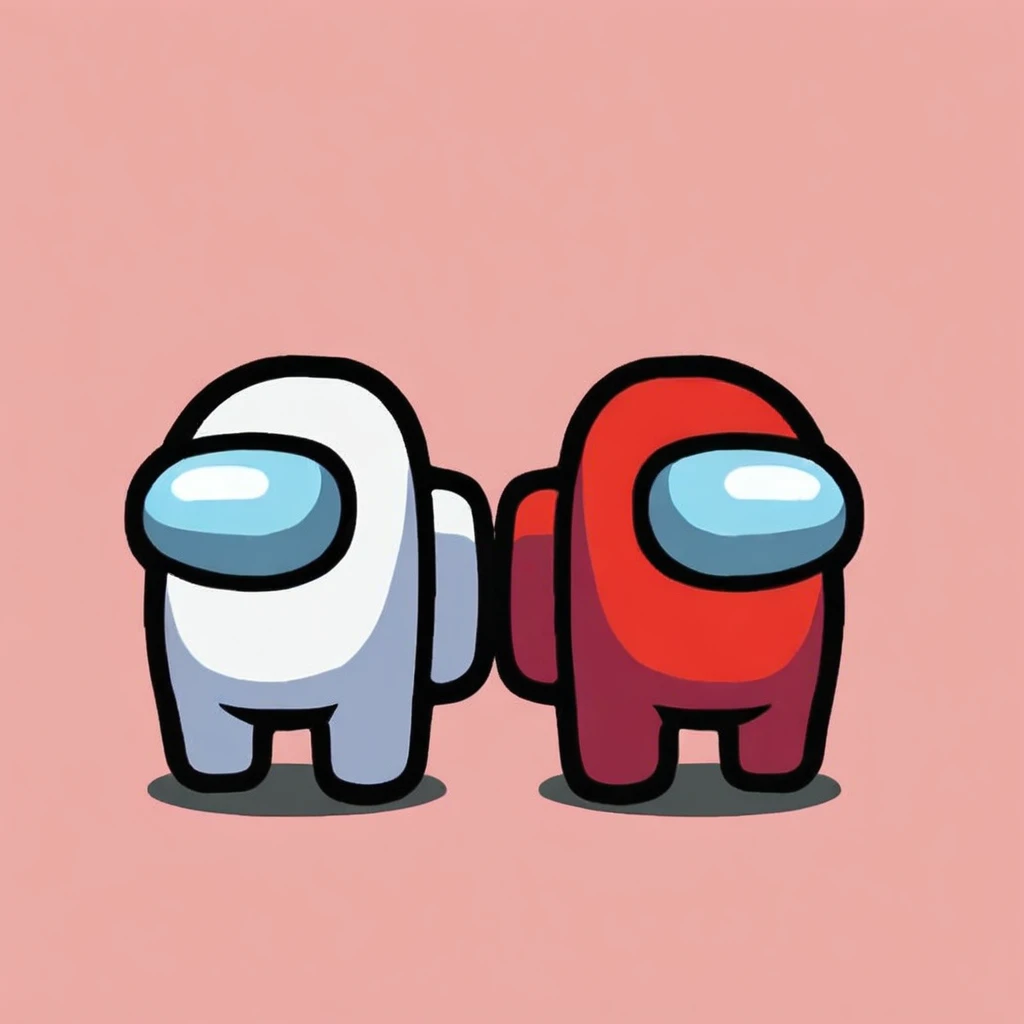
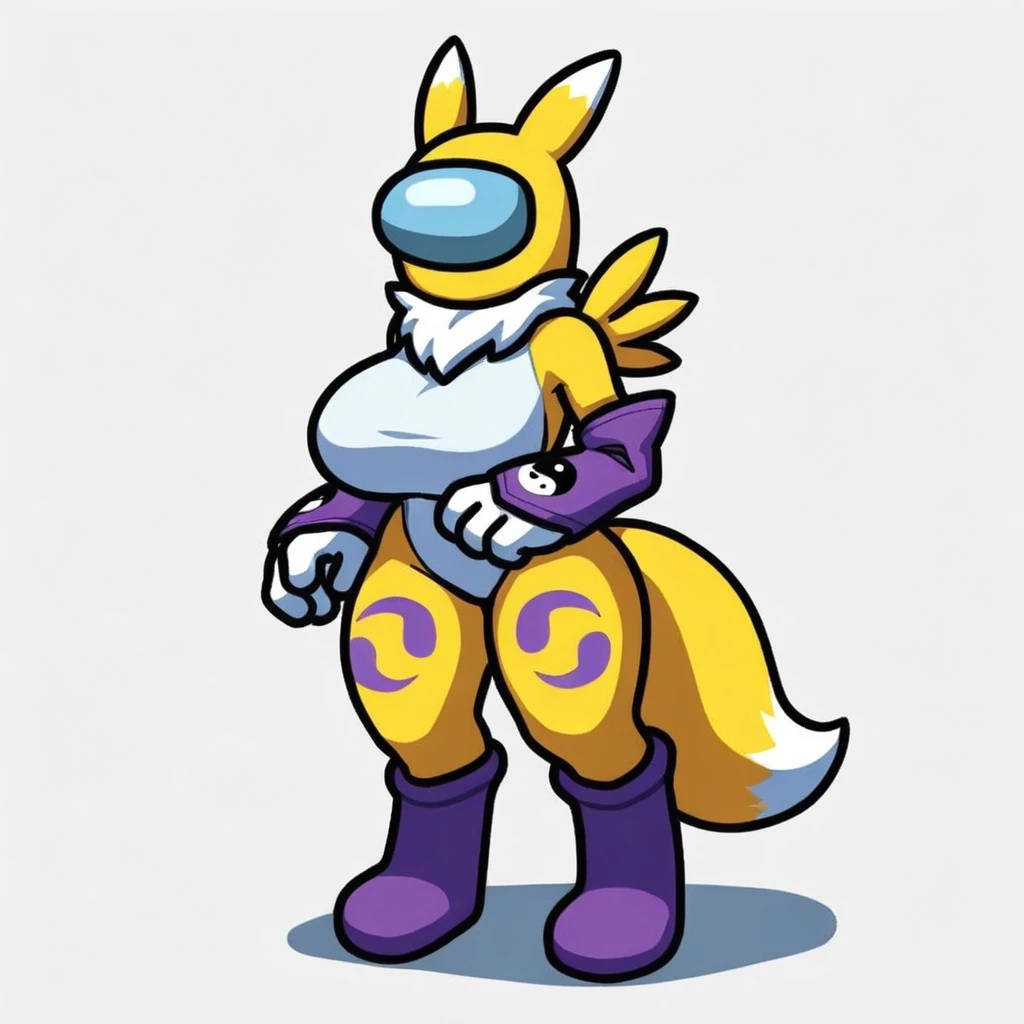
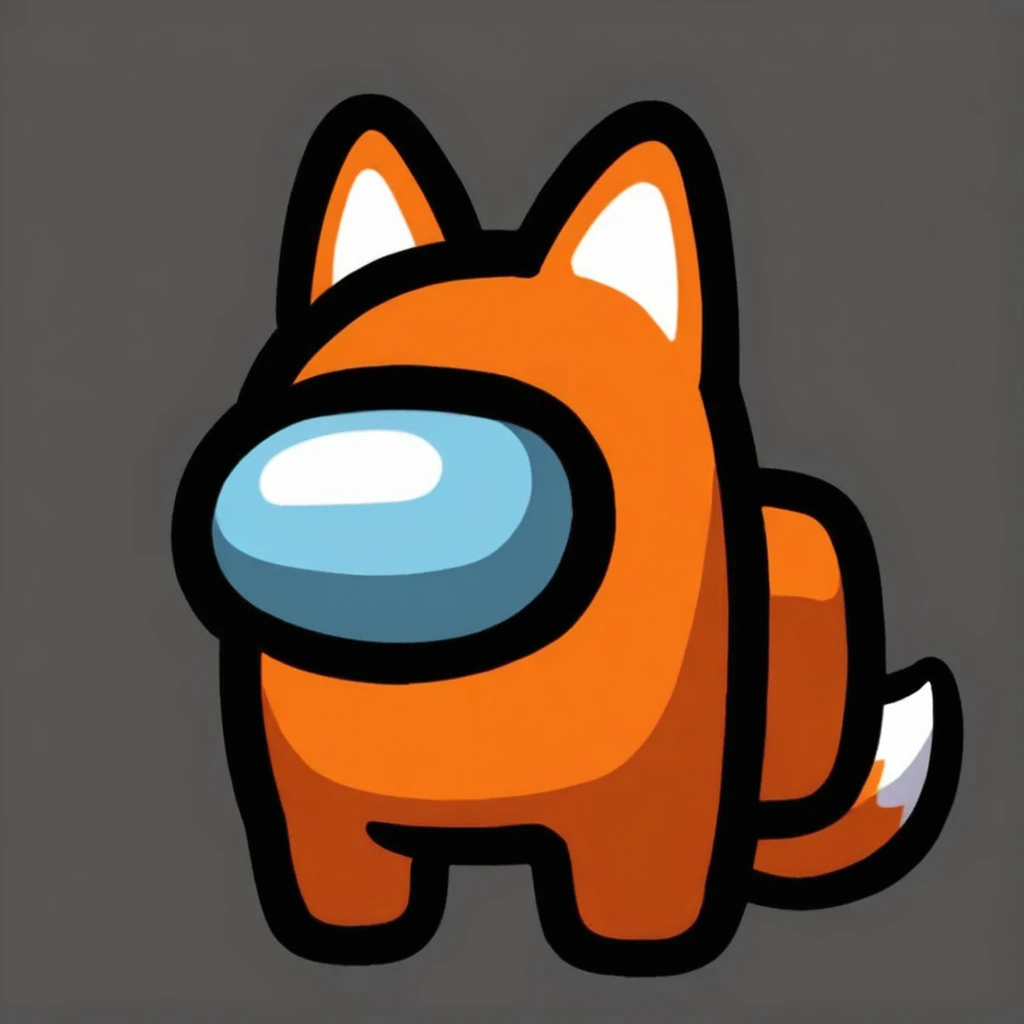
![Among Us Concept LoRA [NoobAI-XL]](https://image.cdn2.seaart.me/temp-convert-webp/highwebp/static/images/20241108/c79fdf9b326b57294f992813277fb5b6_low.webp)
Settings and Recommendations:
Weight: Suggested range is between 0.8 and 1.2, with 1 as the optimal starting point.
Image Dimensions: Ideal dimensions are 1024x1024 for best results.
Avoid Prompting for Eyes: To maintain the aesthetic, avoid eye-specific prompts.
Key Trigger Words: Use the following trigger words to activate the "Among Us" concept:
crewmate (among us)
spacesuit
no humans
space helmet
full body
solo
Step-by-Step Guide to Using LoRA in auto1111:
Download LoRA: Start by downloading the desired LoRA model.
File Placement: Place the LoRA file into the stable-diffusion-webui/models/lora directory in your system.
Select and Activate: In auto1111, choose your LoRA model and include the relevant trigger words listed above in your prompt.
Adjust Weight: Depending on the effect you want, tweak the weight from the default range (typically between 0.5 and 0.8).
Experiment and Enjoy: Modify settings as you explore different styles and character models for unique results!

1. The rights to reposted models belong to original creators.
2. Original creators should contact SeaArt.AI staff through official channels to claim their models. We are committed to protecting every creator's rights. Click to Claim
