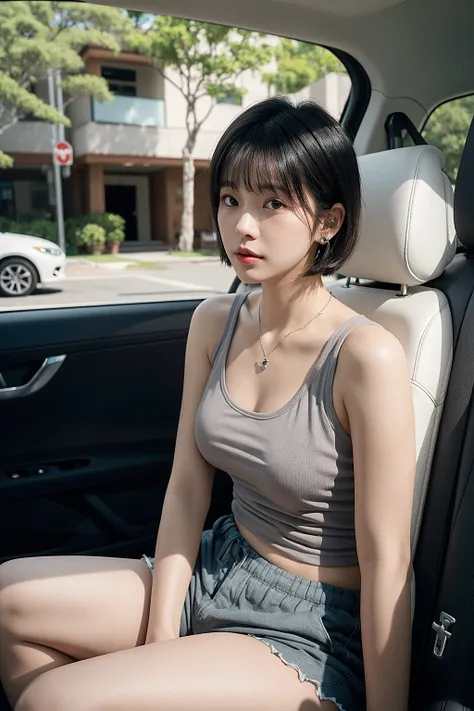
This is my experiment in creating an SD1.5 merge style model for i2i.I am satisfied with the current state, but I will update it if I feel anything is needed.or I might share ways to enhance this model rather than updating it directly.
■Since the model now has both anime and real versions, the detailed explanations have been moved to each model’s tab.
Both are merged models created by selecting multiple high-quality models with minimal artifacts.
■With the three models—asian, real, and anime—now available, it could be fun to adjust their mix to find your ideal style.
●asian 0.5 + real 0.5 might yield a more mixed, half-and-half look.
●asian 0.5 + anime 0.5 might produce a cute, 2.5D-style appearance.
Feel free to experiment with different ratios.
■Since this is just a merge, it shares a common SD1.5 limitation where tags may not be fully understood or followed.
I have decided to manage the concept-enhancing LoRA separately.
https://civitai.com/models/1253884/sd15loralab
Of course, it can be used on its own, It is designed for i2i processing the models below.
https://civitai.com/models/505948/pixart-sigma-1024px512px-animetune
■As another option, I think his model is also well-suited for i2i.
https://civitai.com/models/72182/sotemix
■The "blessed VAE" he is using seems suitable for enhancing contrast.
https://huggingface.co/NoCrypt/blessed_vae
■Depending on the situation, this extension may also improve colors and contrast.
https://github.com/Haoming02/sd-webui-diffusion-cg
https://github.com/Haoming02/comfyui-diffusion-cg
■Using external tools for level adjustment is also a good option.
Reducing gamma slightly while enhancing whites can improve contrast even further.
Using these should help achieve color rendering closer to that of SDXL.
■Surprisingly, generating at 768px or 1024px sometimes works fine.If you want more stability, merging with Sotemix could help.But since most LoRAs are trained at 512px, high resolutions can break the output.So it’s safer to use highres.fix or kohya_deep_shrink when using LoRAs.
Personally, I prefer i2i upscaling over highres.fix, as it tends to produce fewer artifacts.