
Type
LORA
Publish Time
2025-02-01
Base Model
Flux.1 D
Trigger Words
heartbreak split heart
Copy

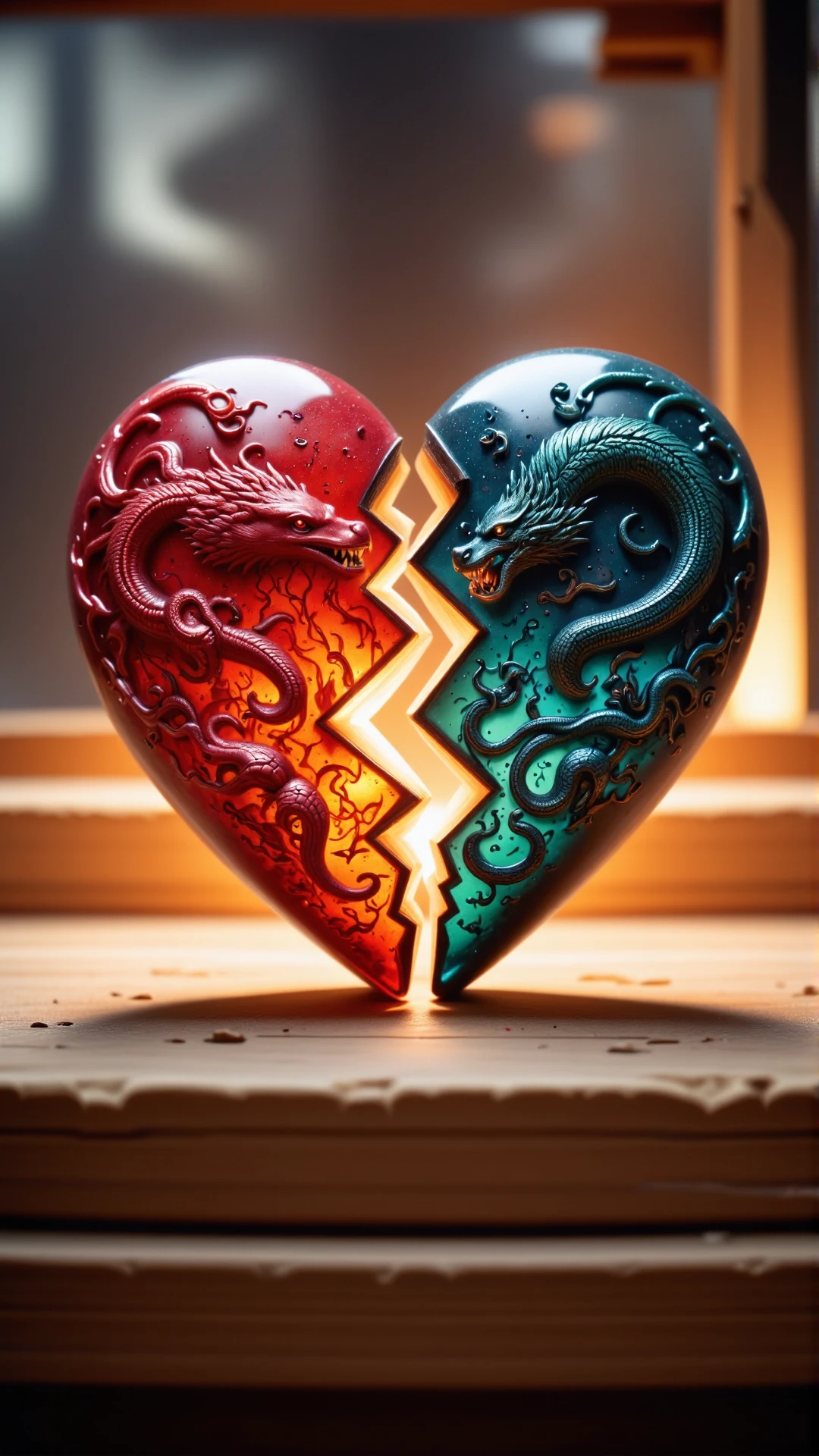

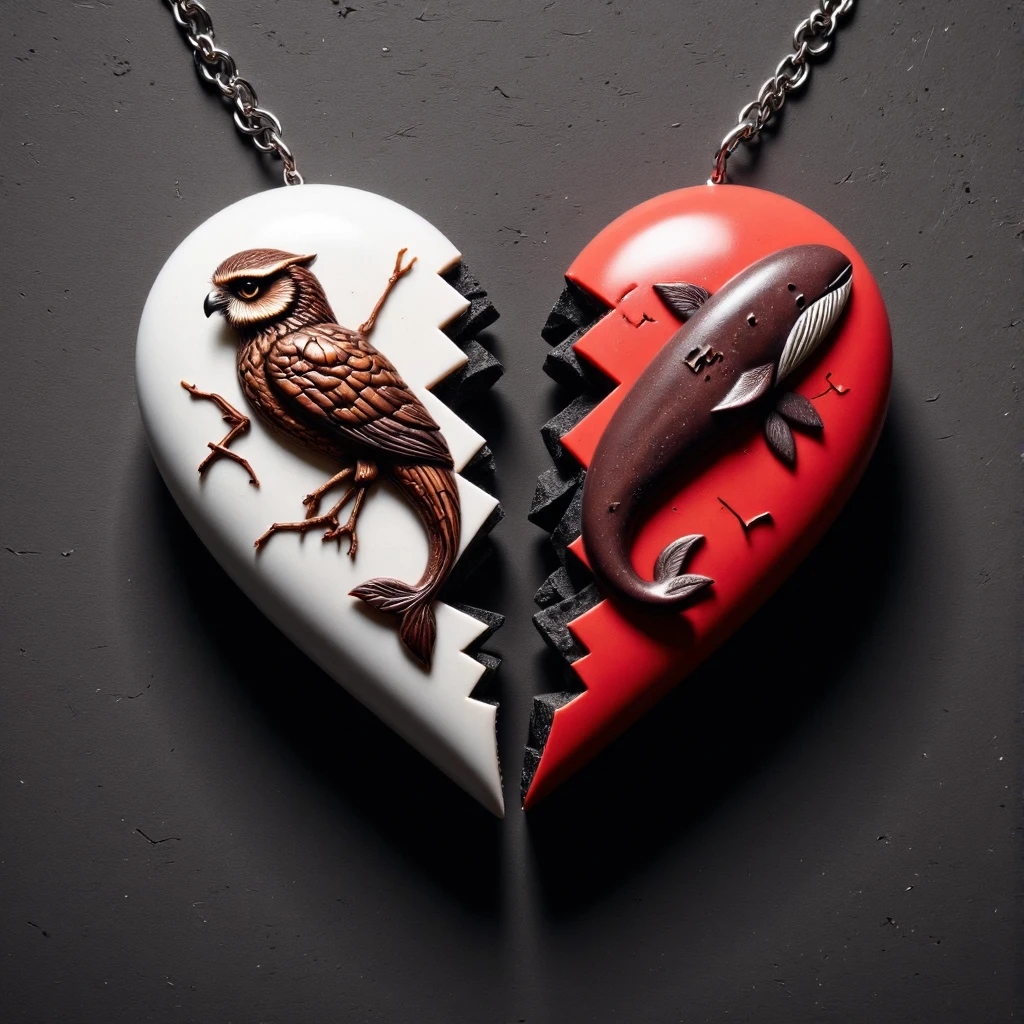
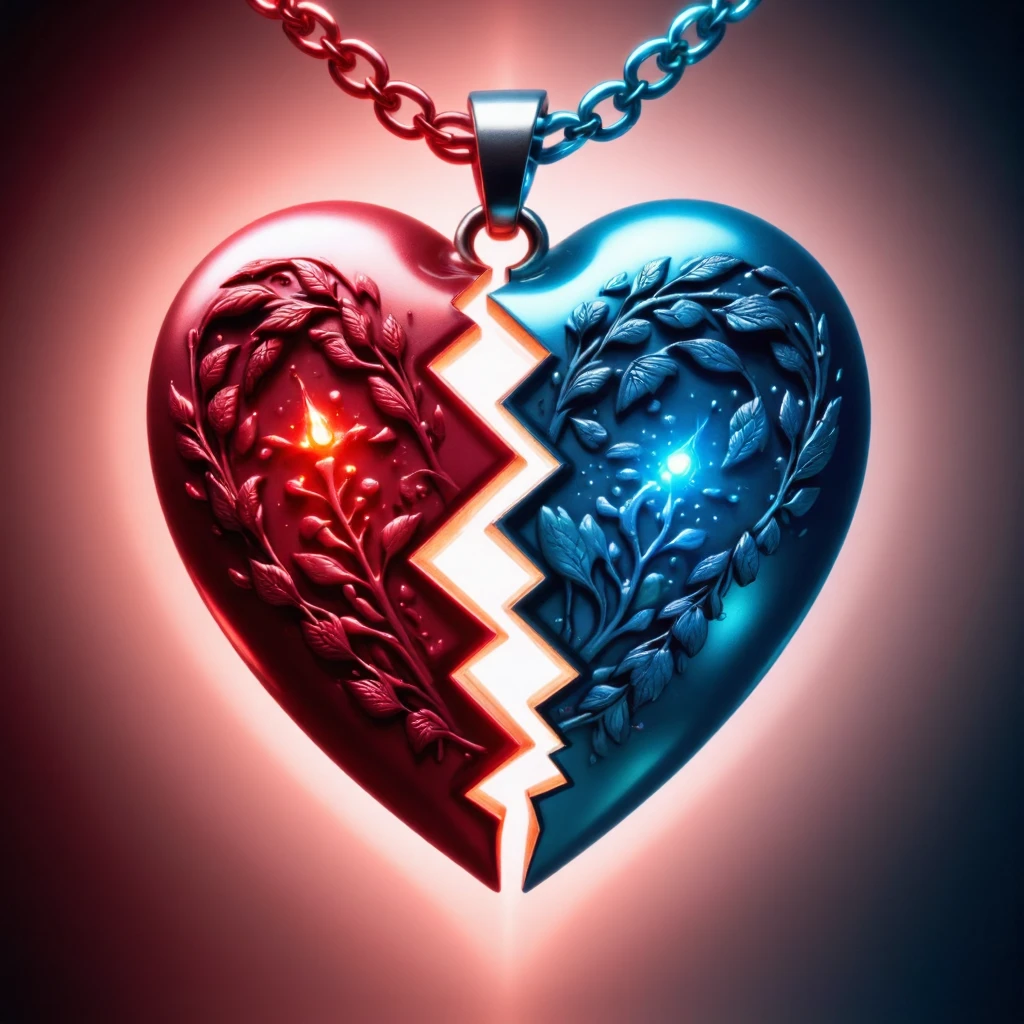
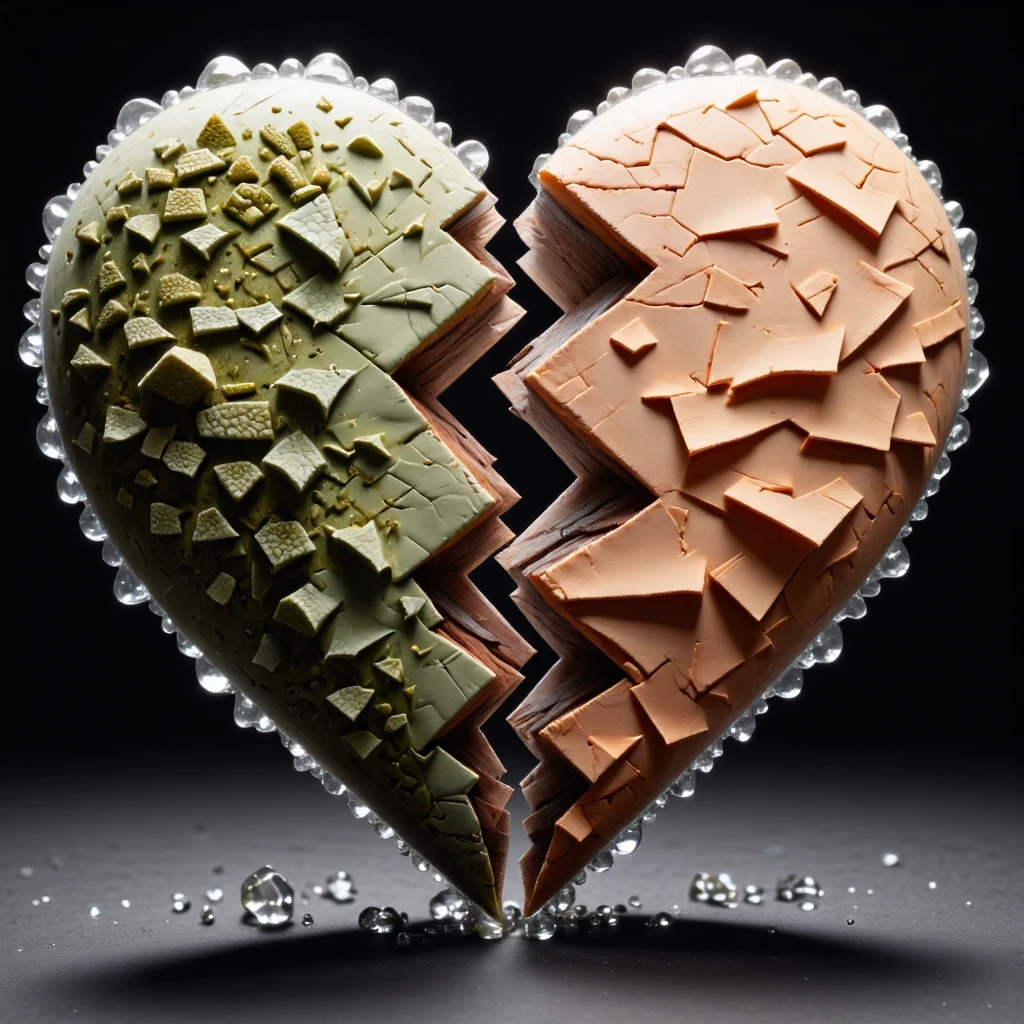
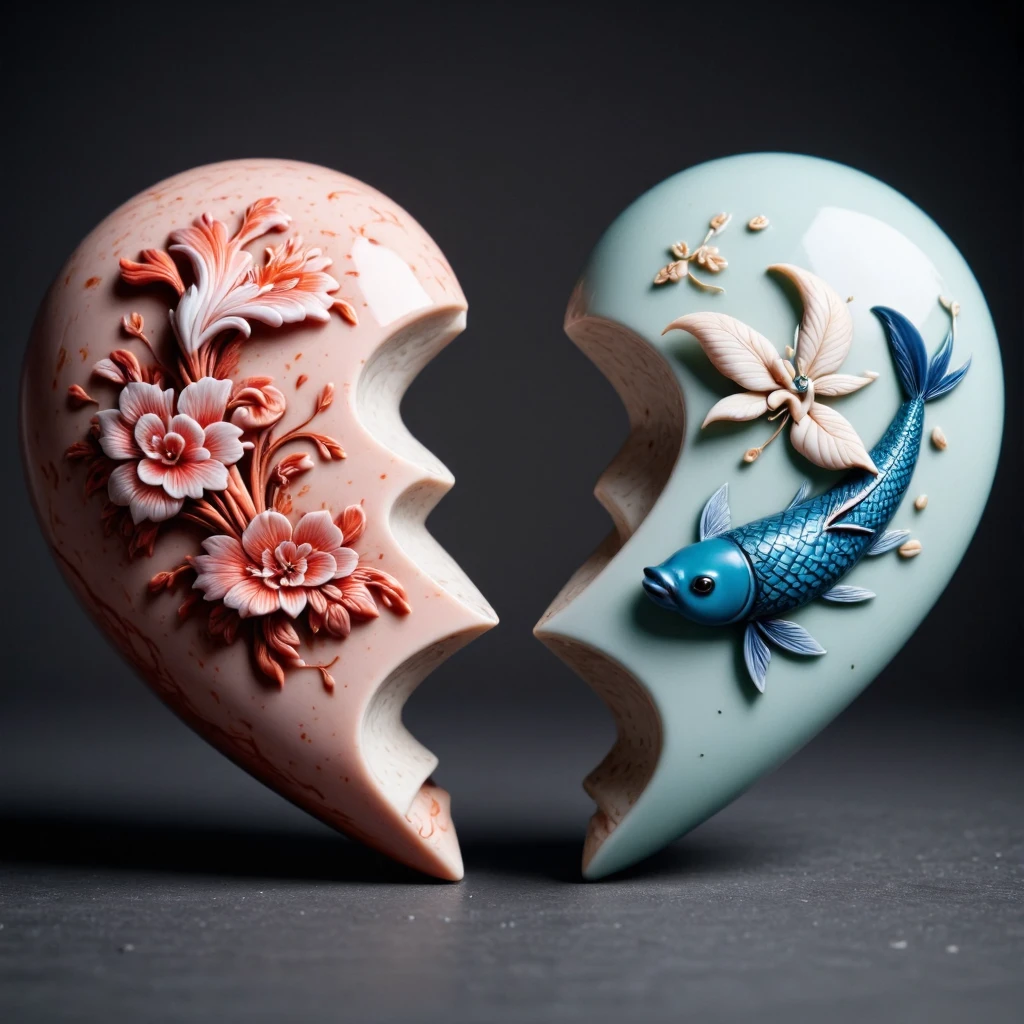
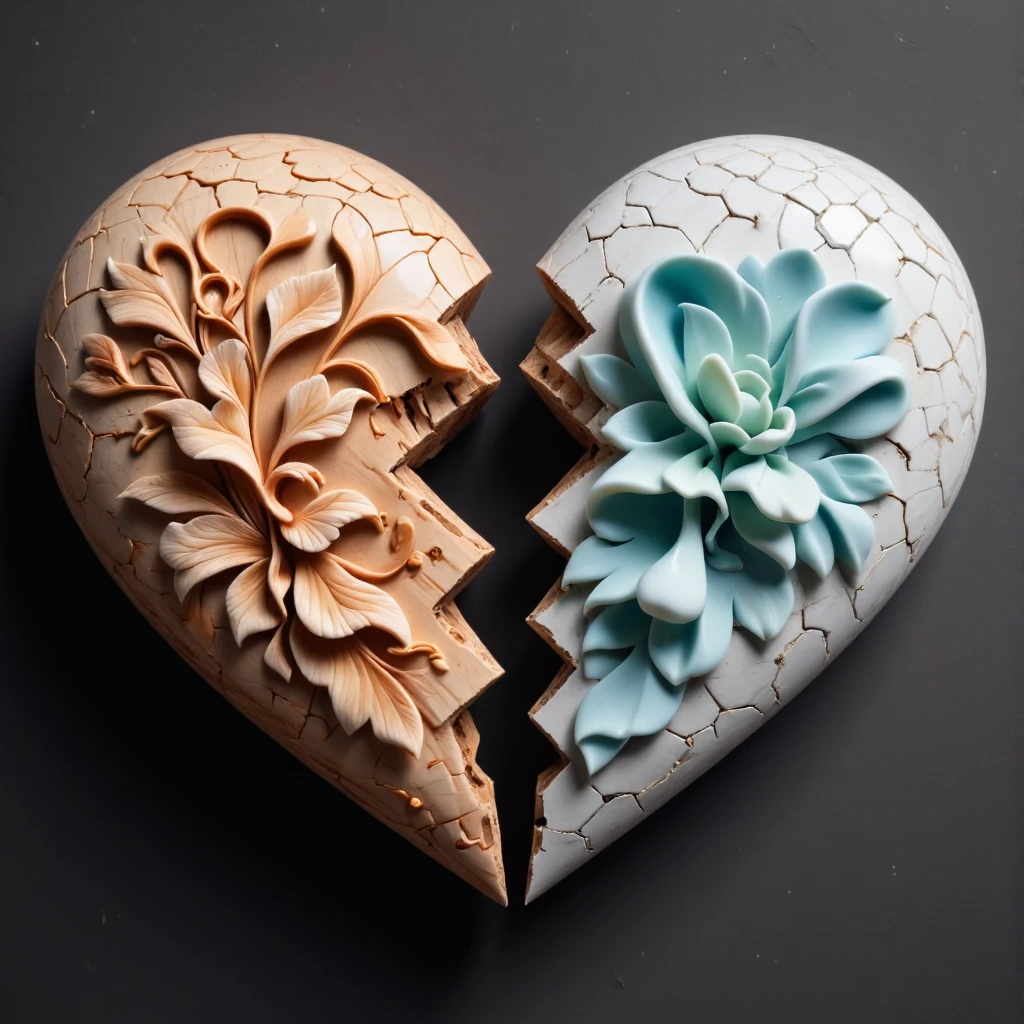
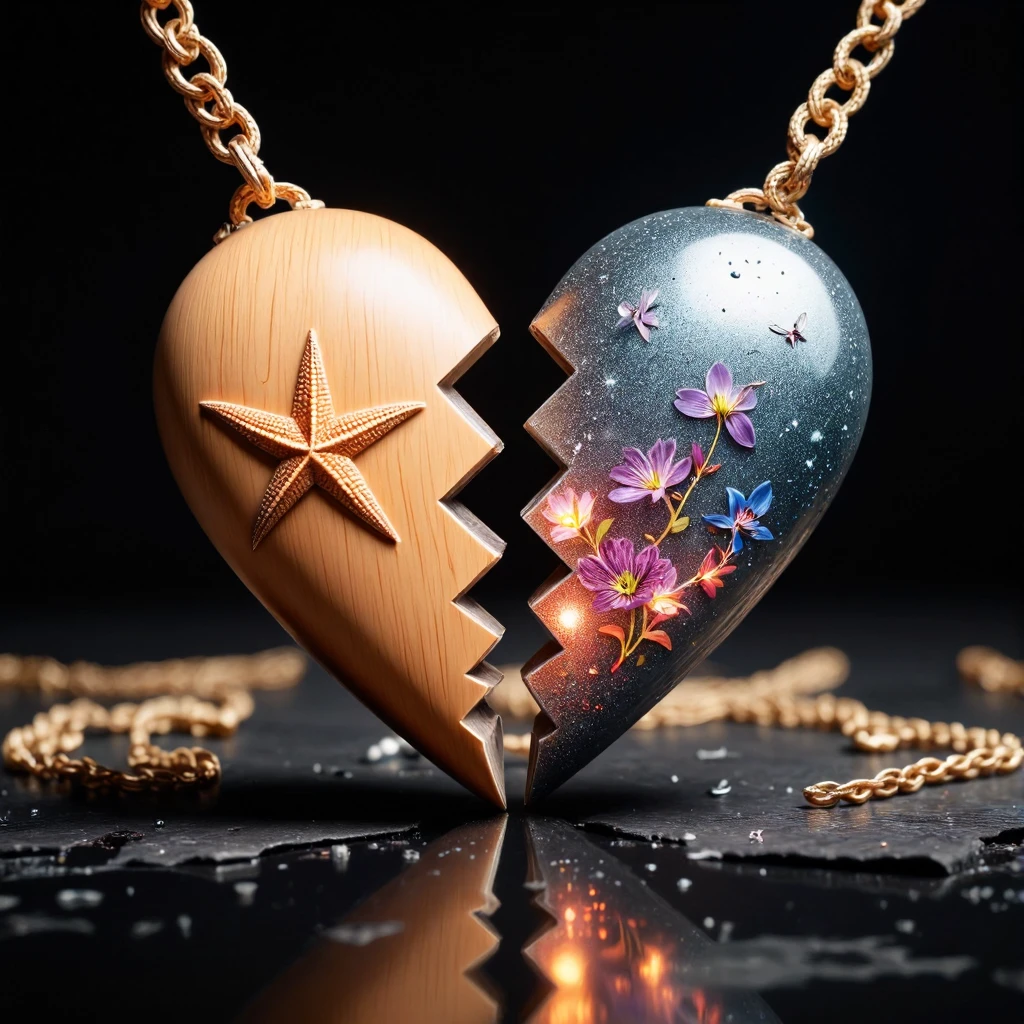
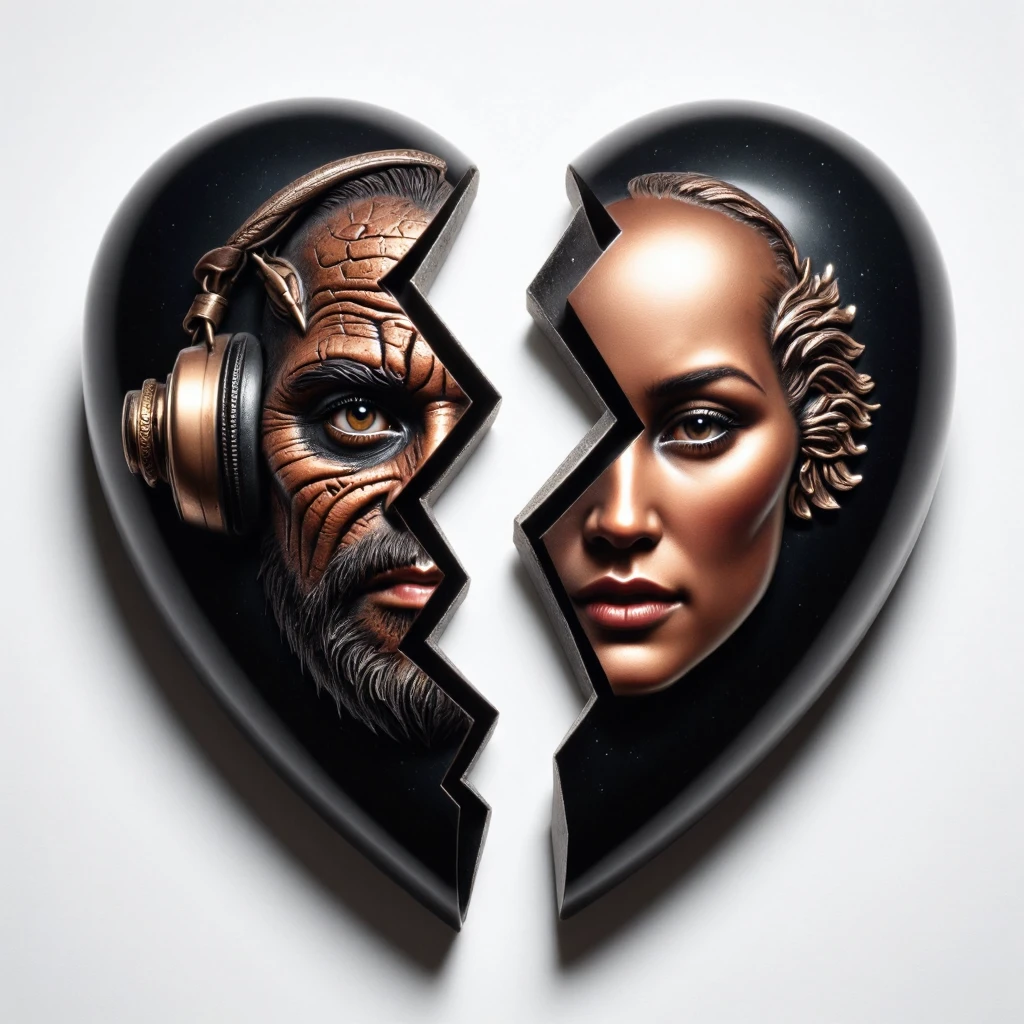
💔 Have some heartache to share? 💔
💔 Did you get your heart broken by your favorite website? 💔
This is the right LoRA for you!
This model lets you (in theory) create a broken heart necklace out of any 2 subjects. One for the left side, and one for the right. The prompting is strict, so please follow the guide below.
Example:
a heartbreak split heart. On the left side is an owl | On the right side is Whale. <lora:BrokenHeartFlux:0.9>The model may work without this prompting structure, but this is how it was trained and how I get good results.
The model works best with square image ratios, but can also work in others.
Note:
I may be using the following extensions in the reference images: FreeU or ADetailer / Face Editor. I may also be using a specific Hires Checkpoint (swaps to another model when doing the hires steps). If your results don't match mine exactly, this may explain why.
Below are some tips and tricks for how to get even more out of the model.
Try using some of the materials from the list below as materials for your heart:
Marble
Iron
Ivory
Wood
Crystal
Iron
Silver
Gold
Plastic
Cloth
Paper
Ceramic
Graphite
GlassTry using some of the materials from the list below as suggestions for the chain:
Black Metallic chain
Yellow Coord chain
Rainbow Metallic chain
Glitter Gold chain
Opalescent Pearl chain
Brown Leather Strap chain
Paper chain
Titanium Metal chain
Gold Shiny chainIf you are not getting the results you need, it's not unlikely there is some concept bleeding. Here are a few ideas and suggestions to get different results and improve it.
Use Inpainting
First generate a heart, and then mask out the different areas you want and inpaint the right object inside. Not great but it could help you get there
Use BREAK
Using BREAK inside your prompt may help you get more consistent results. Try adding a BREAK after the first subject.Use Attention Masking / Regional Prompting
https://github.com/hako-mikan/sd-webui-regional-prompter
Something like this could help you with different prompts for different parts of the image. I haven't tried it, but I suspect it will work well for this model.Like it?


1. The rights to reposted models belong to original creators.
2. Original creators should contact SeaArt.AI staff through official channels to claim their models. We are committed to protecting every creator's rights. Click to Claim
