
How to Create and Enhance Stunning AI-Generated Art Using NightCafe AI
NightCafe AI is a powerful, free AI art generator that allows users to create breathtaking works of art using simple text prompts. Whether you're a seasoned artist or a beginner, NightCafe AI's intuitive interface and advanced features make generating beautiful, detailed images easy. In this comprehensive tutorial, we'll guide you through the steps to create, enhance, and share your AI-generated art using NightCafe. From understanding the importance of text prompts to mastering advanced options, you'll learn everything you need to know to make the most of this incredible tool.
Getting Started with NightCafe AI
Understanding the NightCafe AI Art Generator
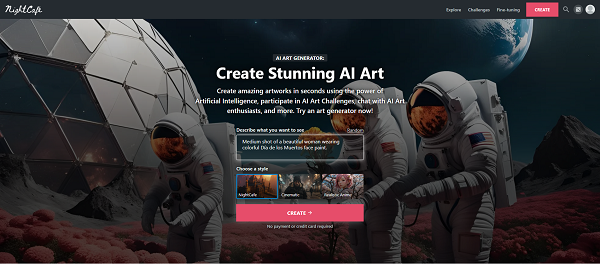
NightCafe AI is an innovative text-to-image platform that uses artificial intelligence to transform written prompts into stunning visual artwork. By entering specific text descriptions, users can generate a wide variety of art styles, from photorealistic images to abstract designs. The platform is user-friendly, making it accessible to both beginners and experienced digital artists.
Creating Your First Artwork with Text Prompts
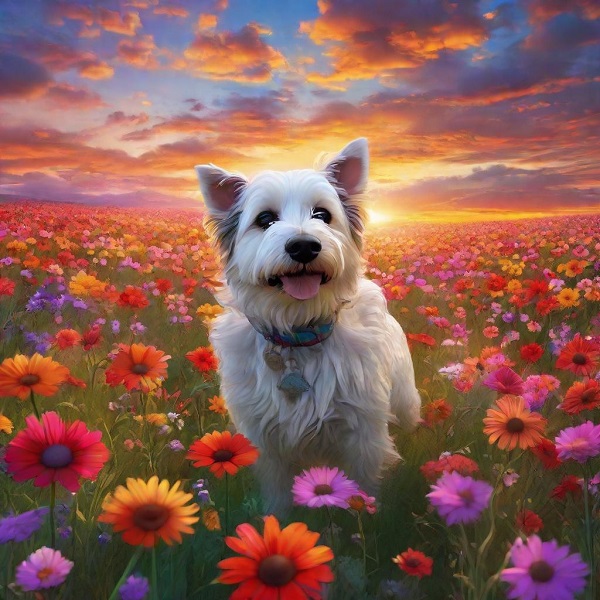
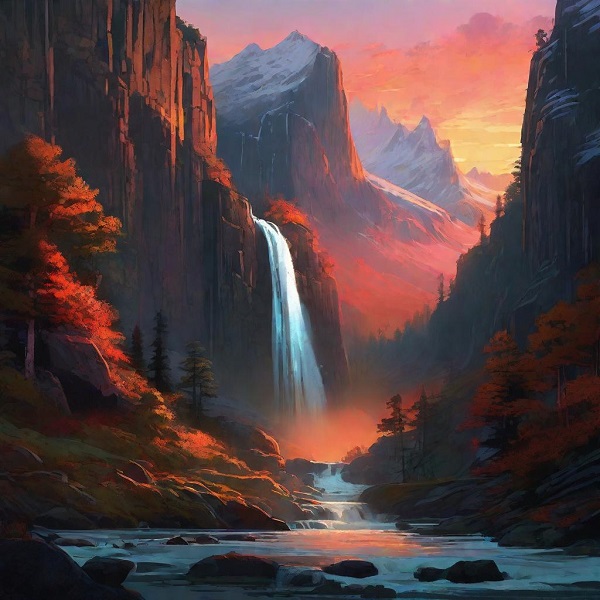
To start creating your AI-generated art, simply enter a text prompt in NightCafe AI. For example, if you want to create an image of a "happy terrier in a field of flowers," type this phrase into the prompt box. NightCafe AI will then generate an image based on your description. You can further refine your artwork by adding additional details, such as "colorful sunset" or "breathtaking landscape."
Enhancing Your AI-Generated Art
Using Advanced Options for Better Results
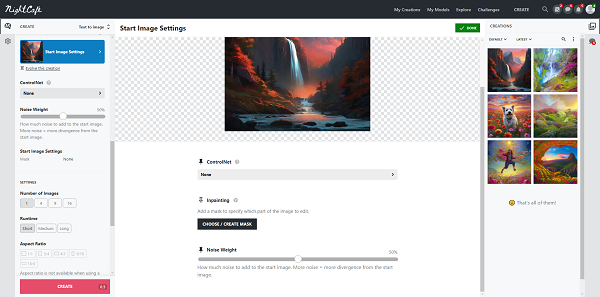
NightCafe AI offers advanced options to help you achieve the best possible results. You can adjust the prompt weight, which determines how closely the AI follows your text description. Experimenting with different seeds and settings will help you discover unique artistic effects.
Mastering Styles and Effects
NightCafe AI allows you to apply various styles and effects to your images. For example, using the "photorealism" style will make your artwork resemble a photograph, while "cell shading" adds a comic book-like quality. You can also enhance your images by selecting higher resolutions or applying effects like "psychedelic art" to make your artwork stand out.
Managing and Sharing Your Creations
Organizing Your Artwork into Collections
As you create more artwork, you can organize your images into collections. This feature allows you to categorize your creations based on themes, making it easier to manage and showcase your portfolio.
Publishing and Participating in Challenges
NightCafe also offers options to publish your artwork and participate in daily challenges. By sharing your creations with the community, you can gain exposure, receive feedback, and earn credits that can be used to generate more art.
Conclusion
NightCafe AI is a versatile tool that opens up endless possibilities for creating and enhancing digital art. By mastering text prompts, advanced options, and creative styles, you can produce stunning images that capture your artistic vision. Whether you're looking to experiment with AI-generated art or refine your digital artistry, NightCafe AI provides the tools and community to help you succeed.