
Do you want to know about image enhancement, before this model gives automatic images?
all LLM Model image generators will provide automatic images based on written prompts, such as the subject, the background, and up to the depth of field of the camera lens, as well as the quality, will you get a photography class image? or semi realistic, or even animation look? if you do not provide these specifications in the prompt, then you will get automatic image results, depending on the subject you have written, for example if you write down the anime character, then you'll get anime image automatically, etc.
and here I want to tell you a little about some of the image enhancements that you can use to produce the image you want to make.
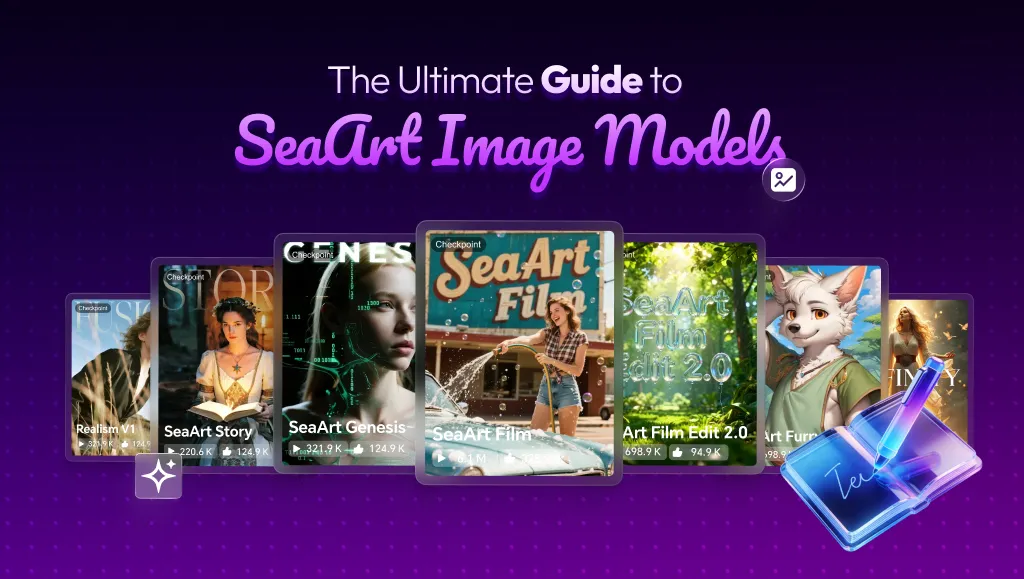
in this case is the new Seaart LLM Model: Seaart FILM.
What are the advantages of Seaart FILM?
before going there I want to tell you a little, seaart film has at least three main advantages / Core Focus:
1. Superior Text Rendering: Perfect for text-heavy designs like posters and graphic design.
2. Professional Cinematic Aesthetics: Achieves professional photography-level realism in lighting and details.
3. High-Speed Generation: 2K resolution with instant results in seconds.
What image enhancements are available in Seaart Film?
to find out, let's try with this prompt:
a beautiful woman with short brown hair and bangs, she has brown eyes and wearing classic thick black frame eyeglasses, wearing a white tank top, medium shot, looking at viewer.
I did not provide image enhancement in this prompt, let's see the result obtained:
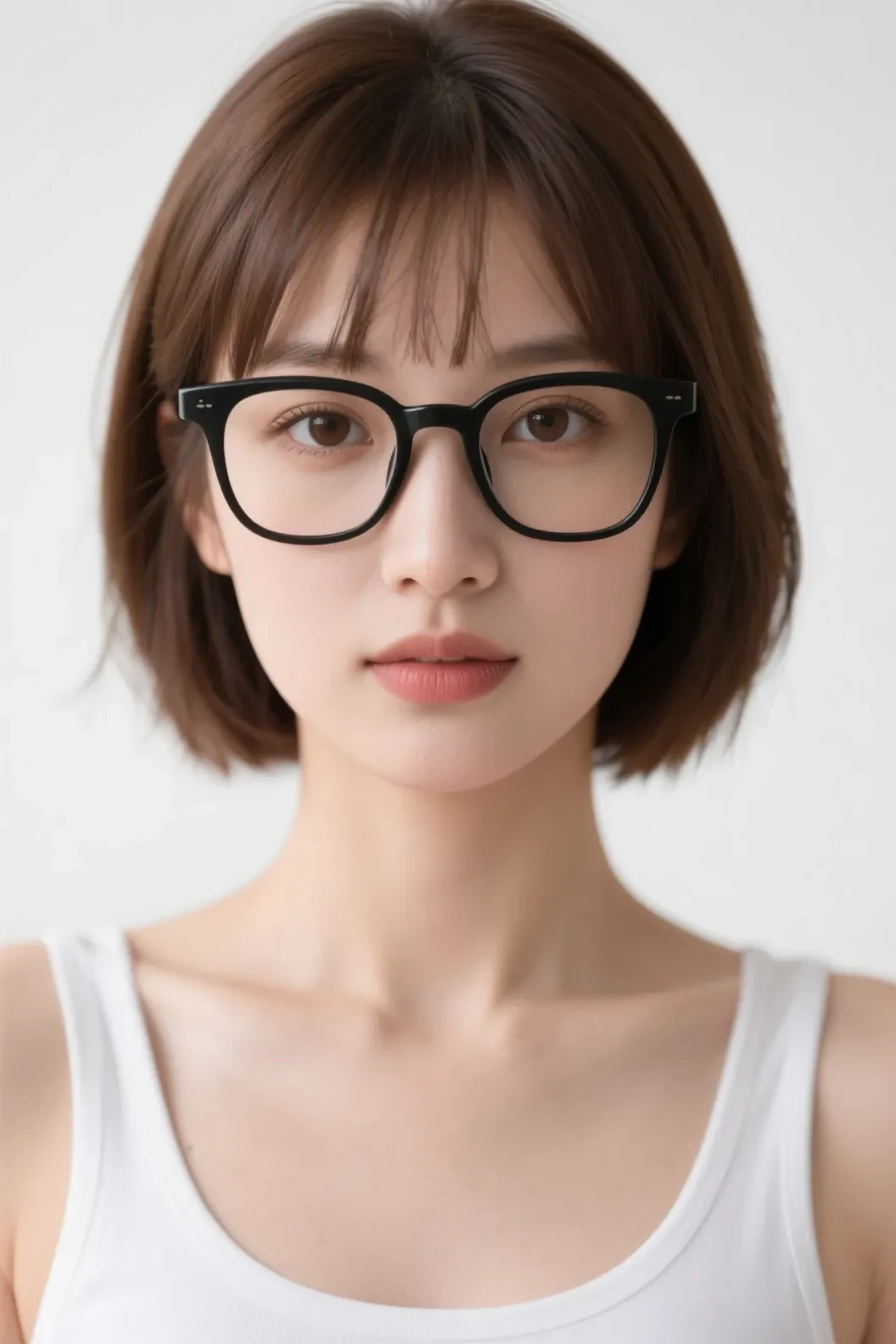
it turns out that the results obtained is photography quality as the basic, but it is possible that the seed you get is another image such as 3D look.
There are at least 3 realistic quality image enhancements that I have studied:
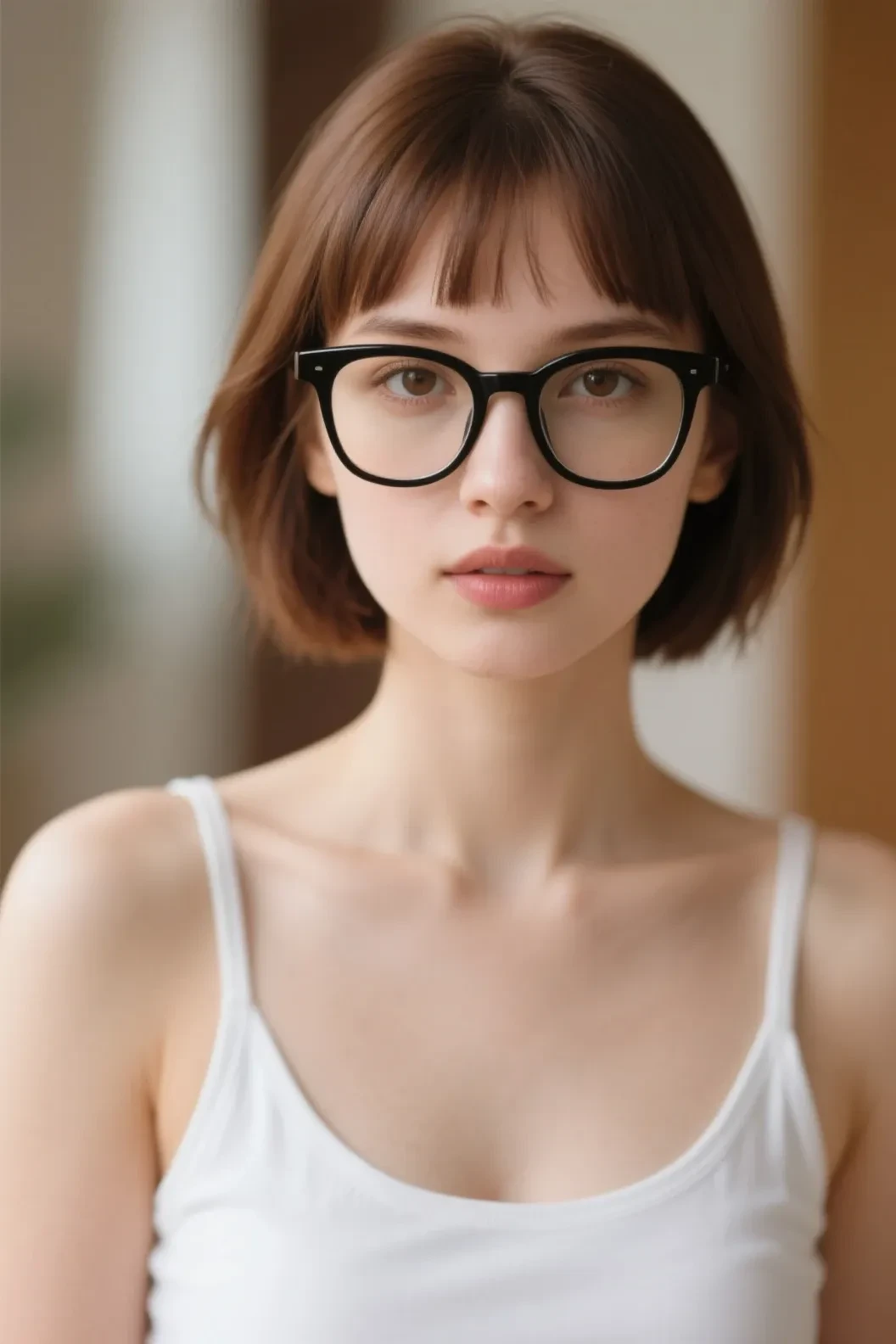
photography (indirectly will provide photo lighting and depth of field of the camera lens)
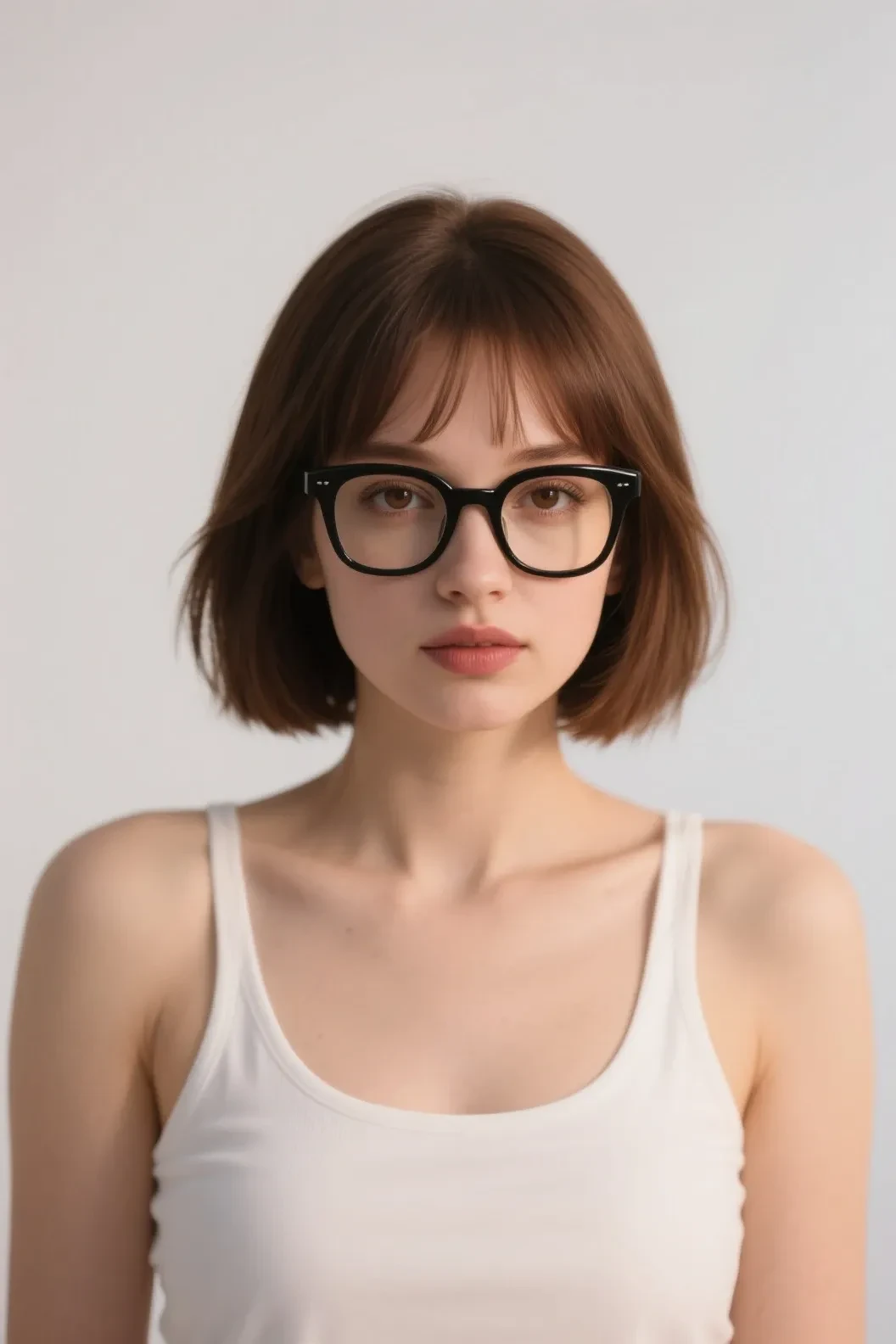
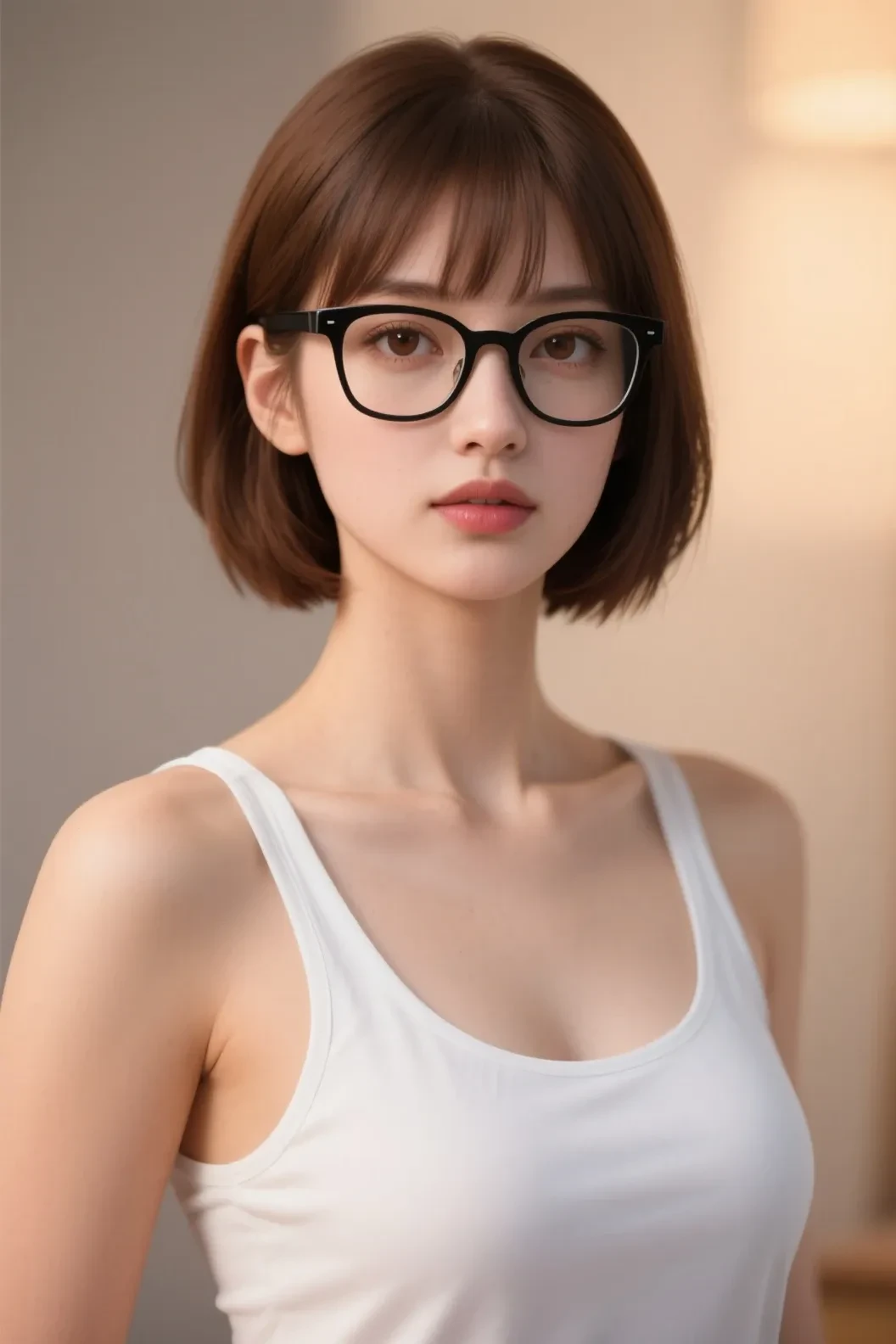
cinematic (if you do not provide color information, then this quality tag will provide a warm color automatically)
V-Ray (realistic render like unreal engine, but in some case it has semi realistic look, good for architecture)
and at least it has 4 digital render quality image enhancements:
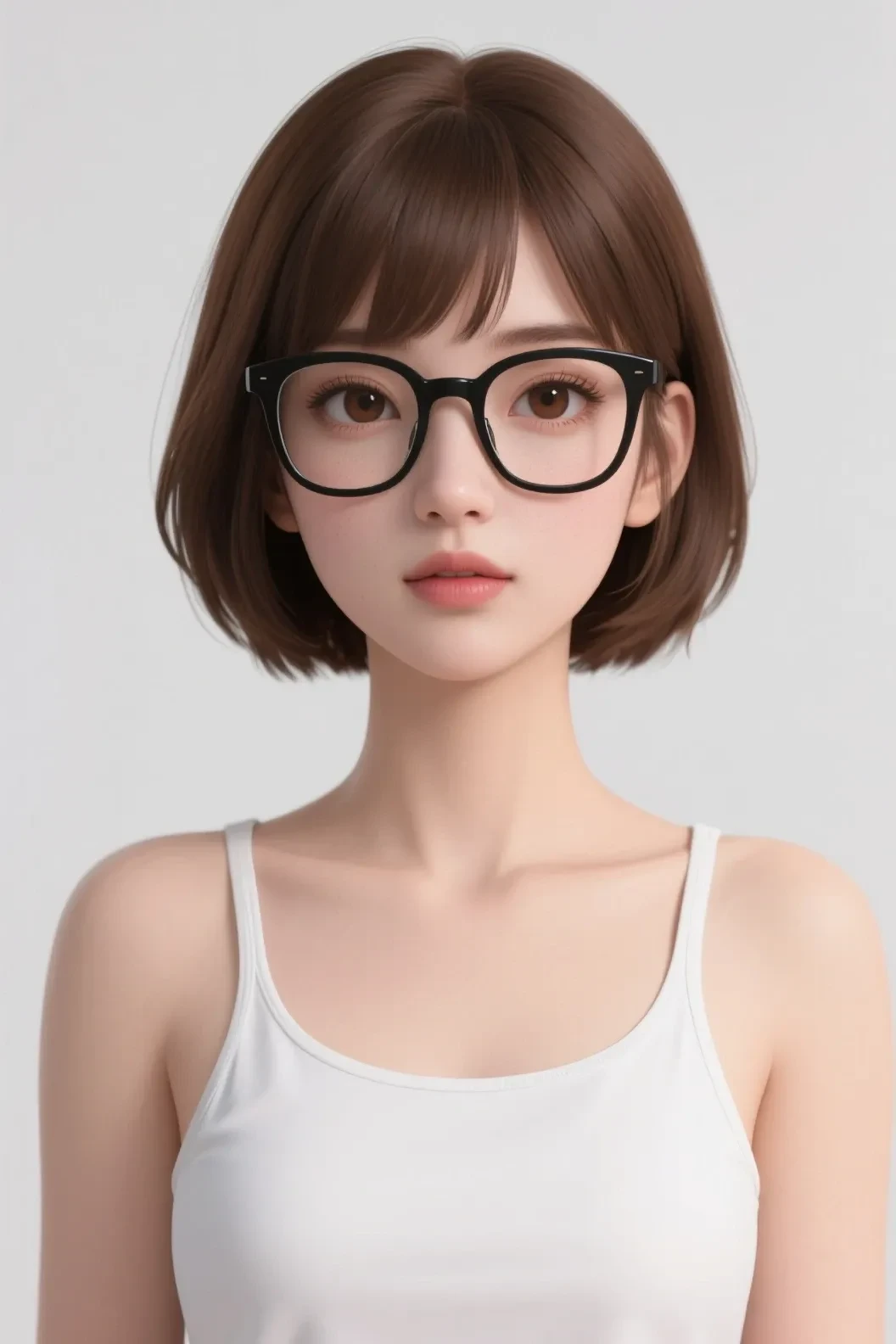
3D rendering (3D images, can be combined with several styles later)
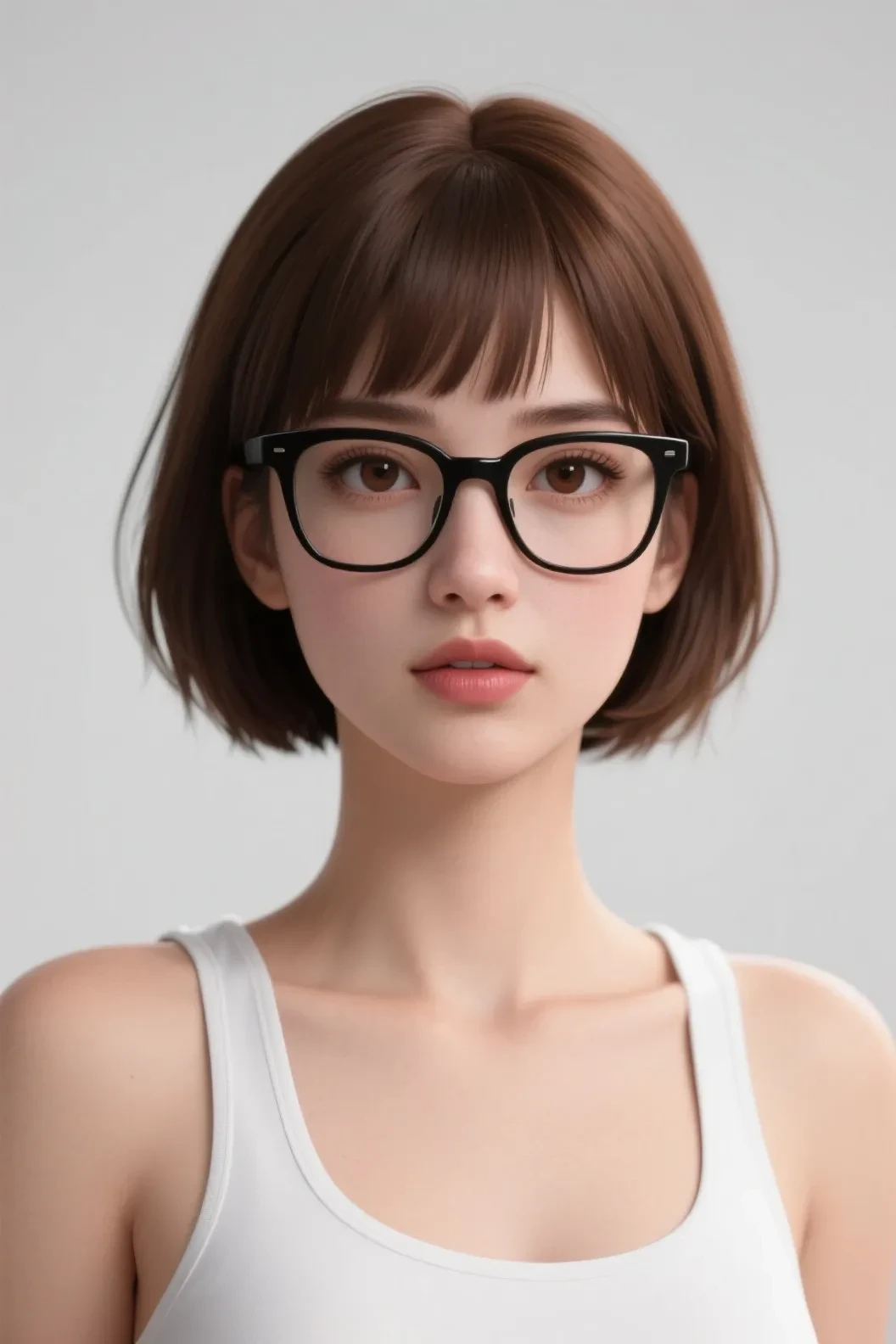
cinema 4D (this is more detailed than 3D, i can say this is 3D with realistic touch)
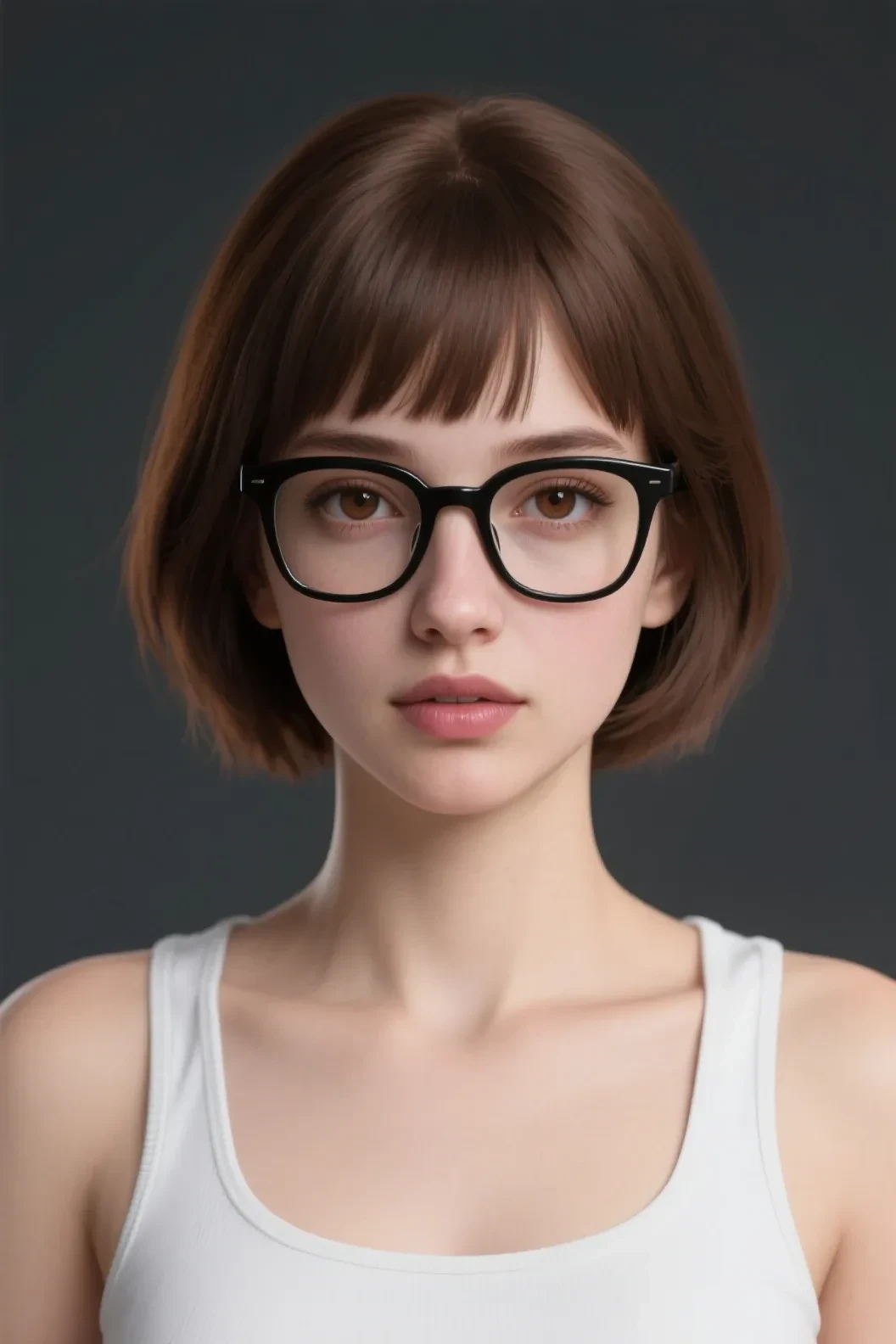
quixel megascans render (more detailed than cinema 4D, and this prompts good to create low saturation with dramatic lighting image)
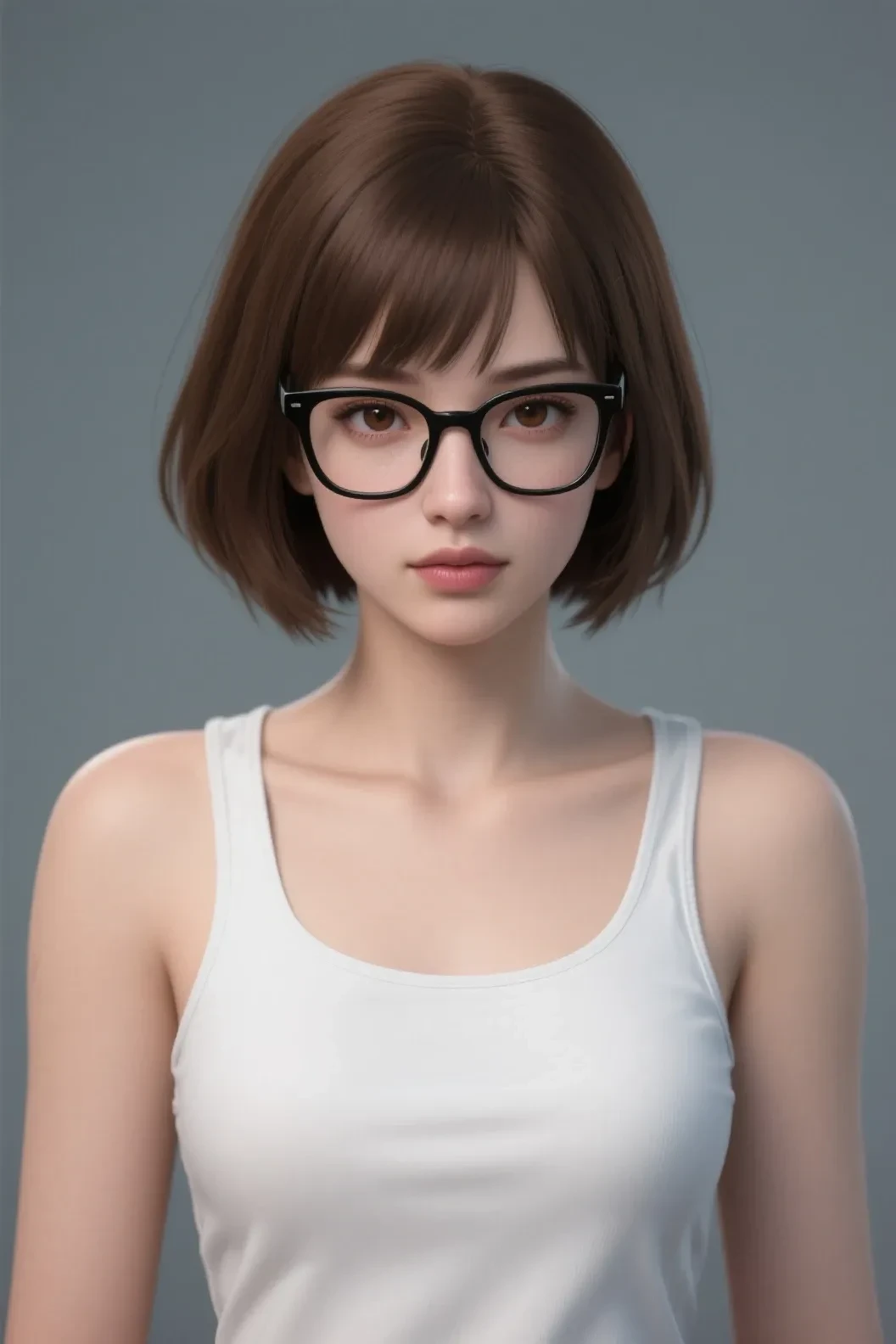
ZBrush (this will look good if you provide details like dreamy color, create fantasy scene or game like scene)
additional (this should be under style explanation but i just share in here):
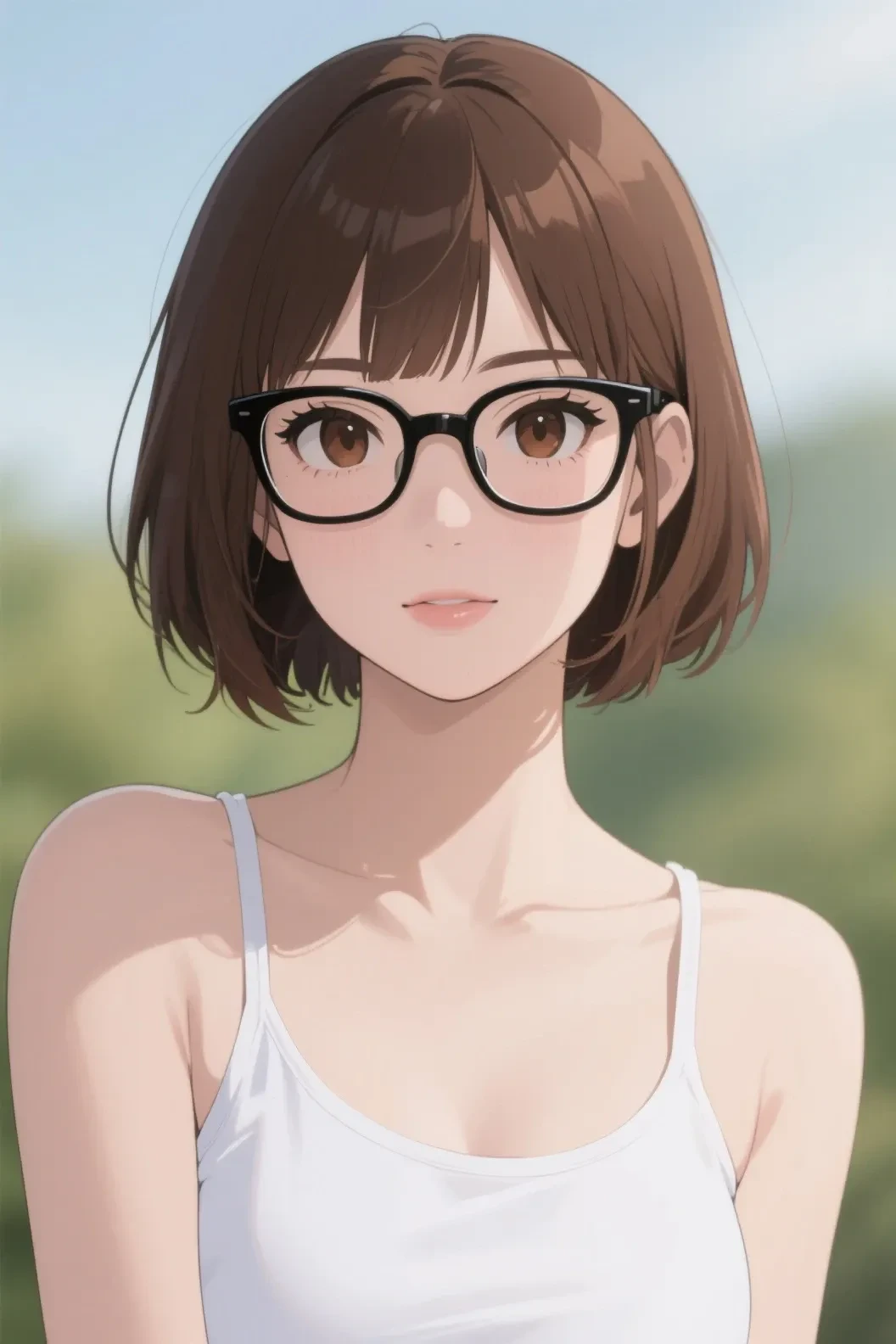
anime (this model can create good anime image too, and various styles)
CONCLUSION:
【Photography Style】
Features:
Natural lighting effects
Realistic detail representation
Natural color reproduction
Professional photography quality
Application Scenarios:
Product showcase
Portrait photography
Still life photography
【Cinematic Style】
Features:
Dramatic lighting effects
High contrast
Automatic warm tones
Movie-grade quality
Application Scenarios:
Scene rendering
Atmosphere creation
Storytelling visuals
【V-Ray Style】
Features:
Photorealistic lighting effects
Realistic material representation
Semi-realistic effects
Professional rendering quality
Application Scenarios:
Architectural rendering
Product showcase
Environmental rendering
suggestion: do not combine the 2 qualities and the 4 qualities, you will only get the results of one of the two.
for example if you combine: cinematic and 3D rendering together, then you will get 3D rendering. etc
But what beautiful about this model is : you can combining image enhancement with style together
ex : anime + 3D render
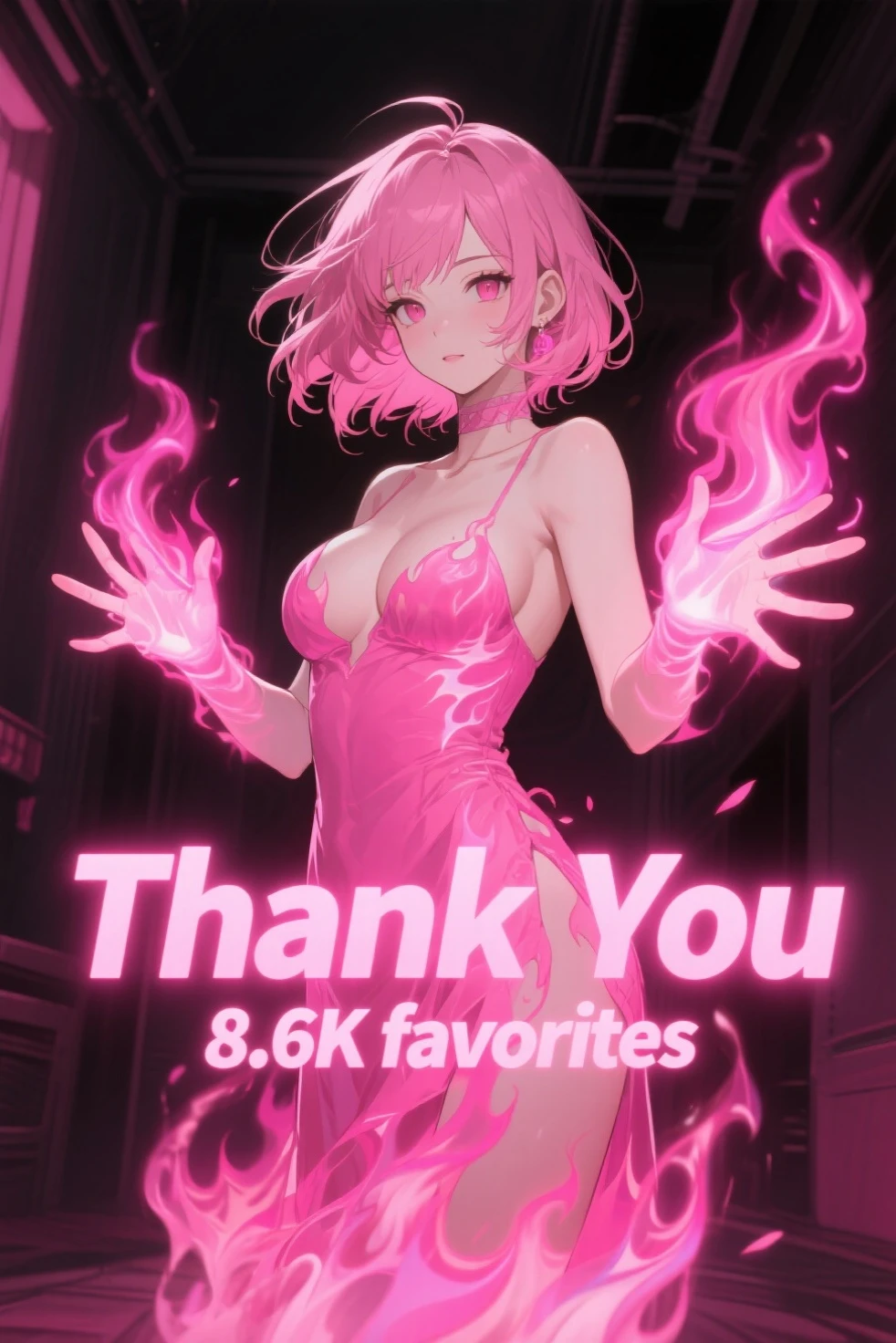
anime 3D render anime + 3D render
see the differences ?
note : this is not official guide, i just create this based on my experiments.
next time i will share about lighting, image styles or contemporary art trends, cinematic languages , color and design style.
thanks for reading.