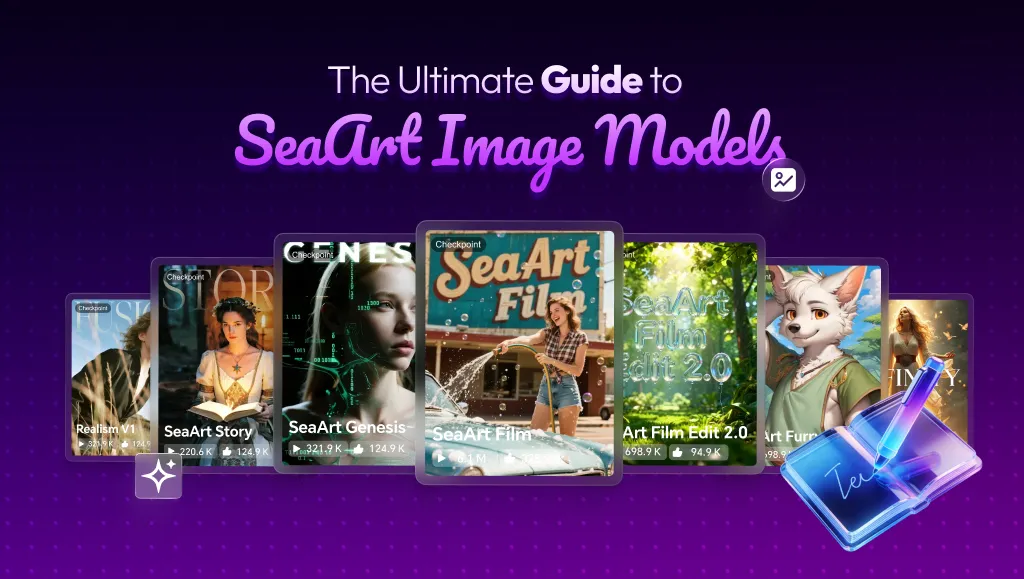
Welcome to SeaArt!
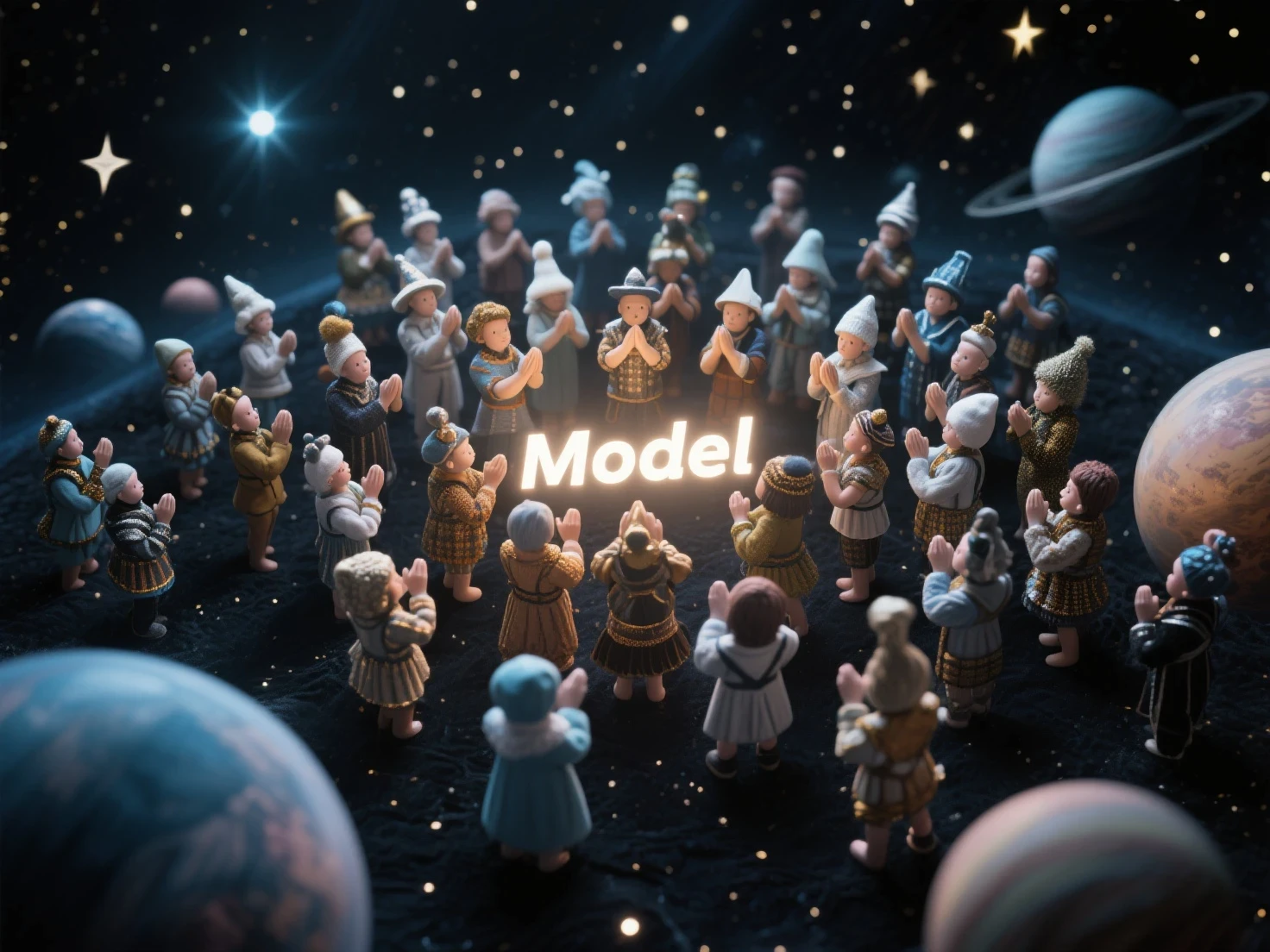
Are you ready to turn your ideas into impressive AI artworks? One of the most crucial keys to doing so is writing effective prompts. However, you might notice that the same prompt, when used with different models on SeaArt, can yield vastly different results. Sometimes the images are beautiful and exactly what you envisioned, but other times, they might not meet your expectations.
The main reason is that each type of AI model on SeaArt is built and trained differently, so they also "read" and process your prompts in different ways.
This article will be your "compass," helping you better understand how the main AI model groups on SeaArt operate and how to write optimal prompts for each group. This will save you time, credits, and most importantly, help you create images that best match your desires!
Part I: Why Understand the Model Before Prompting?
Not all AI image generation models "think" and "perceive" the world (data) in the same way. Each model or model group on SeaArt is built on different architectures (like Stable Diffusion 1.5, SDXL, Flux, Pony) and trained on distinct datasets. This leads to:
- Different prompt interpretations: Some models "prefer" concise keywords (tags), while others better understand natural, descriptive sentences.
- Varying element recognition capabilities: Some models excel at specific artistic styles, while others are stronger at rendering text or creating multiple subjects.
- Sensitivity to different technical parameters: CFG Scale, Steps, and Samplers may need different adjustments for each model to achieve optimal results.
Part II: Model Classification and Corresponding Prompting Strategies on SeaArt
Here's a summary of common model groups on SeaArt and important notes for prompting them:
A. "Traditional" Models and Those Based on SDXL/SD1.5:
(Includes: SDXL Base, Juggernaut XL, Deliberate, Reliberate, DreamShaper (non-XL/Lightning/Turbo versions), and many other popular Realistic/Fantasy/Anime models).
- General Characteristics:
+ Usually good support for using weights (keyword:value) to increase/decrease the influence of an element (e.g., (red dress:1.3)).
+ Often recognize artist names (style of [Artist's Name]) for style guidance.
+ Negative Prompts work effectively and are very important for excluding unwanted elements.
+ Prefer detailed keyword-based (tags) prompts, separated by commas, but can also understand natural language to a certain extent.
+ Quality Modifiers like masterpiece, best quality, 8k, UHD, highly detailed usually have a positive impact, guiding the AI towards higher quality images.
- Suggested Prompt Structure (Flexible):
[Quality Modifiers], [Rating Tag (if needed)], [Artist Tags], [Subject Count & Main Subject], [Subject Details (appearance, attire)], [Pose/Action], [Composition/Background/Environment], [Additional Style/Theme/Expression Tags], [Lighting/Shadow], [Camera/Angle], (Keyword with weight:1.X), [absurdres, highres (for anime/tag-based)]
- Example Prompt (for an SDXL model - Fantasy Art style):
masterpiece, best quality // A stunning elven princess, her long silver hair flowing, with captivating sparkling blue eyes. She's adorned in (intricate elven armor:1.2) and stands confidently in a (magical forest:1.1) at twilight. An (ethereal glow:1.3) surrounds her. The lighting is cinematic, dramatic. Fantasy art style, reminiscent of Greg Rutkowski and Alphonse Mucha.
B . Pony Diffusion Models and Pony-Based Fine-Tunes:
(Includes: Pony V6 XL, T-Ponynai3 V6, AutismMix, WAI-ANI-NSFW-PONYXL, and other models specializing in Anime/Furry styles
- General Characteristics: Specialized for high-quality, detailed anime, manga, and furry art. They have a very specific tagging system and prompting method.
- "Score Tags" – The Key to Quality for Pony:
A critically important aspect when working with Pony models is the use of "Score tags". These are quality keywords (e.g., score_9, score_8_up, score_7_up) that you add to the beginning of your Positive Prompt. Their purpose is to "tell" the AI to try and generate more beautiful, detailed images, similar to high-rated works it learned from during training. The full string of score tags (e.g., score_9, score_8_up, score_7_up, score_6_up, score_5_up, score_4_up) often yields the best results.
- CRITICAL NOTES FOR PONY PROMPTING:
+ Usually DO NOT need traditional "Quality Modifiers" like masterpiece, best quality, hd because score tags serve this purpose.
+ Use the source_anime tag (for PonyV6) or anime (for NAI3 base) after score tags to direct the anime style.
+Prefer Danbooru tag-based prompts over long natural language.
+ Weights (keyword:value) often DO NOT work effectively.
+ Real artist names are NOT recognized. Only recognizes artists from Pony Diffusion's database (usually artists on Danbooru).
+ Negative Prompts: Usage varies greatly. Some Pony models encourage Negative Prompts that include lower score_ tags. Always read the specific guide for the Pony model you are using!
+ Clip Skip: MUST be set to 2.
VAE: Some have built-in VAEs; others may need an external one.
C. Models Using T5 Encoders (Highly Specific Prompting and Parameters):
(Includes: SeaArt Film, Flux models like SeaArt Infinity/Realism, HiDream, SD3.5)
- General Characteristics: Often understand natural language (NLP) very well, render text in images/videos better, and can create multiple distinct subjects without blending them.
- CRITICAL NOTES FOR PROMPTING THIS MODEL GROUP:
+ Weights (keyword:value) often DO NOT WORK.
+ Artist names in prompts are often NOT RECOGNIZED (Exceptions: HiDream Full version, SD3.5).
+ Do not use square brackets [] in prompts (per SeaArt Film, HiDream guides).
+ Negative Prompts:
' SeaArt Film and Flux (SeaArt Infinity/Realism): COMPLETELY IGNORED. Negative descriptions must be in the main prompt.
' HiDream: Dev/Fast versions ignore. Full version DOES SUPPORT.
' SD3.5: DOES SUPPORT.
+ CFG Scale:
' SeaArt Film: Low values recommended (1.5 - 4.0).
' Flux (SeaArt Infinity/Realism): NO EFFECT (fixed guidance).
' HiDream: Dev/Fast is 1. Full version is 5
' SD3.5: Around 4.5.
+ How to emphasize elements: Focus on detailed natural language descriptions, use strong adjectives, repeat important keywords.
Why Is This Important to Know?
Save Time and Credits: Writing prompts correctly helps you get desired images faster.
Avoid Frustration: Understanding model differences prevents confusion with unexpected results.
Optimize Results: You'll know how to leverage each model type's strengths.
Conclusion:
Understanding the differences in how AI models on SeaArt process prompts is a key step towards creating better and more consistent images. There's no single "magic" prompt formula for everything; flexibility and knowing how to adapt to your chosen "tool" are most important.
Happy creating, and may your artistic journey on SeaArt be joyful and effective!
Further Note on LoRA: If you wish to delve deeper into style refinement or apply very specific characteristics, especially when working with models that don't directly support many detailed style keywords, consider learning more about using LoRA on SeaArt. LoRAs are small files that can "inject" additional styles, characters, or concepts into the main model, offering a higher degree of control and opening up new creative avenues. Refer to the available guides and LoRA libraries on the SeaArt platform to explore this potential.