Tipo
Poses
Tempo de Publicação
2023-10-11
Modelo básico
SD 1.5

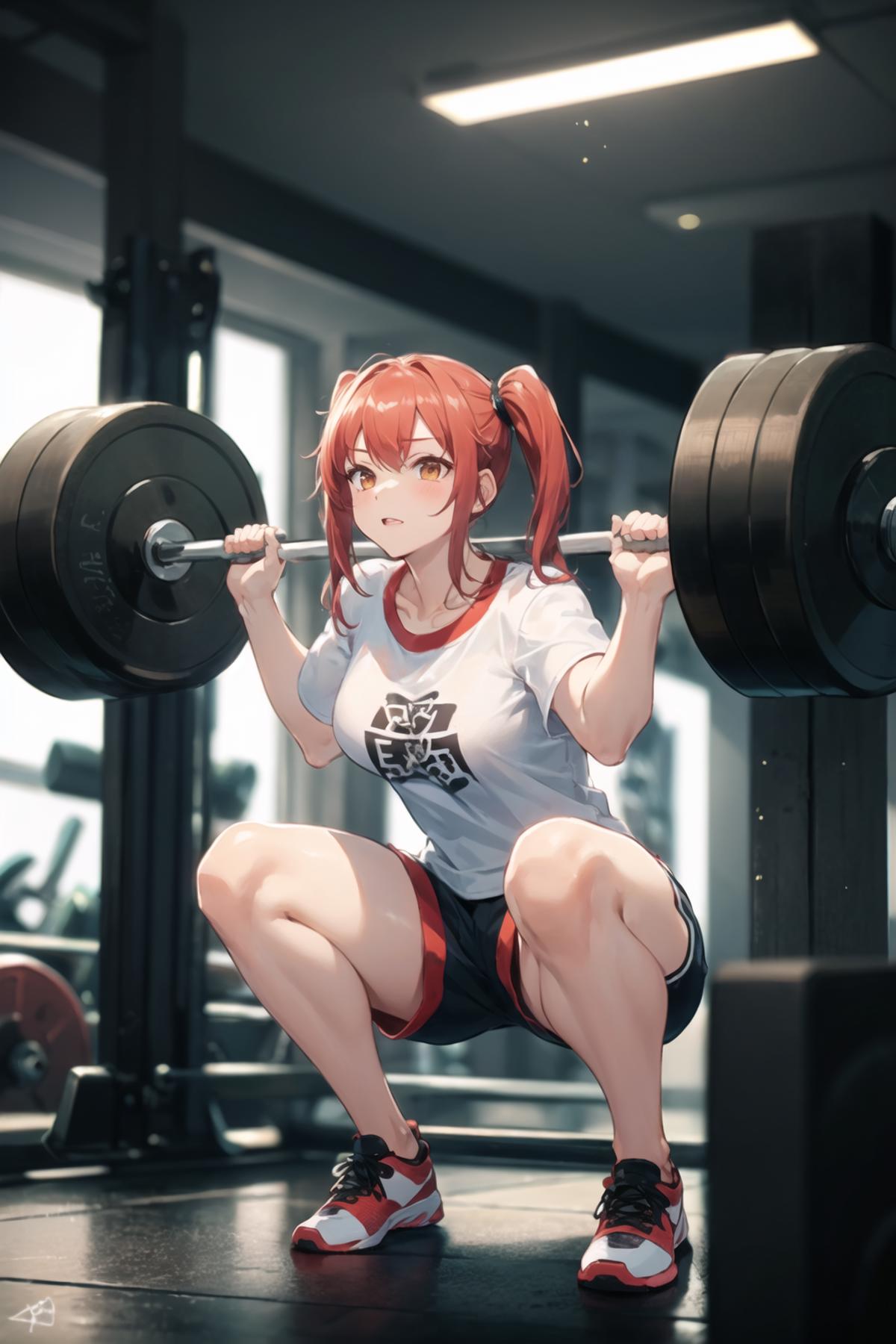
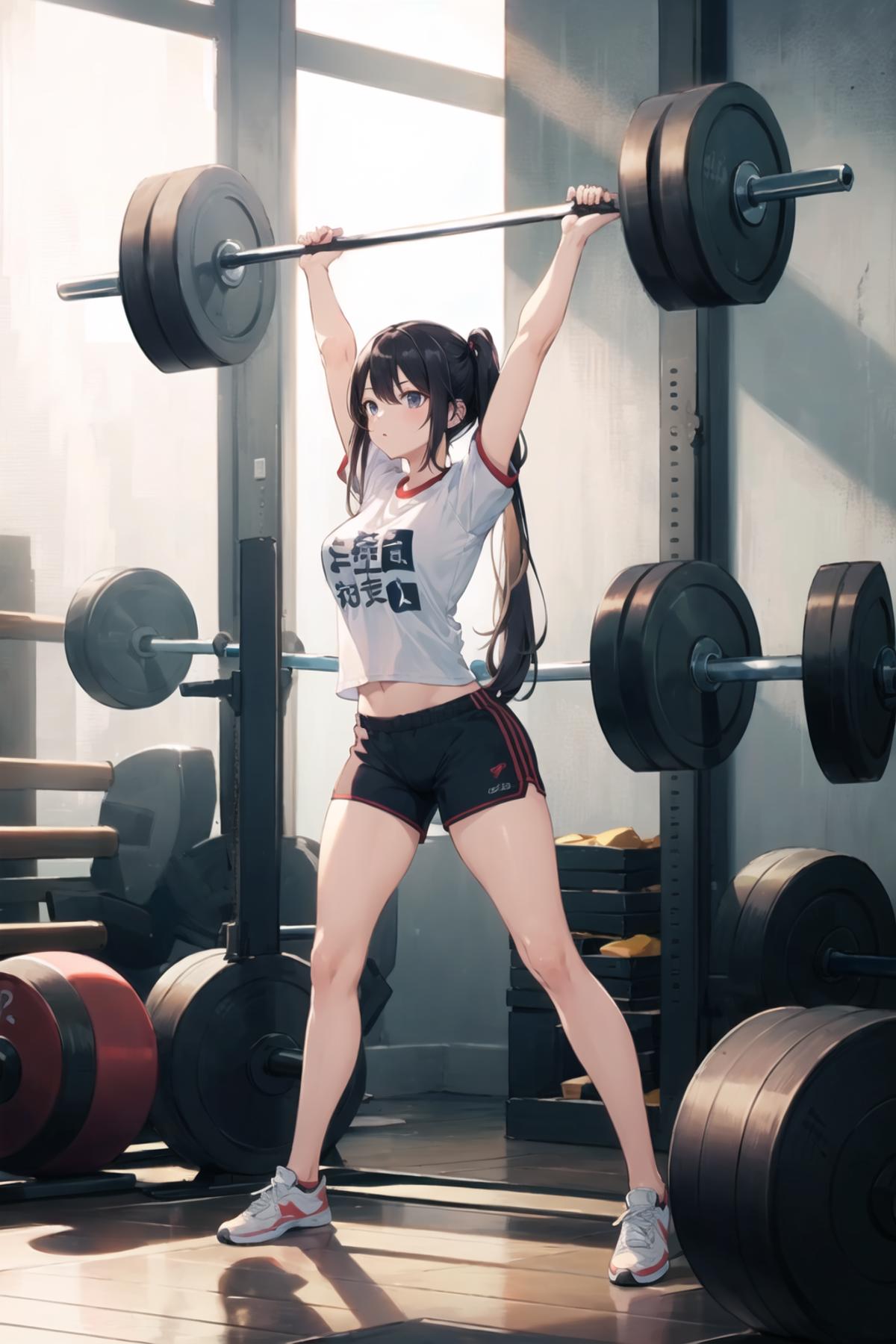


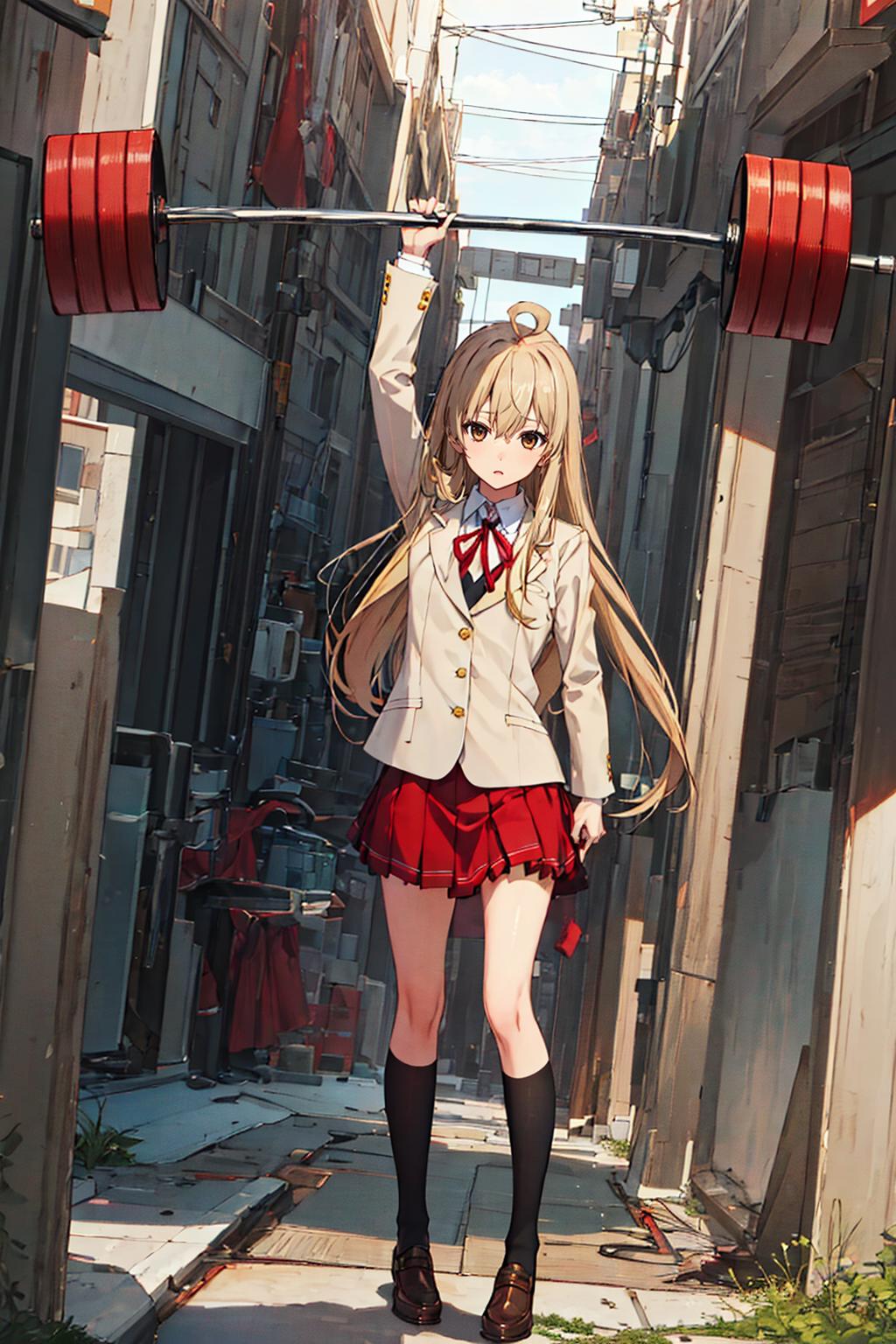

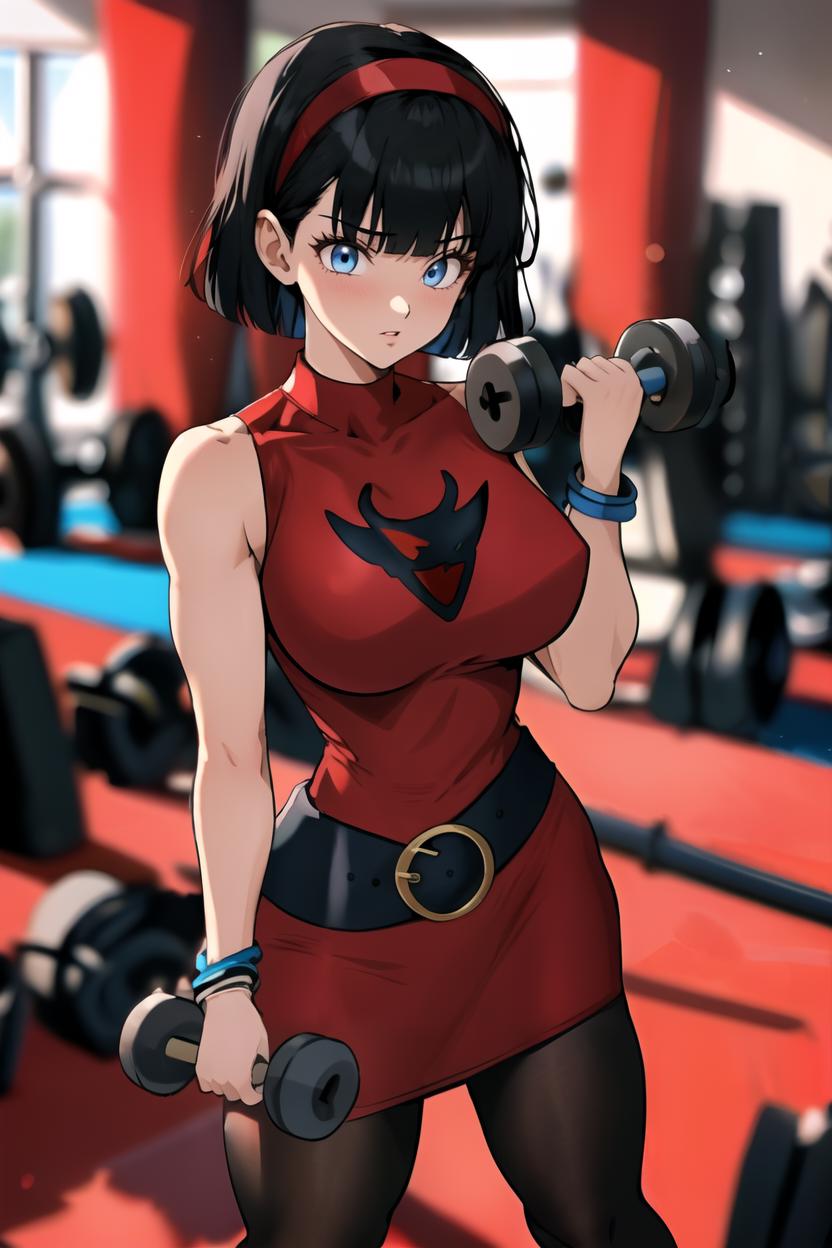



![[OpenPose + Lineart] Weightlifting](https://image.cdn2.seaart.me/temp-convert-webp/jpeg/static/be96f28e27338c93c344750a1b1413f8/1697056295241/ae46f68ed704c7976a3a06db2a3f2c00_low.webp)
If you have only one ControlNet unit go to the Settings > ControlNet and set "Multi-ControlNet: ControlNet unit number" to 2 or more. Click "Apply settings" and restart UI.
In ControlNet unit 0 use Preprocessor: none and Model: openpose. Drop openpose image here and enable it.
ControlNet mode for OpenPose set to "Balanced".
In ControlNet unit 1 use Preprocessor: none and Model: lineart. Drop lineart image here and enable it.
ControlNet mode for Lineart set to "ControlNet is more important".


1. Os direitos dos modelos repostados pertencem aos criadores originais.
2. Criadores originais que desejam reivindicar seus modelos devem contatar a equipe do SeaArt AI pelos canais oficiais. Clique para reivindicar
