

# Script: AI-Generated Art - Gothic Dark Souls-Inspired Woman with Dragon Eyes a
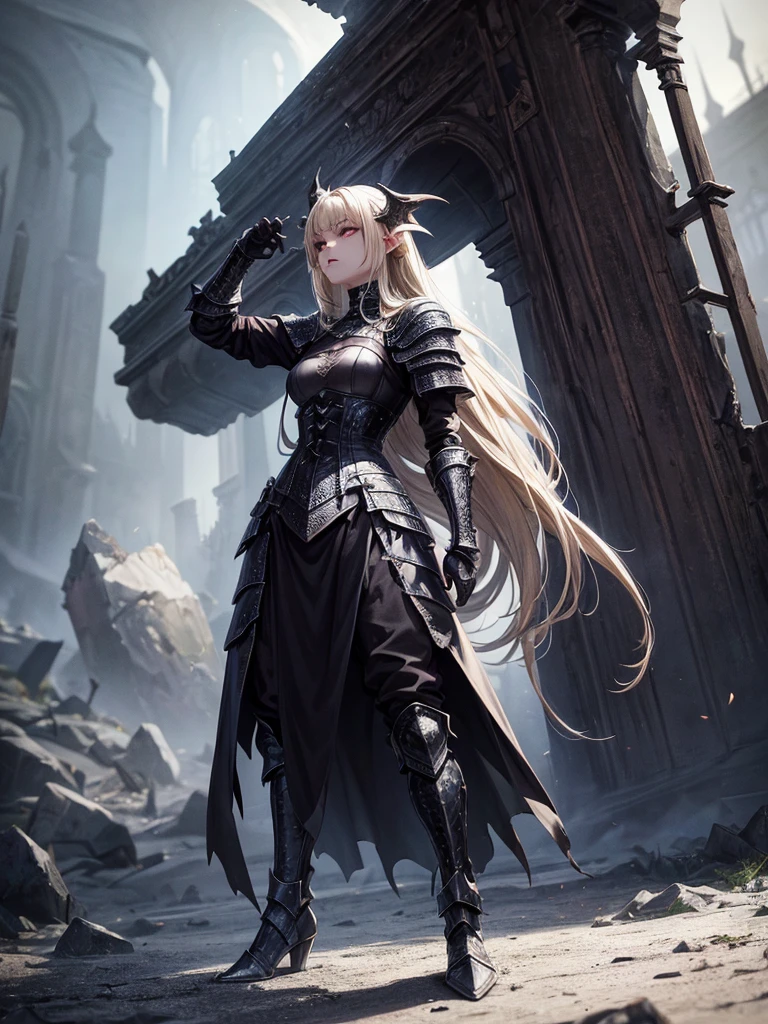

Информация о создании
Запись
Подсказки
# Script: AI-Generated Art - Gothic Dark Souls-Inspired Woman with Dragon Eyes and Wings
**Objective:**
Create an AI-generated image of a woman with specific features and attire
,
inspired by the Gothic style of the Dark Souls series
.
**Character Description:**
- **Gender:** Female
- **Hair:** Long blonde hair
,
tied back
- **Eyes:** Red
,
dragon-like
- **Dragon Features:** Small wings
- **Attire:** Full-body medieval armor
- **Style:** Gothic
,
similar to Dark Souls aesthetics
**Steps:**
1
.
**Gather Reference Images:**
- Collect images of full-body medieval armor from the Dark Souls series
.
- Find examples of blonde hair tied back
.
- Look for images of red
,
dragon-like eyes and small dragon wings
.
- Compile Gothic art references to understand the desired aesthetic
.
2
.
**Character Design:**
- **Hair:** Design the long blonde hair tied back
,
ensuring it looks natural and flows realistically
.
- **Eyes:** Create piercing red eyes with elongated pupils to give a dragon-like appearance
.
- **Dragon Features:** Add small
,
subtle dragon wings that look natural on her back
.
- **Armor:** Design full-body medieval armor with intricate Gothic patterns and dark tones
,
appearing worn and battle-scarred
.
Ensure the armor covers the entire body
,
including helmet
,
chest plate
,
gauntlets
,
greaves
,
and boots
.
- **Overall Style:** Use dark
,
muted colors with high contrasts to emphasize the Gothic style
.
Incorporate dark shadows and dim lighting
.
3
.
**Pose and Composition:**
- Position the character in a dramatic pose
,
possibly standing or in mid-battle stance
.
- Choose a dark
,
eerie background that complements the Gothic theme
,
like a ruined castle or a foggy forest
.
- Use lighting to create a moody
,
atmospheric effect
,
casting shadows that highlight the character’s features and armor
.
4
.
**AI Tools and Techniques:**
- Use AI art generation tools like DALL-E
,
MidJourney
,
or Stable Diffusion
.
- Input the character description and upload refer
Checkpoint & LoRA
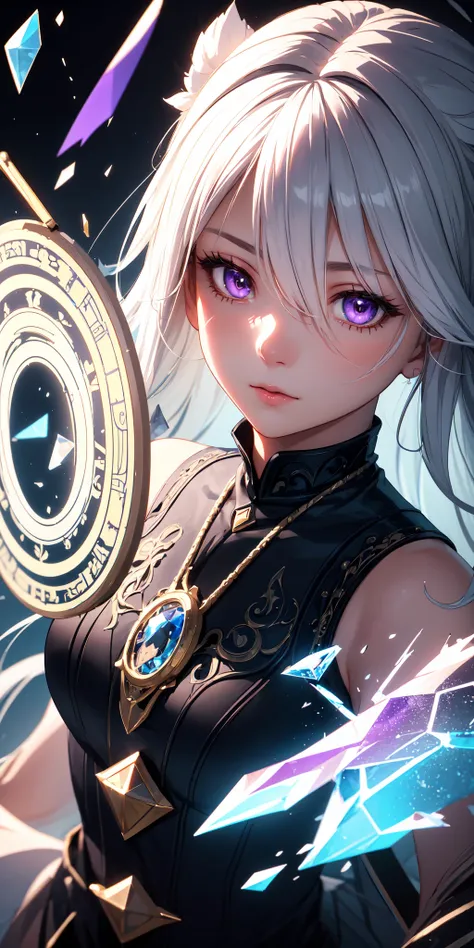
Checkpoint
MeinaUnreal
0 комментариев
0
0
0
0/400
SeaArt: Удобные AI Apps
Генерация видео с помощью ИИ
Освободите своё воображение, и ИИ создаст для вас визуальные чудеса
Бесплатная онлайн смена лица
Быстро создавайте забавные и реалистичные видео и фотографии с изменением лица
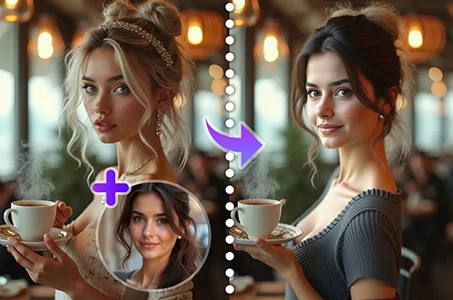
Замените человека на фотографии
Легко замените человека на любой фотографии с помощью ИИ.
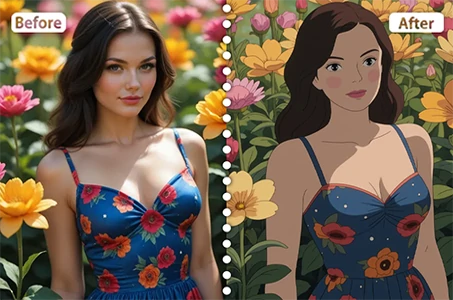
Фильтр Studio Ghibli
Превратите любую фотографию в уникальное искусство в стиле Ghibli всего за один клик.
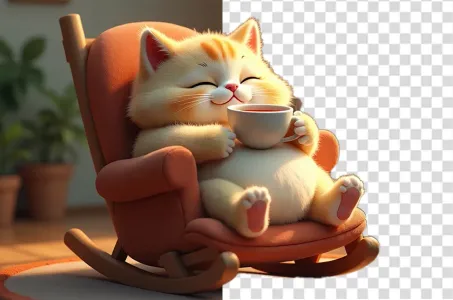
Убрать фон
Удалите фон с любого изображения за секунды.
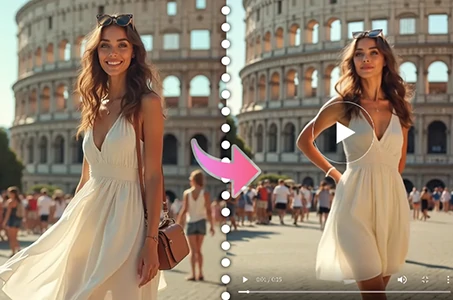
Генератор видео с танцами на базе ИИ
Используйте этот генератор видео танцев на базе ИИ и мгновенно раскройте своего внутреннего танцора!
Исследовать больше AI-приложений