

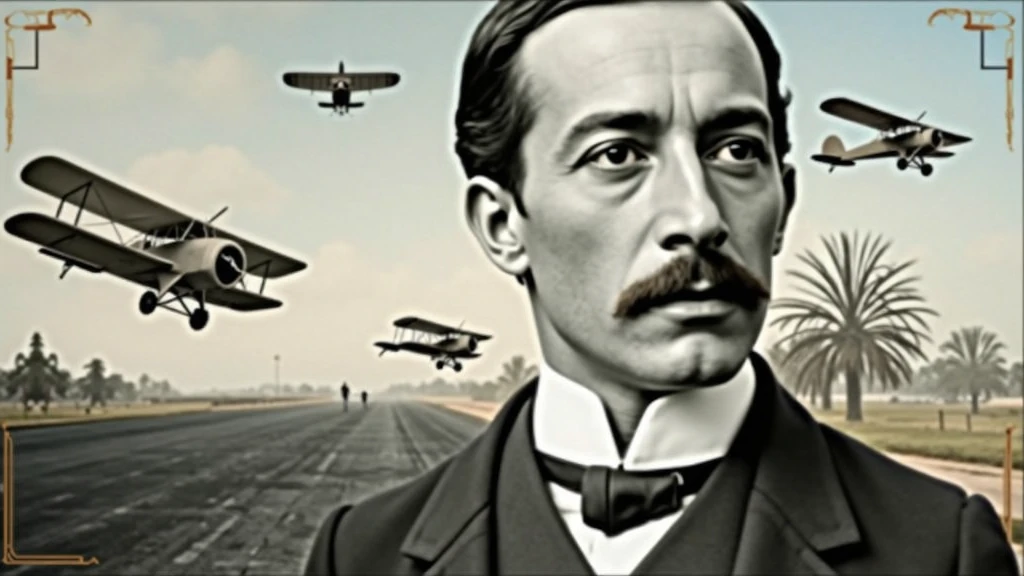
Background: background-image: Use an image that refers to the history of aviati


Информация о создании
Запись
Подсказки
Background:
background-image: Use an image that refers to the history of aviation
.
It could be a photo of an old runway
,
a blue sky or a montage with vintage aviation elements
.
Another option is a background that matches Santos Dumont'
;
s era
.,
as an early 20th century setting
.
Color Effect: Consider a sepia tone or a slight texture to give the background a historic
,
vintage feel
..
main image:
Portrait of Santos Dumont: Place a central image of Santos Dumont
.
It could be a classic photo of him or a stylized illustration
..
If you use an illustration
,
make sure it captures the essence of Dumont'
;
s pioneering spirit and personality
.
Historical Aircraft: Include images of your most famous inventions
,
like the 14-Bis or the Demoiselle
,
somewhere on the cover
.
These planes can be in the background or as part of the design
..
Leading text:
Video Title: Add a big
,
eye-catching title
,
as “Santos Dumont: Aviation Pioneer and His Technological Vision”
.
Use an elegant
,
easy-to-read font
,
like “Garamond” or “Montserrat”
.
Color and Effect: Use colors that contrast with the background
,
like white or gold
.
Consider adding a light shadow or outline to improve readability
..
Additional Text:
Subtitle or Short Description: Include shorter text that provides more context
,
as “Exploring the History and Innovations of the Father of Aviation”
.
Use a smaller font and keep the color consistent with the title
,
but a little less prominent
.
Position and Colors: Position the subtitle below the main title
,
ensuring that it does not overlap the main image
.
Use a complementary color to the main text
.
Graphic elements:
Icons and Symbols: Add subtle aviation-related graphics
,
like stylized wings
,
old planes or aircraft parts
.
Position them to complement the main image and text
.,
without overloading the cover
.
Borders and Dividers: Use discreet borders or dividers to separate text from images
,
if necessary
.
Logo and B
Checkpoint & LoRA
Checkpoint
SeaArt Infinity
0 комментариев
0
1
0
0/400
SeaArt: Удобные AI Apps
Генерация видео с помощью ИИ
Освободите своё воображение, и ИИ создаст для вас визуальные чудеса
Бесплатная онлайн смена лица
Быстро создавайте забавные и реалистичные видео и фотографии с изменением лица
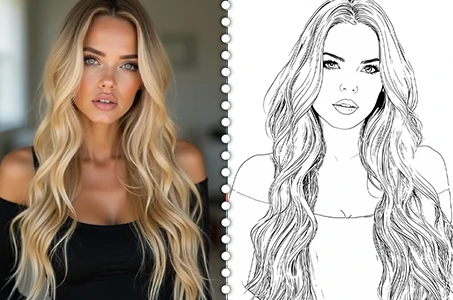
Изображение в линейное искусство
Легко преобразуйте любое изображение в изящное линейное искусство
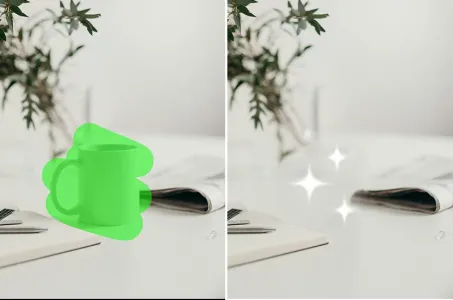
AI ластик
Легко удаляйте нежелательные объекты, водяные знаки или людей с ваших фотографий.
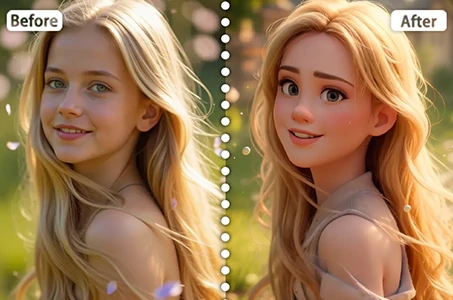
Фильтр Дисней
Мгновенно преобразуйте свои фотографии в персонажей Disney.
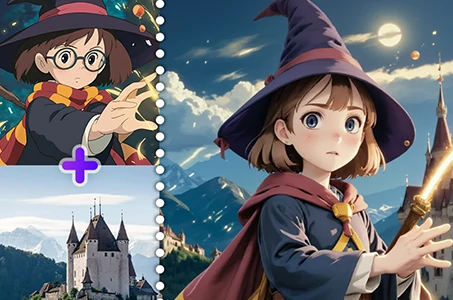
Слияние изображений с использованием AI
Объедините два изображения в один новый потрясающий визуальный эффект с помощью AI Image Fusion.
Исследовать больше AI-приложений