Тип
LORA
Время публикации
2023-03-20
Базовая модель
SD 1.5
Слово-триггер
debannwoll
Копировать

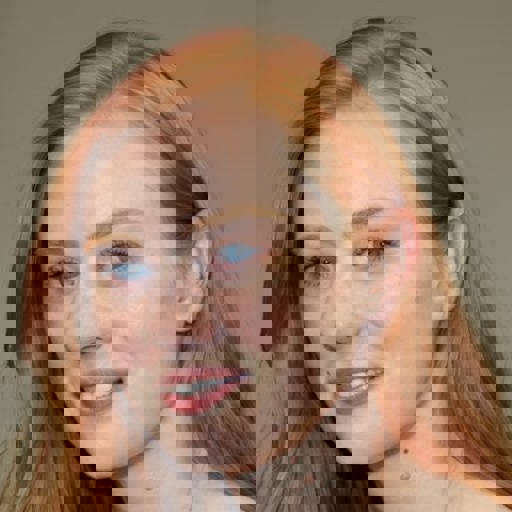

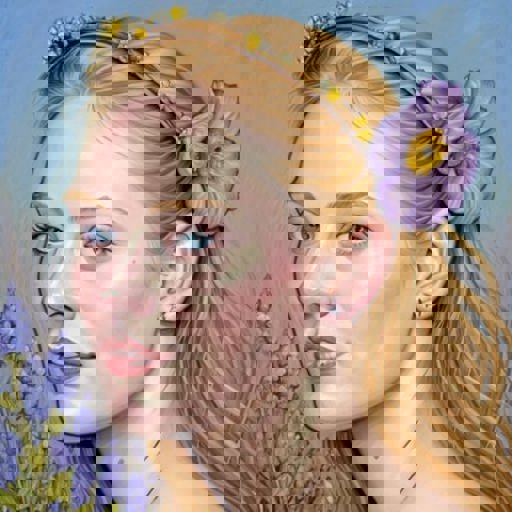
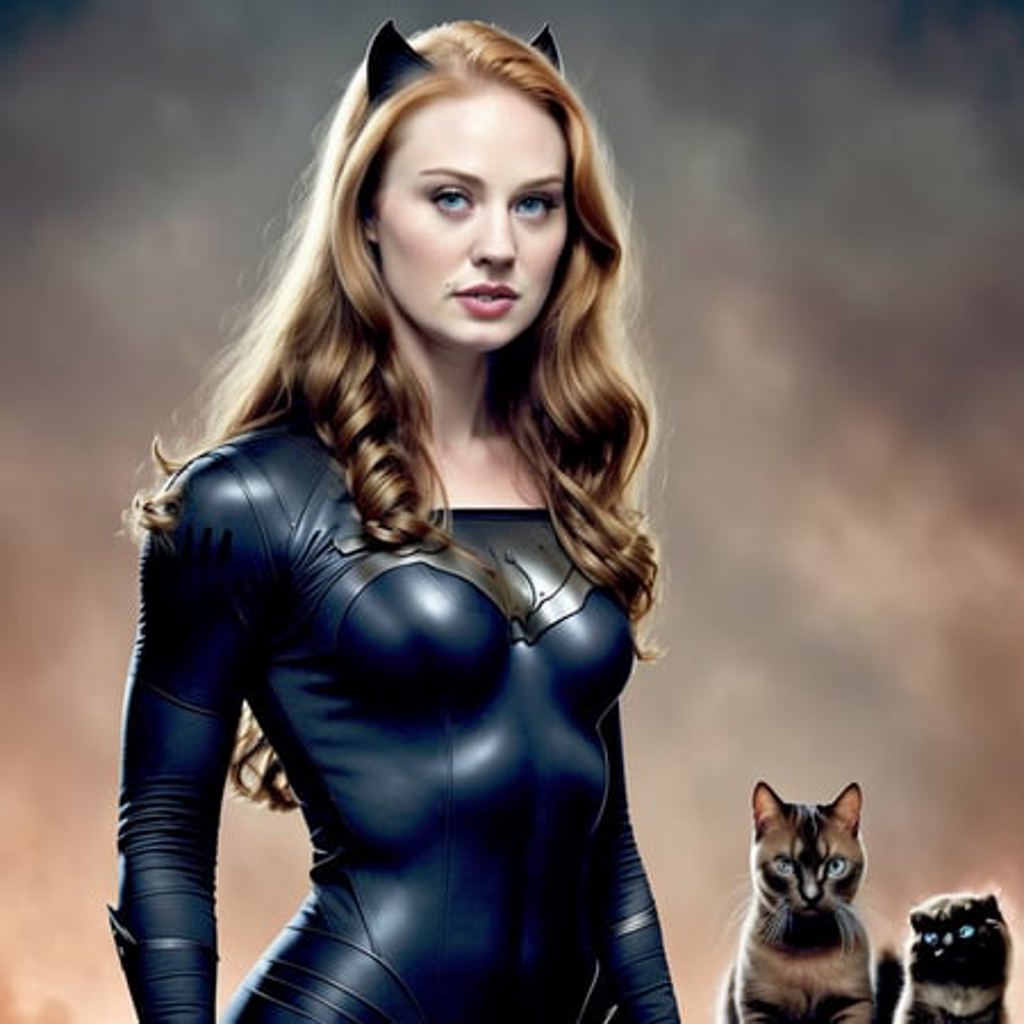
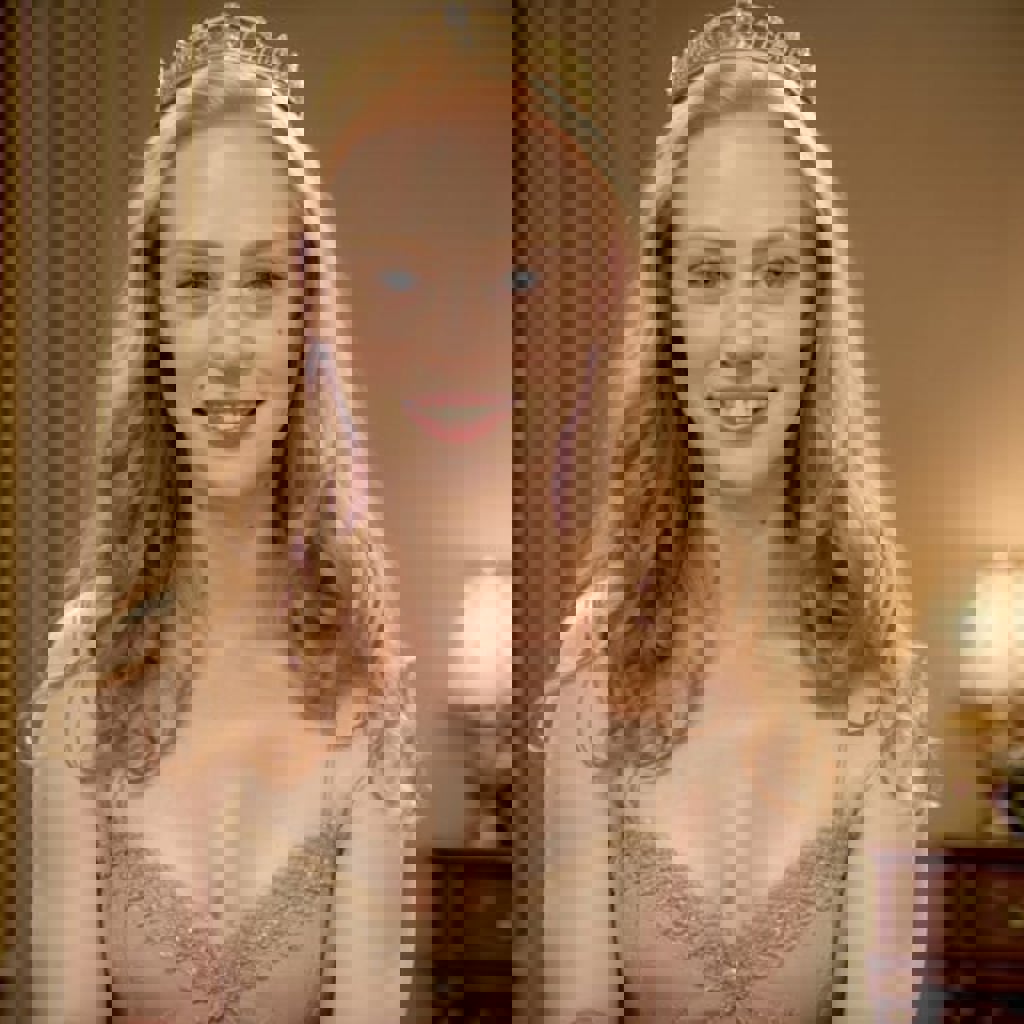
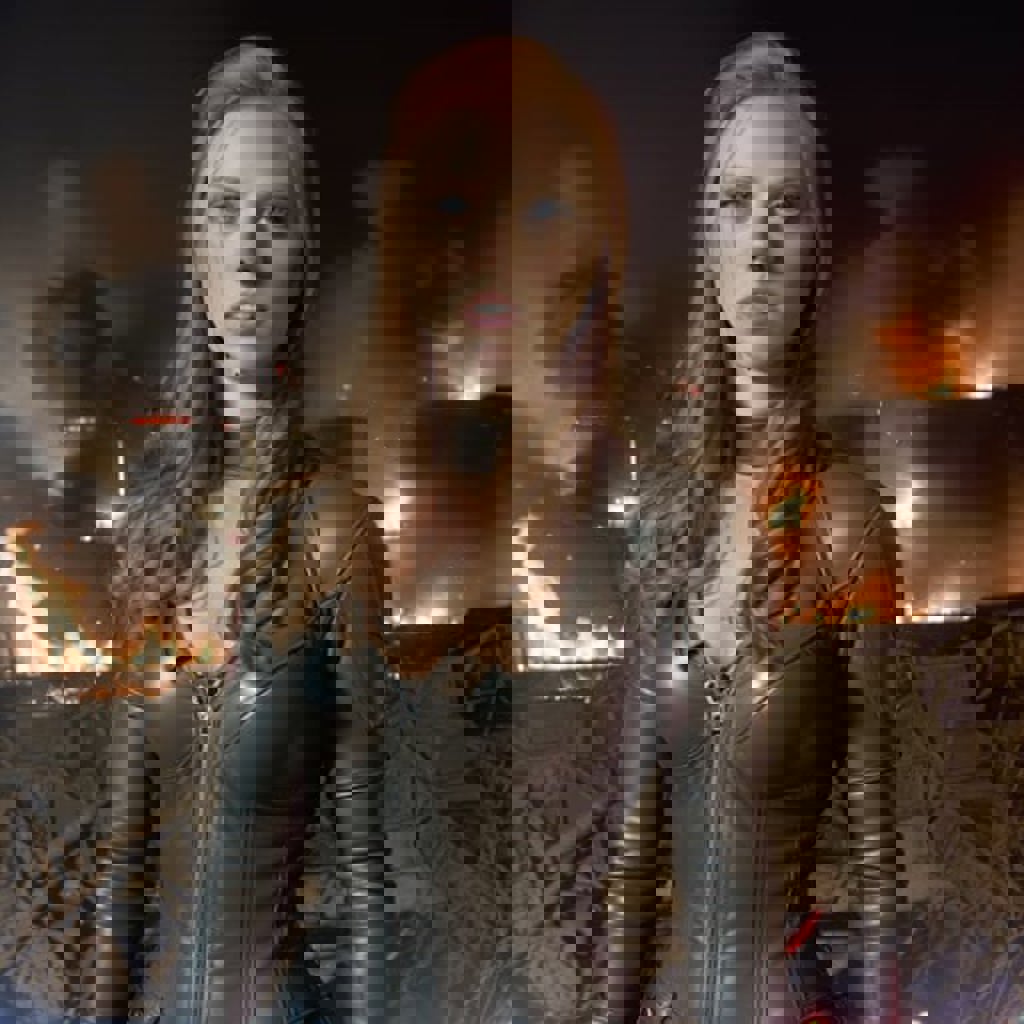
Prompt trigger word is debannwoll, see the metadata info on the example images for examples of prompts and settings that work well
Disclaimer: This model is intended solely to generate fan art and is for non-commercial use. By downloading and using this model, you agree to abide by local laws and regulations and to not to infringe on the rights of others, including their reputation, privacy, or likeness.
LoRA weights between 0.8 and 1.2 seem to work well, start with 0.9 for base SD v1-5 and 1 for other models like realisticVision, etc.
The sampling method I like to start with is Euler a at 25 steps and use a CFG of 6
For experimenting and trying to get better results try a CFG of 5 or 8, adjusting LoRA weights (0.8, 1.0 or 1.2) and playing with Hires fix denoising strength, if your results still look bad go back to the recommended starting settings above.
Expect every 1 in 3 images to be good with close up prompts and 1 in 6 to be good with a torso / full body prompts
The secret to getting more accurate faces and adding more detail to the scene is to learn how to use Hires. fix, which has a bit of a learning curve.
You can apply Hires. fix on a specific seed or if you have a good GPU (or are willing to wait) figure out the prompt you like and then generate all your images in batches with Hires fix, playing with Denoising strength and LoRA weight to get back likeness.
Tested for accuracy and prompt flexibility on: v1-5-pruned-emaonly [cc6cb27103], realisticVisionV13_v13 [c35782bad8], deliberate_v2
1. Copy the file to ../stable-diffusion-webui/models/lora
2. Select the LoRA using the Extra networks button
3. Adjust the multiplier/weight to 1 (between 0.8 and 1.2 generally works well)
1. Права на репостнутые модели принадлежат оригинальным создателям.
2. Для подтверждения авторства модели создателям следует обратиться к сотрудникам SeaArt AI через официальные каналы. Нажмите, чтобы подтвердить
