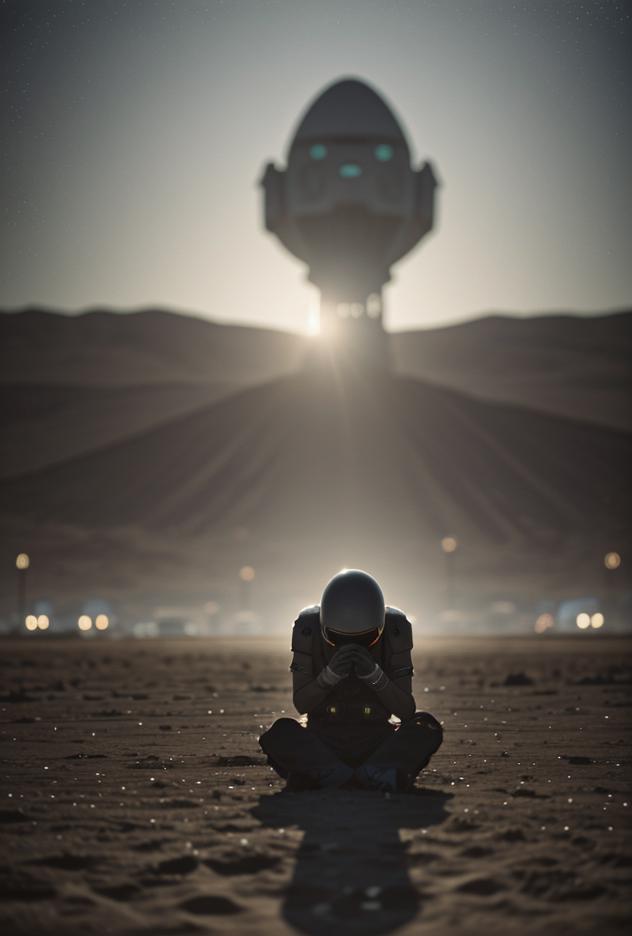
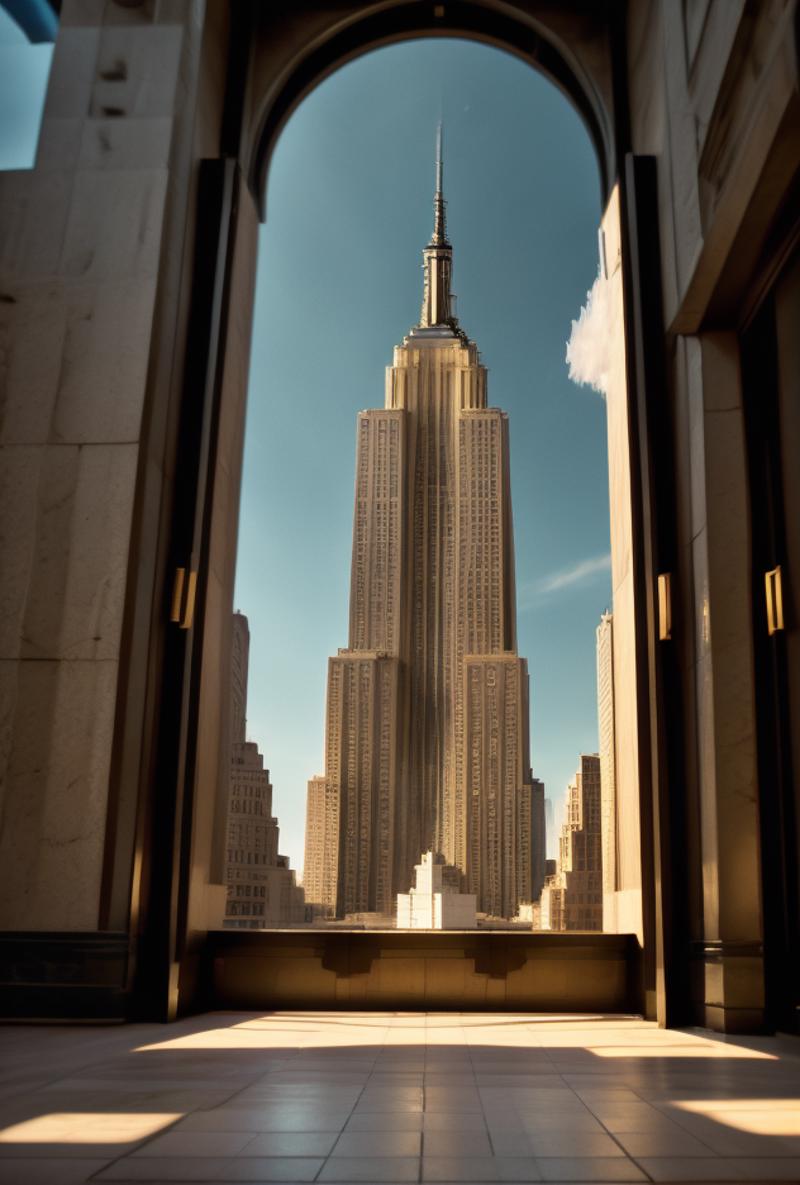
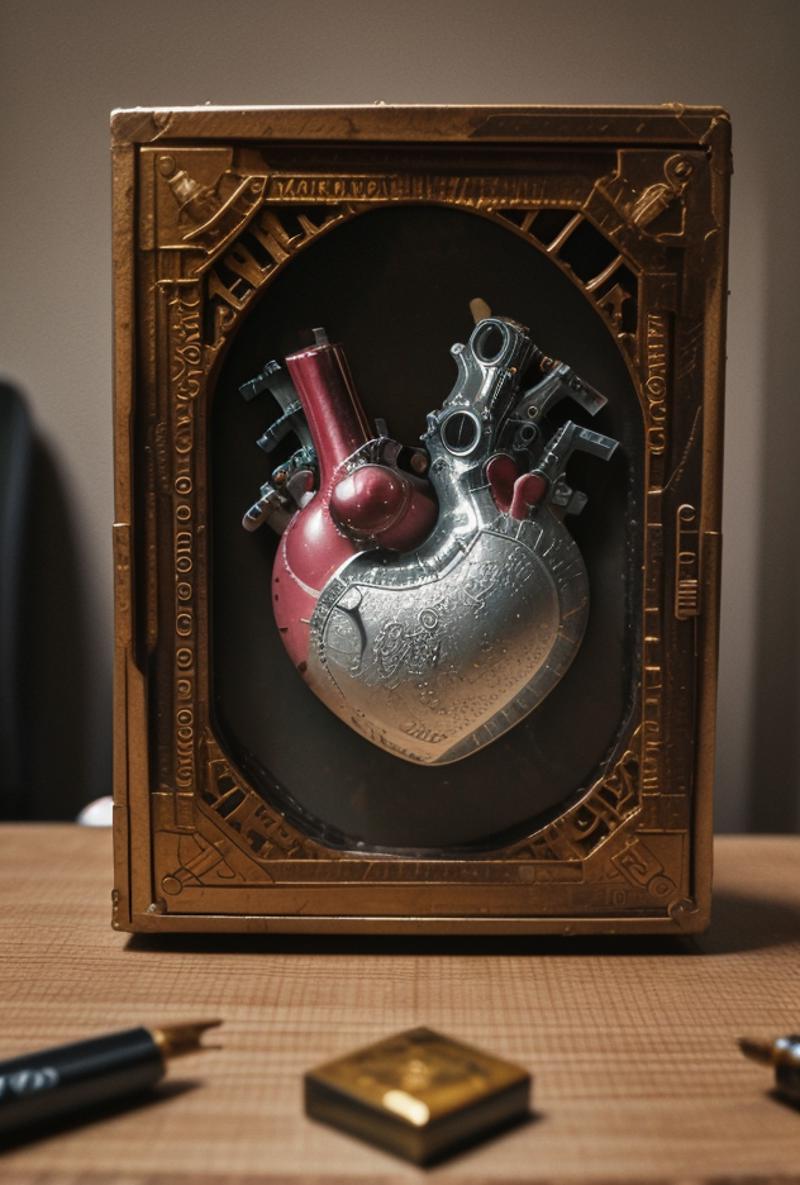
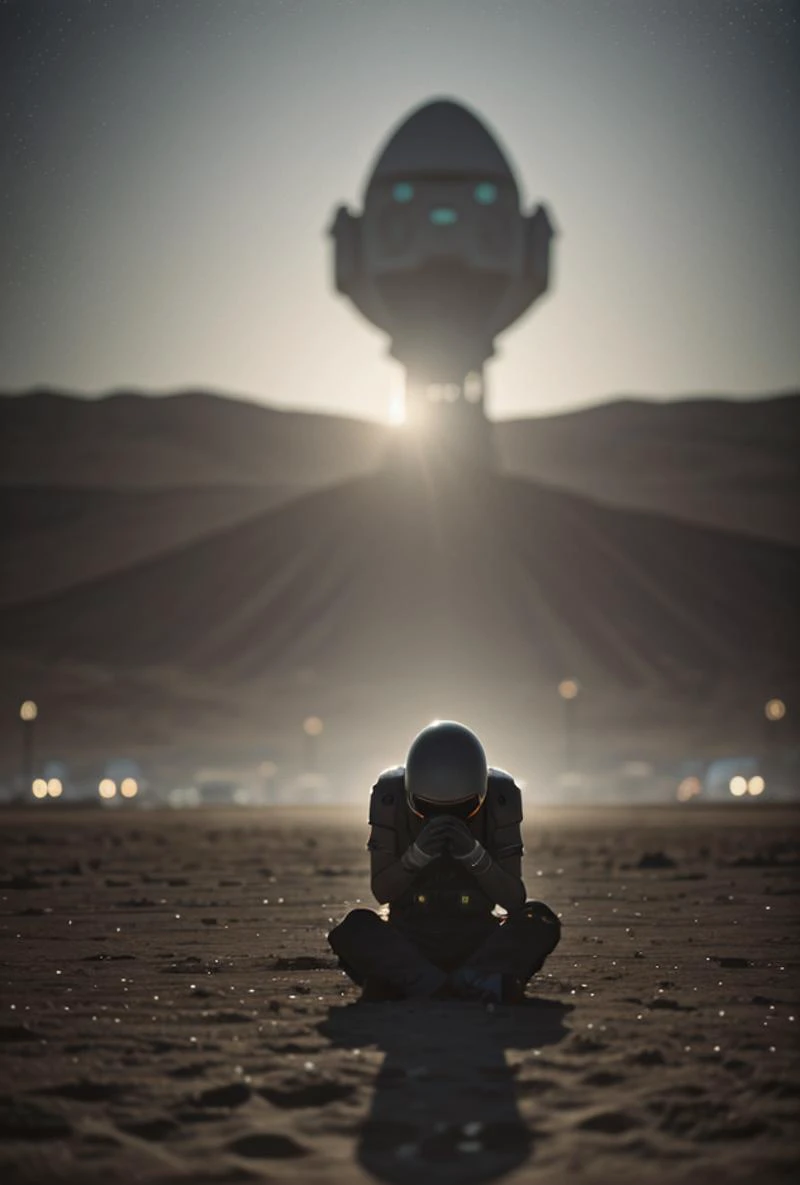
Read Description
Questions/Feedback/Updates?
Visit my thread on the Unstable Diffusion Discord
Description
This model is intended to be used for merging purposes
Two trained models make up "Based" :
base01 - General purpose photorealistic model
HQSkin - Trained on highly detailed photos which featured clear skin details. Batch processed to maximize the fine details of the subjects skin.
Both models listed above are undertrained and are not available for download.
How to use the .yaml file :
For 'Based_v1.safetensors'
Simply drop the configuration file (.yaml) in the same directory as the model.
Dir = stable-diffusion-webui\models\Stable-diffusion
If you're using another version of the model (such as 'Based_v1-FP16.safetensors')
Rename the .yaml file to match the name of the model.
For example; For 'Base_v1-FP16.safetensors'. The .yaml should be renamed to 'Based_v1-FP16.yaml'.
Simply drop the configuration file (.yaml) in the same directory as the model.
Settings
VAE Required
Download VAE here
I prefer the .safetensors version, but the PyTorch (.ckpt) version is okay to use.
Place VAE inside :
stable-diffusion-webui\models\VAE
In webui :
Settings -> Stable Diffusion
Uncheck 'Ignore selected VAE for stable diffusion checkpoints that have their own .vae.pt next to them'
Webui Recommended Settings
ETA noise seed delta = 31337
Settings -> Sampler Parameters -> Eta noise seed delta
Quick Settings = sd_model_checkpoint, sd_vae, CLIP_stop_at_last_layers, s_churn, always_discard_next_to_last_sigma
Settings -> User interface -> Quicksettings
Hires Fix sampler selection : Enabled
Settings -> User interface -> Hires fix: show hires sampler selection
Hires Fix
Models :
R-ESRGAN 4x+ | Denoise Strength = 0.3 - 0.35
4x_RealisticRescaler_100000_G | Denoise Strength = 0.25 - 0.3
Download here
stable-diffusion-webui\models\ESRGAN
4x_Valar_v1 | Denoise Strength = 0.5 - 0.6
Download here
stable-diffusion-webui\models\ESRGAN
Upscale Size <= 2
Sampler Settings
These are just recommendations, experiment with different settings.
DPM++ SDE Karras | 30 - 40 Steps
DPM++ 2M Karras | 30 - 60 Steps
Euler a | 20 - 40 Steps
DDIM | 80+ Steps
ADetailer
More info + install instructions here
Enabled = True
Model = face_yolo8n.pt (experiment with other models from dropdown)
Detection model confidence threshold = 0.3 - 0.8 (experiment with your own settings)
CFG
Mainly tested for DPM++ SDE Karras
This model seems to like work better with values above 7. Typically I found myself using 7.5 or 8.5 for most gens.
Note : If using Euler a, reduce CFG from ~6 - 7
Check out my other models
SDXL
SD1.5
LoRA