

1. Old Interface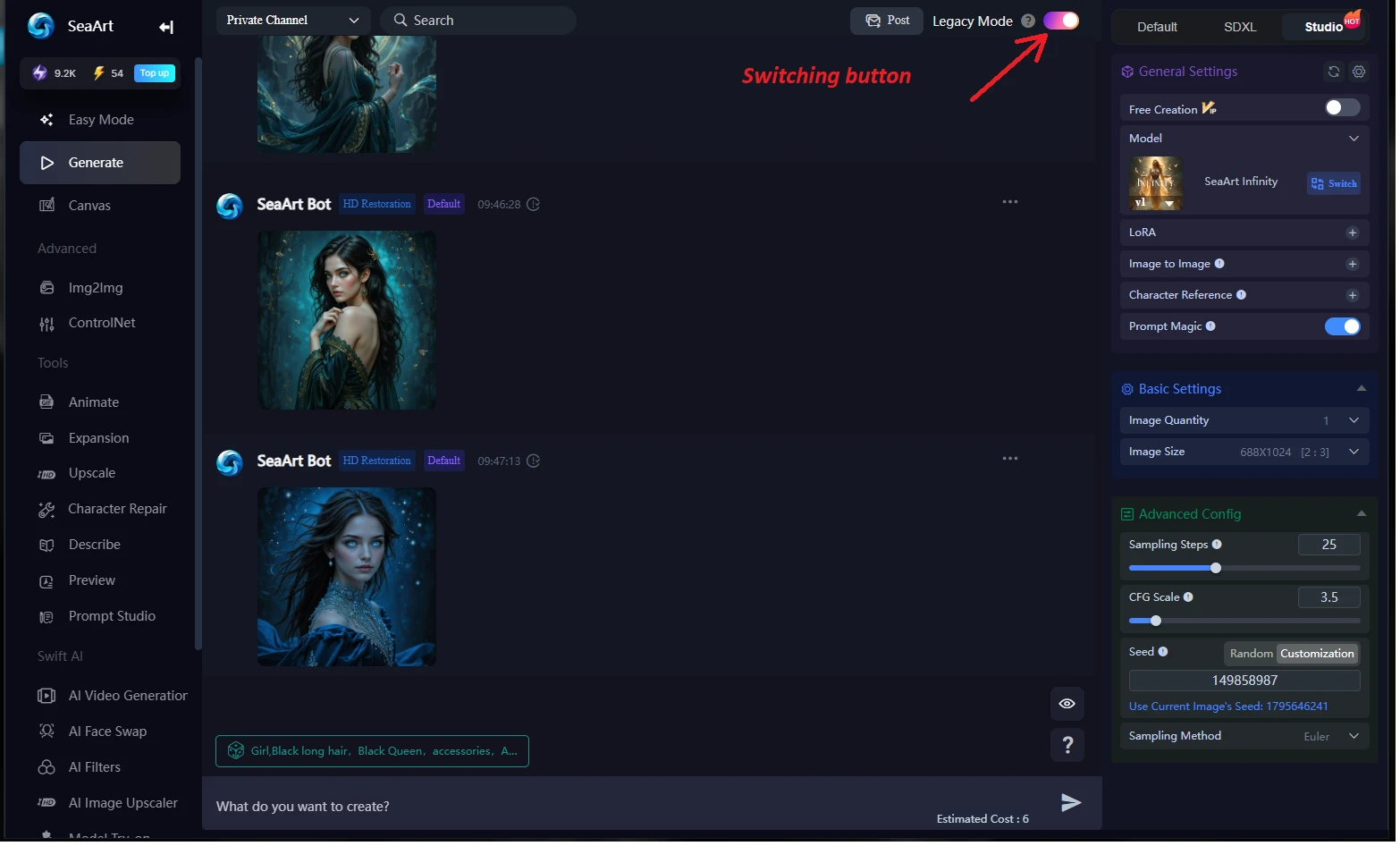
2. New Interface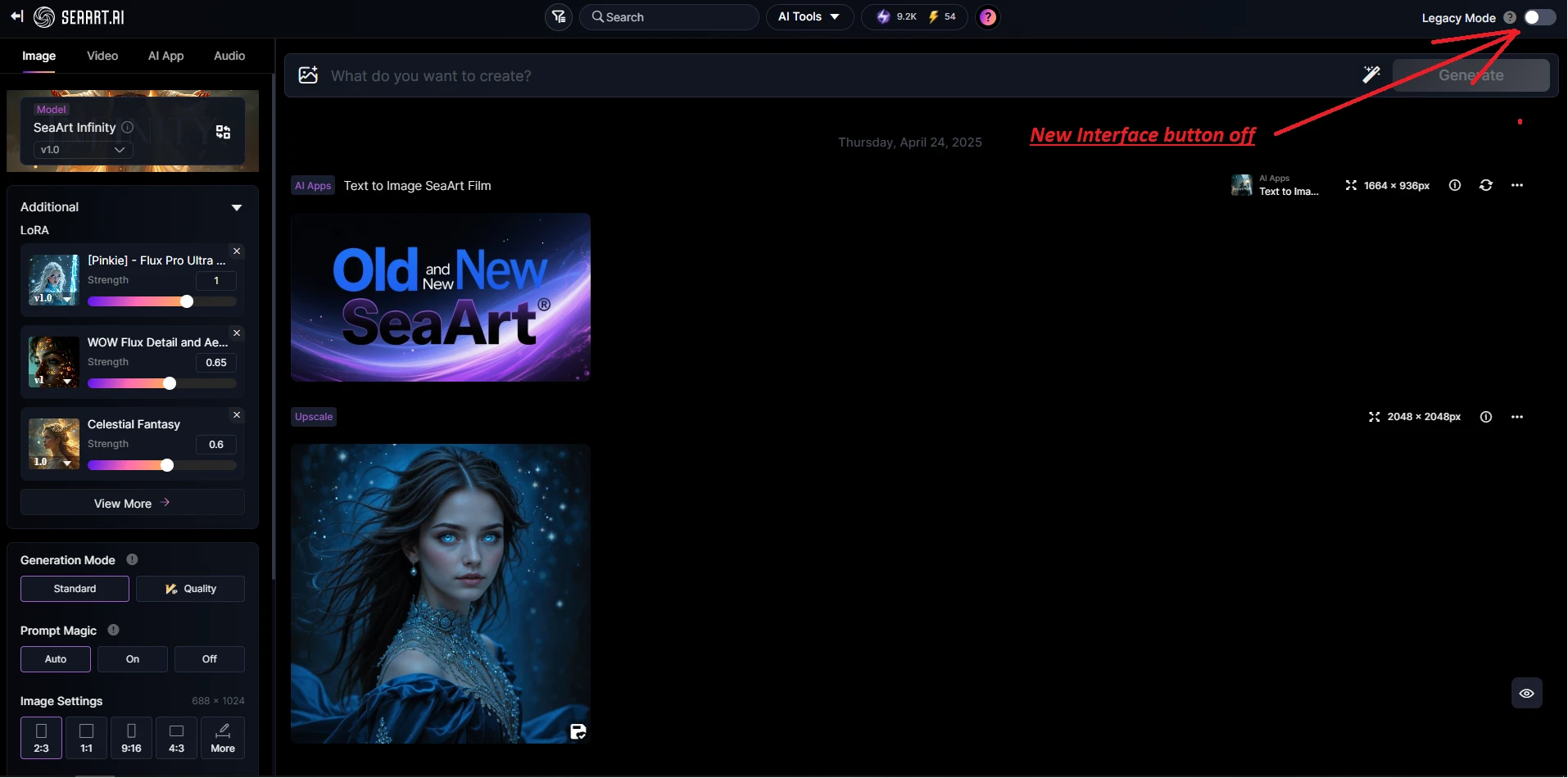
What we see is a dramatic change not only in color but also in all possible functions, if you noticed, the sidebar of image creation in the old version is on the right side. If we look at the New Interface, the Image Creation Sidebar has moved to the left side with new features and design.
Let's delve a little deeper into Functions what the difference is?
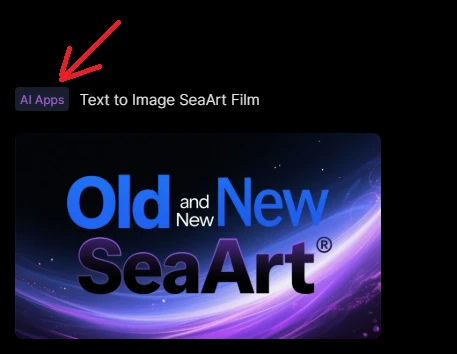
The first thing that catches my eye AI Apps. There is no such thing in the old version there you can create and see only your images. But as for the new version you will be able to see all your creations from apps to video creation and so on, this is the Plus of the new Convenience Interface.
1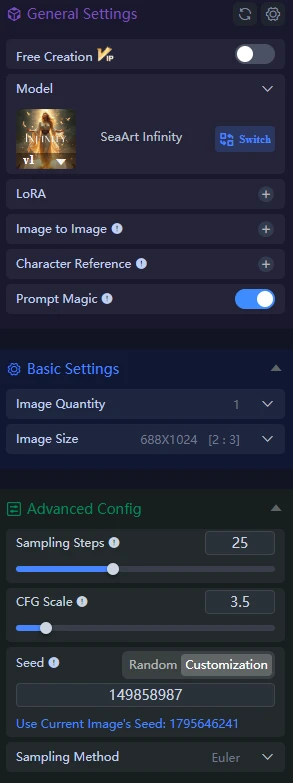 2
2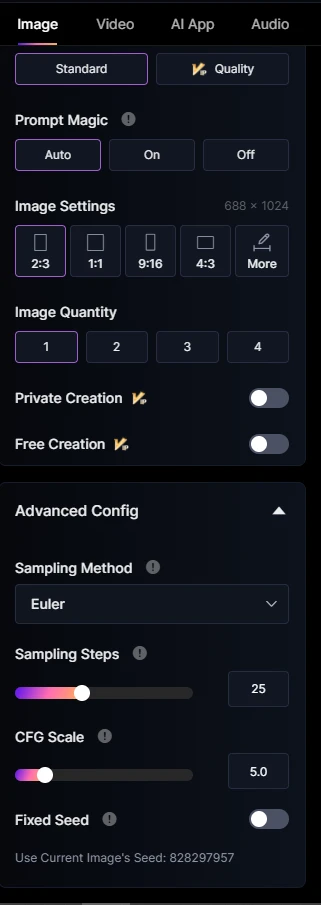
1. Image This is the panel for creating an Image in the Old Version. 2 Image New Version of the Image Creation Panel and not only, because if you select the Video or App AI or Audio model which are at the very top of the panel in the image underlined in purple, the panel will change significantly for other tasks.
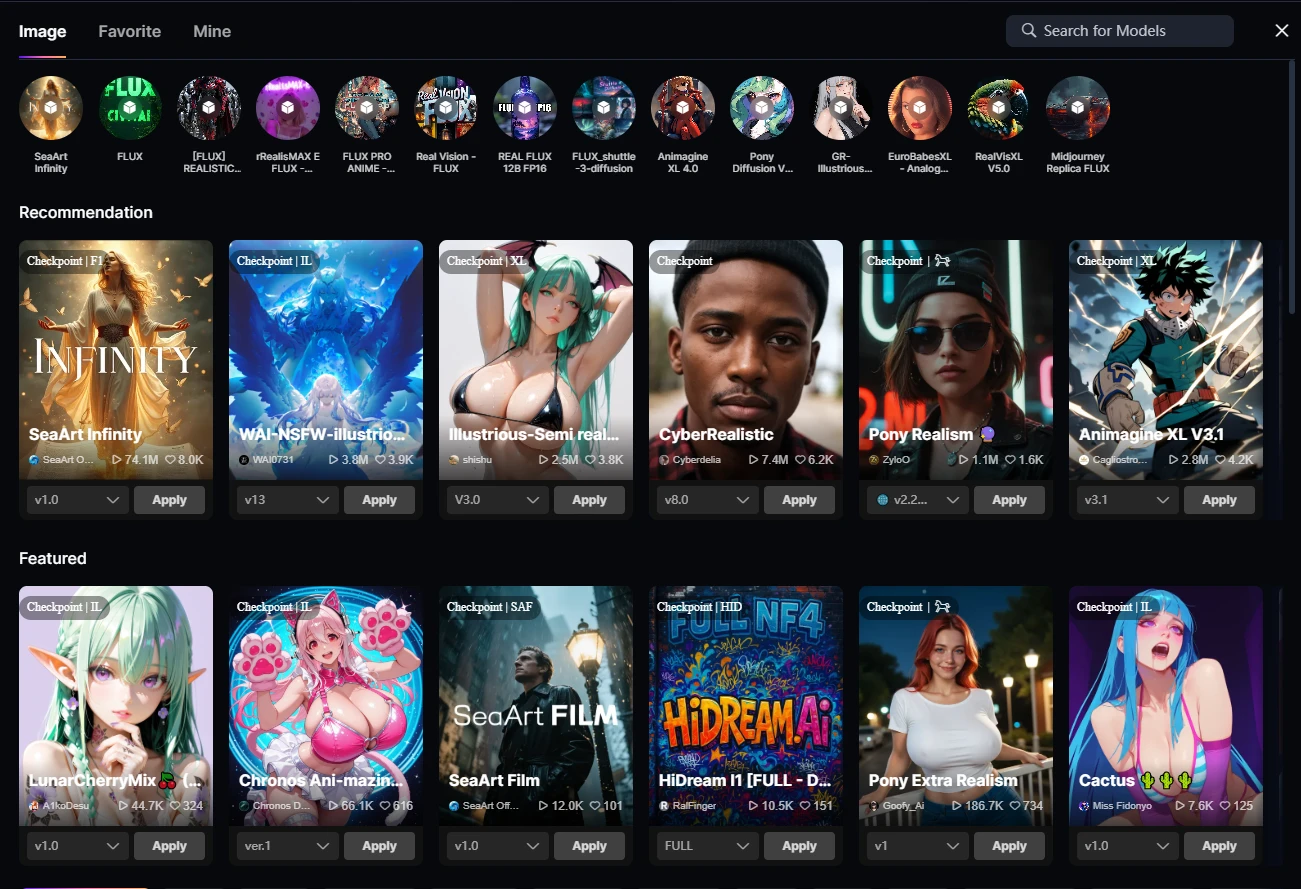
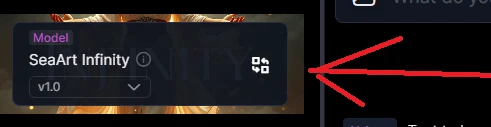 When you click on the Change Model Button, we will bring a new rich Interface with Different Color Models, Search Button, Three tabs Image/ Favorit/ Mine. Everything is convenient and easy to click on any model you are interested in and let's go and do wonders.
Back to the Old Interface When we click on the Model Select Button.
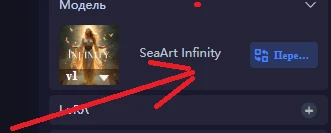
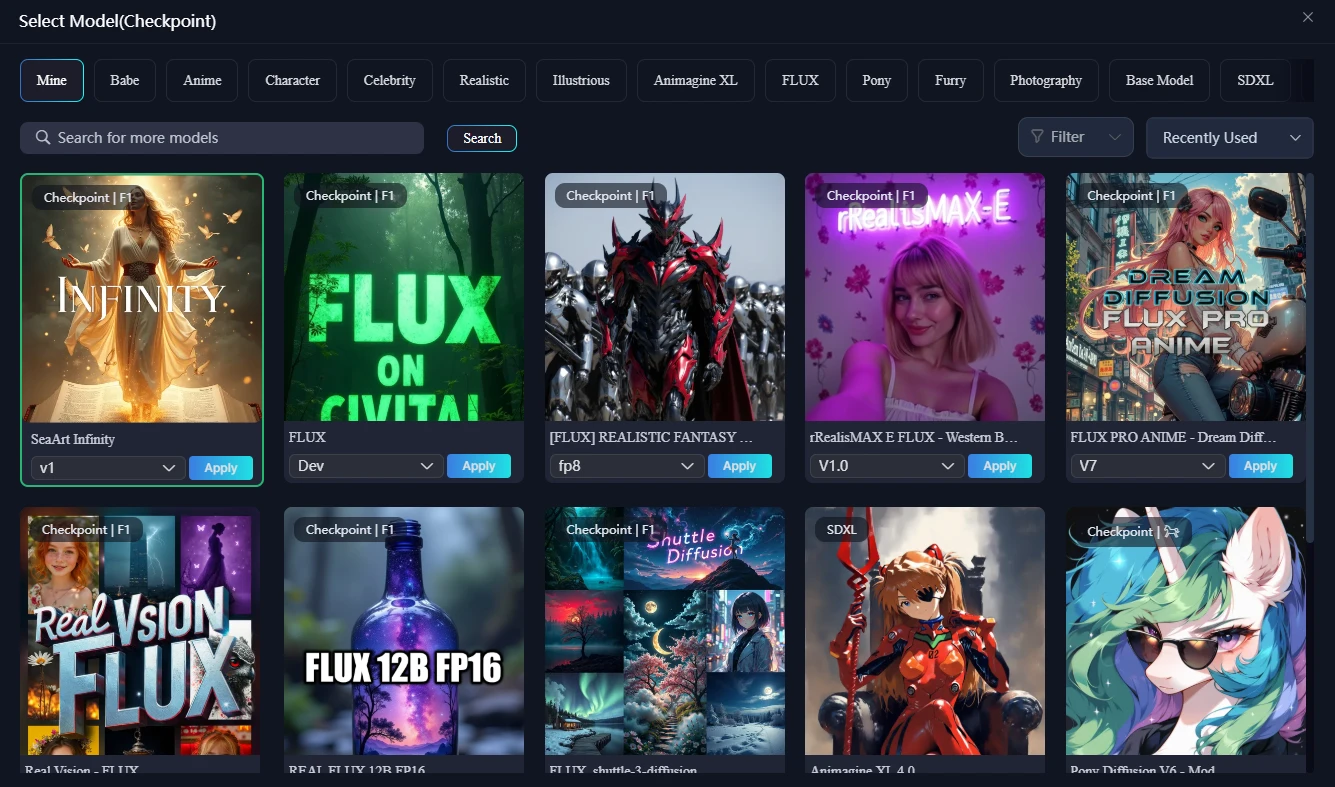
When you click we see a large selection of models and a search engine with more detailed tabs from which you will go to the desired section looking for a model. In this Plus Old Version here is more intuitive model search, All the same colorful and beautifully show models with their bright covers.
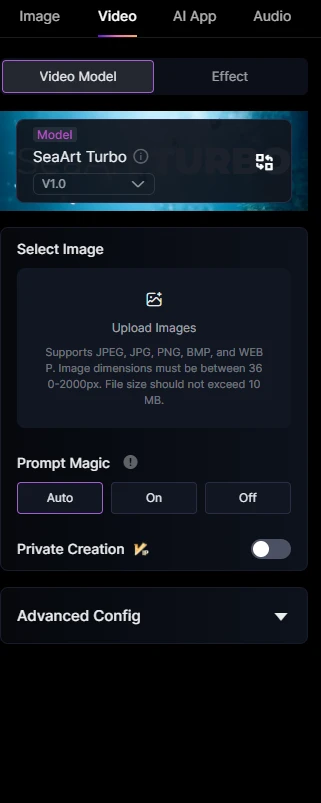
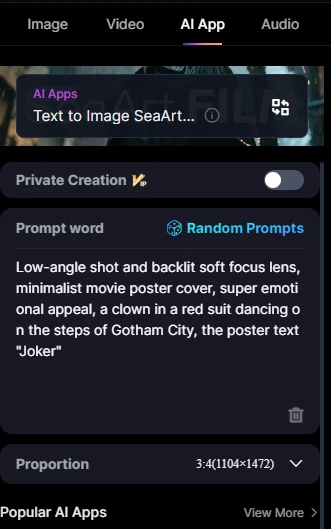
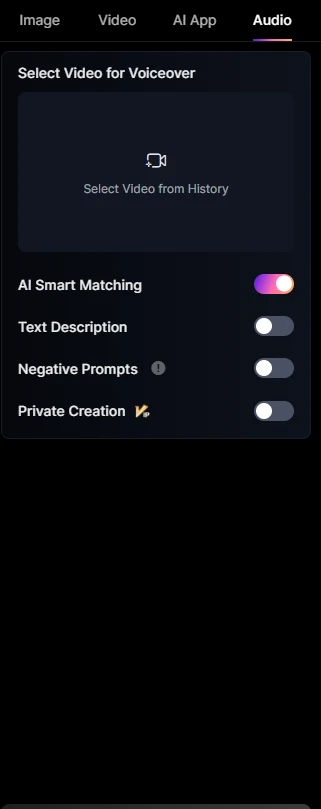
Back to the New Interface, it offers us not to run around the site and create at once and conveniently. The first tab is Video Creation, the second tab is App AI, the third tab is Audio Creation, everything is quite simple and clear. Intuitive interface with no unnecessary settings.
As for the Old Interface, the Functions are also present, but in a more detailed description on the Left panel.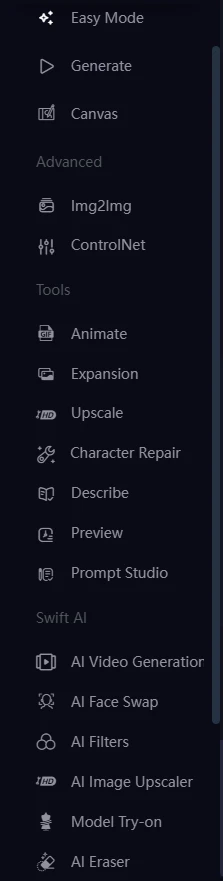
Well, this is not all the changes and features in the new interface, another interesting and easily accessible function is to add lore by clicking on the cross below where you see the number 2 and another function appeared near the text input is on the image under the number 1, different functionality and adding images.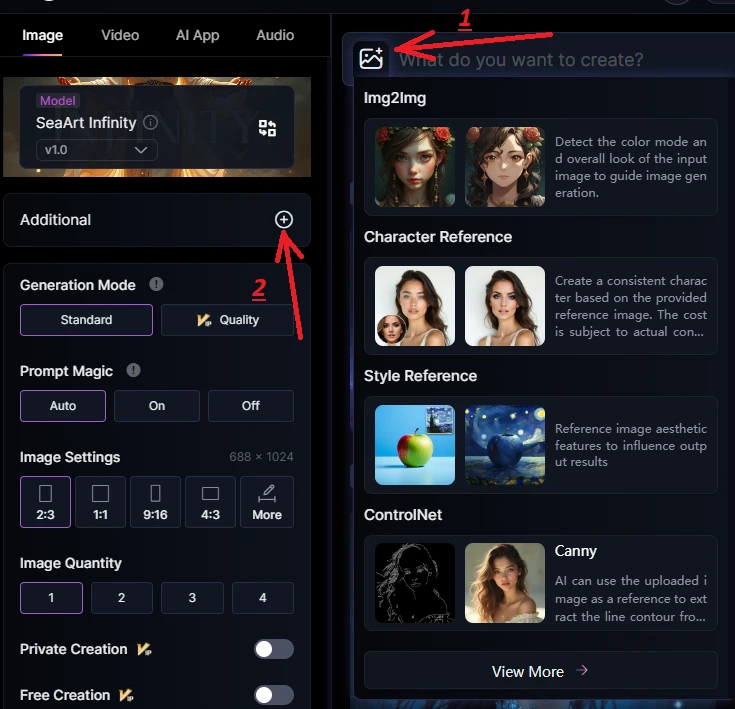
This is a Good Supplement I believe and easy to use with a beautiful design.
Back to the Old Interface, everything is quite simple and convenient If we look at number 1, it is the Lore selection, and number 2 is the addition of Images and other functionality that is present in the new version. 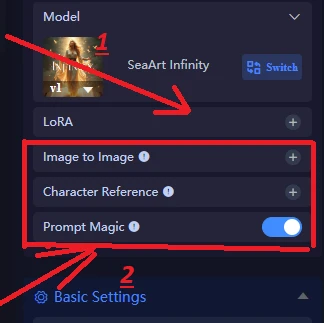
Another Plus of the New Version is the Quick Access in a small frame of different image resolutions in contrast to the old version This can be seen in the images below. Where the number 1 is, it's the new interface. 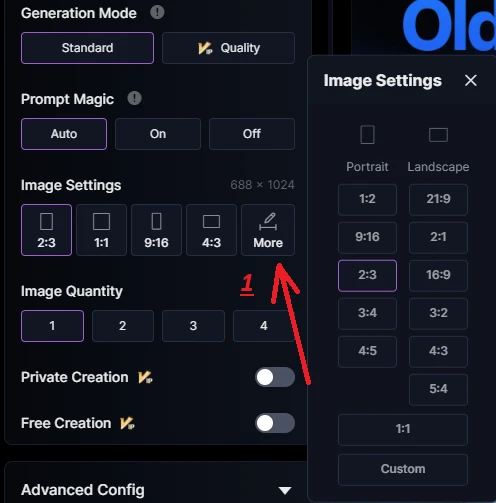
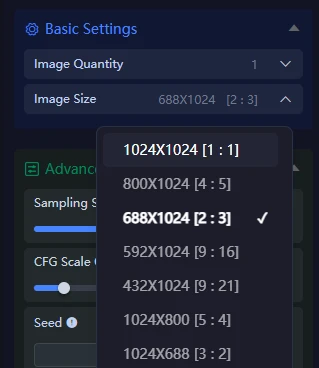
- More Interesting Detail You can see on leading on the images in the old and new interface. Number 1 New, Number 2 Old Interface. 1
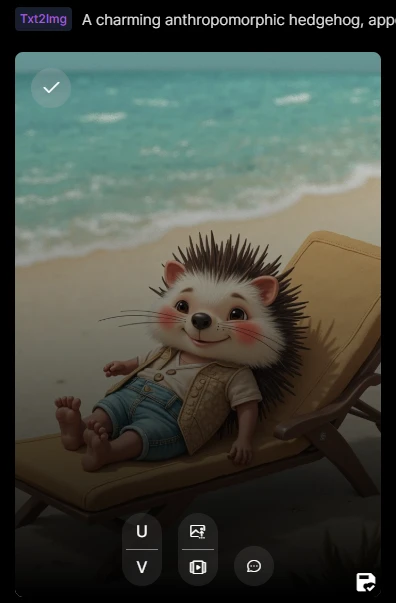 2
2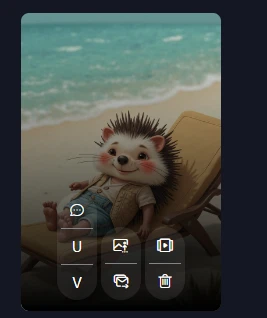
We can compare the Old and New Interface for a long time, but the choice is yours to use, the main thing is that it was convenient and understandable for you. I hope you will understand what and how it differs in a simple comparison. As SeaArt is developing very fast and you will soon be able to see more new features when you encounter the new interface. Progress does not stand still, I hope you like this little demonstration of the difference between the interfaces! Good luck with Creating Beautiful Images and Art!