

รายละเอียด
แนะนำ
Version 1.0
Isopropanol Addiction Mix

Isopropanol Addiction Mix

5.7K
189
241
#อนิเมะ
#วัตถุประสงค์ทั่วไป
#highly detailed
#Base Model
#model
#Illustration
#digital illustration
#แฟนตาซ
#Photography
#photorealism
#semi-realistic
#อนิเมะ
#วัตถุประสงค์ทั่วไป
#highly detailed
#model
#Illustration
#digital illustration
#แฟนตาซ
#Photography
#photorealism
#semi-realistic

Introduction

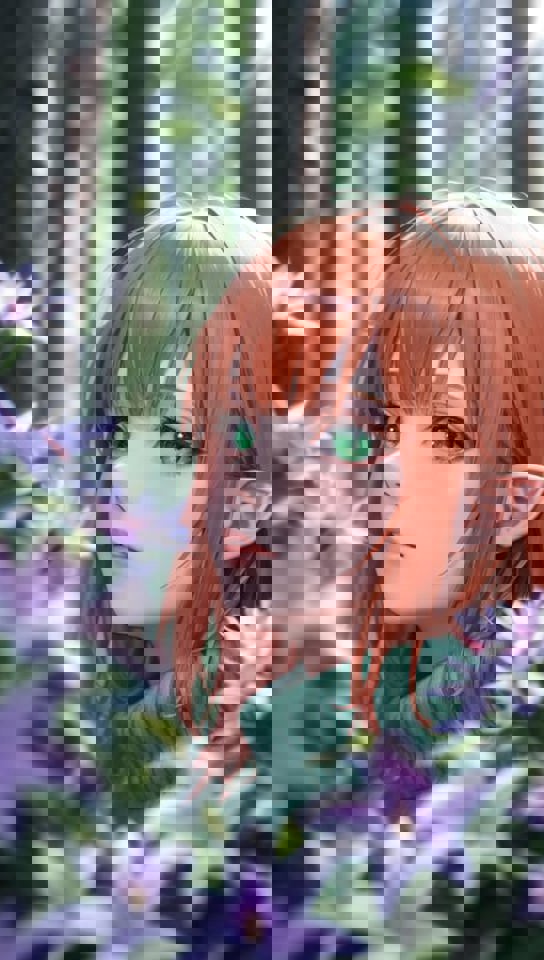
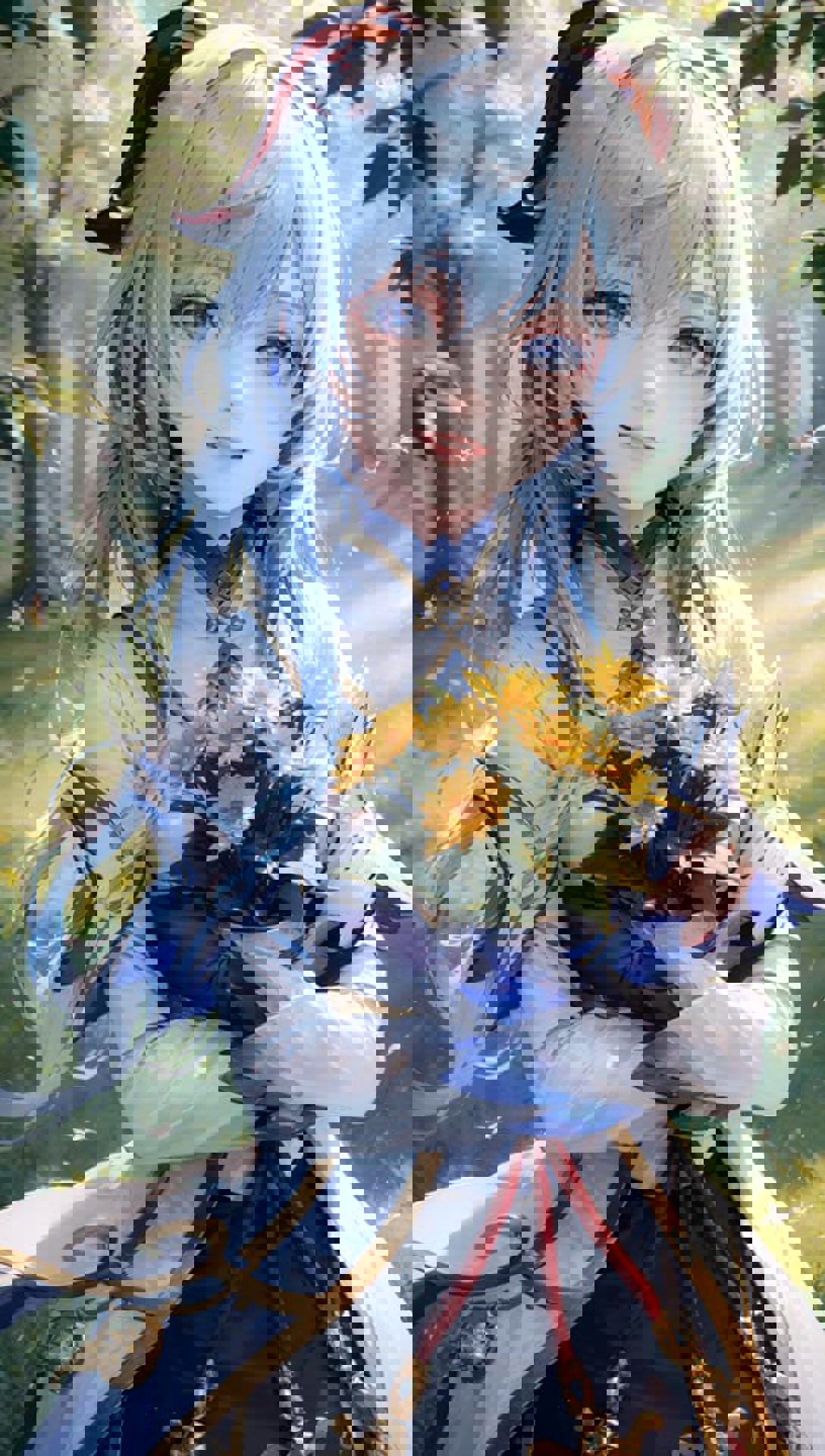
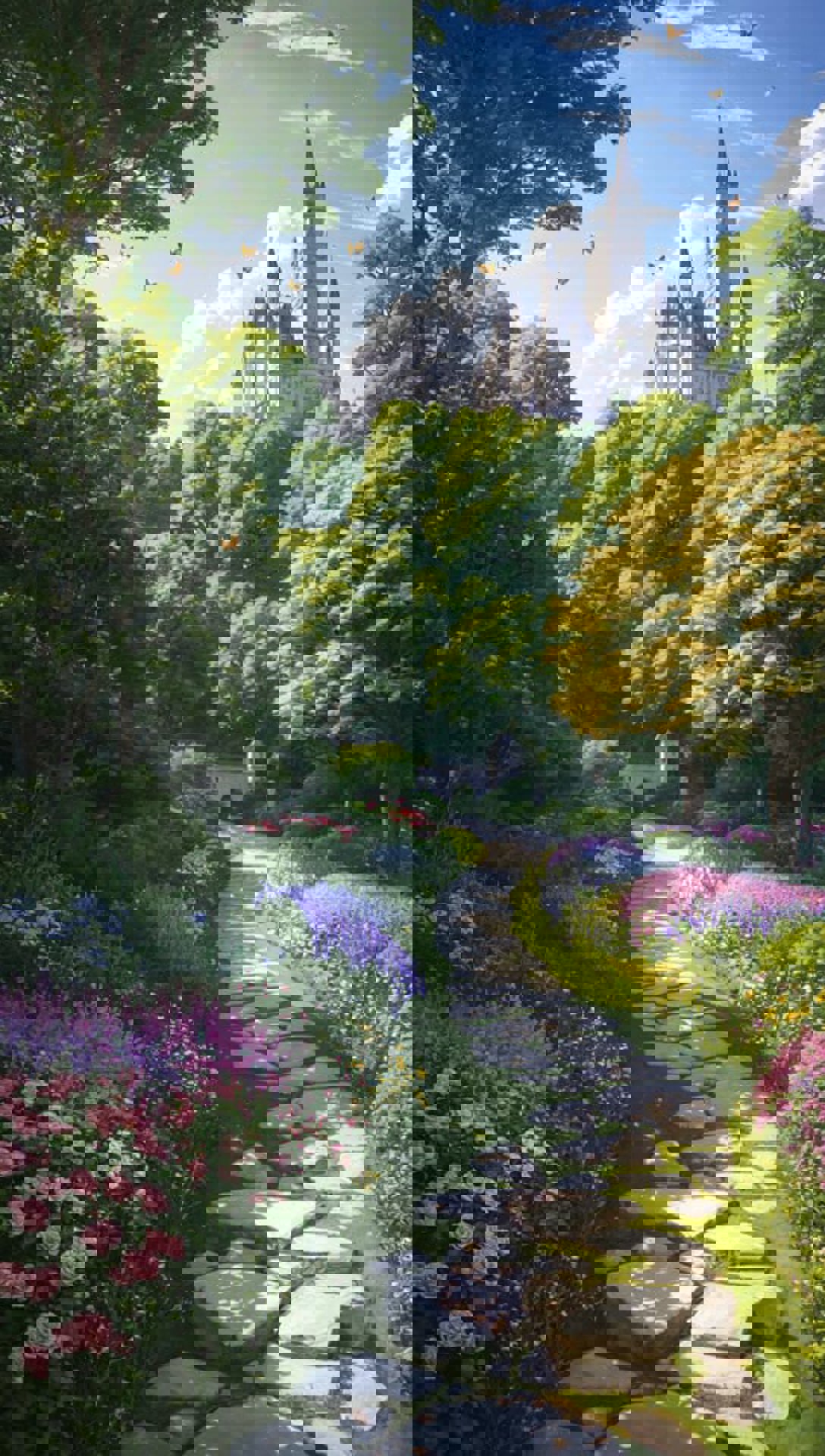
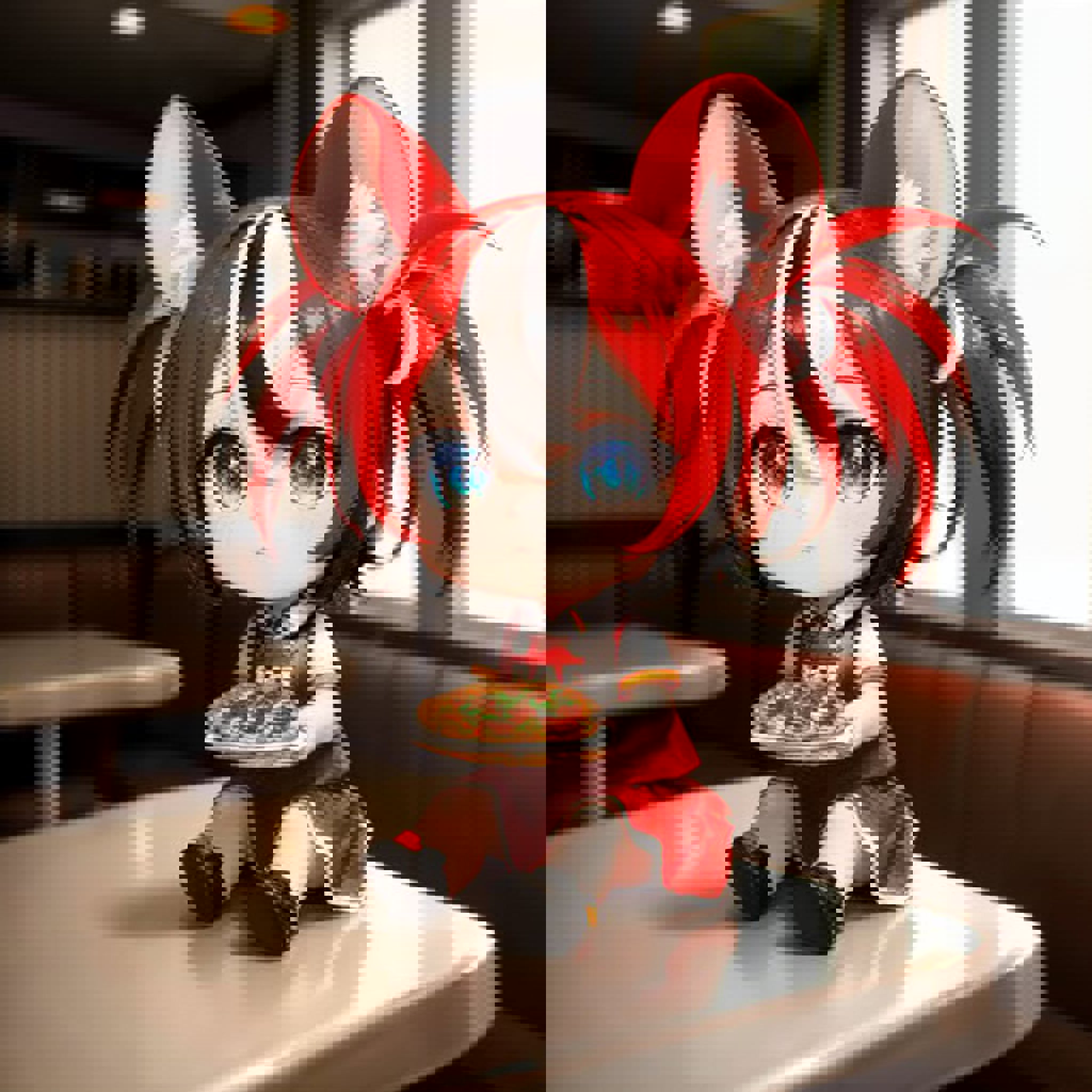
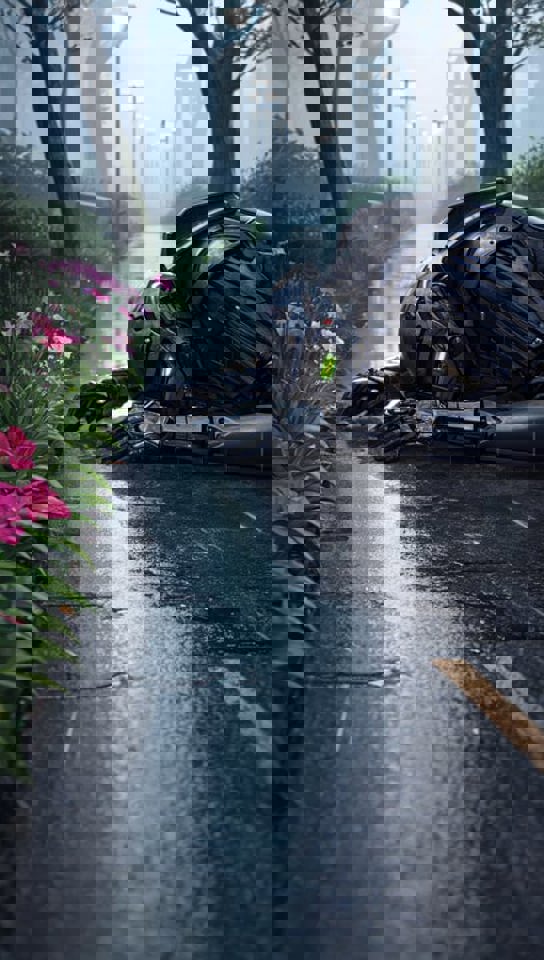
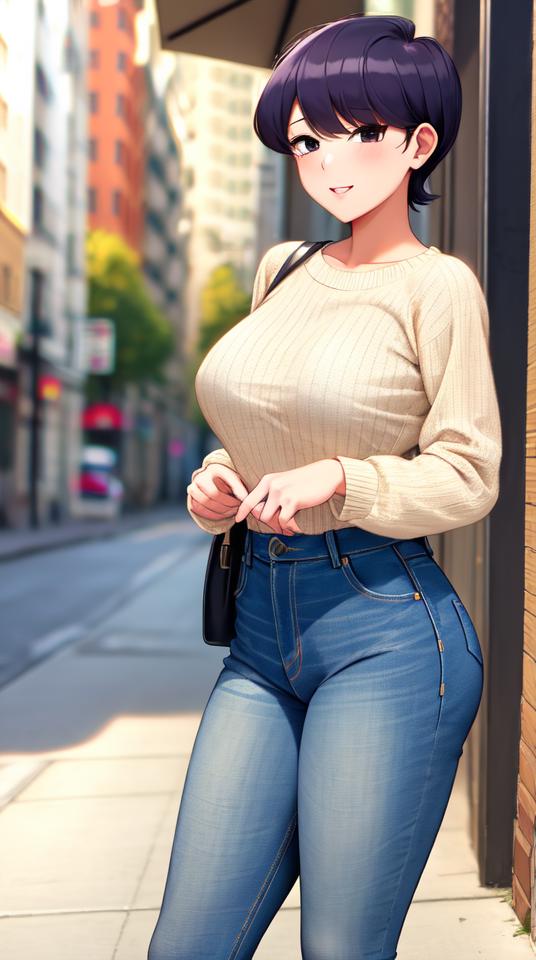
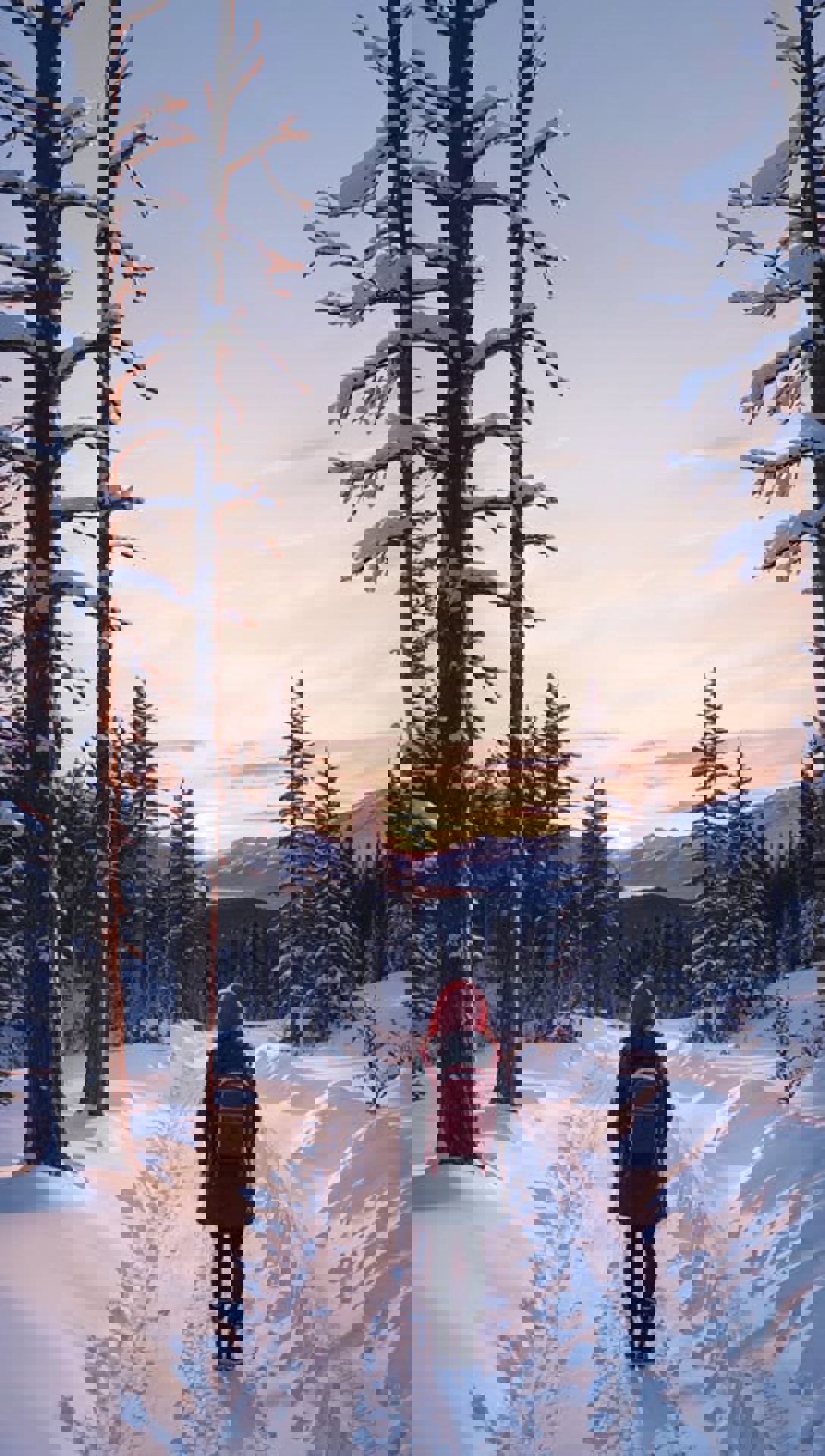
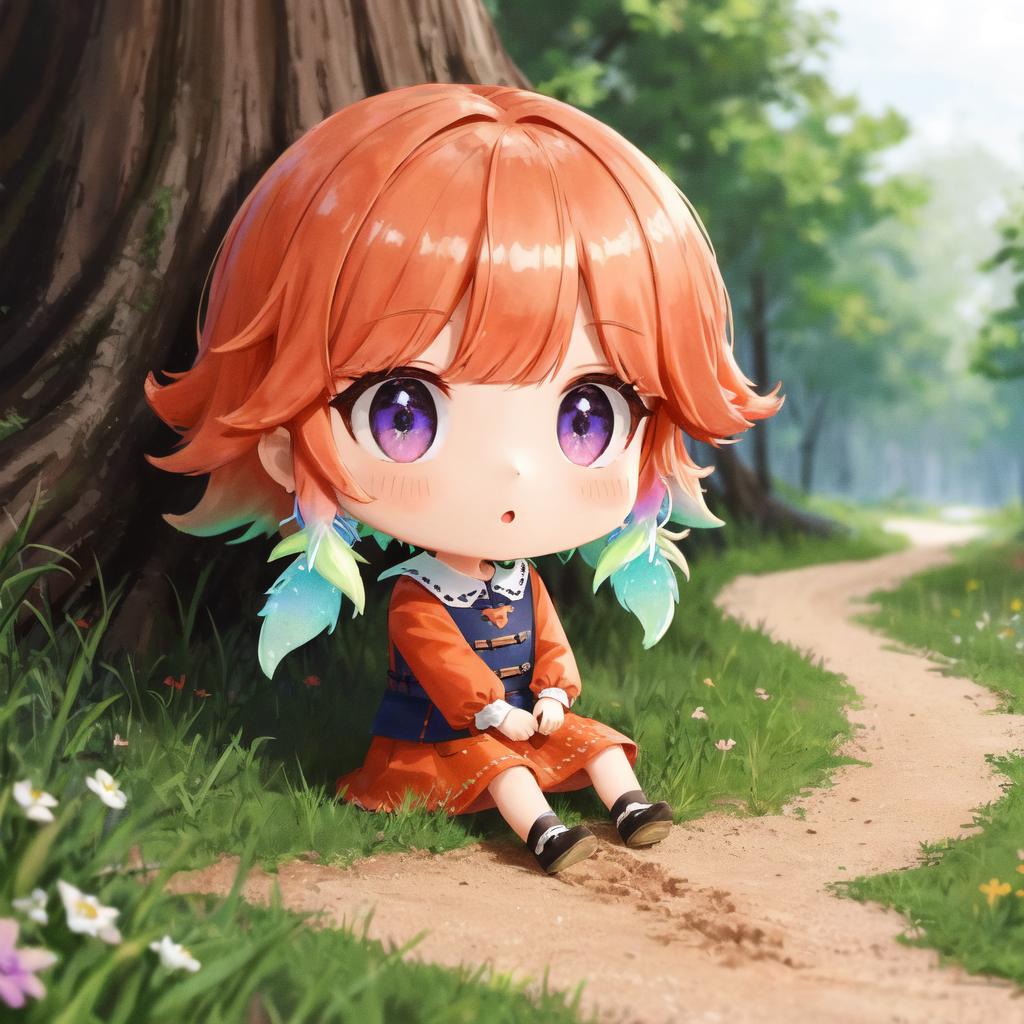
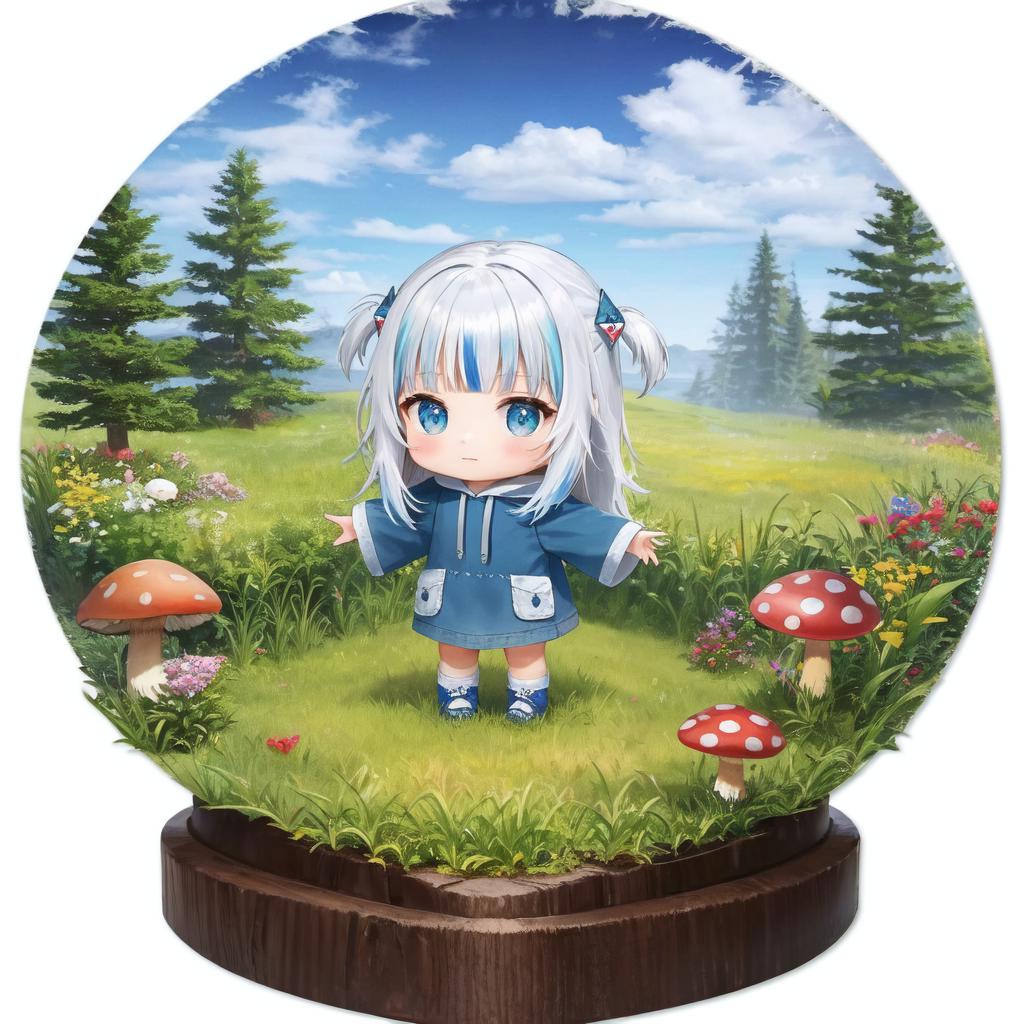
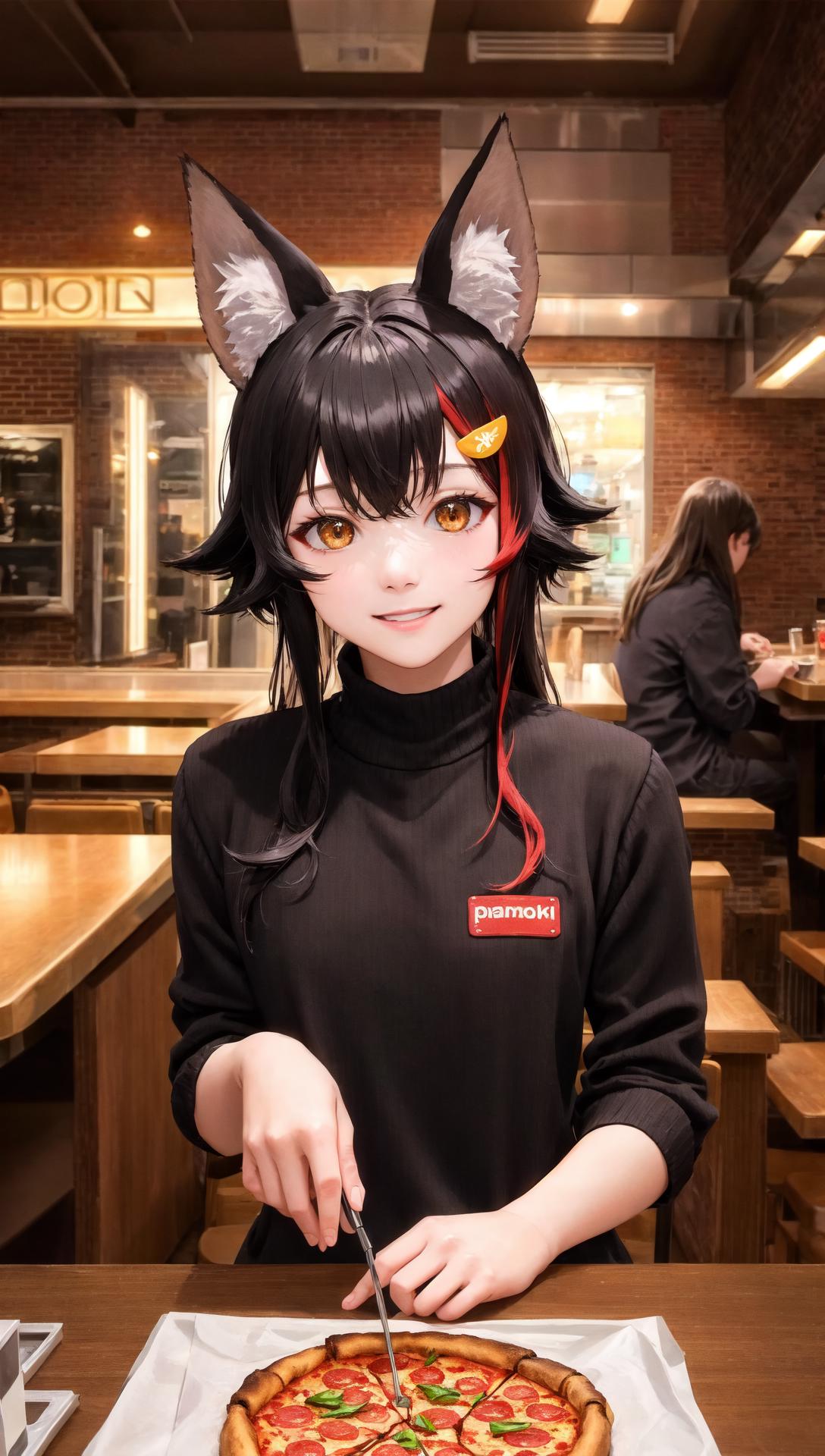
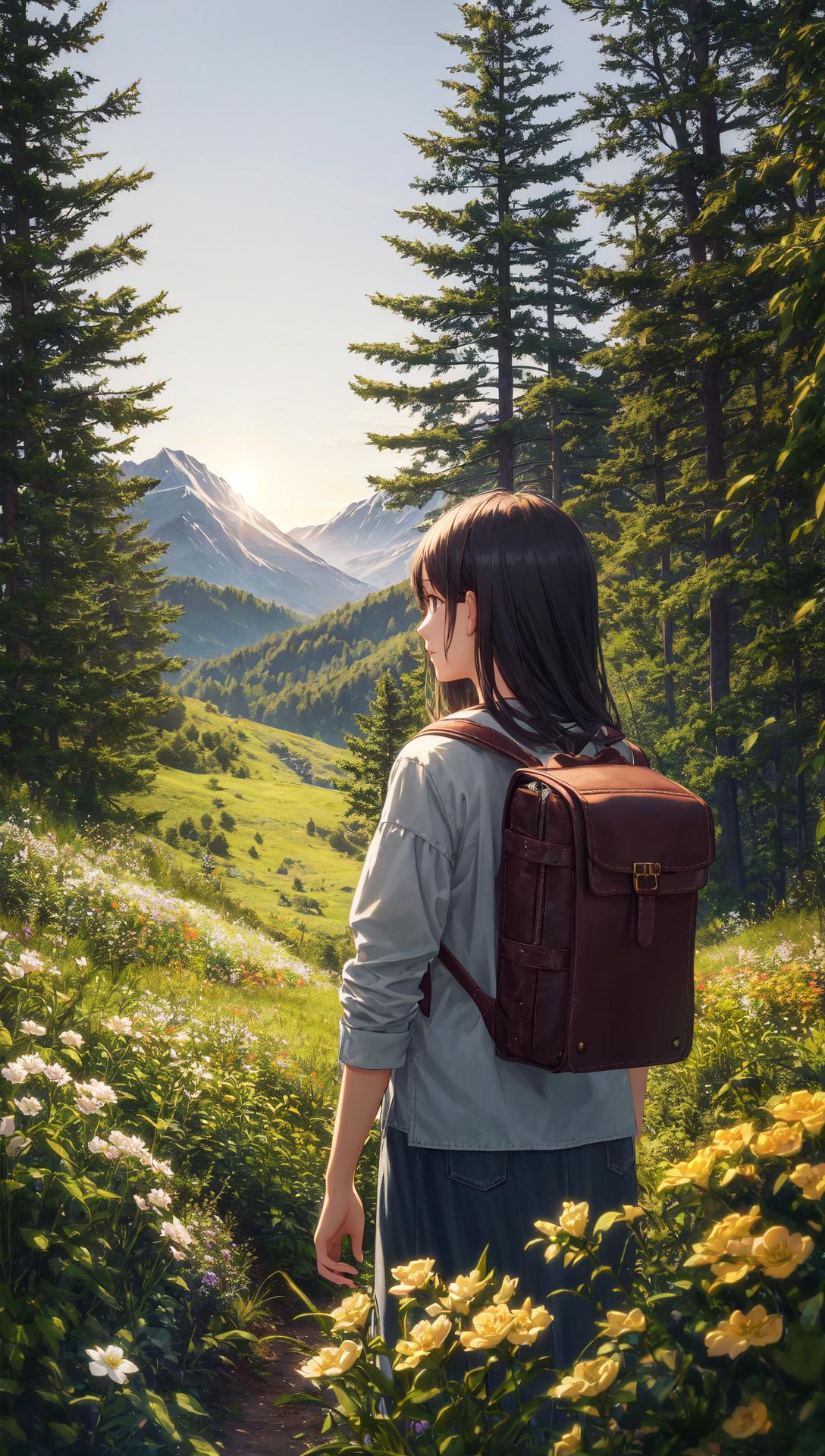
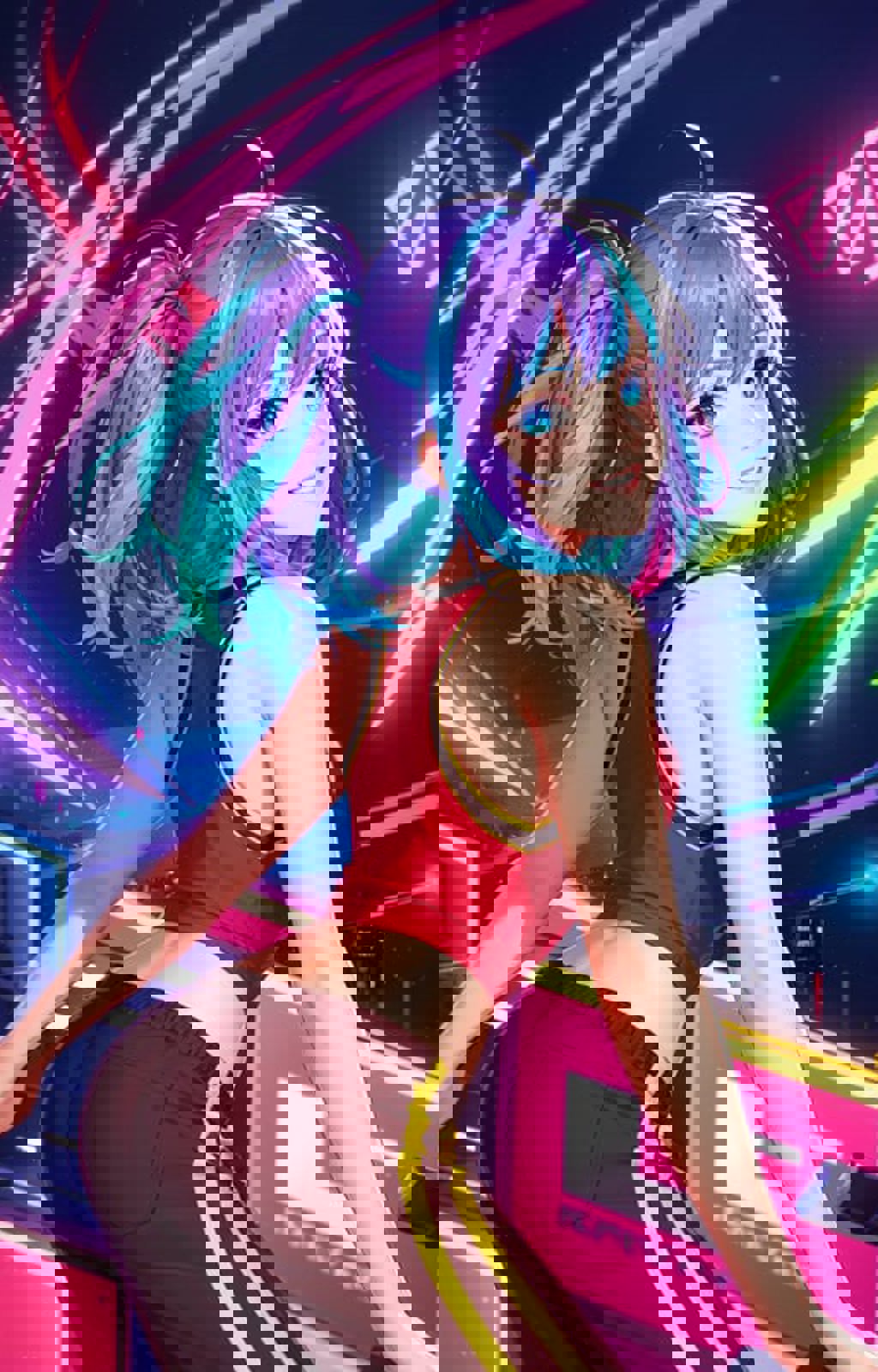
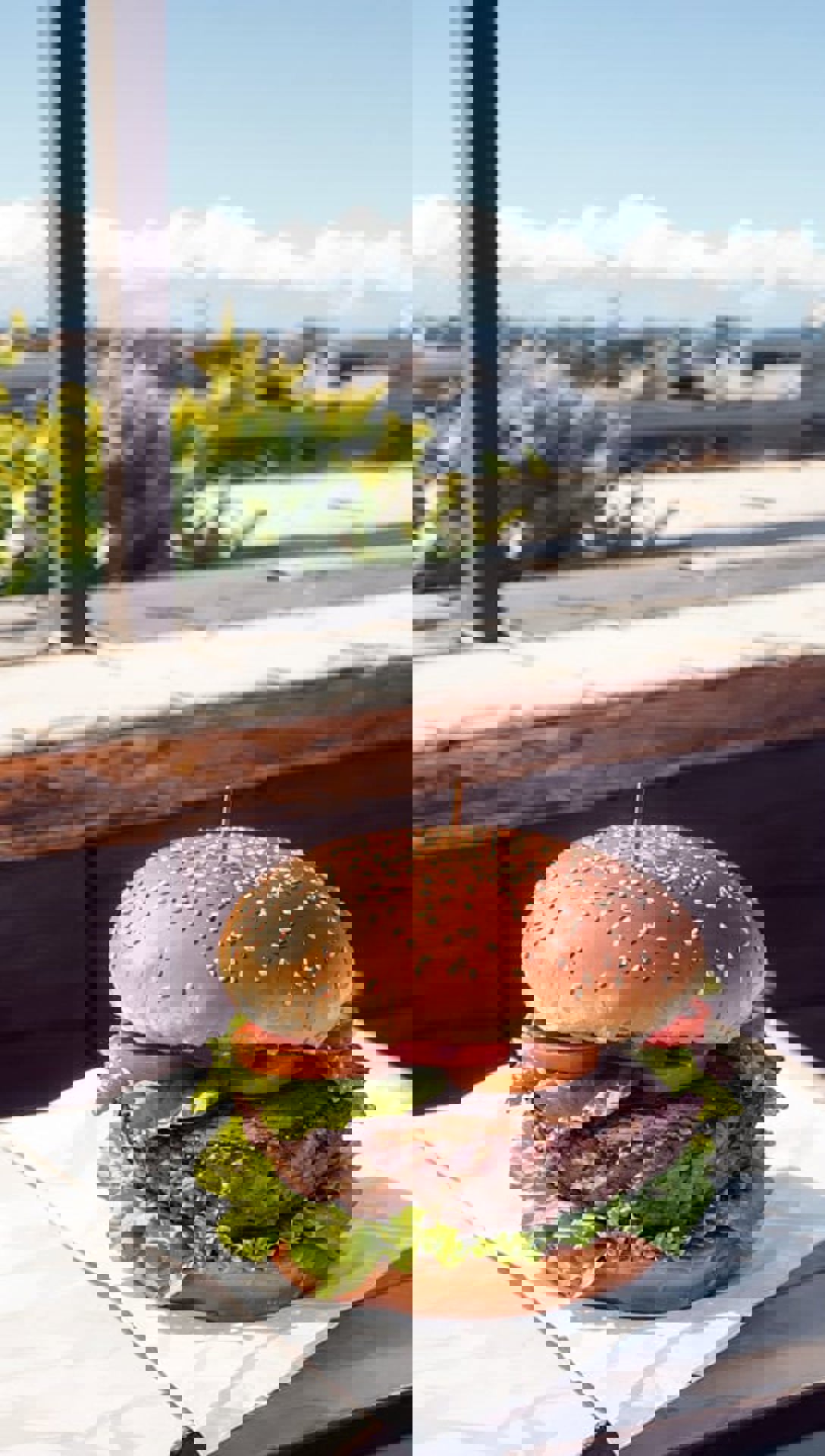
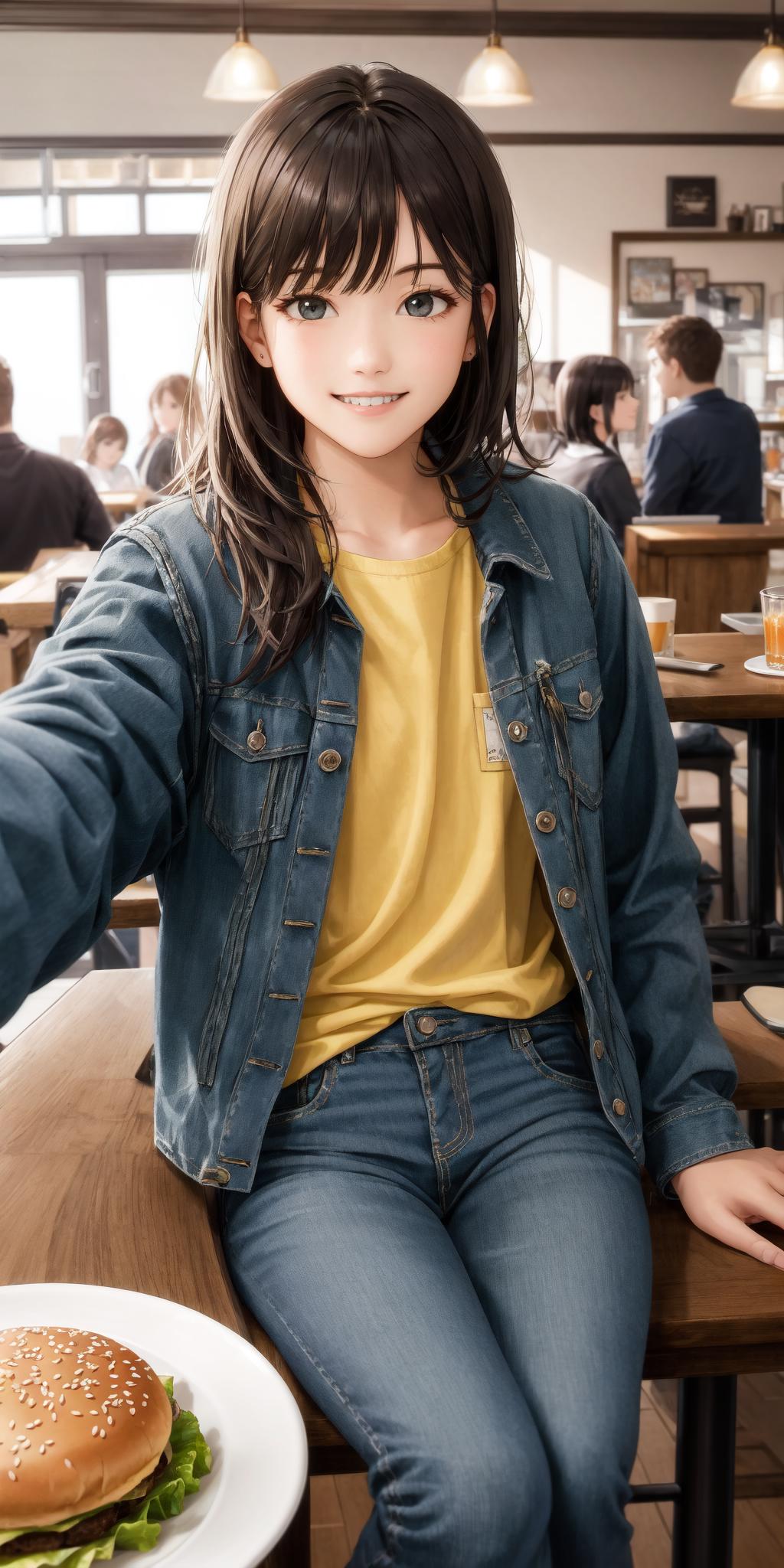
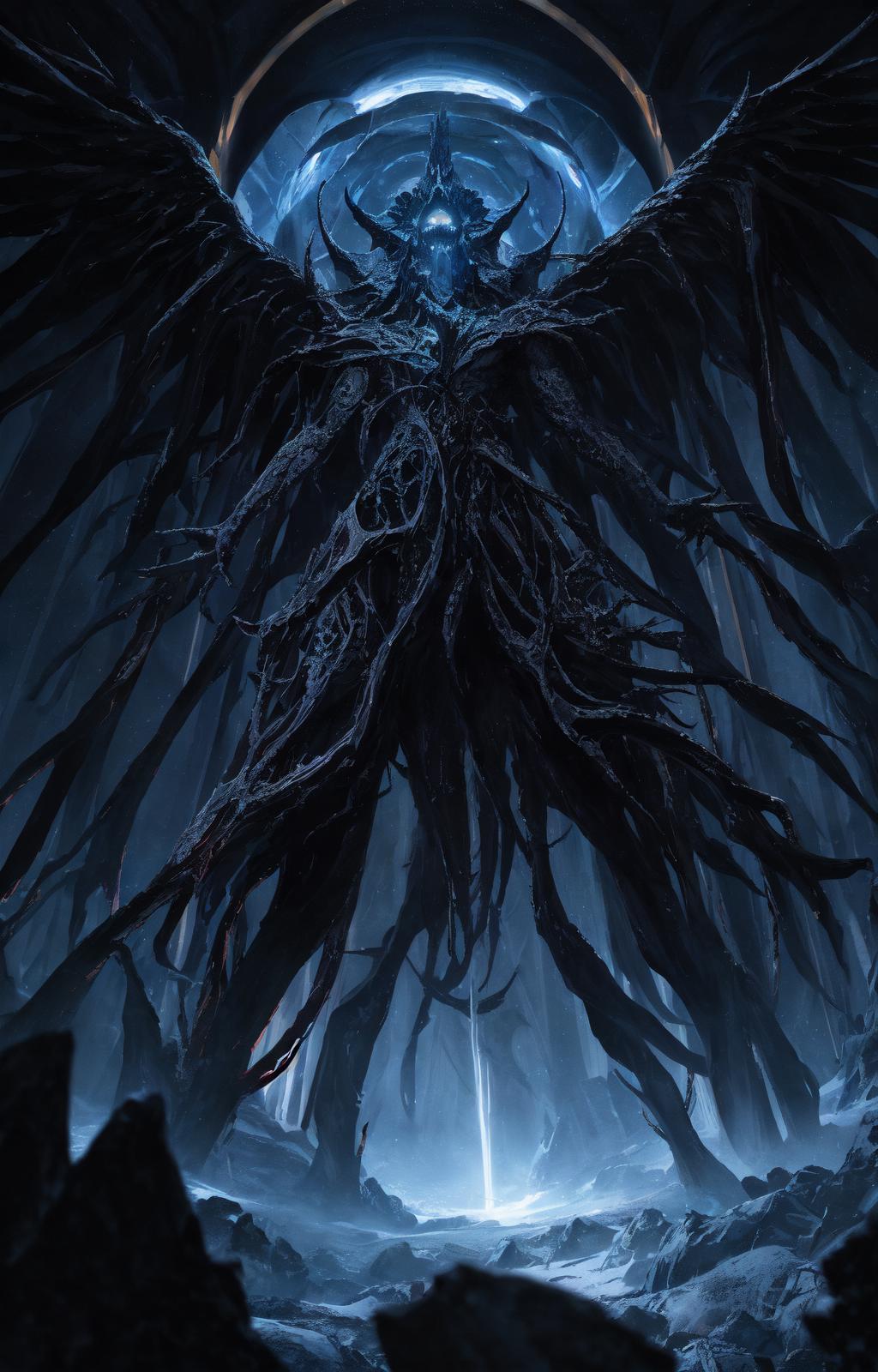
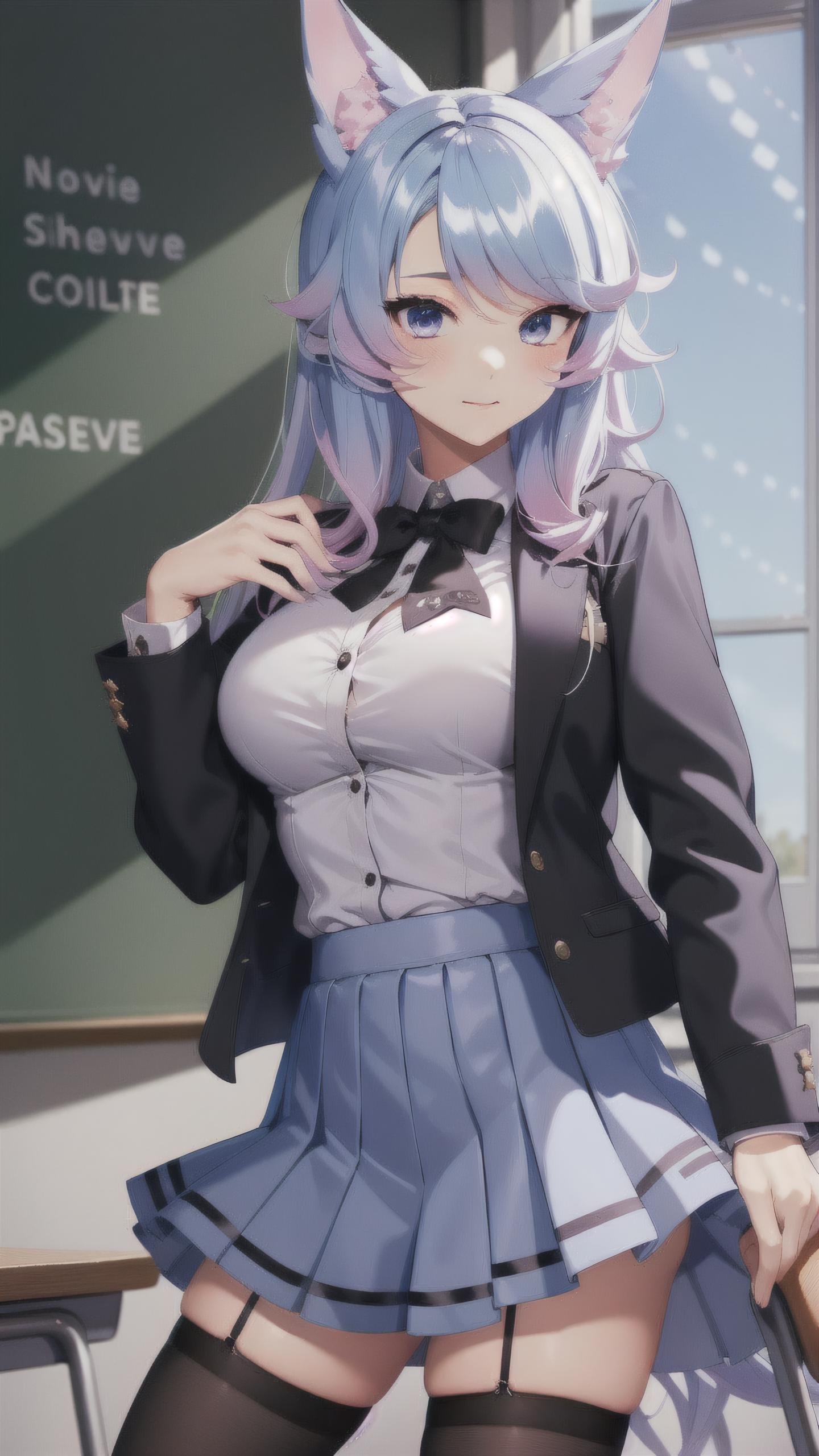
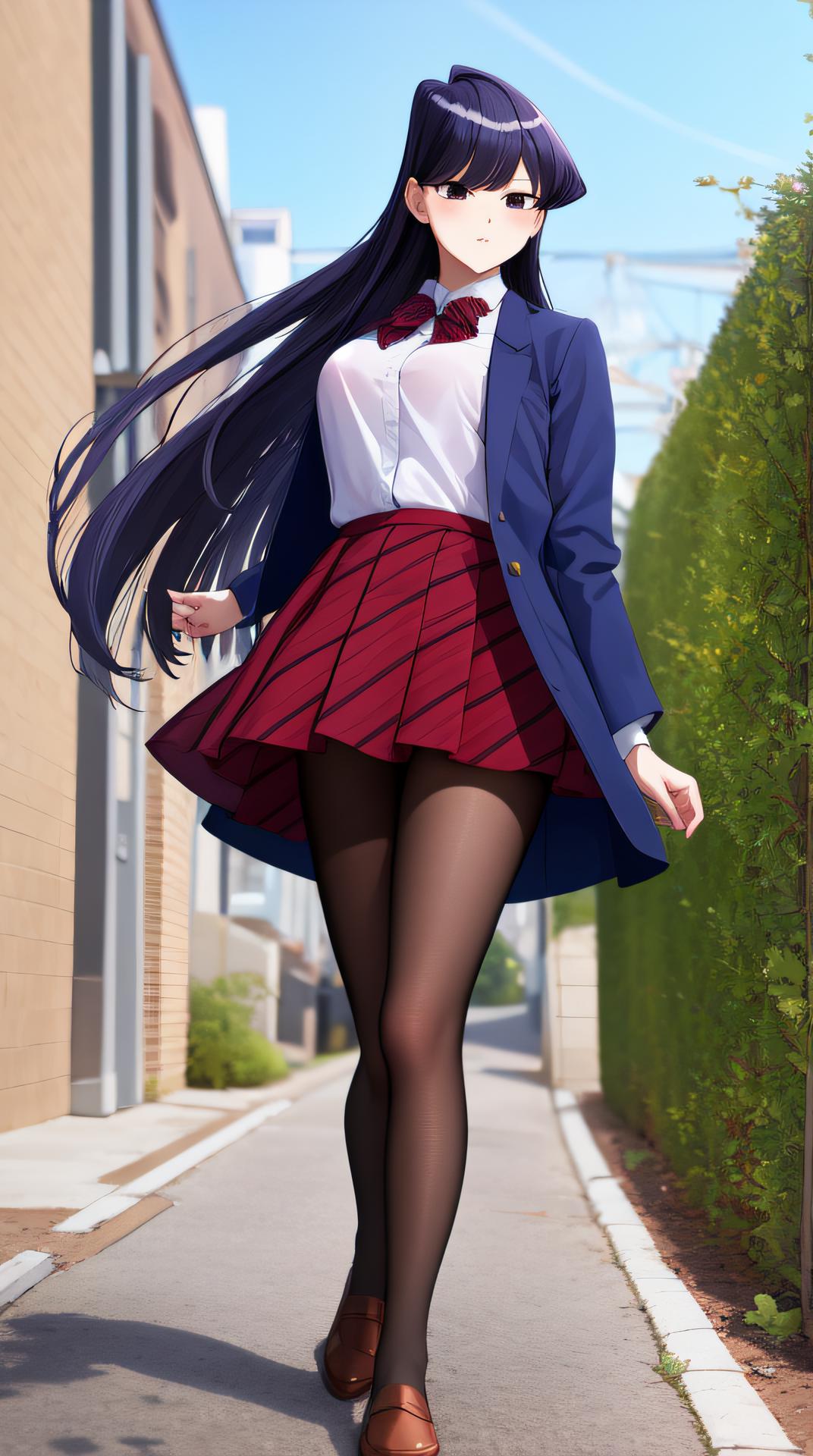
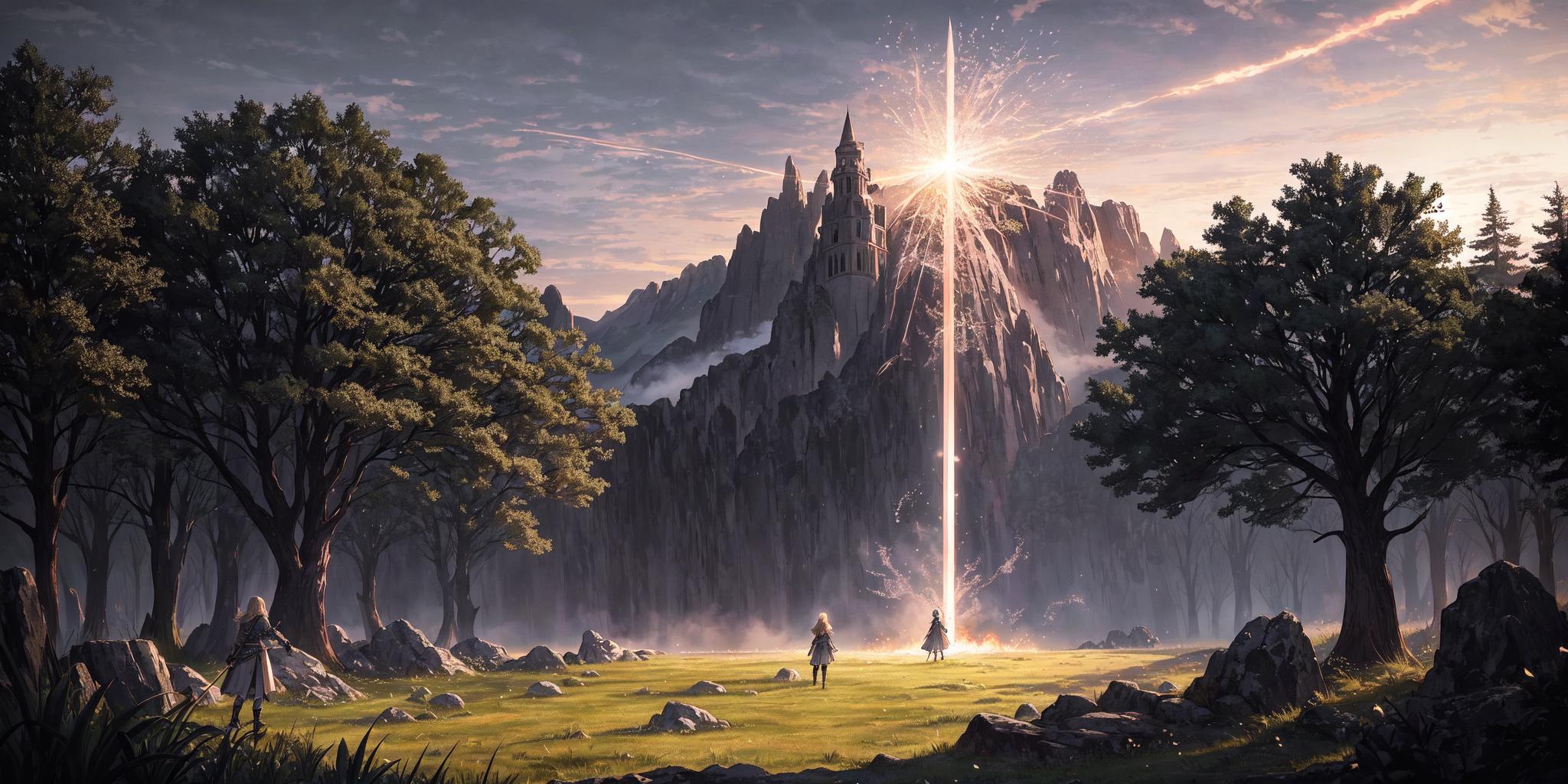
Isopropanol Addiction Mix (so named because of my ongoing struggles with drinking rubbing alcohol) is a semi-realistic merge of a few different models, mostly anime, that has resulted in a nice versatile model. It works surprisingly well with a lot of LoRAs, and produces very good close-up details. It is based, ultimately, on Anything v4.5 and BasilMix.

Recommended Settings

These are the settings that I use personally. Feel free to experiment.

  • Sampler: DPM++ 2M Karras

  • CFG Scale: 7.5

  • Steps: 20

  • Clip Skip: 2

  • Hires Upscale (best enjoyed with this): Either Latent (Nearest-Exact) or whatever your preferred upscaler is, such as 4x-UltraSharp. The former should have a higher denoising strength (0.5 is the hard minimum, sometimes a bit higher than that is needed, I like 0.6), and the latter can have any denoising strength, but I recommend 0.3-0.4 for it. Again, up to you. If your VRAM keeps getting gobbled up, try this extension.

  • VAE: kl-f8-anime2.ckpt, also known as the Waifu Diffusion VAE, is good and my personal choice. You can also use blessed2.vae.pt.

  • Positive prompt: See the examples above. For a more realistic look, try adding "hyperrealistic" to your prompt. Equally "anime" may shift you in the other direction, but only so far.

  • Negative prompt: A lot of models seem to have a bit of an issue with earrings and ear piercings being disproportionately common. Try adding "(ear piercing, earrings:1.2)" or similar. Beyond this, I recommend EasyNegative and bad-image-v2-39000. Try the negatives I use in the example images!

  • How Do I Get Darker Images Please Help: Behold! DarkKukiv1.safetensors at 0.3-0.4 LoRA strength. At least, that one is my favourite. You can try other offset noise LoRAs if you want.

Feel free to share what it creates in a review.

ดูการแปล

การให้คะแนนและความคิดเห็น

4.8 /5
0 คะแนน

ยังไม่ได้รับคะแนนหรือความคิดเห็นเพียงพอ

R
Refiner_Img
753
19.4K
ประกาศ
2024-04-02
เผยแพร่โมเดล
2023-03-22
อัปเดตข้อมูลโมเดล
รายละเอียดโมเดล
ประเภท
Checkpoint
เวลาโพสต์
2023-03-22
โมเดลพื้นฐาน
SD 1.5
การแนะนำเวอร์ชัน

This is the initial version of Isopropanol Addiction Mix. I will copy the recommended (but not required) settings below.

Recommended Settings

These are the settings that I use personally. Feel free to experiment.

  • Sampler: DPM++ 2M Karras

  • CFG Scale: 7.5

  • Steps: 20

  • Hires Upscale: Either Latent (Nearest-Exact) or whatever your preferred upscaler is, such as 4x-UltraSharp. The former should have a higher denoising strength (0.5 is the hard minimum, sometimes a bit higher than that is needed, I like 0.6), and the latter can have any denoising strength, but I recommend 0.3-0.4 for it. Again, up to you.

  • VAE: kl-f8-anime2.ckpt, also known as the Waifu Diffusion VAE, is good and my personal choice. You can also use blessed2.vae.pt.

  • Positive prompt: See the examples above. For a more realistic look, try adding "hyperrealistic" to your prompt. Equally "anime" may shift you in the other direction, but only so far.

  • Negative prompt: A lot of models seem to have a bit of an issue with earrings and ear piercings being disproportionately common. Try adding "(ear piercing, earrings:1.2)" or similar. Beyond this, I recommend EasyNegative.

  • How Do I Get Darker Images Please Help: Behold! DarkKukiv1.safetensors at 0.3-0.4 LoRA strength. At least, that one is my favourite. You can try other offset noise LoRAs if you want.

ขอบเขตการอนุญาต
แหล่งที่มา: civitai

1. สิทธิ์ของโมเดลที่โพสต์ซ้ำเป็นของผู้สร้างต้นฉบับ

2. ผู้สร้างต้นฉบับที่ต้องการรับรองโมเดล โปรดติดต่อเจ้าหน้าที่ SeaArt AI ผ่านช่องทางทางการ คลิกเพื่อรับรอง

ขอบเขตการอนุญาตสร้างสรรค์
ถ่ายทอดสดออนไลน์
ผสมผสาน
อนุญาตให้ดาวน์โหลด
ขอบเขตการอนุญาตเชิงพาณิชย์
รูปภาพที่สร้างขึ้นสามารถขายหรือใช้เพื่อวัตถุประสงค์ทางการค้า
อนุญาตให้โมเดลขายต่อหรือขายหลังจากการรวม
QR Code
ดาวน์โหลดแอป SeaArt
ดำเนินการสร้างสรรค์ด้วย AI ต่อไปบนมือถือ