
ประเภท
LORA
เวลาโพสต์
2024-04-02
โมเดลพื้นฐาน
SD 1.5


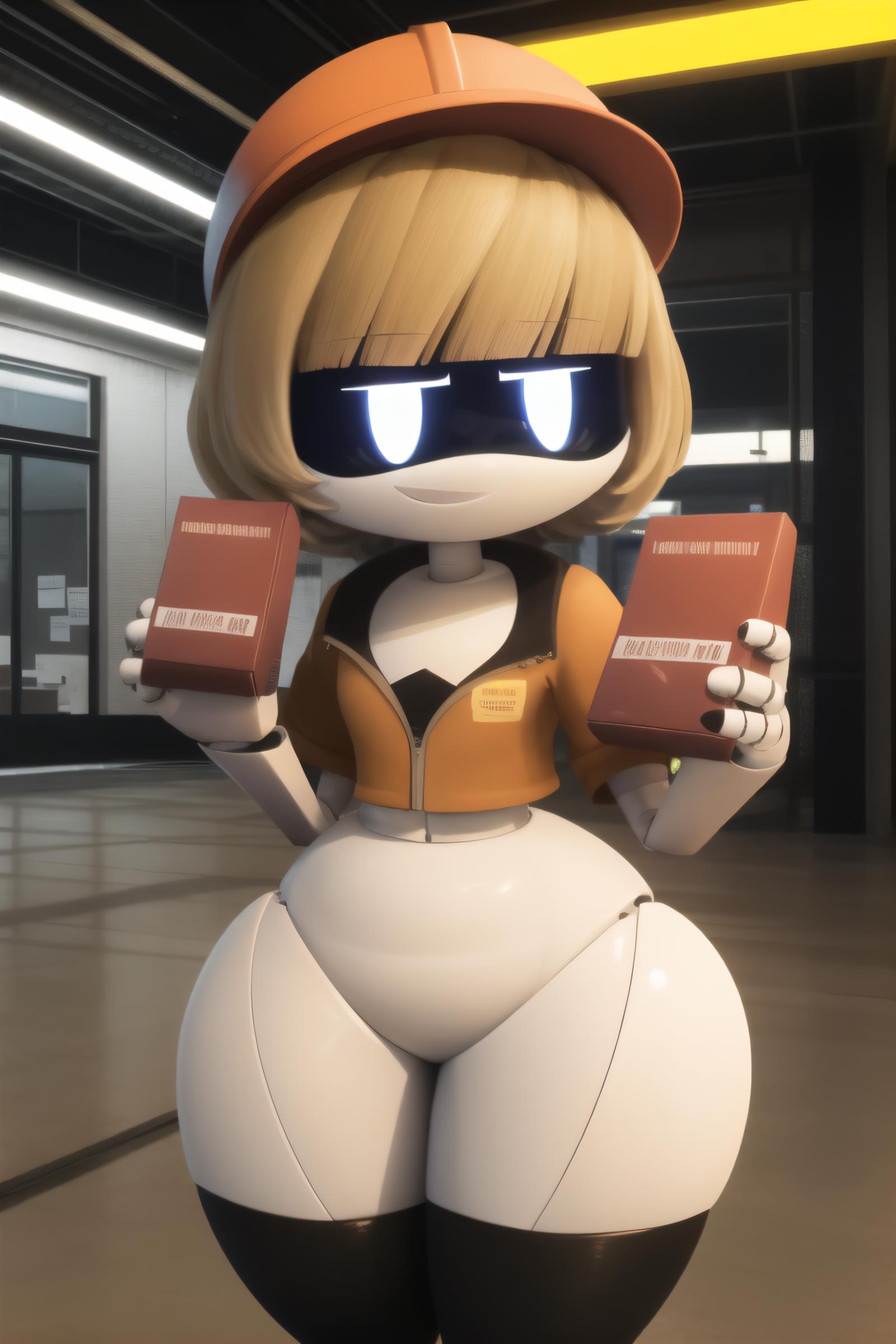


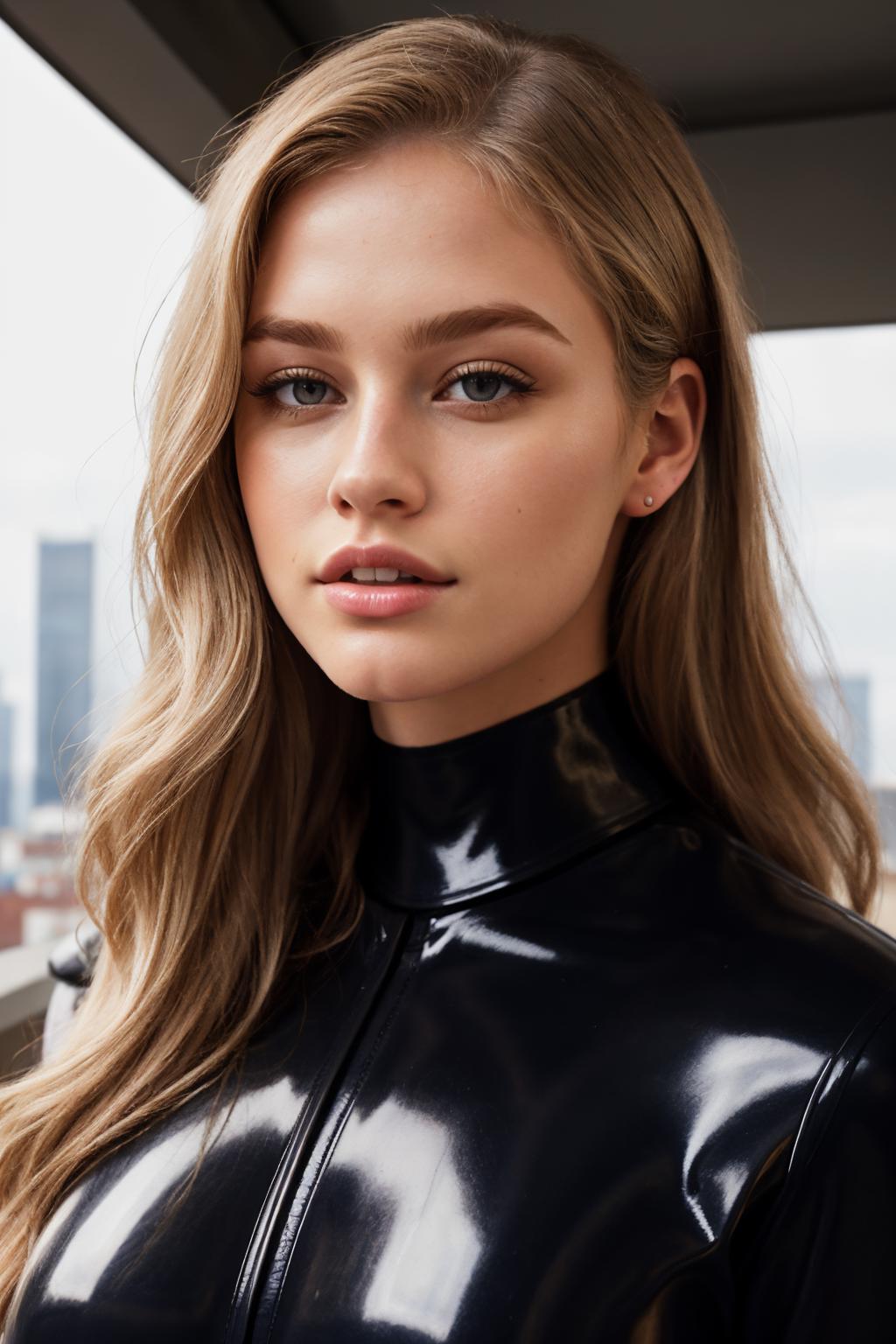

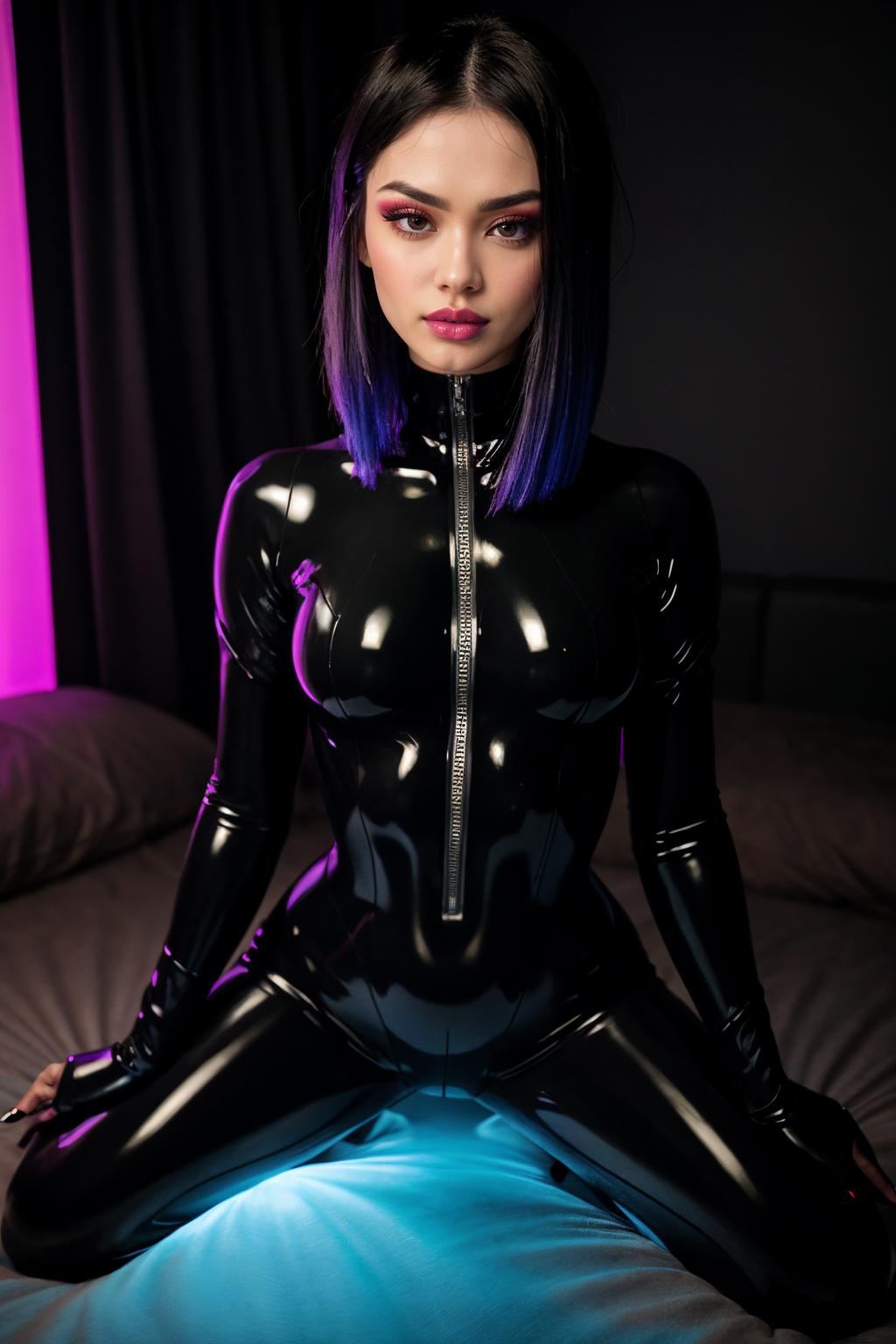
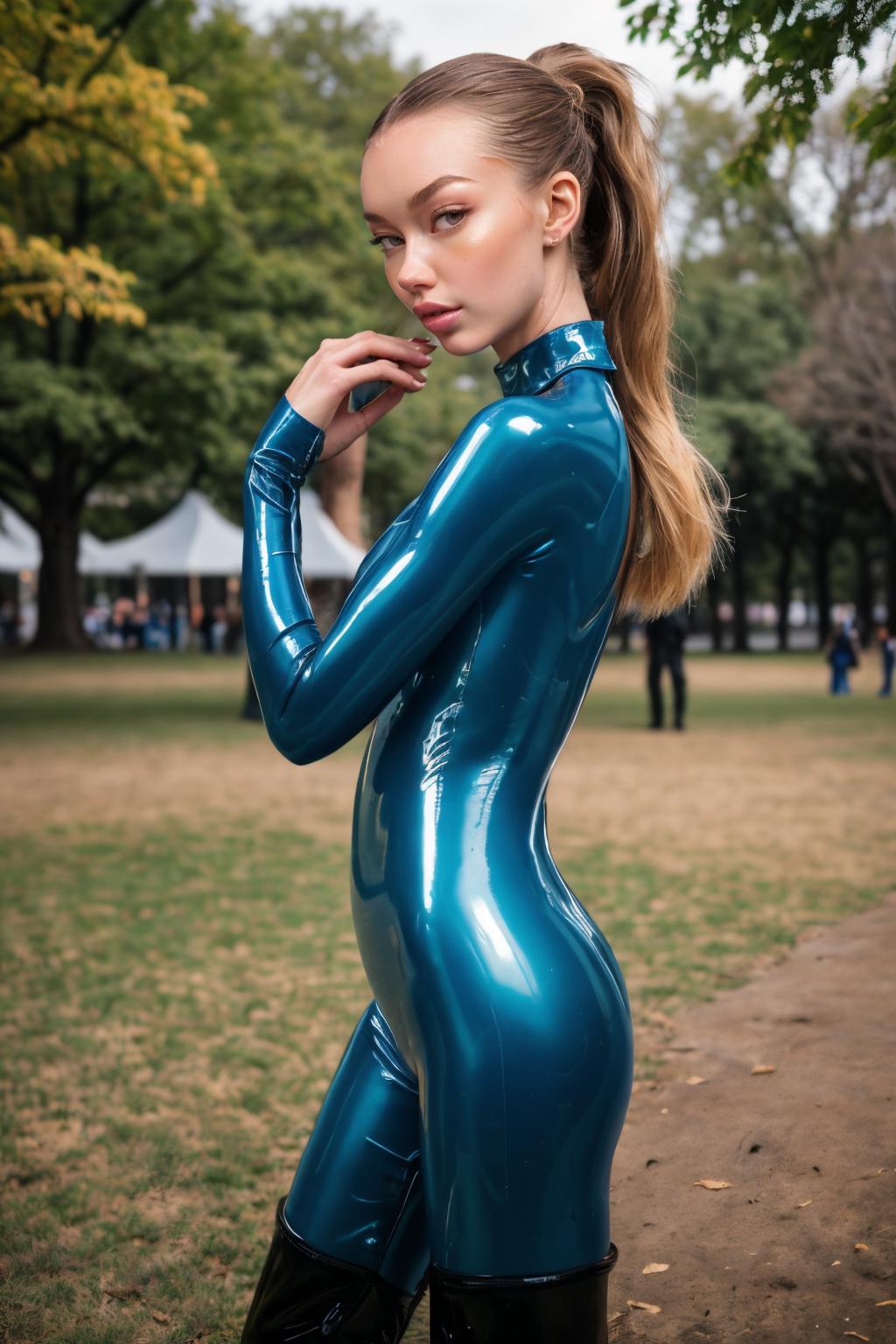
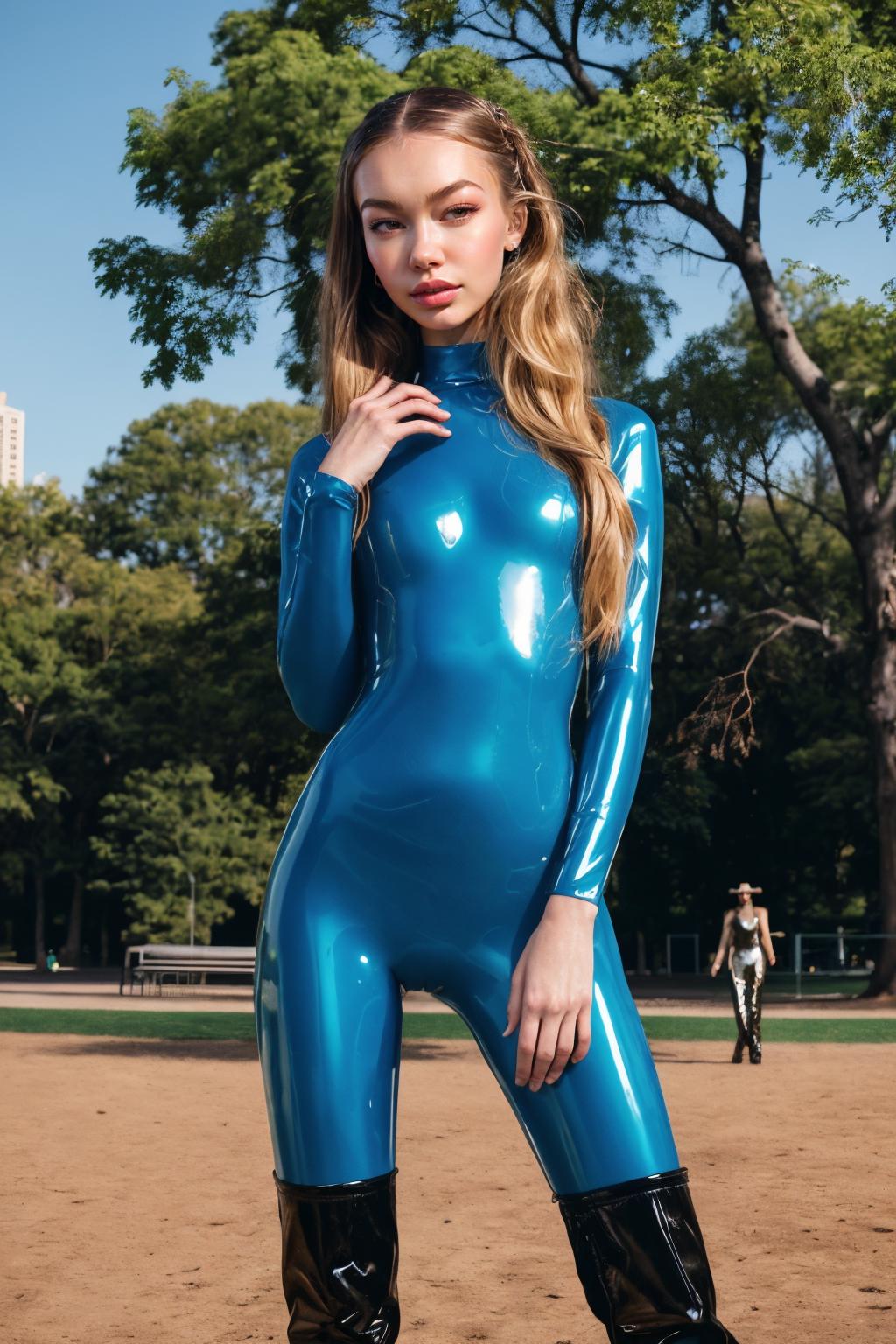



This model removes belly buttons. No keyword required.
How it was trained:
Lora overtrained on an image
Second lora overtrained on an edit of that image (in this case the belly button was inpainted out)
Repeated the above a few times
Merged all the loras trained on edited images into checkpoint_a
Merged all the loras trained on unedited images into checkpoint_b
Extracted lora from checkpoint_a - checkpoint_b
Zeroed out non-required blocks in the lora using trial and error to reduce lora side effects on generated image
Used the following guide:
https://civitai.com/models/98334/difflorafaceshadowtweaker
https://1lemon1lemon.netlify.app/2023-06-27_difflora/
Used this for training:
https://github.com/bmaltais/kohya_ss
Used the following command for overtraining loras (paths replaced with ...):
accelerate launch --num_cpu_threads_per_process=2 "train_network.py" --enable_bucket --pretrained_model_name_or_path="..." --train_data_dir="..." --resolution="768,768" --output_dir="..." --logging_dir="..." --network_alpha="16" --save_model_as=safetensors --network_module=networks.lora --unet_lr=0.001 --network_train_unet_only --network_dim=32 --output_name="01a" --lr_scheduler_num_cycles="1" --learning_rate="0.001" --lr_scheduler="constant" --train_batch_size="1" --max_train_steps="400" --save_every_n_epochs="1" --mixed_precision="fp16" --save_precision="fp16" --cache_latents --optimizer_type="AdamW8bit" --max_data_loader_n_workers="0" --bucket_reso_steps=64 --xformers --bucket_no_upscaleUsed this A1111 extension for merging:
1. สิทธิ์ของโมเดลที่โพสต์ซ้ำเป็นของผู้สร้างต้นฉบับ
2. ผู้สร้างต้นฉบับที่ต้องการรับรองโมเดล โปรดติดต่อเจ้าหน้าที่ SeaArt AI ผ่านช่องทางทางการ คลิกเพื่อรับรอง
