banner_image ×
SeaArt AI บริษัท

# Script: AI-Generated Art - Gothic Dark Souls-Inspired Woman with Dragon Eyes a
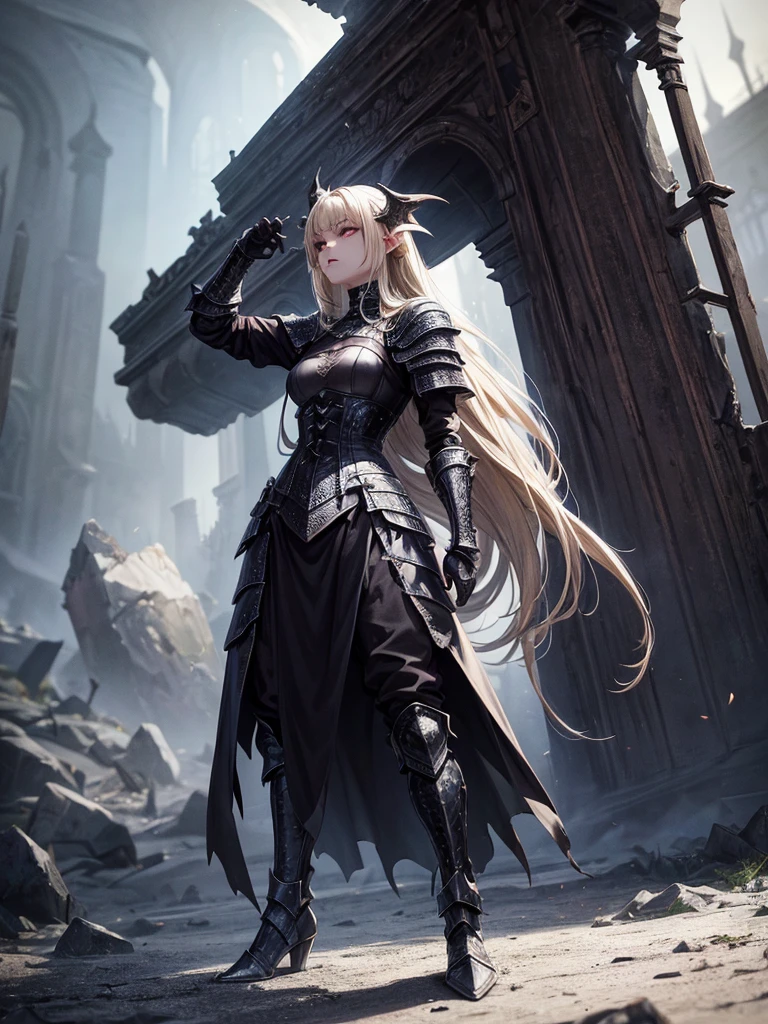

# Script: AI-Generated Art - Gothic Dark Souls-Inspired Woman with Dragon Eyes and Wings

**Objective:**
Create an AI-generated image of a woman with specific features and attire, inspired by the Gothic style of the Dark Souls series.

**Character Description:**
- **Gender:** Female
- **Hair:** Long blonde hair, tied back
- **Eyes:** Red, dragon-like
- **Dragon Features:** Small wings
- **Attire:** Full-body medieval armor
- **Style:** Gothic, similar to Dark Souls aesthetics

**Steps:**

1. **Gather Reference Images:**
   - Collect images of full-body medieval armor from the Dark Souls series.
   - Find examples of blonde hair tied back.
   - Look for images of red, dragon-like eyes and small dragon wings.
   - Compile Gothic art references to understand the desired aesthetic.

2. **Character Design:**
   - **Hair:** Design the long blonde hair tied back, ensuring it looks natural and flows realistically.
   - **Eyes:** Create piercing red eyes with elongated pupils to give a dragon-like appearance.
   - **Dragon Features:** Add small, subtle dragon wings that look natural on her back.
   - **Armor:** Design full-body medieval armor with intricate Gothic patterns and dark tones, appearing worn and battle-scarred. Ensure the armor covers the entire body, including helmet, chest plate, gauntlets, greaves, and boots.
   - **Overall Style:** Use dark, muted colors with high contrasts to emphasize the Gothic style. Incorporate dark shadows and dim lighting.

3. **Pose and Composition:**
   - Position the character in a dramatic pose, possibly standing or in mid-battle stance.
   - Choose a dark, eerie background that complements the Gothic theme, like a ruined castle or a foggy forest.
   - Use lighting to create a moody, atmospheric effect, casting shadows that highlight the character’s features and armor.

4. **AI Tools and Techniques:**
   - Use AI art generation tools like DALL-E, MidJourney, or Stable Diffusion.
   - Input the character description and upload refer
image
avatar
L
Luis Felipe Gomes Pereira
ข้อมูลการสร้างสรรค์
รีมิกซ์
บันทึก
คำพรอมต์
# Script: AI-Generated Art - Gothic Dark Souls-Inspired Woman with Dragon Eyes and Wings **Objective:** Create an AI-generated image of a woman with specific features and attire , inspired by the Gothic style of the Dark Souls series . **Character Description:** - **Gender:** Female - **Hair:** Long blonde hair , tied back - **Eyes:** Red , dragon-like - **Dragon Features:** Small wings - **Attire:** Full-body medieval armor - **Style:** Gothic , similar to Dark Souls aesthetics **Steps:** 1 . **Gather Reference Images:** - Collect images of full-body medieval armor from the Dark Souls series . - Find examples of blonde hair tied back . - Look for images of red , dragon-like eyes and small dragon wings . - Compile Gothic art references to understand the desired aesthetic . 2 . **Character Design:** - **Hair:** Design the long blonde hair tied back , ensuring it looks natural and flows realistically . - **Eyes:** Create piercing red eyes with elongated pupils to give a dragon-like appearance . - **Dragon Features:** Add small , subtle dragon wings that look natural on her back . - **Armor:** Design full-body medieval armor with intricate Gothic patterns and dark tones , appearing worn and battle-scarred . Ensure the armor covers the entire body , including helmet , chest plate , gauntlets , greaves , and boots . - **Overall Style:** Use dark , muted colors with high contrasts to emphasize the Gothic style . Incorporate dark shadows and dim lighting . 3 . **Pose and Composition:** - Position the character in a dramatic pose , possibly standing or in mid-battle stance . - Choose a dark , eerie background that complements the Gothic theme , like a ruined castle or a foggy forest . - Use lighting to create a moody , atmospheric effect , casting shadows that highlight the character’s features and armor . 4 . **AI Tools and Techniques:** - Use AI art generation tools like DALL-E , MidJourney , or Stable Diffusion . - Input the character description and upload refer
ขนาด
768X1024
วันที่
Jun 30, 2024
โหมด
เริ่มต้น
ประเภท
upscale
Checkpoint & LoRA
MeinaUnreal
Checkpoint
MeinaUnreal
0 ความคิดเห็น
0
0
0
0/400

แอป SeaArt Swift AI
ai_video_generationimg
การสร้างวิดีโอด้วย AI

ปลดปล่อยจินตนาการของคุณและให้ AI สร้างสรรค์สิ่งมหัศจรรย์ทางภาพให้คุณ
face_swap_titleimg
เปลี่ยนใบหน้าออนไลน์ฟรี

สร้างวิดีโอและภาพถ่ายเปลี่ยนใบหน้าที่สนุกและสมจริงอย่างรวดเร็ว
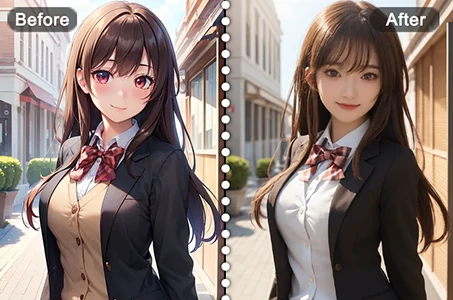
anime2realityimg
จากอนิเมะสู่ความเป็นจริง

ปลุกชีวิตให้ตัวละครอนิเมะที่คุณชื่นชอบได้ในทันที
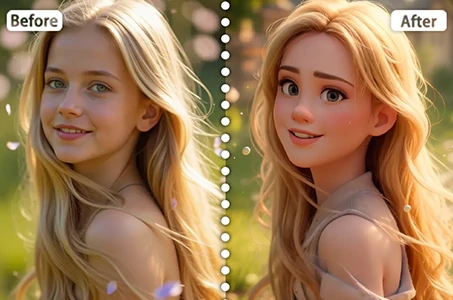
DisneyFilter_top_titleimg
ฟิลเตอร์ดิสนีย์

เปลี่ยนภาพถ่ายของคุณให้เป็นตัวละครดิสนีย์ได้ทันที
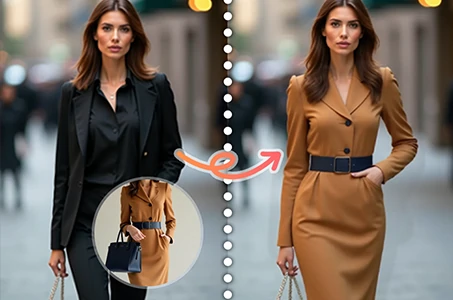
vrtry_cloth_h1img
ลองเสื้อผ้าแบบเสมือนจริง

ลองเสื้อผ้าทุกประเภทแบบเสมือนจริงด้วย AI
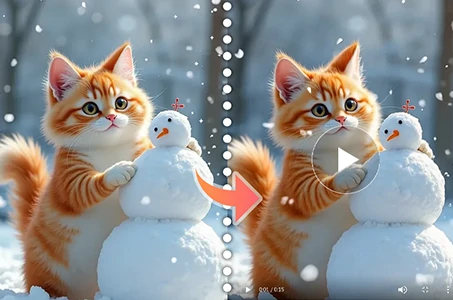
wanimg2vid_h1img
Wan 2.1 รูปภาพเป็นวิดีโอ

สร้างภาพเคลื่อนไหวในรูปถ่ายด้วยการเคลื่อนไหวที่สมจริงและเอฟเฟกต์ภาพยนตร์.

สำรวจแอป AI อื่นๆ เพิ่มเติม 

การแนะนำที่เกี่ยวข้อง

เครือข่ายควบคุม
logo
ไทย
แอปพลิเคชัน
สร้างภาพ ตัวละคร AI Swift AI การฝึกโมเดล Canvas แอปพลิเคชันเร็ว กระบวนการทำงาน
เกี่ยวกับ
สตูดิโอ ตารางคะแนน AI แชท AI บล็อก AI ข่าว
ช่วยเหลือ
คู่มือ บริการลูกค้า
รับแอปพลิเคชัน
icon
Download on the
APP Store
icon
GET IT ON
Google Play
ติดตามเรา
iconiconiconiconiconiconiconicon
© 2025 SeaArt, Inc.
Copyright Policy
"ข้อกำหนด"
"นโยบายความเป็นส่วนตัว" 特定商取引法 資金決済法に基づく表示
เพิ่มเติม