
A man with a beard and a beardless face is smiling in front of a purple background with a blue
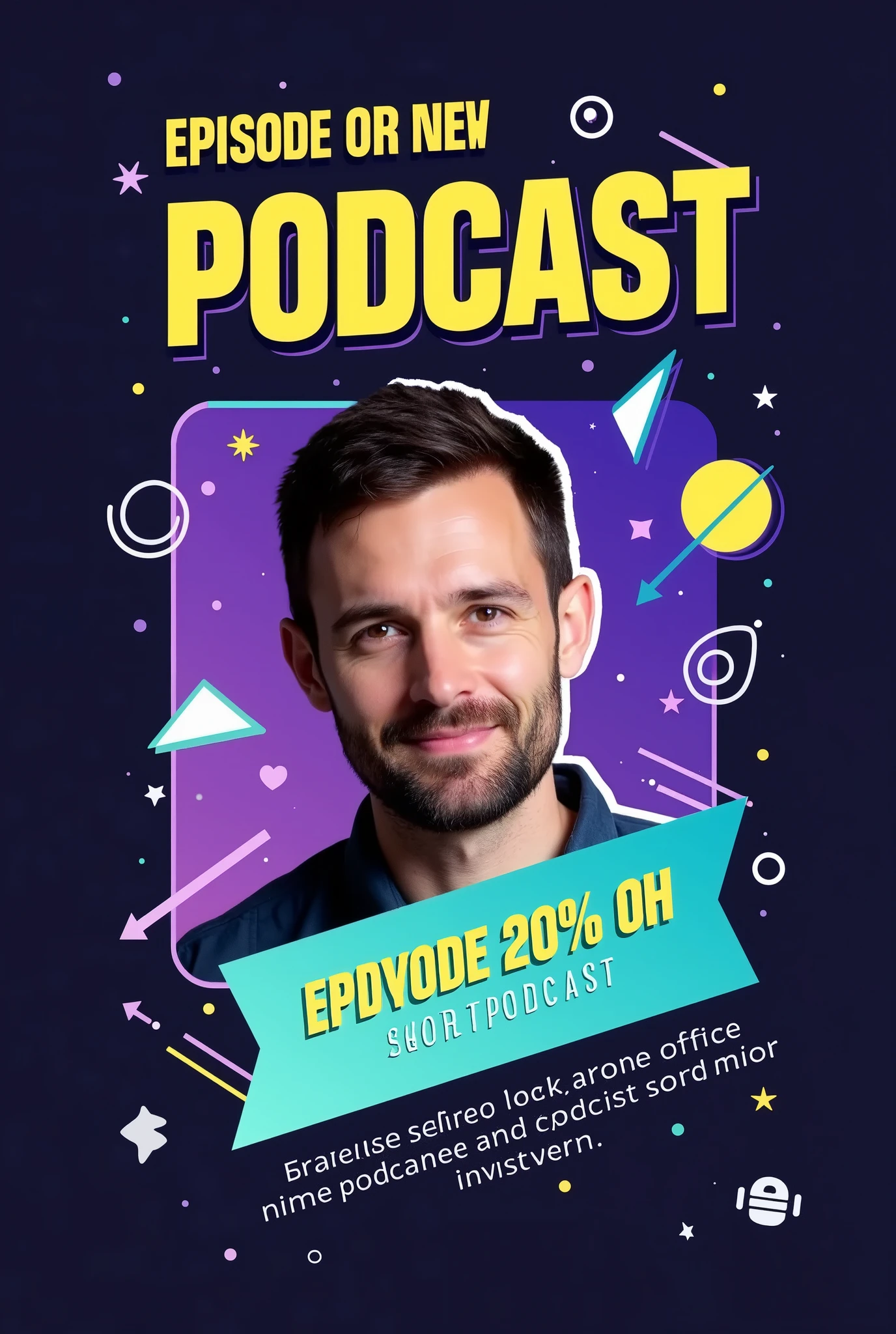

ข้อมูลการสร้างสรรค์
คำพรอมต์
Prompt:
"Create an eye-catching Instagram post announcing the release of a new podcast episode with the following details:
Background: Use a gradient background with a dark-to-light transition
,
such as deep navy fading into a vibrant color like purple or teal
.
This adds depth and makes the design more dynamic
.
Title Text: Place the episode title in a bold
,
modern sans-serif font like 'Montserrat' or 'Bebas Neue
,
' using a bright
,
contrasting color like neon yellow or white
.
The title should be large and centered at the top
,
reading something like 'New Episode Out Now
!
'
Subheadline or Short Description: Below the title
,
include a short description in a slightly smaller
,
sleek font like 'Open Sans
.
' Use a white or light gray color
.
The text could say something like 'Join us as we dive into the latest trends
.
'
Host or Guest Image: Feature a high-quality
,
cutout image of the host or guest in the center
,
slightly tilted or overlapped by graphic elements
.
Apply a subtle shadow or glow effect around the image to make it pop from the background
.
Visual Elements:
Sound Waves or Audio Lines: Add subtle but dynamic sound wave graphics or audio line visuals emanating from the sides of the host image or near the title
.
Use a matching color scheme
,
like neon yellow or blue
,
to create motion and energy
.
Geometric Shapes: Include overlapping circles
,
triangles
,
or rectangles in the background
,
with varying levels of transparency
.
These shapes can be in complementary colors (e
.
g
.,
light blues
,
purples
,
or pinks) to add depth and interest without overwhelming the main content
.
Icons: Place small
,
modern icons that represent the podcast theme (e
.
g
.,
a microphone
,
headphones
,
or a podcast symbol) near the bottom corners or integrated within the background elements
.
These should be in a bright color to ensure they stand out
.
Highlight Box: Use a semi-transparent highlight box or ribbon behind the subheadline text to make it stand out more
.
This box can be in a subtle gradient
,
ma
Checkpoint & LoRA
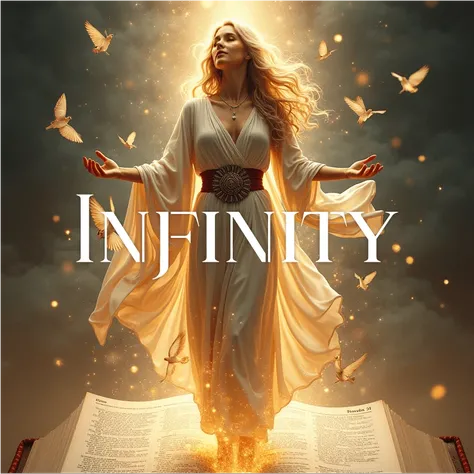
Checkpoint
SeaArt Infinity
0 ความคิดเห็น
0
0
0
0/400
แอป SeaArt Swift AI
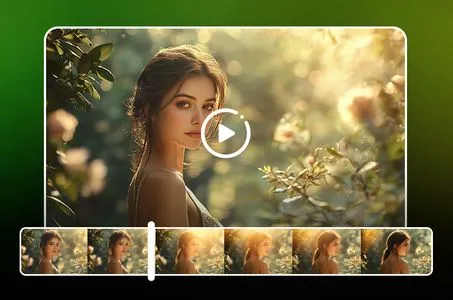
การสร้างวิดีโอด้วย AI
ปลดปล่อยจินตนาการของคุณและให้ AI สร้างสรรค์สิ่งมหัศจรรย์ทางภาพให้คุณ
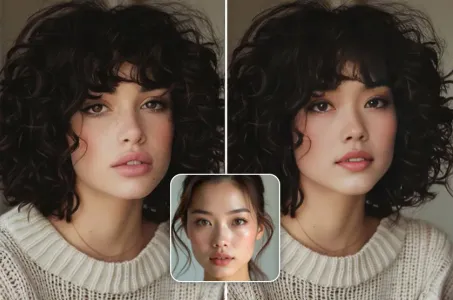
เปลี่ยนใบหน้าออนไลน์ฟรี
สร้างวิดีโอและภาพถ่ายเปลี่ยนใบหน้าที่สนุกและสมจริงอย่างรวดเร็ว
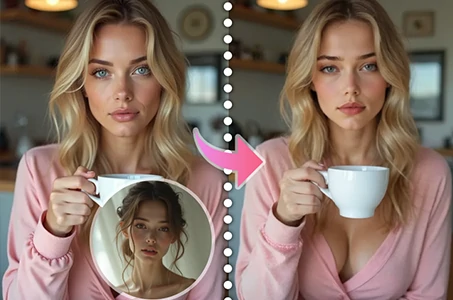
เปลี่ยนใบหน้าวิดีโอ
สร้างวิดีโอที่สนุกสนานด้วยการเปลี่ยนใบหน้าในคลิปวิดีโอใด ๆ
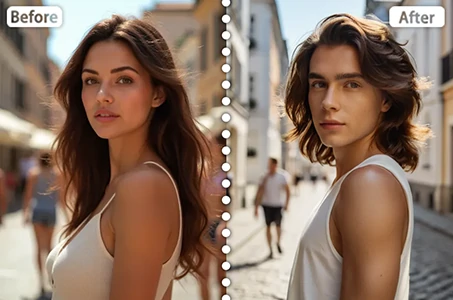
การสลับเพศ
เปลี่ยนเพศในภาพถ่ายและวิดีโอด้วย AI เปลี่ยนเพศของ SeaArt เพลิดเพลินกับการเปลี่ยนแปลงที่สนุกสนานและสมจริงได้อย่างง่ายดาย ใช้งานฟรีออนไลน์!
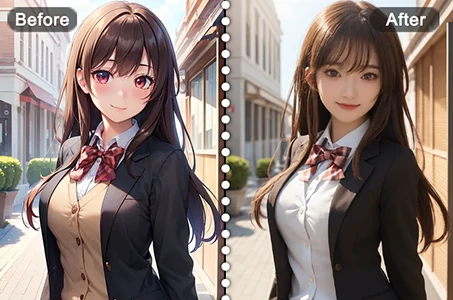
จากอนิเมะสู่ความเป็นจริง
ปลุกชีวิตให้ตัวละครอนิเมะที่คุณชื่นชอบได้ในทันที
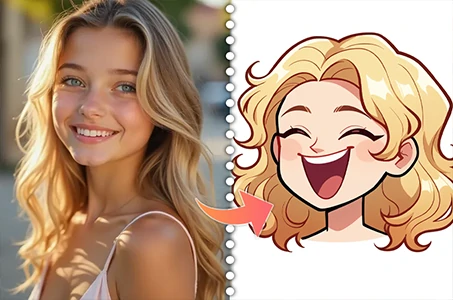
เครื่องสร้างอวาตาร์การ์ตูน
เปลี่ยนภาพถ่ายของคุณให้กลายเป็นอวาตาร์การ์ตูนที่โดดเด่นได้ทันที
สำรวจแอป AI อื่นๆ เพิ่มเติม