ประเภท
Hypernetwork
เวลาโพสต์
2023-03-20
โมเดลพื้นฐาน
SD 1.5
คำที่กระตุ้น
invisible
คัดลอก


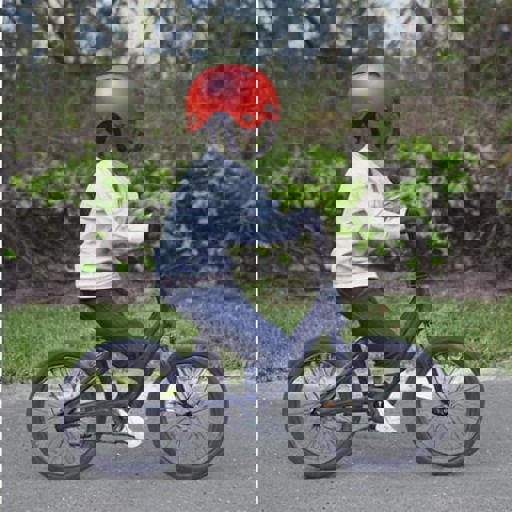
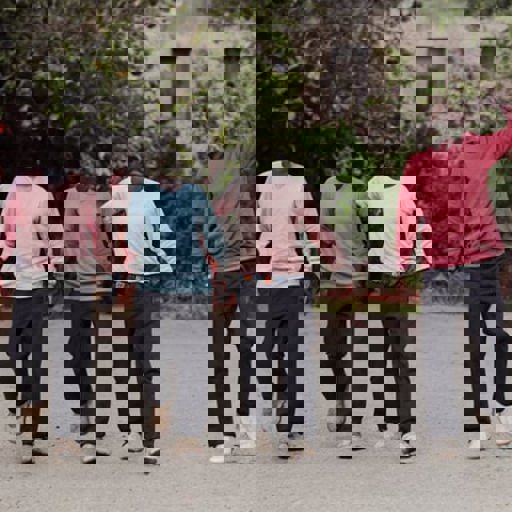

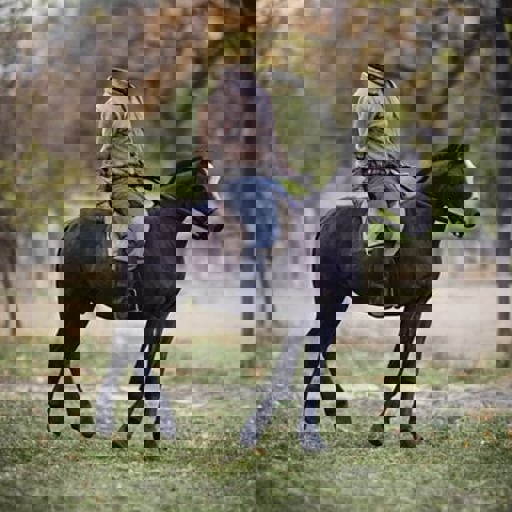
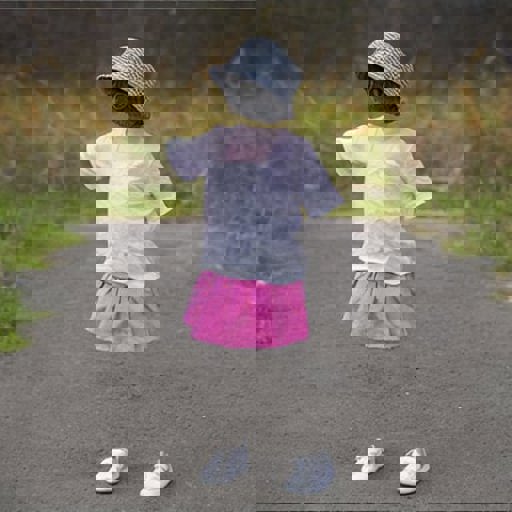
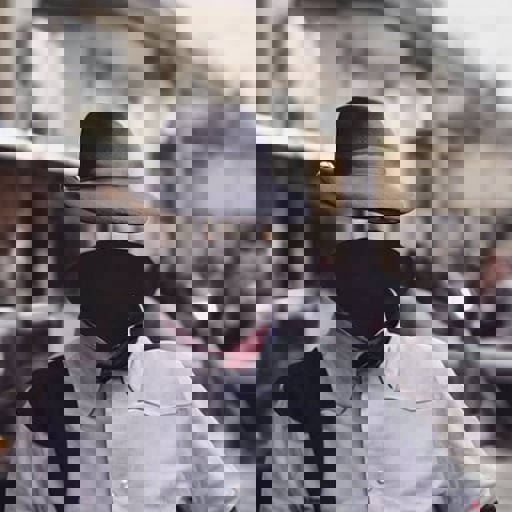
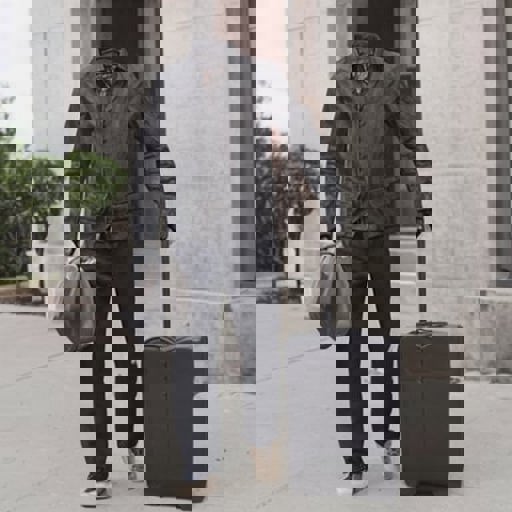
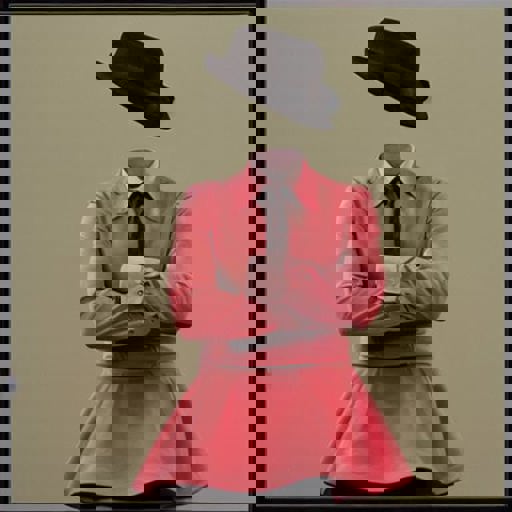



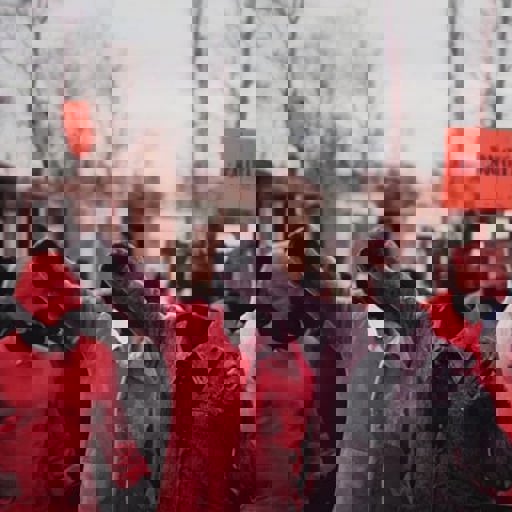




IMPORTANT INSTRUCTIONS!
This model was trained on SD base 1.5 version BUT It does also work for 1.4 as they both share the same Clip encoder.
Install instructions.
Simply place the invisible.pt file inside the \stable-diffusion-webui\models\hypernetworks folder. Load the model inside the Automatic1111 interface under settings hypernetwork.
Use instructions.
Use 1.0 hypernetwork strength for best results.
Use DPM++ SDE Karras sampler with 15 steps and CFG of 4.0.
Make sure and always include the word invisible somewhere in the prompt. For people always preface the subject with invisible, example "invisible man walking", "invisible girl playing in the backyard", etc...
VERY IMPORTANT! Always describe the background in some detail or you WILL get a very generic boring background.. So for example DON'T just say "an old invisible man". DO say "an old invisible man inside a rustic hut".
For some fun, use the 1.5 inpaint model with this hypernetwork on your photos. Simply prompt invisible and use the inpaint tool to inpaint any exposed skin and watch the magic happen.


1. สิทธิ์ของโมเดลที่โพสต์ซ้ำเป็นของผู้สร้างต้นฉบับ
2. ผู้สร้างต้นฉบับที่ต้องการรับรองโมเดล โปรดติดต่อเจ้าหน้าที่ SeaArt AI ผ่านช่องทางทางการ คลิกเพื่อรับรอง
