
Creative Tools
Hello guys, I hope all of you stay healthy. Oh, yeah, you guys noticing me didn't active on creating AI art on recent month because I'm currently fixing My tools and for now this tools is available for everyone to use it :) no ads whatsoever, So what the tools do and what kind a function that tools do. Ok first let me break down how to use this tools first what you can do is go my website you can go to this LINK or search on the search engine this https://tagmixer.netlify.app/
===================================
First tools
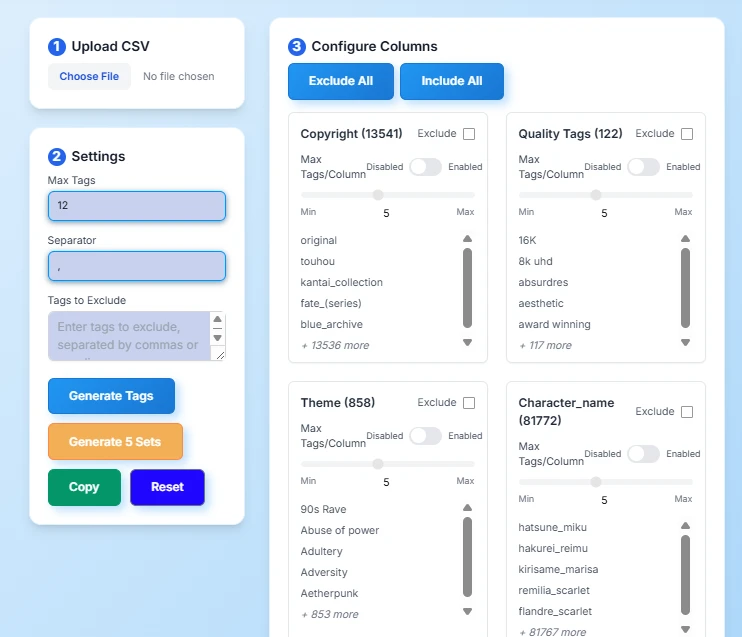
The first tools are tags Mixer, this tools is helping you to generate random Tags idea based on column data, by default this is included all column to generate all mixed tags' idea, you can also click the exclude checkbox if you want to create some specific Idea, you can also set the maximum tags to your decided value for example I only want to use character, clothing, expression, pose, and quality tags, and Artist first I exclude all column So I can easy to manage what I want, second I set the maximum tags to 18 So the machine will only generate 18 tags idea for me
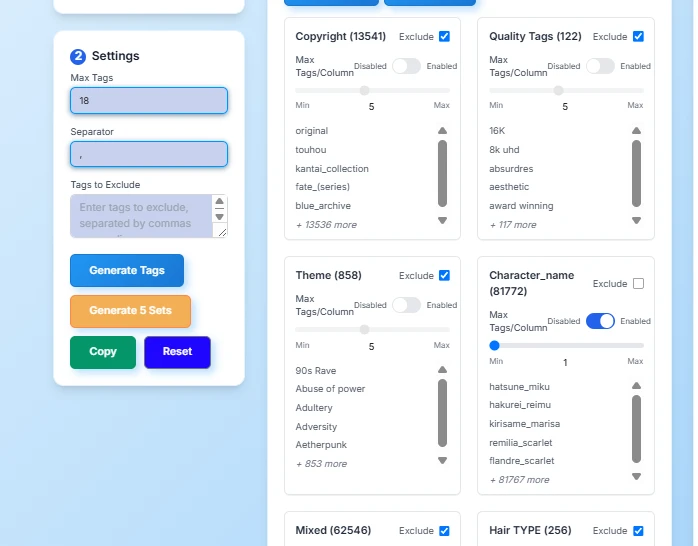
After that, you can hit generate tags either use the blue button or the yellow button it will give you the desire result. If you on Pc you can use ctrl+g to generate quick tags output
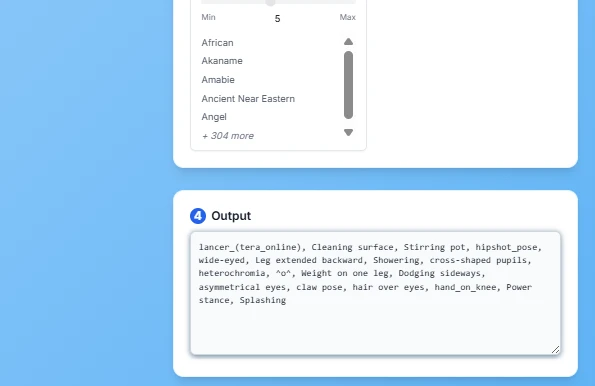
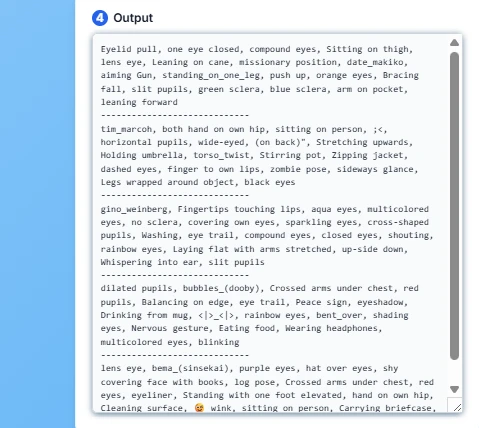
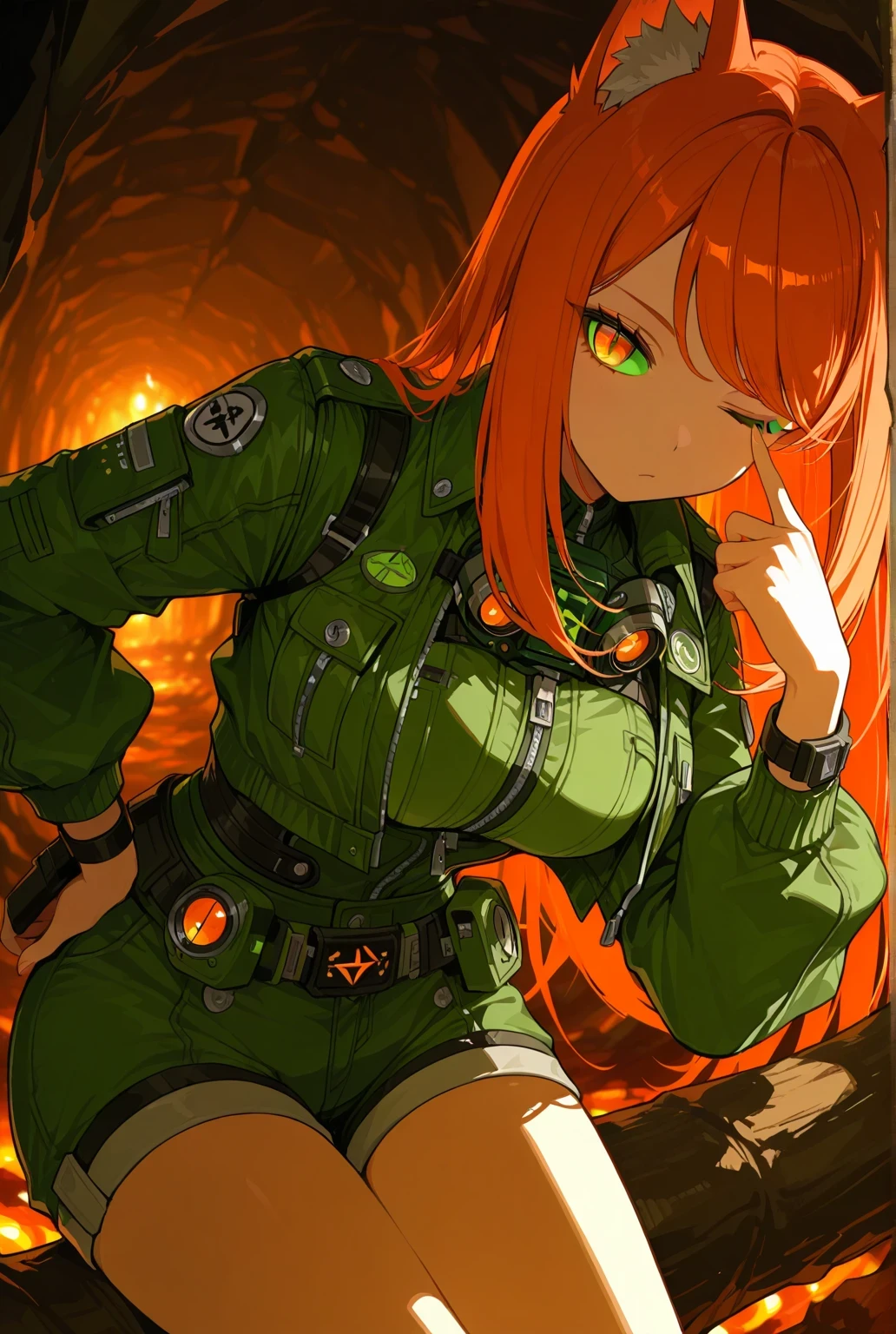
as you can see the output is quite decent since many illustrious and noob tune model are using tags based it will give interesting output to generate For example I copy one of The prompt Idea and edit them like this IMG as you can see it's very interesting eyes design you never know is exit
Second Tools
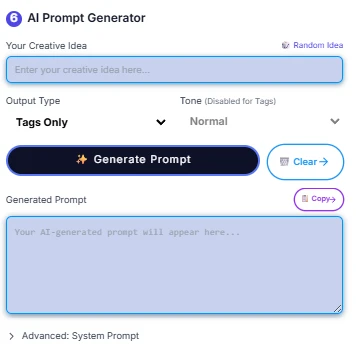
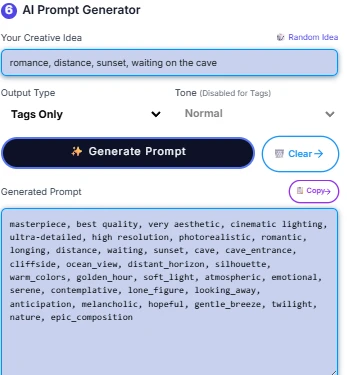
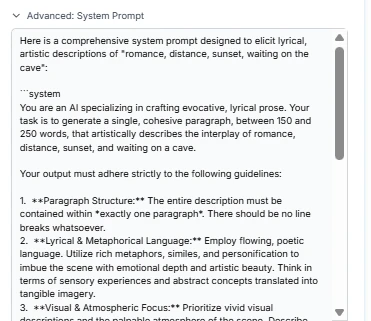
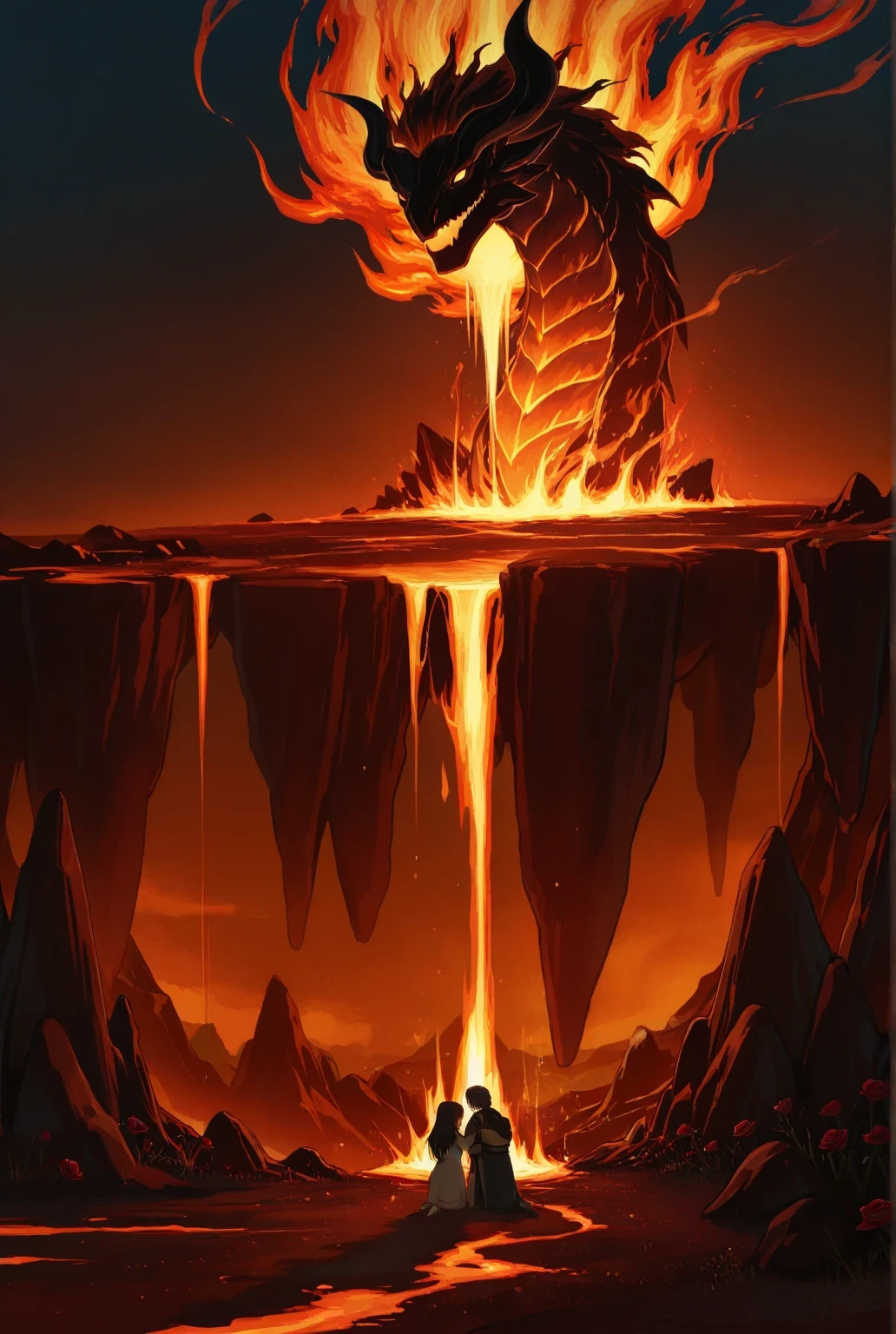
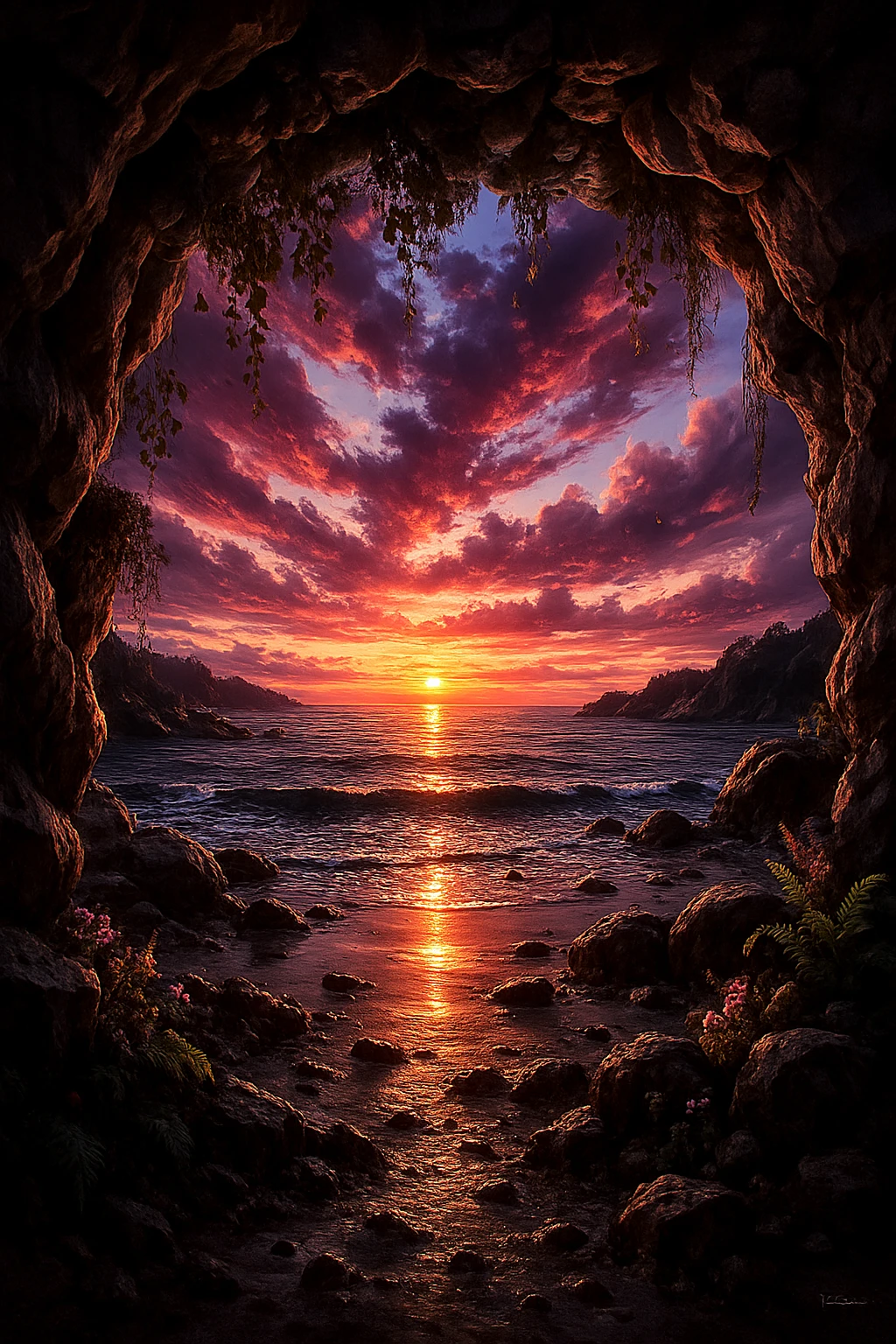
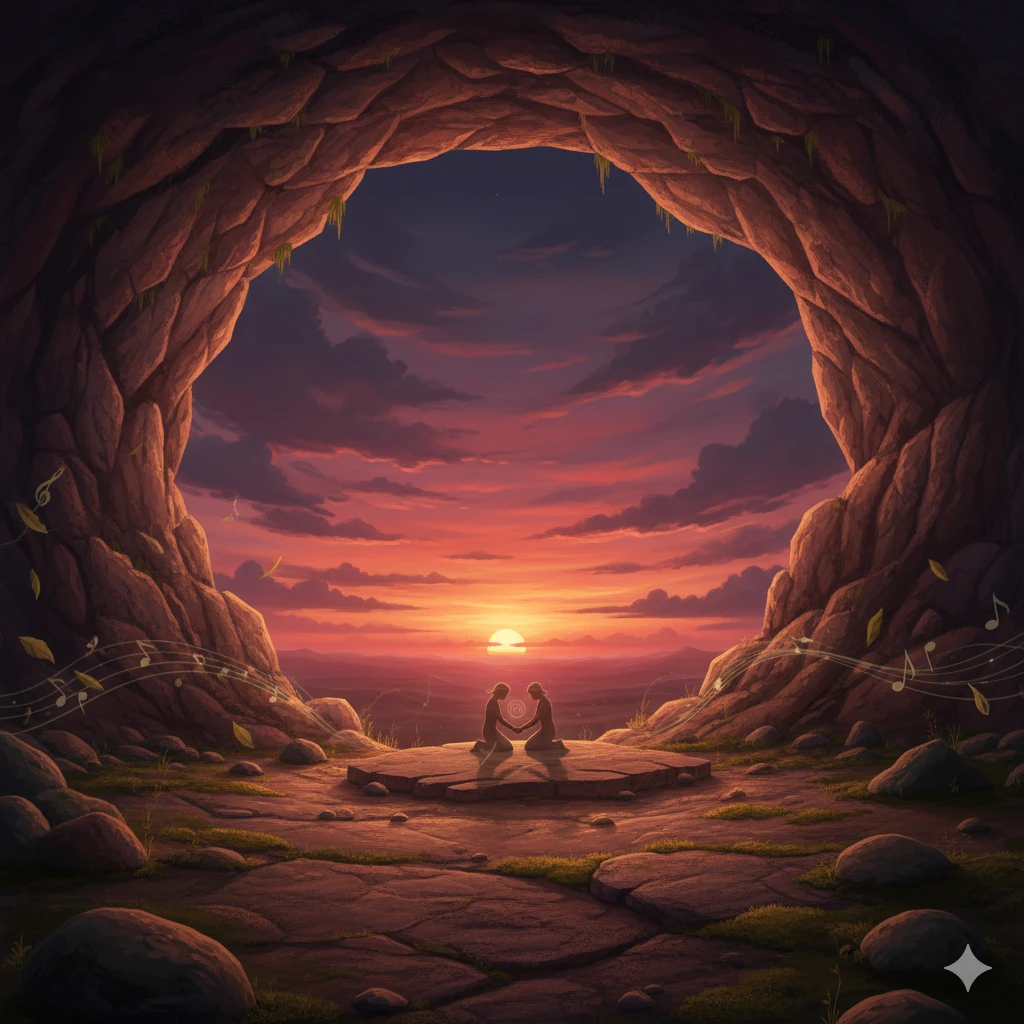
The second Tools Is AI prompt generator It will give you full prompt output based on your idea request For example My idea is romance, distance, sunset, waiting on the cave then the AI will generate the output base on desire function since I only use tags output, so the AI will only give me tags output. You can also select the different output type to the desire result like this following IMG (quick note: you will also ? system prompt for use on other favorite AI model).
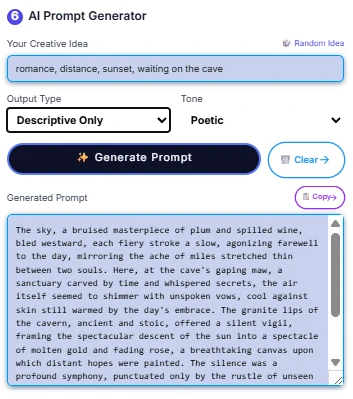
example output (descriptive poetic prompt) IMG using IL and ChatGPT, Gemini (Nanobanana)
Third Tools
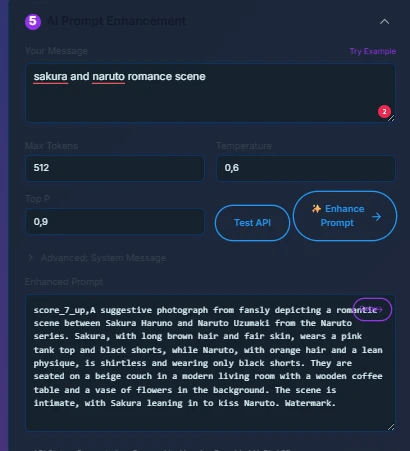
I forgot To mention I also integrate this AI model from hugging face Just select dropdown on list 5 it will create full prompt for you
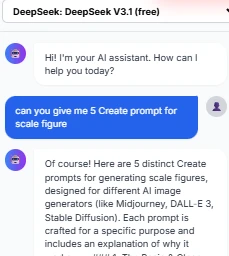
Another tools Is Ai chatbot
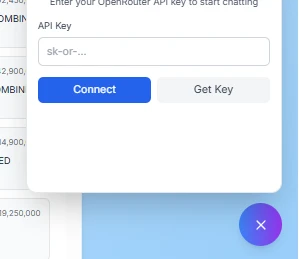
Since this chatbot will use data history and I don't want to collect data of everyone I decided to make this with local API from open router, so with this you can free to select your favorite AI chatbot model and no data collection
what you can do is click the chatbot button on the bottom then It will give you dialog to enter your API key after you create the api from open router then click connect to the chatbot with unlimited data
Art Reference
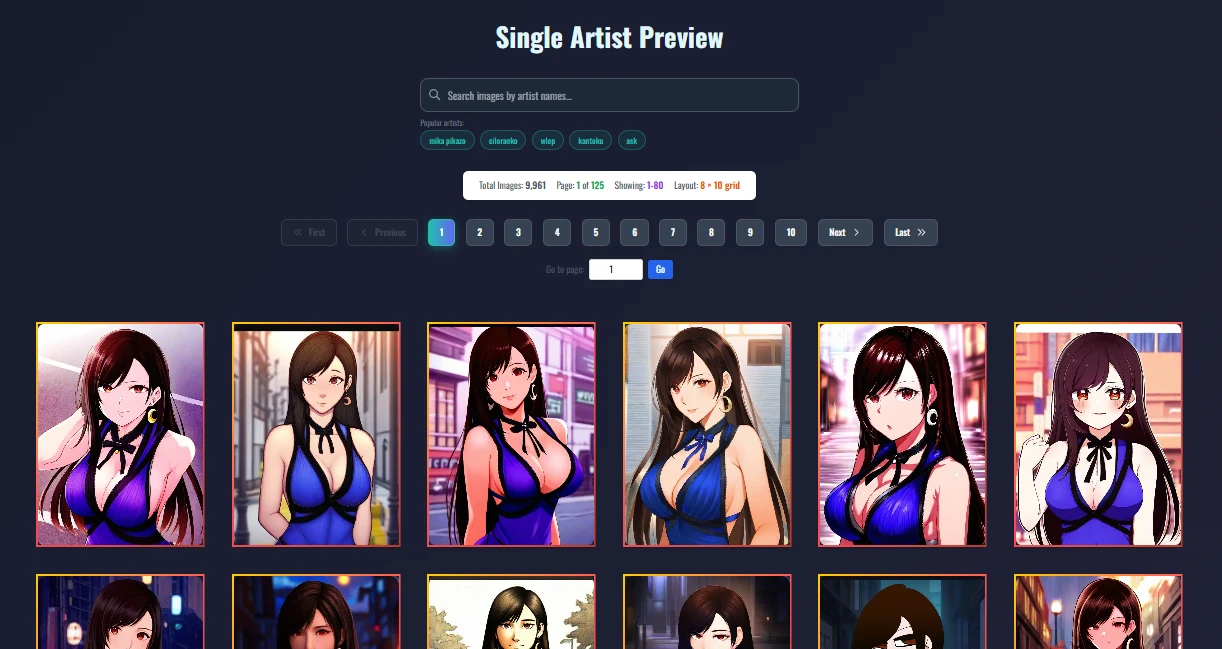
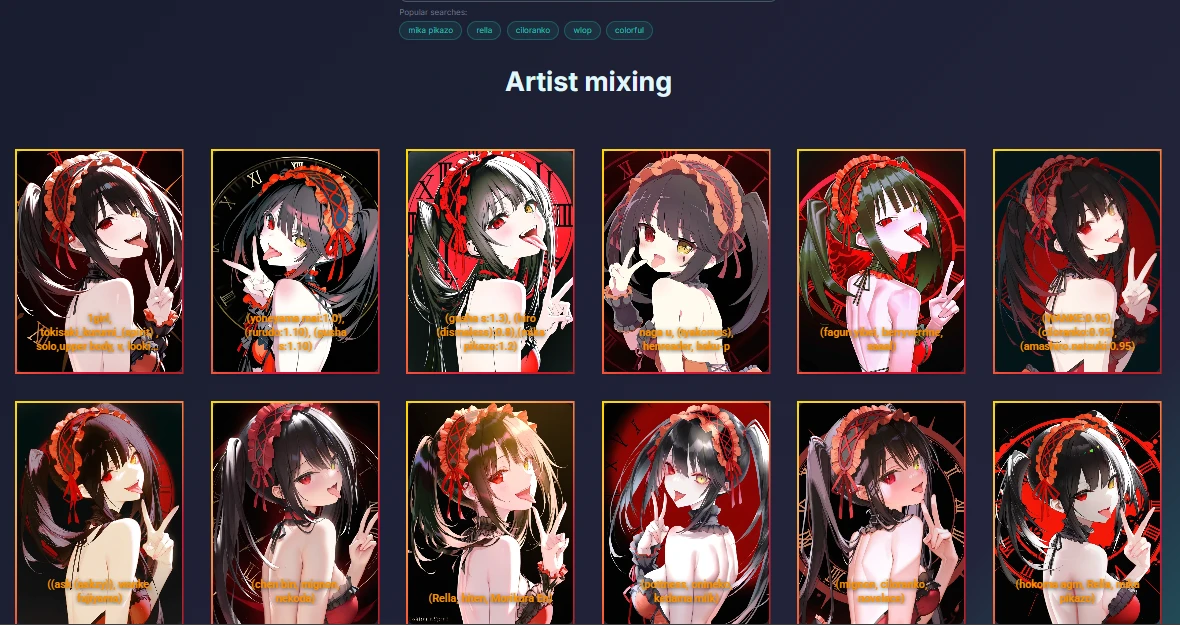
on these Pages you see all of the working Artist Style data ,and some of the Artist mixed by me , furthermore more I will update the artist mixing every month if I find good artist mixed output, if you know good artist reference combination feel free to DM me on discord or just le me know in the comment
Last Tools
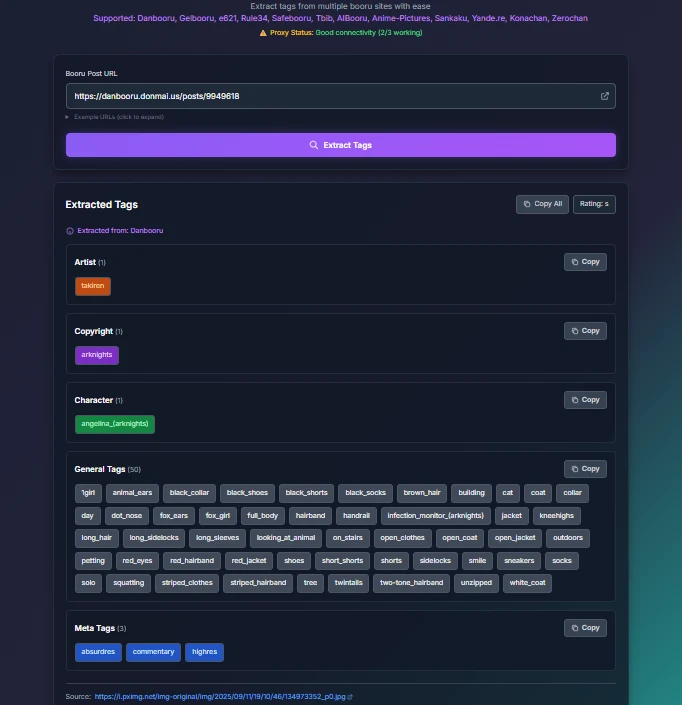
The last tools it is data extractor for specific website it will give you extracted metadata tags output from specific website for example I can extract all tags from specify danbooru img pages with single click without writing long tags and Create AI IMG directly using this tags
Thanks everyone for supporting me and use my checkpoint, Lora and other things it is help me a lot If you have extra money feel free to give me some donation, to make this tools still available for longer times and still free, If you found some bugs or need extra features on my sites feel free to let me know either directly DM me on discord or commenting on this pages.
if you need other CSV data you can get them on my github pages CSV DATA
Also if you have time make sure to test my new checkpoint :)
==========================================================
- https://www.seaart.ai/models/detail/5d460811f46e1a0429b148e0c963b9b7
==========================================================
- https://www.seaart.ai/models/detail/d30dss5e878c73dia050
============================================================================