




Training Data (3.9 MB):natron_log_to_HDR_sample
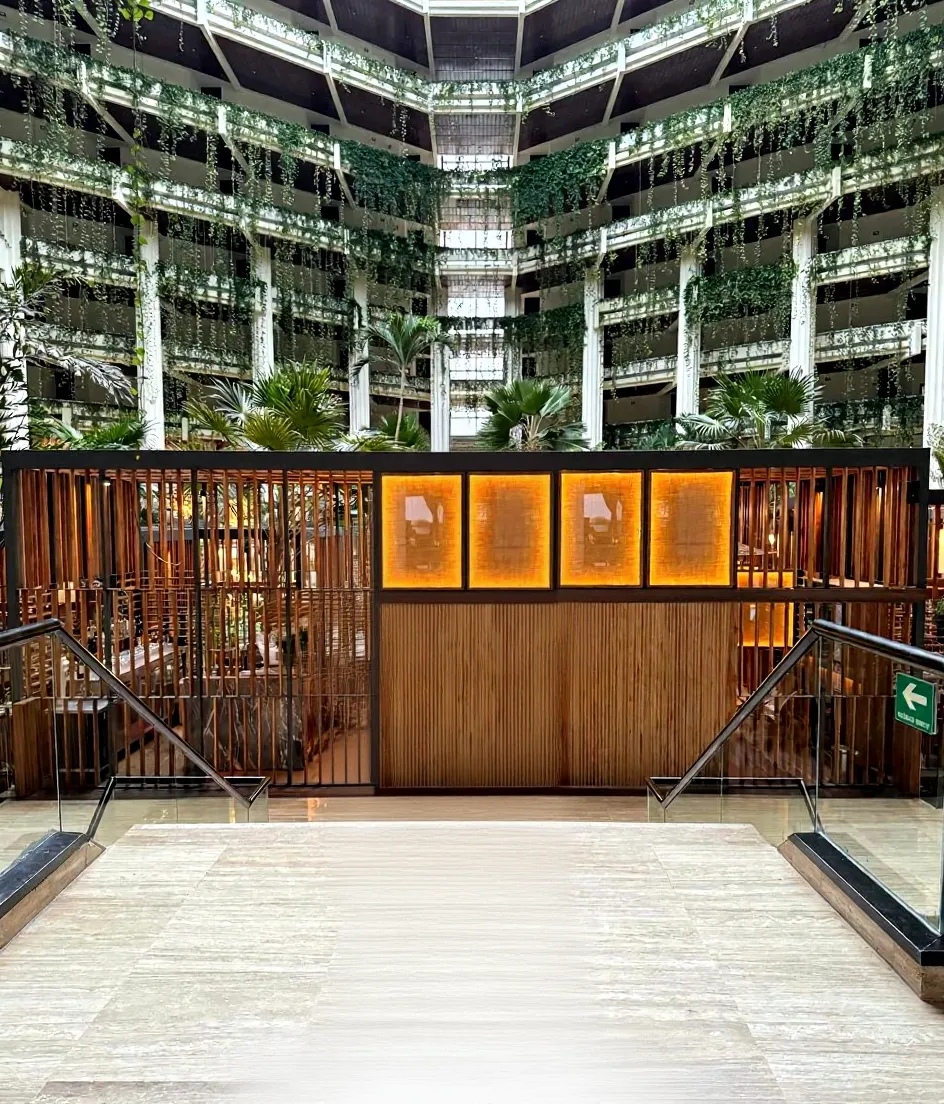
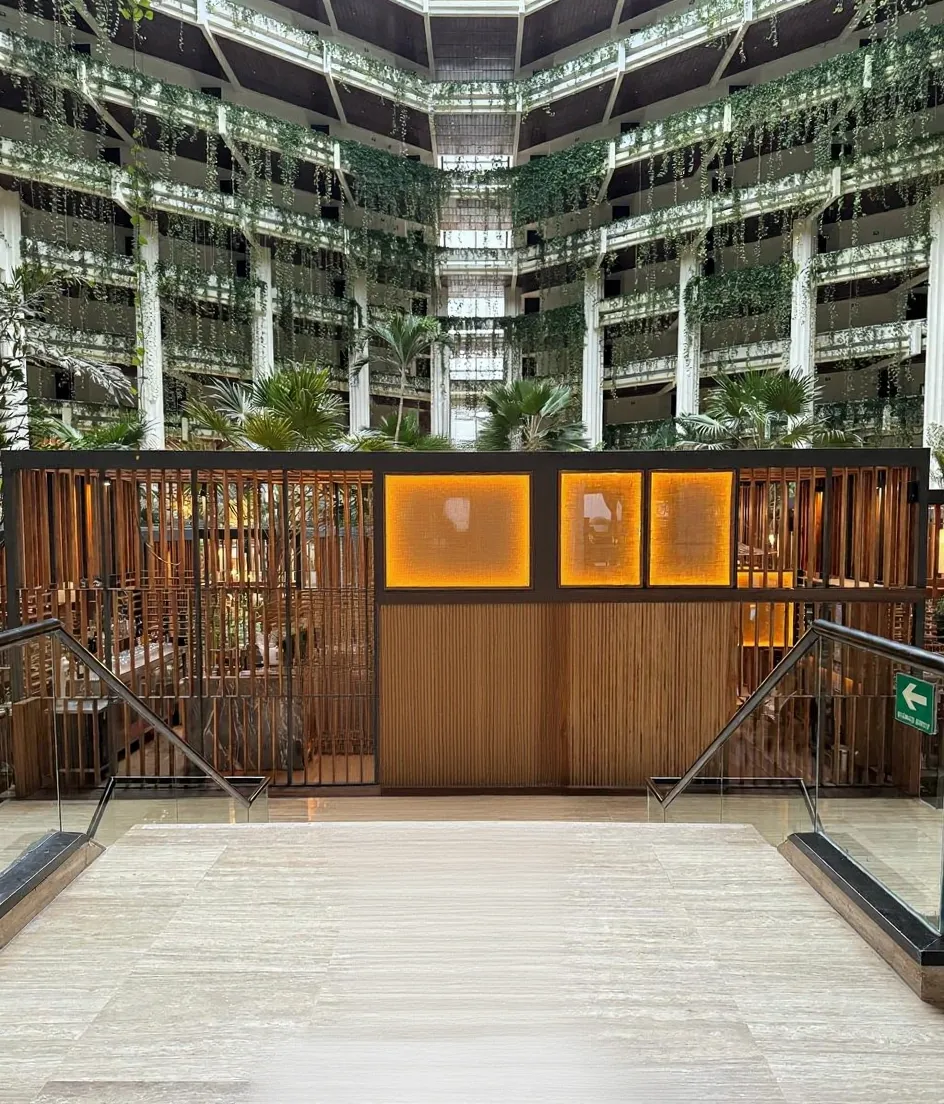
■This LoRA converts normal images into low-contrast images similar to ARRI_LogC4.
This has made it possible to turn regular images into HDR images.
■This is a bit more specialized, so color conversion is required.
If you simply wish to reduce overexposure or color saturation, please use the ACEScg_look LoRA instead.
■Please use the prompt suggested in the trigger tag—this is the same prompt I used when training the LoRA.
■When converting from ARRI_LogC4 to linear sRGB or ACEScg, the following OCIO configuration supports it:
studio-config-v1.0.0_aces-v1.3_ocio-v2.1.ocio
It can be downloaded here:
https://github.com/AcademySoftwareFoundation/OpenColorIO-Config-ACES/releases/tag/v1.0.0
■Any software that supports OCIO should be able to handle the conversion.
The following software are good candidates:
After Effects, DaVinci Resolve, Natron, Nuke
In some cases, it may also be possible in ComfyUI if OCIO support is enabled via an extension.
I have uploaded an example of the conversion done in Natron in the sample images, so please use it as a reference.
■However, this is not a perfect ARRI_LogC4 conversion, and negative values often appear in the shadows.
If the artifacts are unacceptable, setting the mix to around 0.6 during linear conversion will retain some of the low contrast from the log, resulting in better balance. This will also preserve richer gradation when performing tone mapping.
As a side note, in Natron the OCIO colorspace mix doesn’t seem to work, so I used merge-copy mix 0.4 to partially blend the log image and get the same result.
For the OCIO display node, I set gain to 1.5 to match sRGB brightness, but you can also do this by adding a Grade node above it—adjust as you prefer.
If you have any questions about the conversion, feel free to ask; I’ll share any info I can, though it may take some time.
