
Tür
LORA
Yayınlanma tarihi
2023-03-20
Temel Model
SD 1.5
Tetikleyici Kelime
emma watson
Kopyala


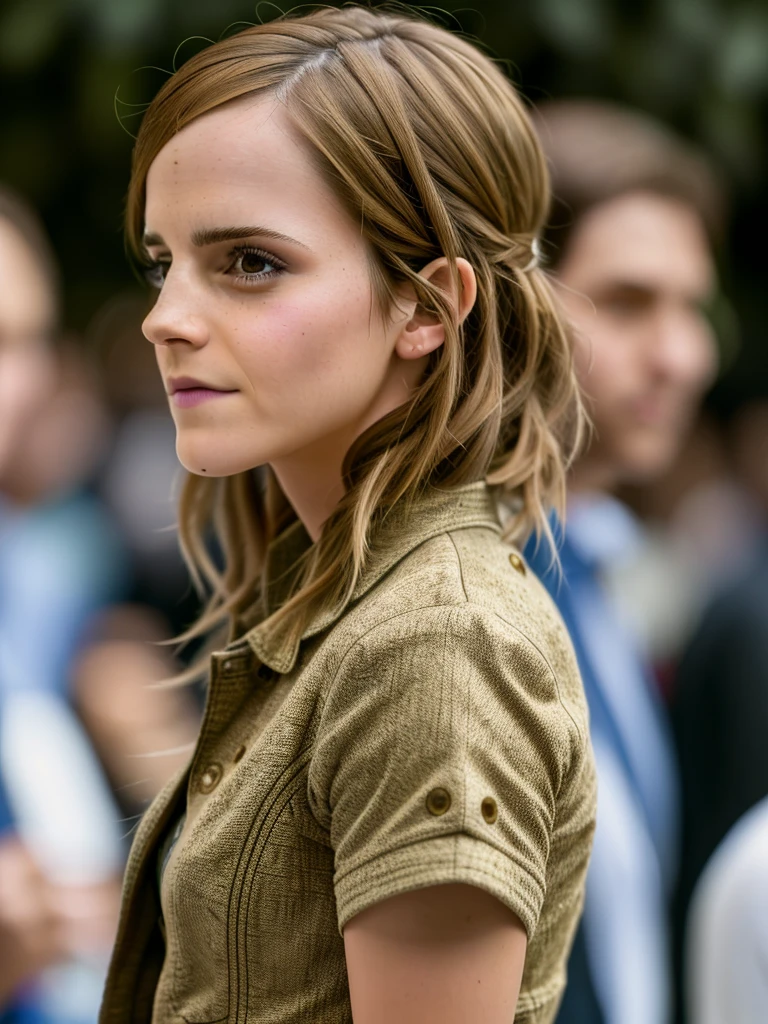
A Stable Diffusion LoRA profile based on Emma Watson
.
Place it in "stable-diffusion-webui\extensions\sd-webui-additional-networks\models\lora" folder in Automatic1111 WebUI root folder.
Made using kohya-ss so make sure to have that extension installed!
In txt2img, under "Additional Networks", select "Enable" and under Model 1 select "Emma Watson" and assign a weight between 0.3-0.7 (feel free to experiment!). In the prompt text window use "Emma Watson" within your prompt to generate images.
Embed has been trained on Stable Diffusion 1.5 model.
I Recommend the model https://civitai.com/models/4922/grapelikedreamfruit - Gives amazing realistic renders.

1. Yeniden paylaşılan modellerin hakları orijinal yaratıcılara aittir.
2. Orijinal model yaratıcıları, modellerini talep etmek için resmi kanallar aracılığıyla SeaArt AI personeliyle iletişime geçmelidir. Talep etmek için tıklayın
