


Illustrious 3in1 Multiple Style Model IL v1.0 Version 4
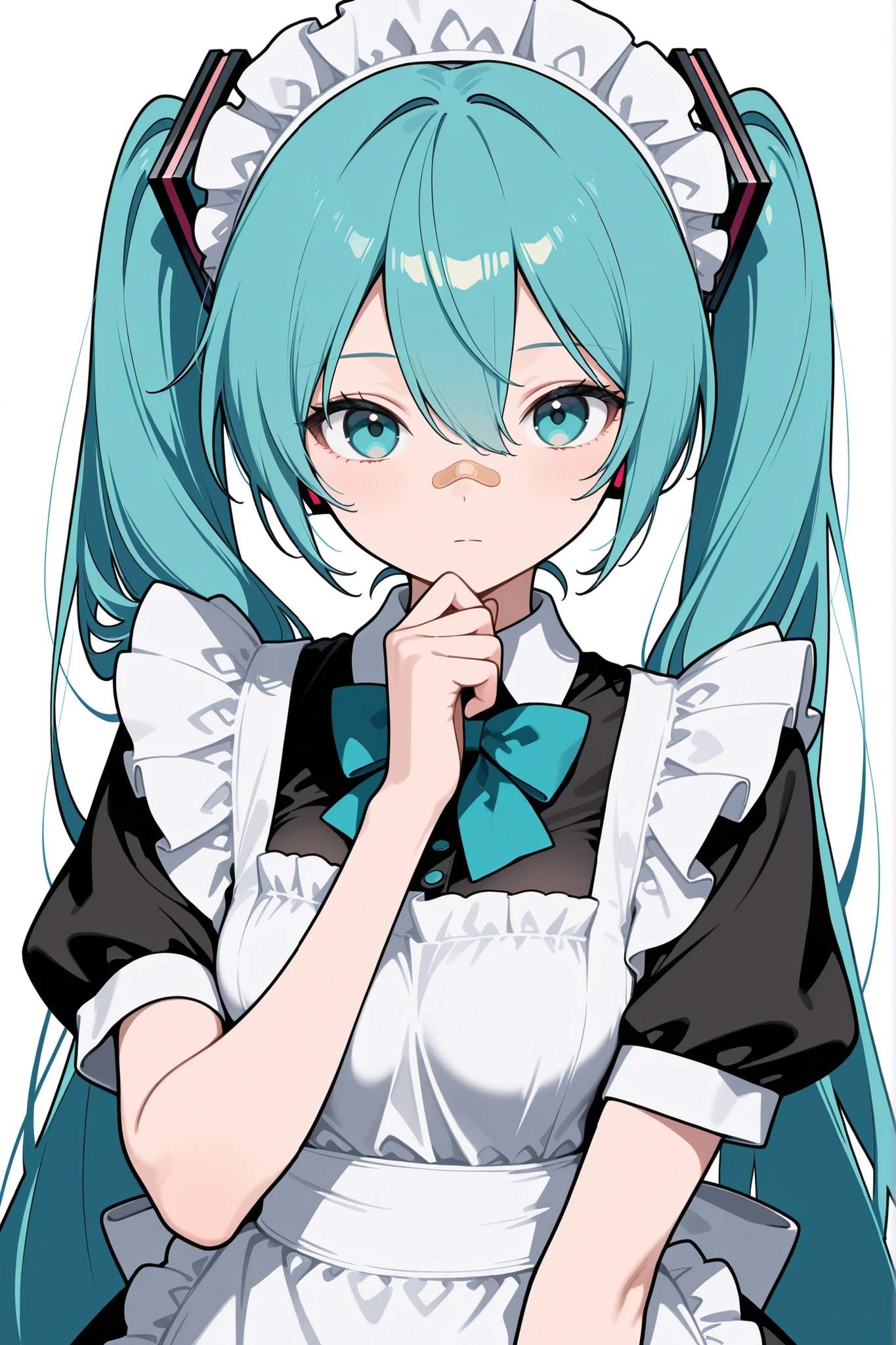
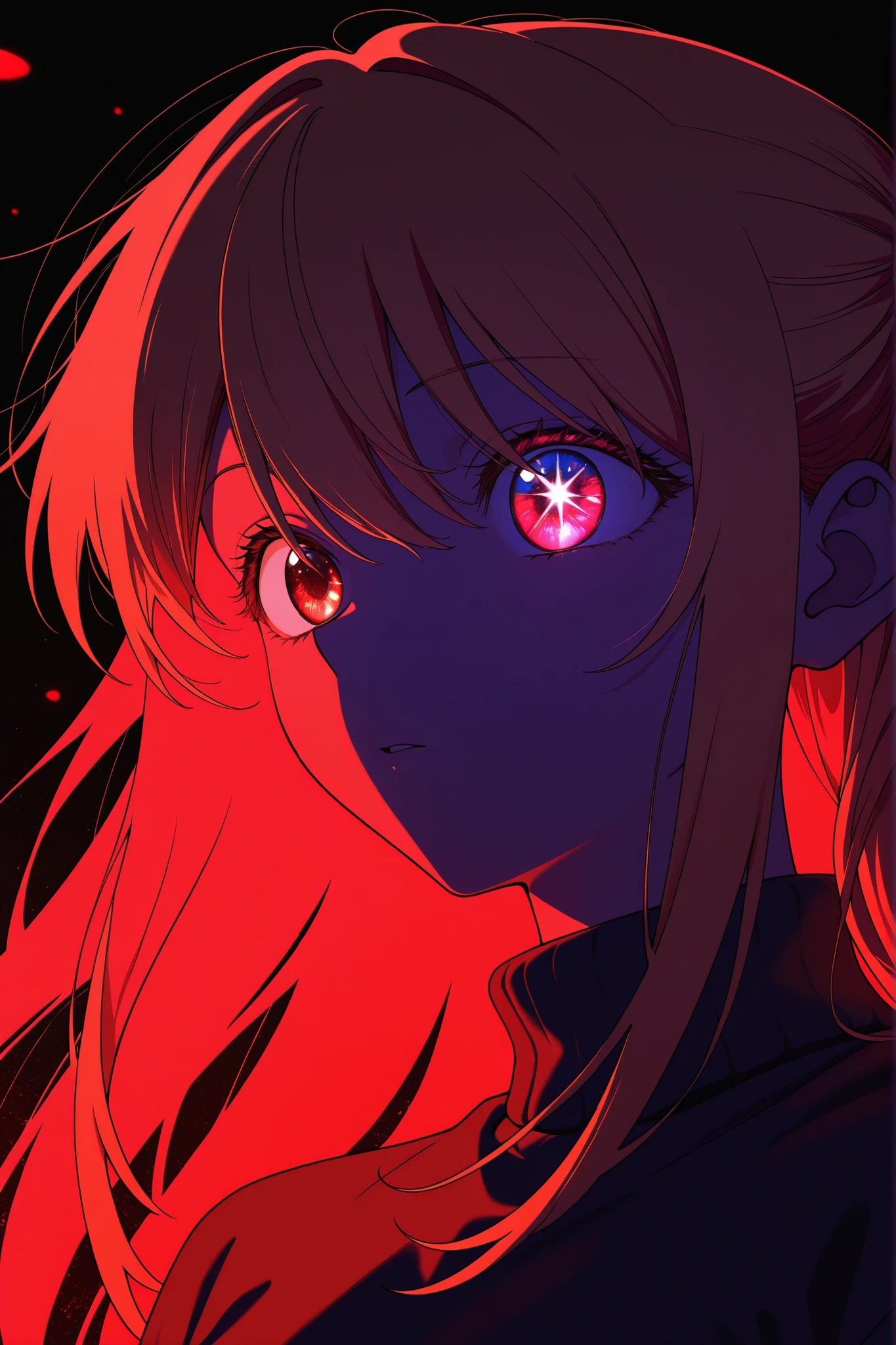
This model can produce very aesthetic anime renders alongside multiple styles. Model has 3 style as base and additional Danbooru Artist styles. With new Illustrious 1.0 based version users can create 1024x1536, 1536x1536 like higher resolution images easily and achieve highest quality with less effort. Model is optimized for lighting and has stabilizer to improve focus of subject.
If you liked my model, you can give it a heart and rate it. It keeps me motivated. Thank you for using my models!
V4 Changes
I used a month to train new dataset, which includes characters until November 2025, this makes it newest dataset model among the anime style models.
I improved details and quality while trying to hold style similar to old versions. Consistency is important for styles.
Recommended Resolutions
Please don't use Quality mode and select Normal mode for generations instead. Best possible resolutions are already selected in Normal mode, if you use Quality mode generation, you will pay extra credits and get worse results.
This is the most important part so please read carefully. This model is based on IL1.0 base model and resolution choices are higher than standart models. If you use 768x1152 like standart resolutions offered by SeaArt, quality will significantly drop and you won't be able to see actual quality of model. Please use these resolutions for generation.
1:2 - 2:1 768x1536 - 1536x768
9:16 - 16:9 864x1536 - 1536x864
2:3 - 3:2 1024x1536 - 1536x1024
3:4 - 4:3 1152x1536 - 1536x1152
4:5 - 5:4 1152x1440 - 1440x1152
1:1 1536x1536
Style Keywords
Use `anime screencap` for anime screencap style images.
Use `hyper-detailed` and `realistic` keywords for realistic 2.5D anime renders.
`masterpiece, best quality, amazing quality` keywords must be used in every prompt because they are trigger words for Illustrious models.
Note: This model has furry support unlike the standart Illustrious Models. Use `1female, {animal type} anthro` in prompt to create furry arts. It can also work with spesific Danbooru tags like `lizard girl, dragon girl` etc.
Recommended Settings
CFG Detail Enhancer: You can use CFG value to adjust detail level of results. (3~7)
CFG 5 is Recommended for standart usage.
25~40 Steps, 30 is sweetpoint for model.
Use Euler A Sampler with model. Model has baked-in vae, no need to use any vae.
ClipSkip must be 2.
Use Creative Upscale to adjust small details and refine image.
Link to model guide: GR-Illustrious 3in1 User Guide
Thanks for reading!
