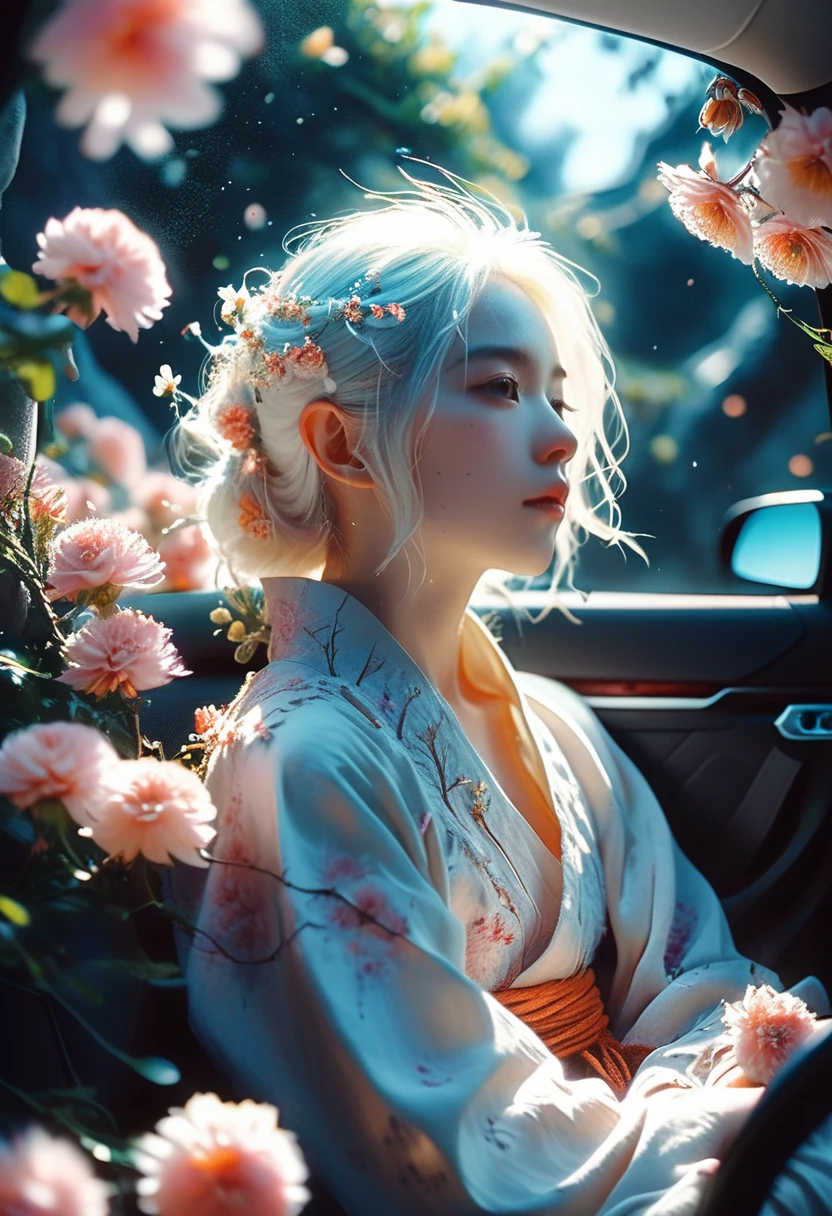


SeaArt Studio, compared to the usual creation process, produces more refined images and has added several new features:
- Image Prompt: It can be regarded as a "reference image," where you only need to add one image, with no need to input prompts; it can directly generate a new image based on the reference image.
- Image Magic: When activated, the generated images will be more detailed.
- Prompt Magic: Automatically enhances prompt words; the higher the value, the more prompts are added.
Entry: On the creation flow page, select the Studio.

Relevant Paramet

Supports selecting the SDXL Checkpoint and Lora.
Image Prompt: Upload images as references, influencing the final image’s composition, style, and colors, with a maximum of four images allowed.

Stop At: Determines when the sampling steps stop constraining the image. Take 30 steps as an example. If the Stop At is 0.5, the image will be constrained in the first 15 steps and be freely diffused in the last 15 steps.
Weight: The degree of influence of the image.

Taking into consideration the style, action poses, and features of the character in the original image, it is recommended to adjust between 1-1.5.
If you feel the character is still not similar enough, you can add the corresponding character lora and prompts for adjustment, which will make it closer to the original image.


*After adding an image prompt, entering prompts is optional.
Parameters:
Basic Settings:

Image Magic: When enabled, it enhances the quality of the output image and improves detail.
Related Settings:

Prompt Magic: Enhances the prompts; the higher the value, the more additional prompts are provided.
HDR: When activated, it enhances the image's contrast between light and dark.
Brightness: Automatically adjusts the image to a moderate intensity.
Advanced Config

After activating Image Magic, you cannot adjust the sampler and scheduler. If adjustments are needed, Image Magic must be turned off.
Under normal circumstances, it's best to keep the related and advanced settings at their default.
Studio-related works: