Loại
LORA
Thời gian đăng tải
2024-03-20
Mô Hình Cơ Bản
SDXL 1.0

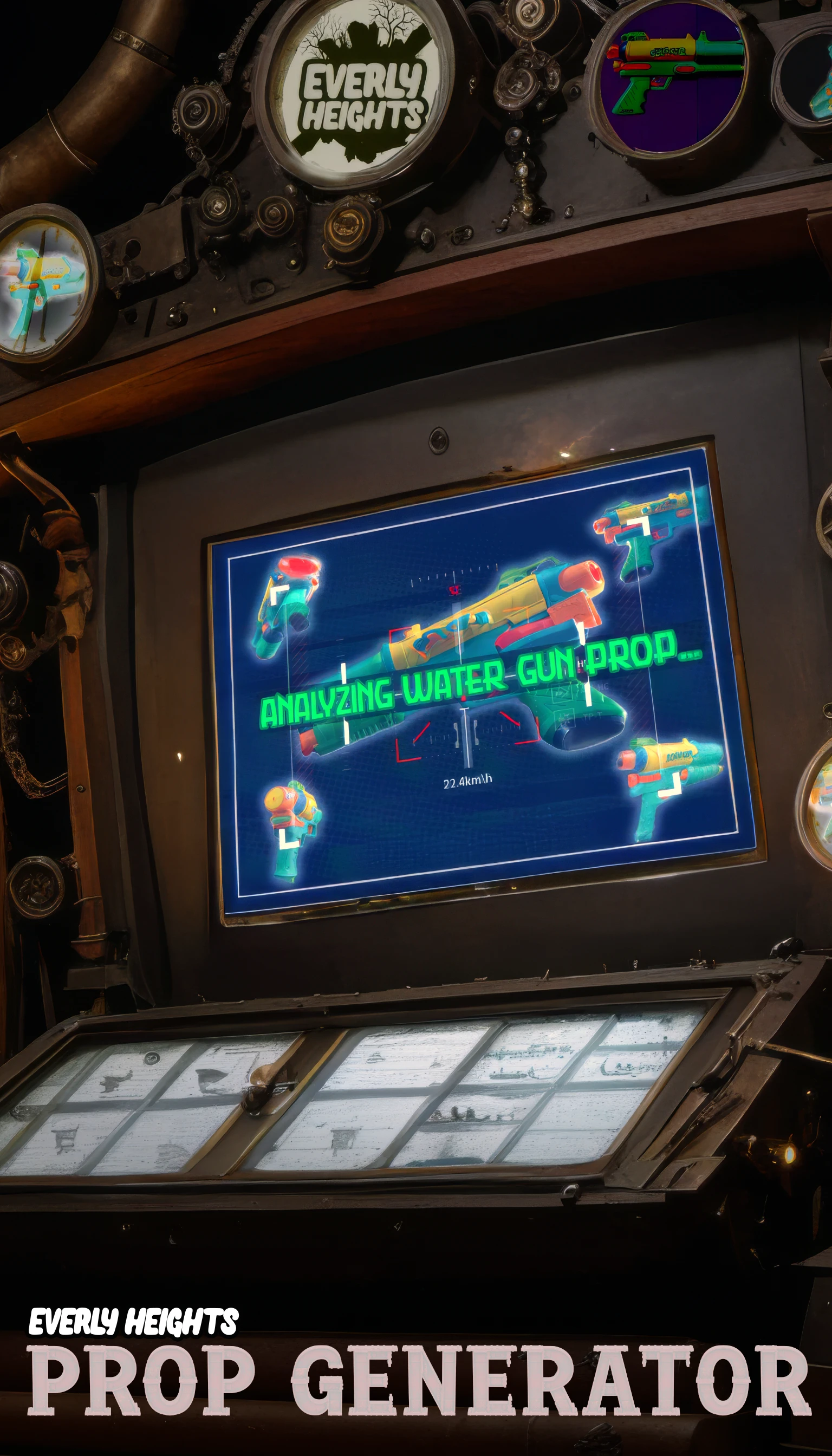
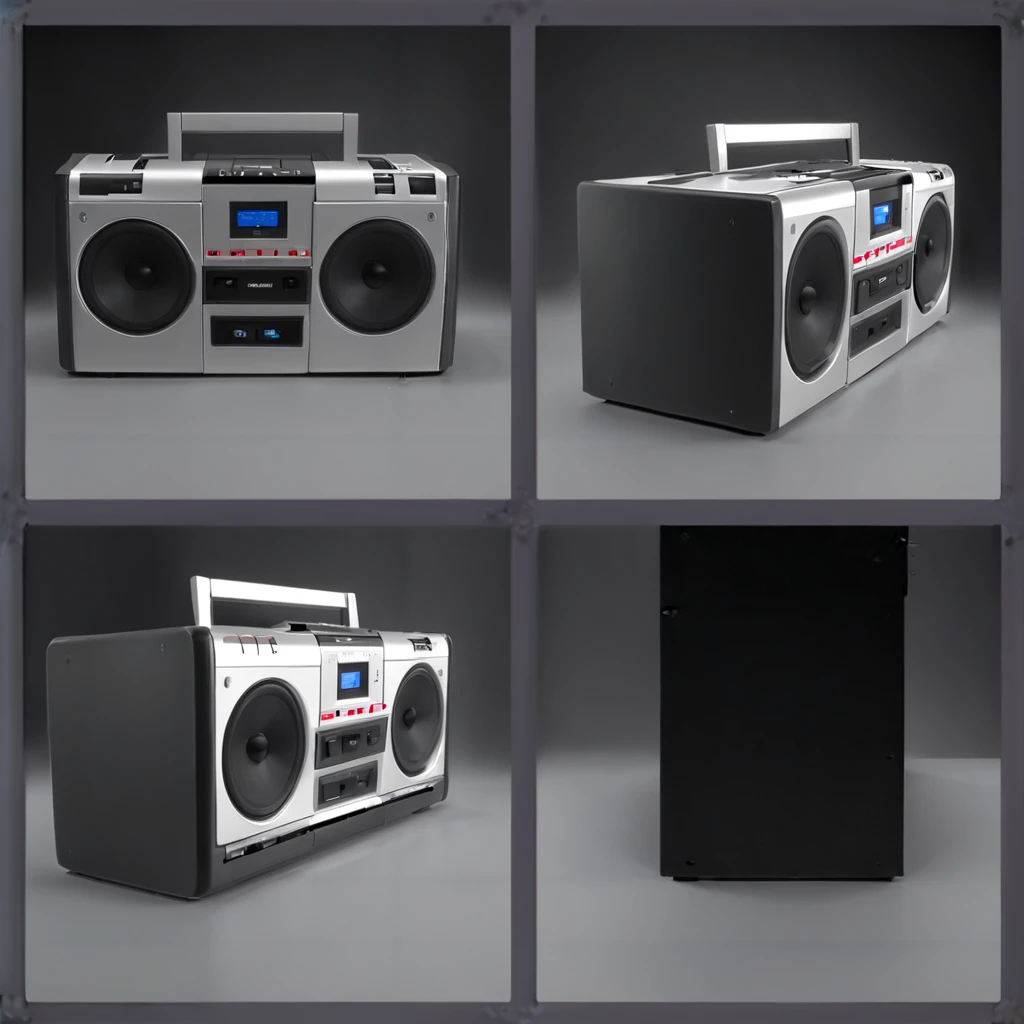
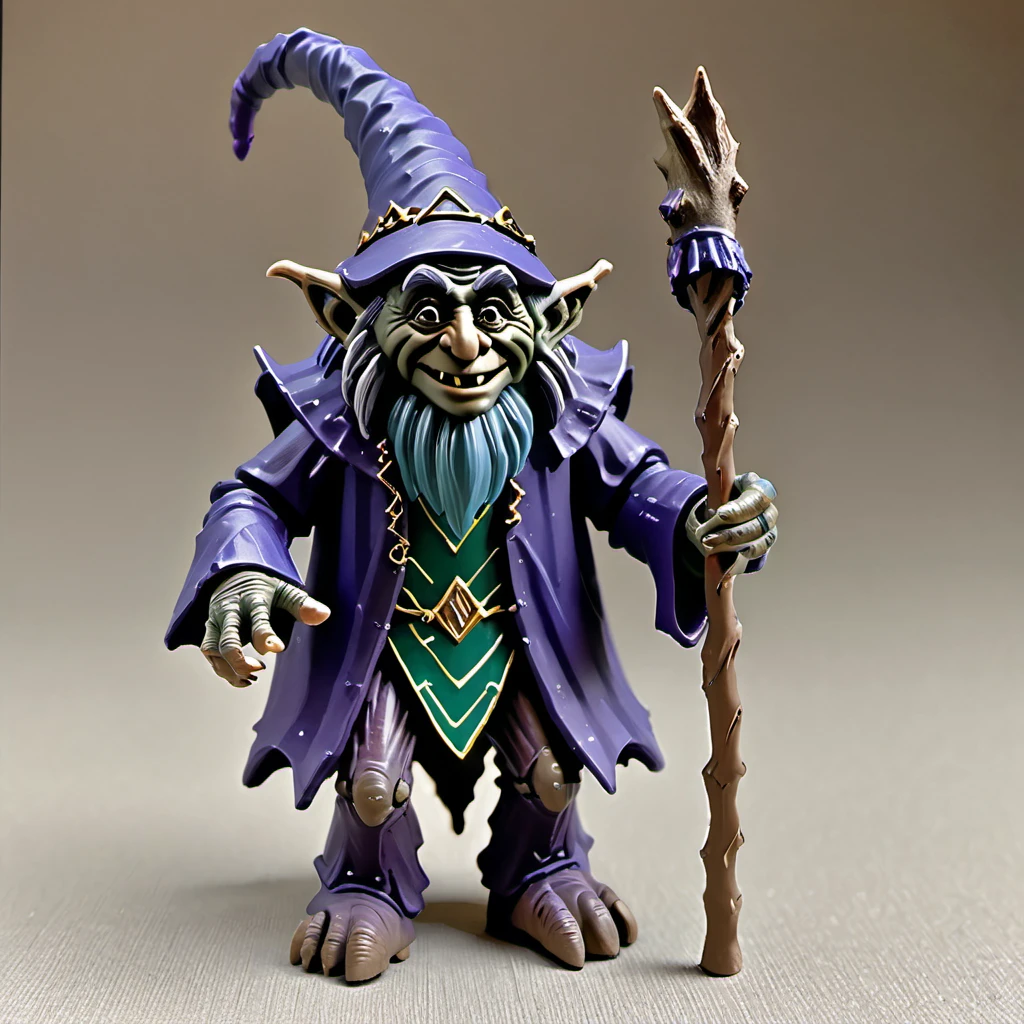
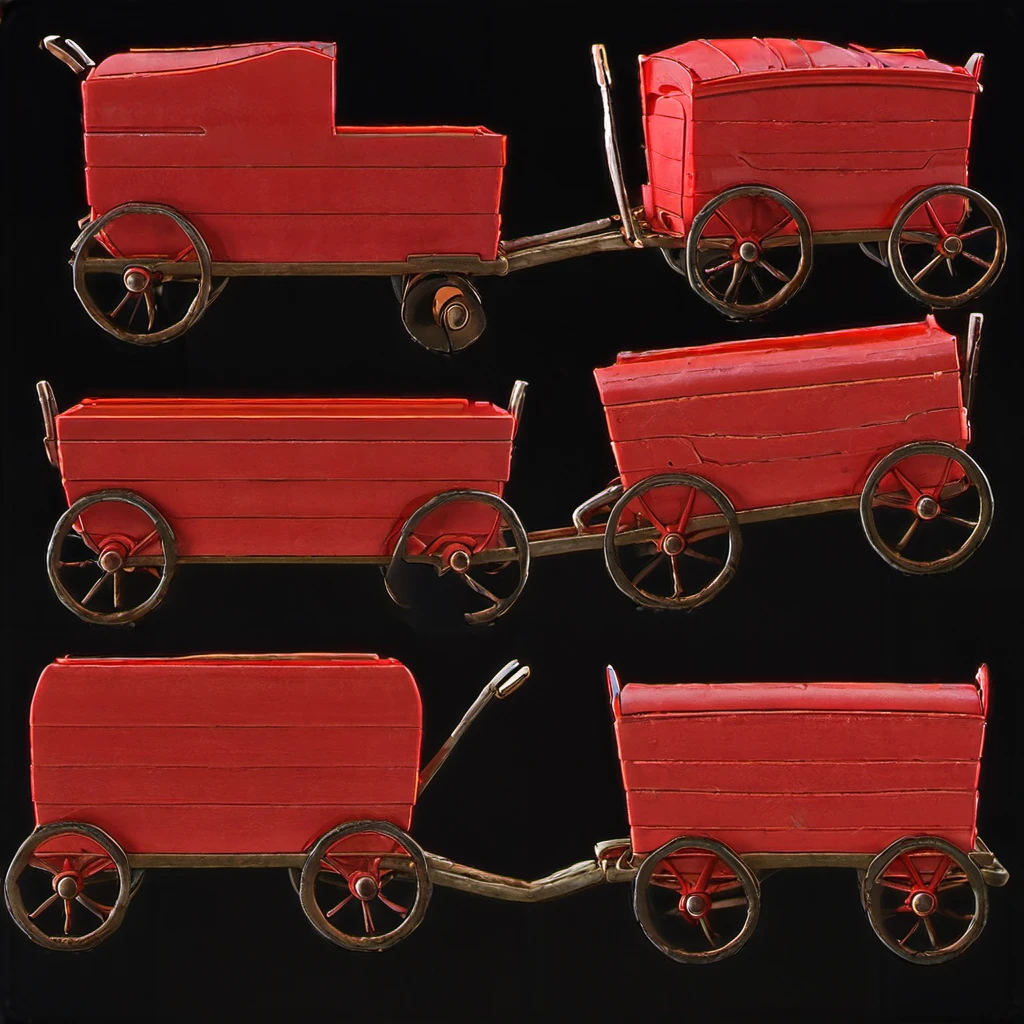
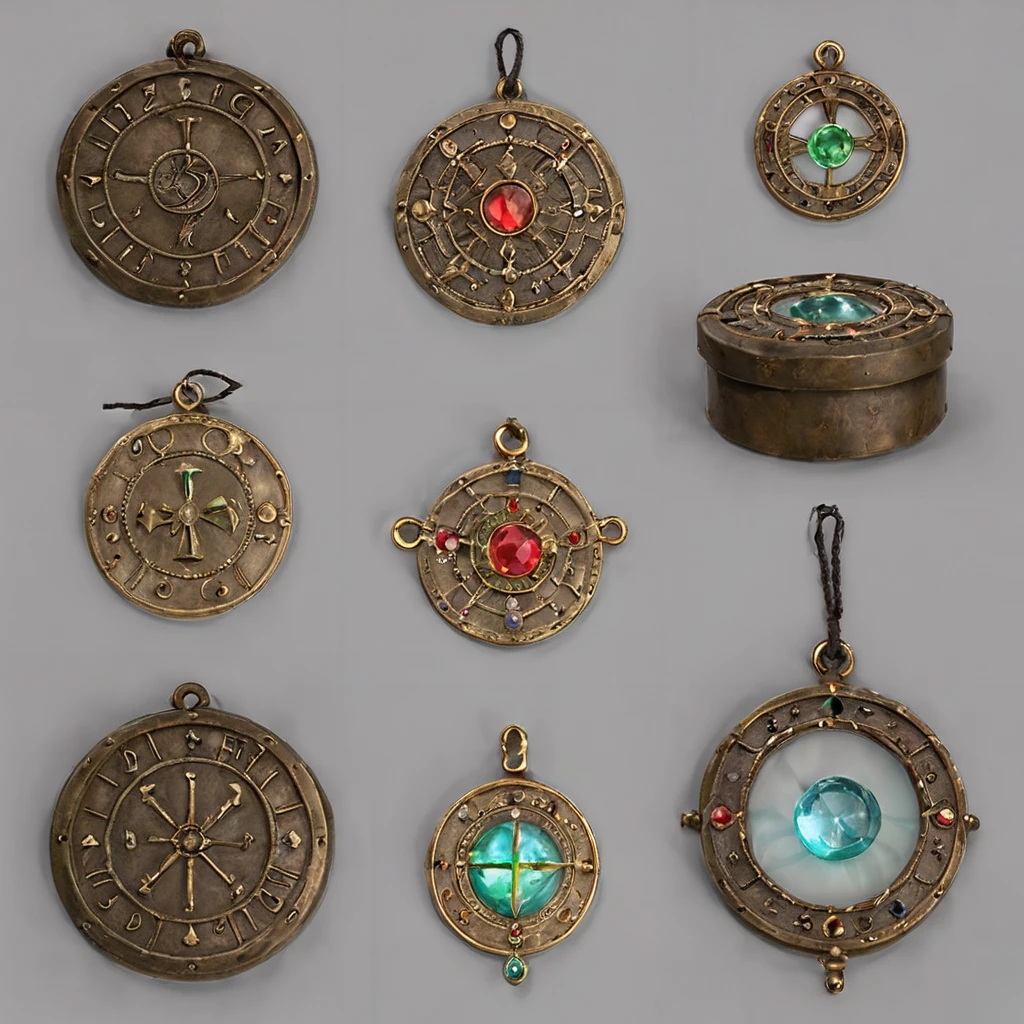
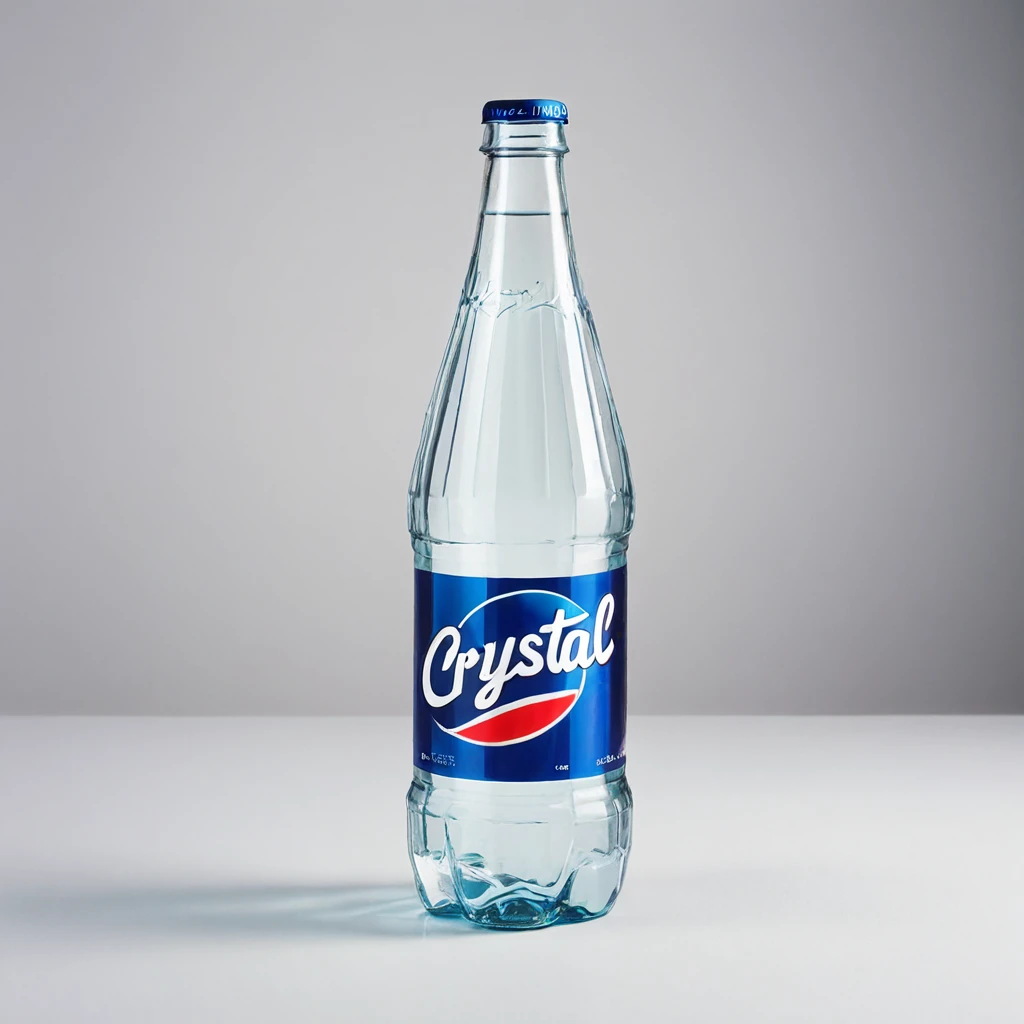
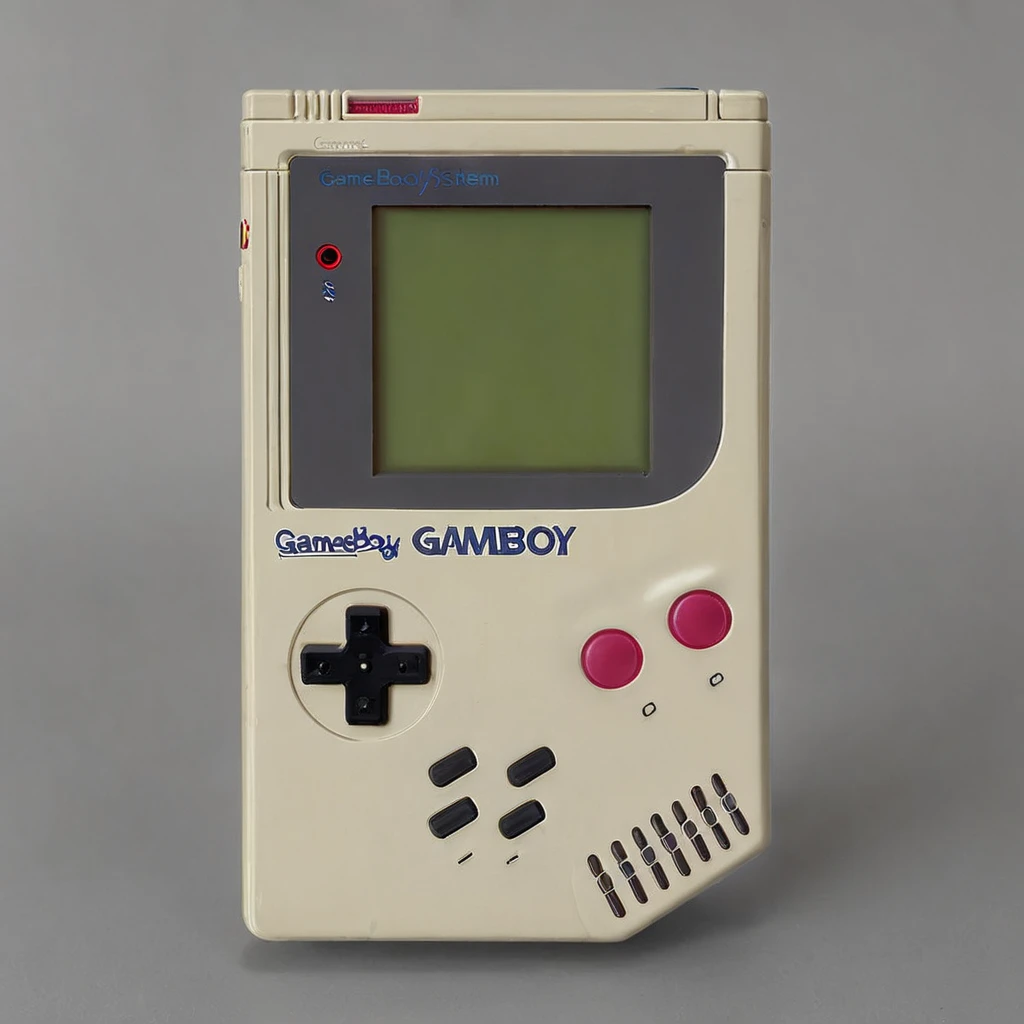
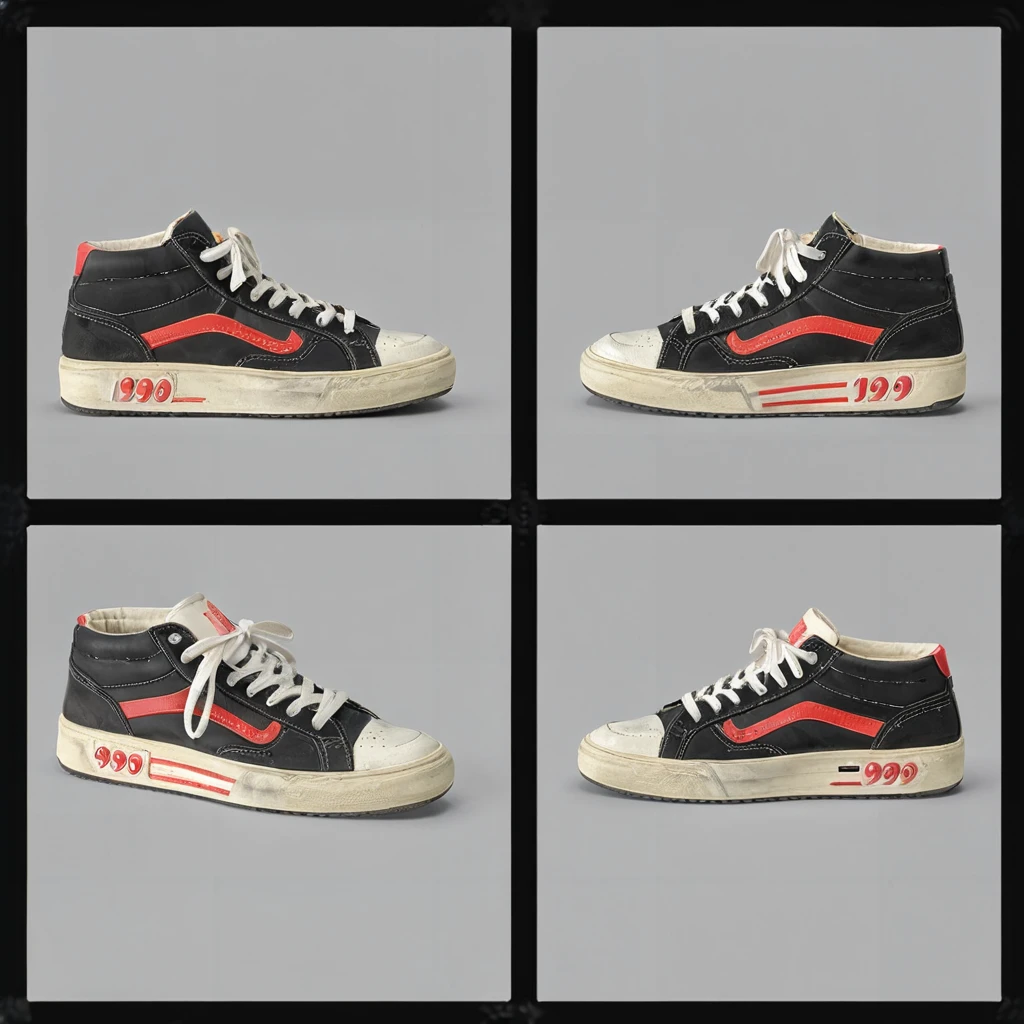

No scene is complete without props for your characters. Give your animated characters something to work with using the Everly Heights Prop Generator – your ultimate solution for designing detailed, high-quality props for any setting or story. Designed to complement the Everly Heights Character Maker and Set Builder models.
The Everly Heights Prop Generator is trained on over 300 licensed 2x2 grids showing common objects from various angles. The result? A LoRA model for SDXL that allows you to quickly generate detailed objects using any checkpoint you want on a clean background that are easy to cut out and rig for animation.
Everly Heights Prop Generator – Give your characters something to work with.

- Versatile Prop Creation: Create props that fit perfectly within your scenes. Each generation is inspired by turnarounds of detailed 3D models, ensuring they look great from every angle.
- Prop Turnaround Capability: Generate detailed turnarounds of your props, providing a comprehensive view from all angles by using a 2x2 grid with a Depth Control net model. Leave the Control Net off to get 1-4 usable angles.
- User-Friendly Customization: With the Everly Heights Prop Generator, you have the power to specify elements such as color, material, and era, ensuring every prop not only enhances the visual appeal of your scene but also matches the narrative and atmosphere.
- Cross-Model Compatibility: Designed to complement any SDXL checkpoint, this LoRA work especially well with the Everly Heights Story Studio models. Whether you’re populating a bustling cityscape from the Set Builder or equipping characters designed in the Character Maker for battle, the Prop Generator will create awesome props to drive your story.
INSTRUCTIONS
Everly Heights Prop Generator works best at 1024px1024px. Generate your prop with a simple prompt (i.e. "A Sony Walkman, a cucumber, a Rubix Cube, etc."). By default, the model produces one view of your prop (usually):
[gallery type="square" link="file" ids="1837,1838,1839"]
In most cases, adding the text below to your prompt at the end will give you a 2x2 grid.
(four angles, 2x2 grid:1.1)
(four different angles:1.1)
So prompting "a teddy bear, (four angles, 2x2 grid:1.1)" will usually get you something like this:
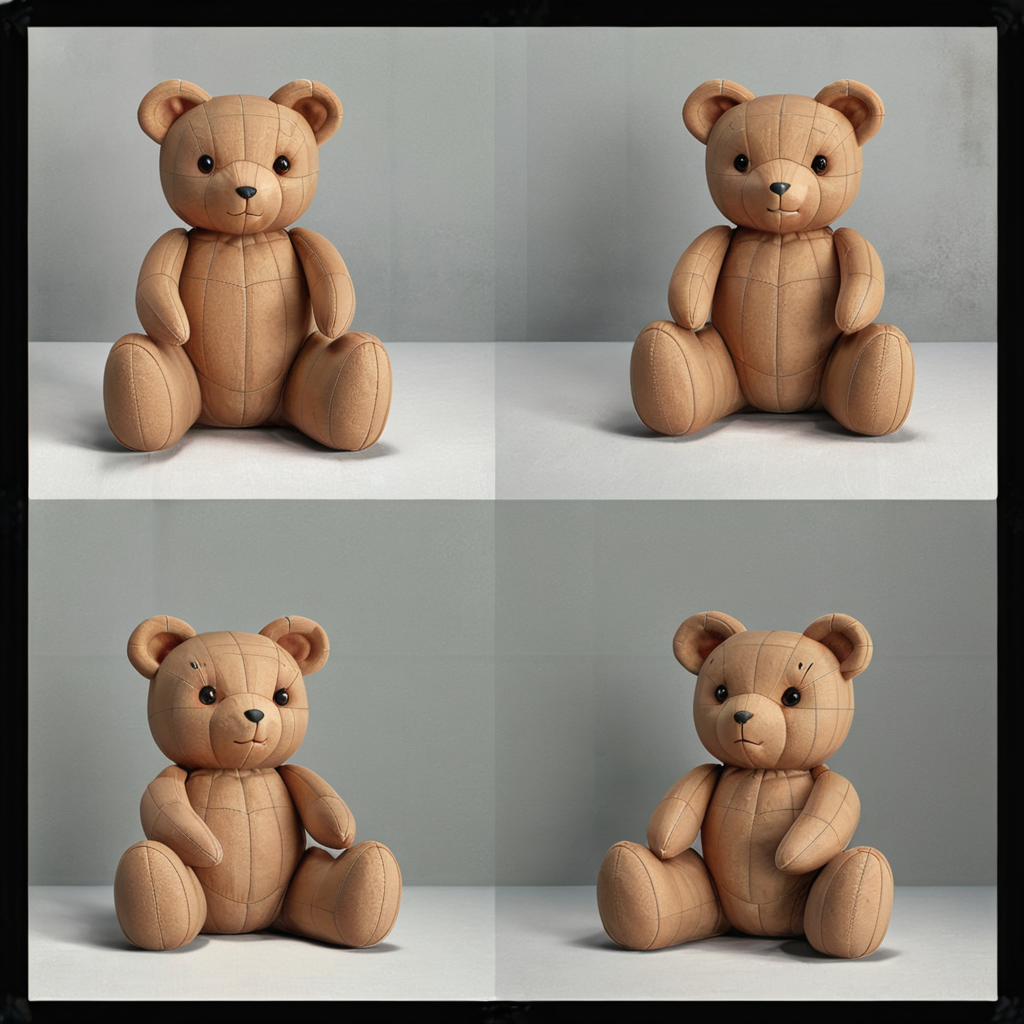
By adding a ControlNet canny or depth model, you can force a prop turnaround, or at least a few angles. Here's the ControlNet template I used to create the dataset:
[caption id="attachment_1841" align="aligncenter" width="352"]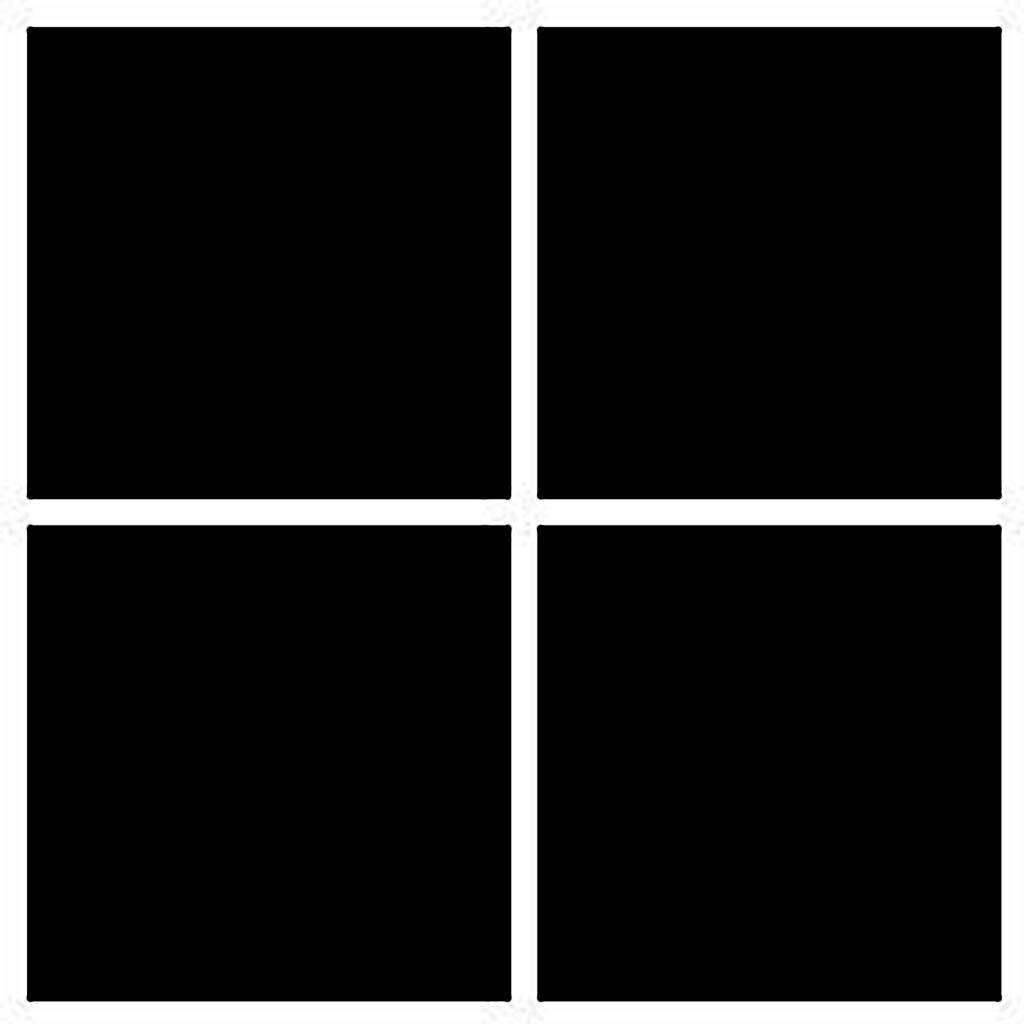 Control Net Template. Click for full sized image.[/caption]
I use the settings below for great results. Save the image of the clown PEZ dispensers to pull down a PNG with my settings.
[caption id="attachment_1842" align="aligncenter" width="357"]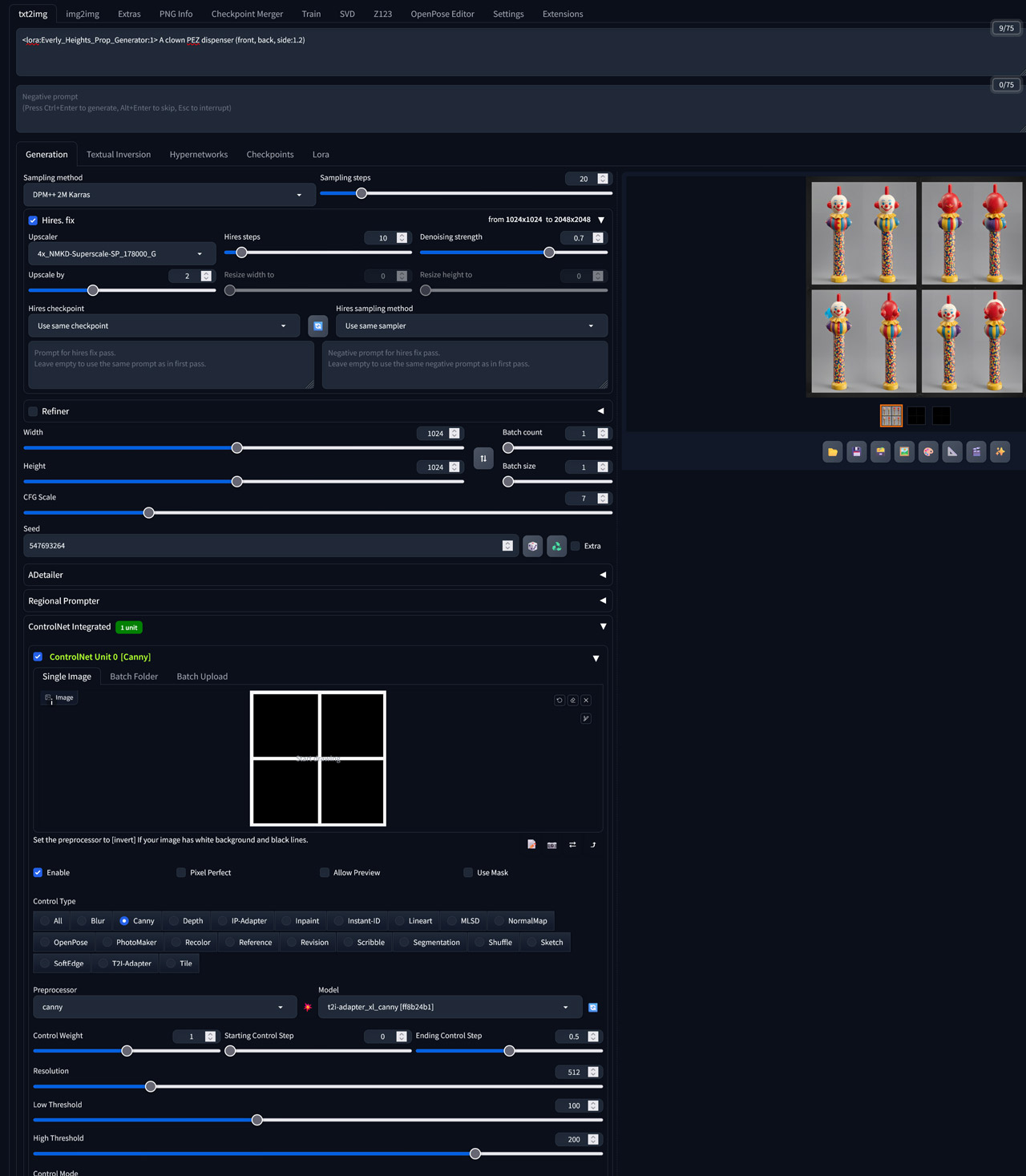 Prop ControlNet Settings. Click for full-size.[/caption][caption id="attachment_1843" align="aligncenter" width="300"]
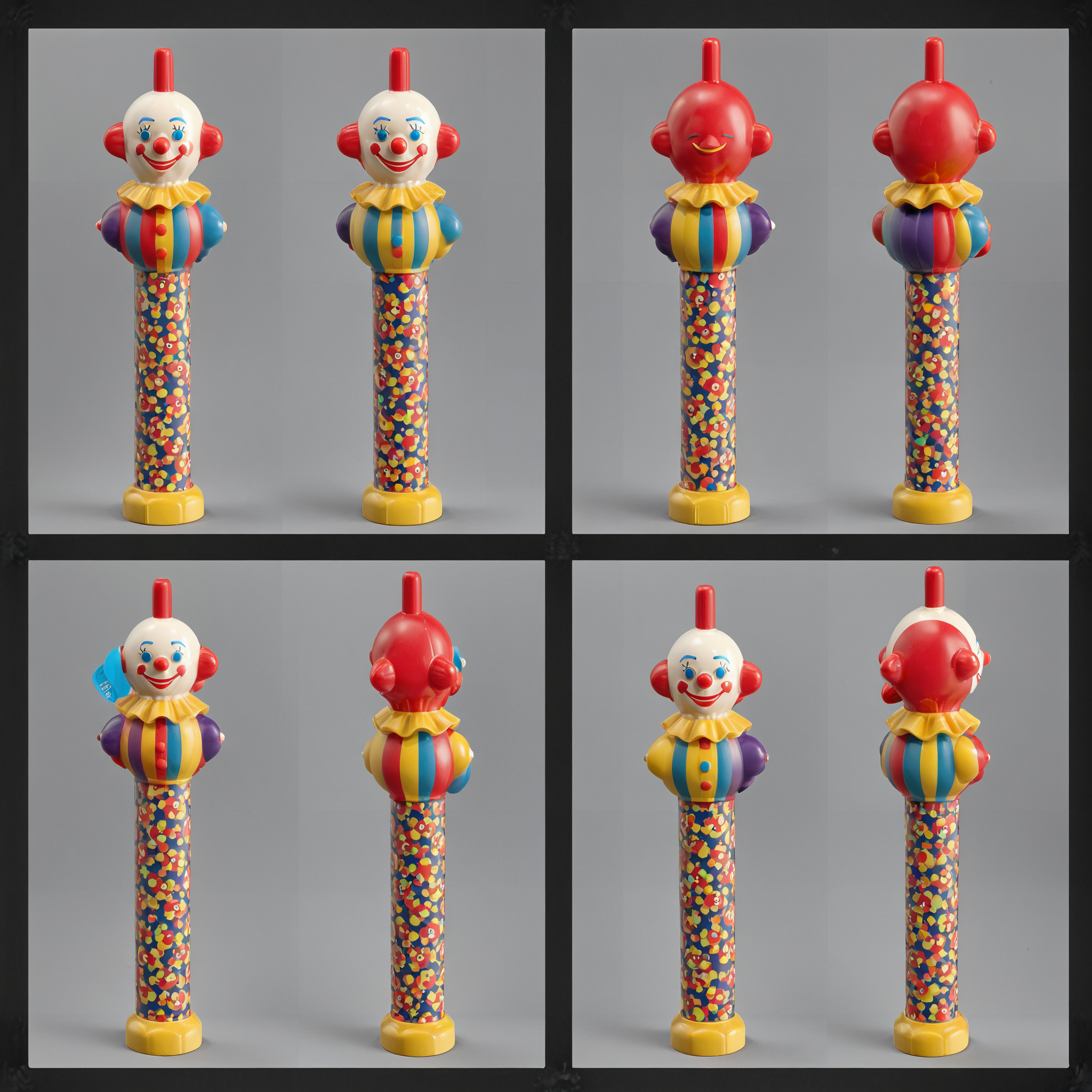 Click to download PNG with PNG info including Control Net Settings[/caption]
NOTE: This model tends to give a 3D-rendered look with any model, but this can be overcome by dialing down the LoRA strength, as you can see while using the Juggernaut XL model in the XYZ grid below:
[caption id="attachment_1844" align="aligncenter" width="1024"] Reduce the 3D rendered look by reducing the LoRA weight in your prompt (Juggernaut XL)[/caption]
THE STORY STUDIO TOOLKIT
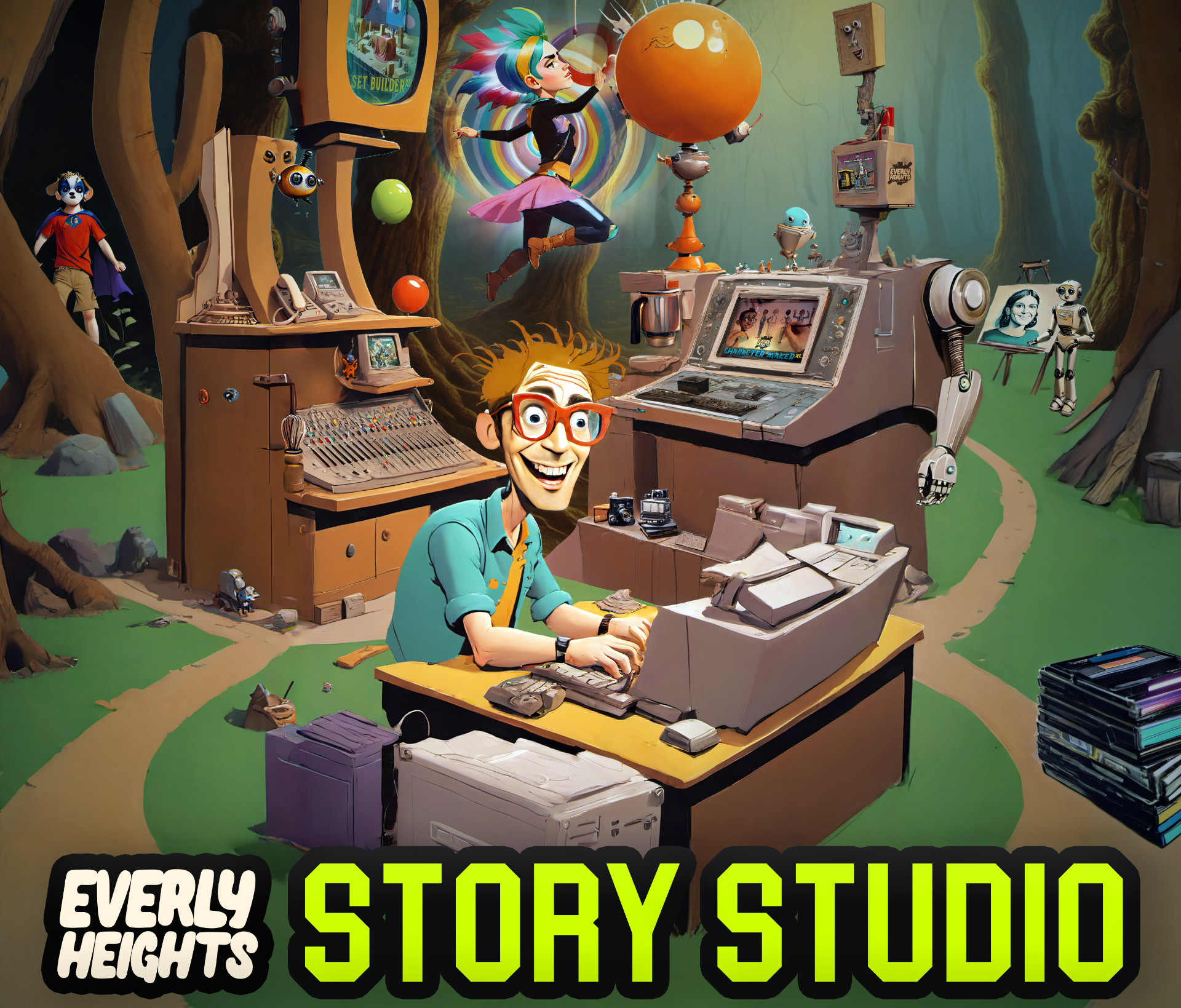
Everly Heights it the brainchild of Bill Meeks. His goal is to tell stories in the small town of Everly Heights, based on the small town in West Virginia where he grew up. Along the way, he'll teach you the latest AI tech and techniques he's using to bring his world to life in the YouTube series Building Dreams, as well as keep you informed in his semi-monthly news show Stable DiNEWSion.
If you'd like to support the project and development of future models like this one, please consider donating on Patreon.
If you don't want to donate, that's cool! Come join our Discord and share what you're working on.
1. Quyền đối với các mô hình được đăng lại thuộc về người sáng tạo ban đầu.
2. Người sáng tạo gốc muốn xác nhận mô hình vui lòng liên hệ nhân viên SeaArt AI qua kênh chính thức. Nhấp để xác nhận
