

Chi tiết
Gợi Ý
Version 1.0
Isopropanol Addiction Mix

Isopropanol Addiction Mix

5.7K
189
241
#อนิเมะ
#วัตถุประสงค์ทั่วไป
#highly detailed
#Base Model
#model
#Illustration
#digital illustration
#แฟนตาซ
#Photography
#photorealism
#semi-realistic
#อนิเมะ
#วัตถุประสงค์ทั่วไป
#highly detailed
#model
#Illustration
#digital illustration
#แฟนตาซ
#Photography
#photorealism
#semi-realistic

Introduction

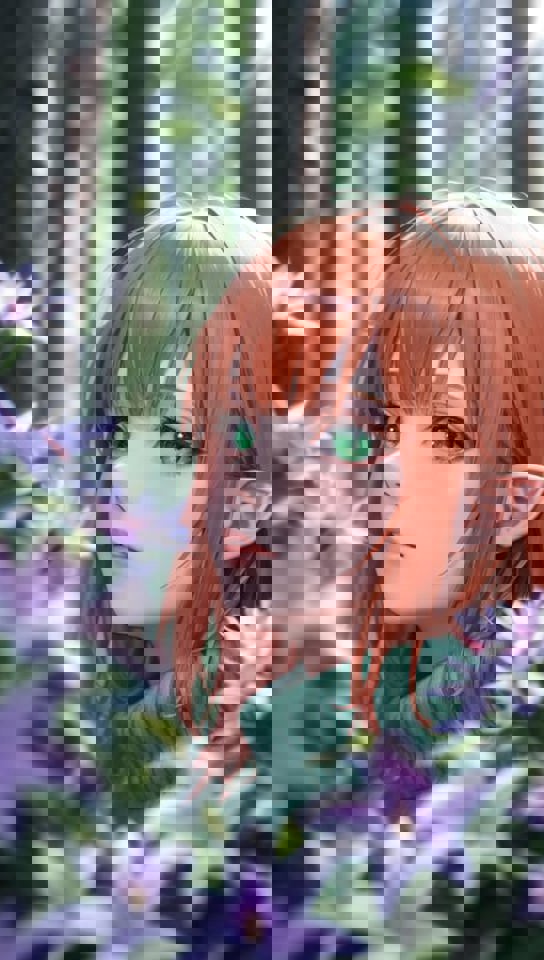
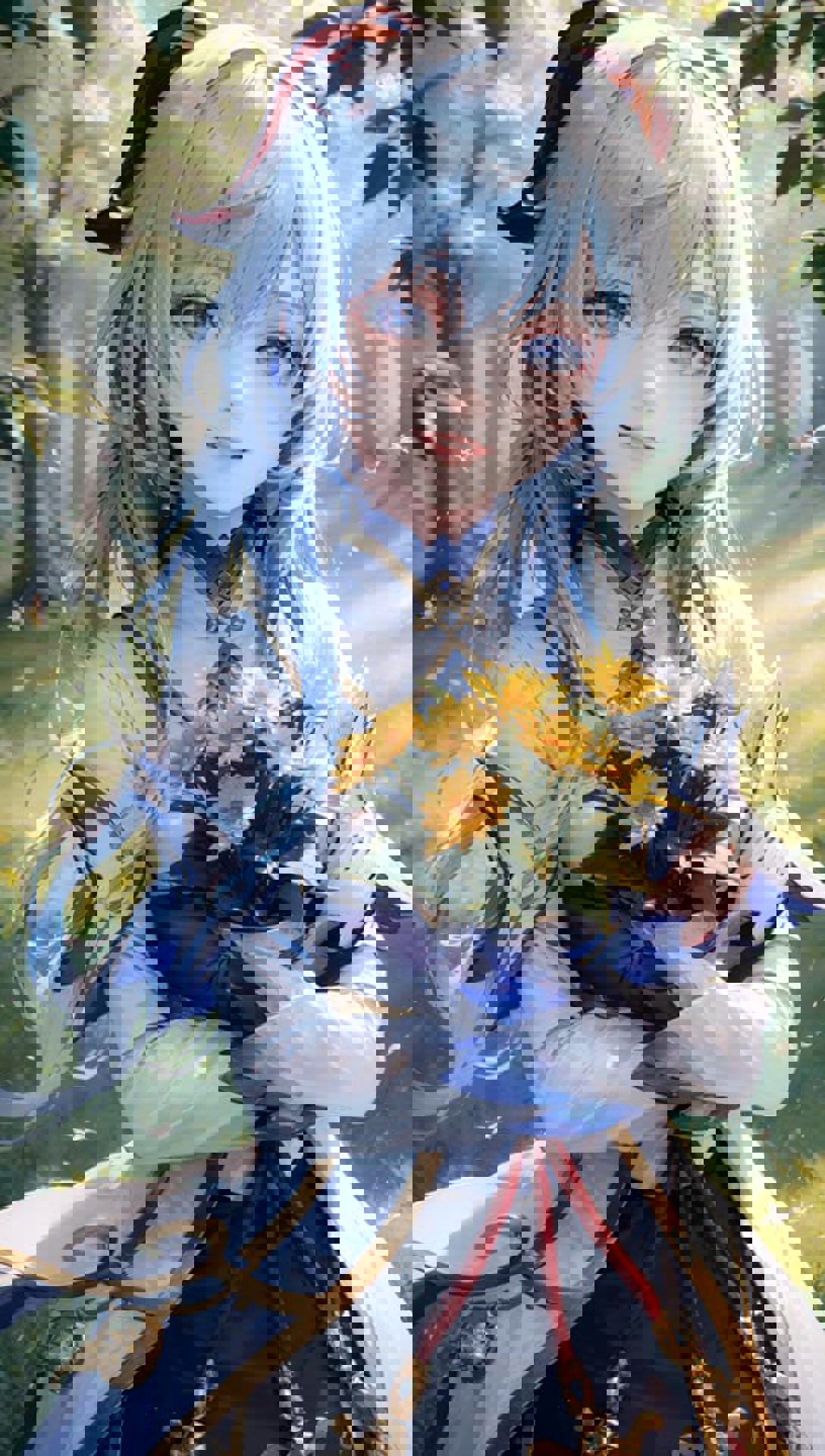
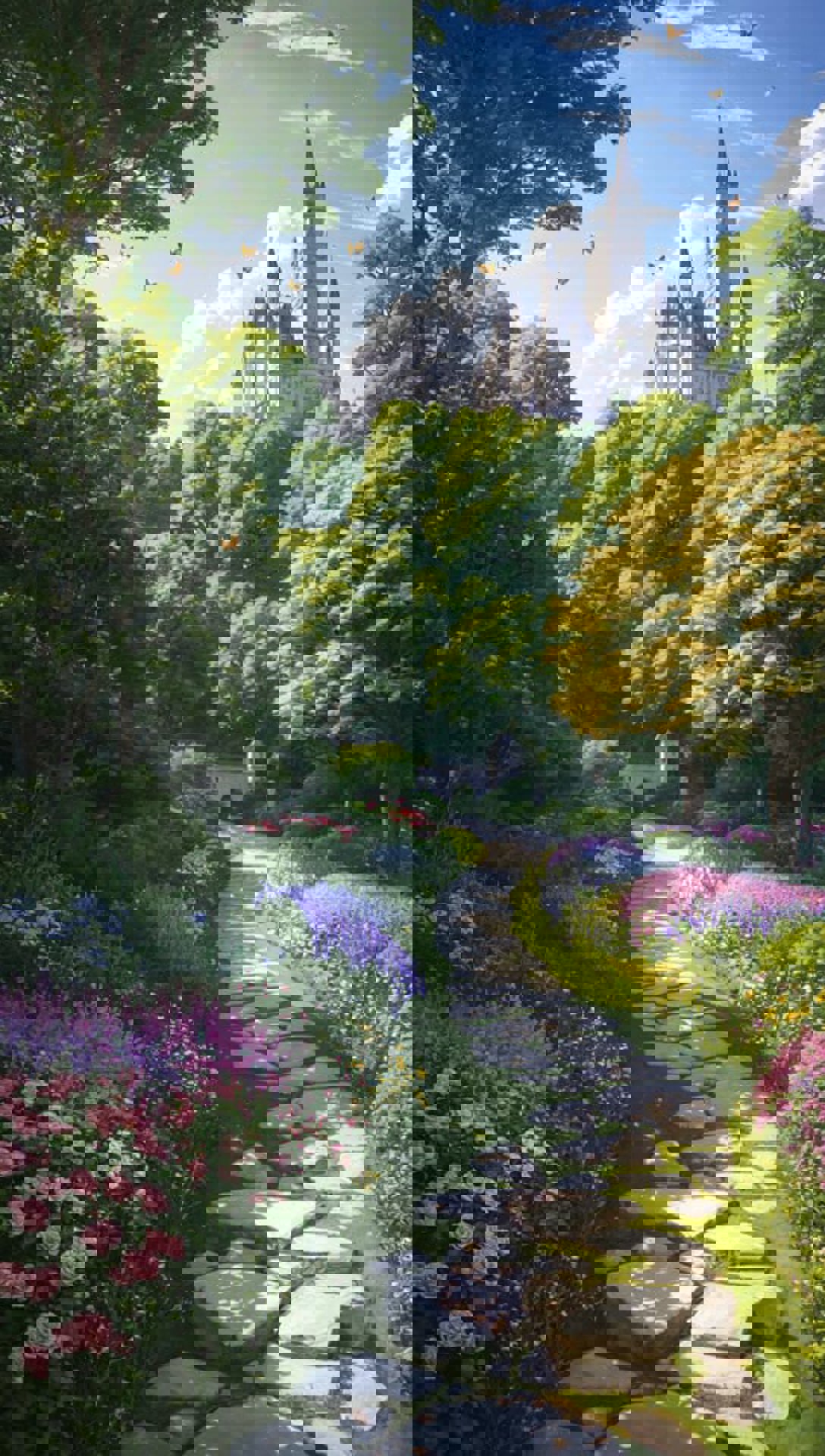
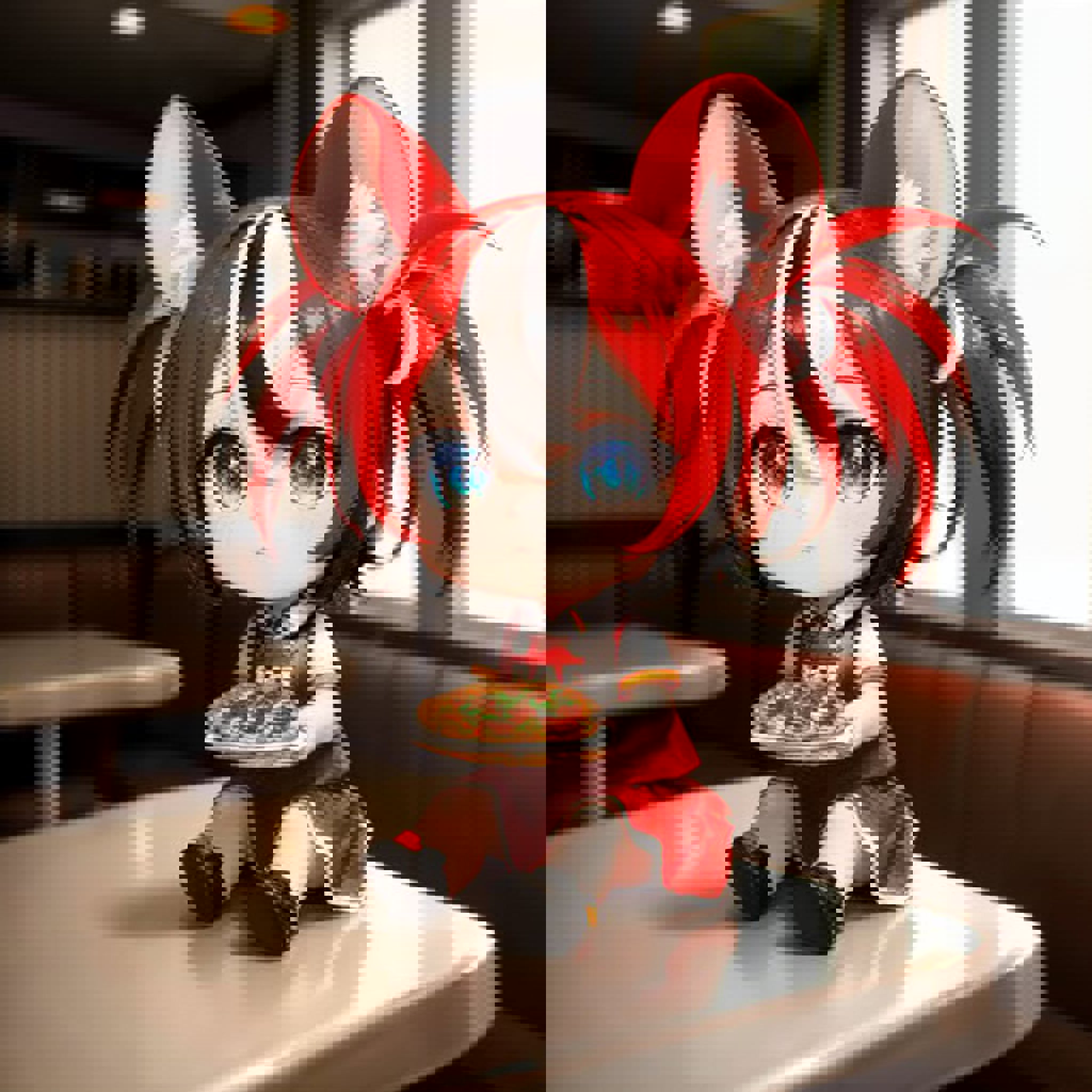
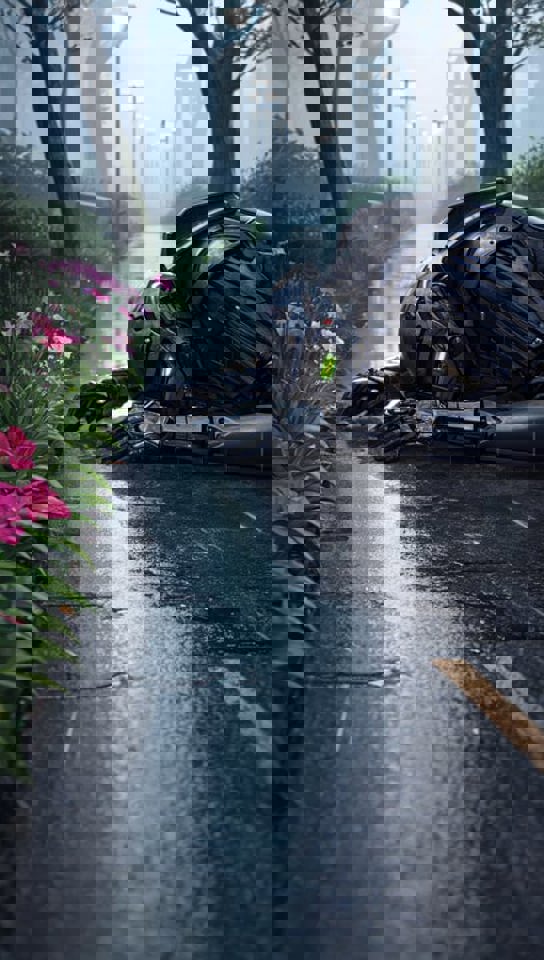
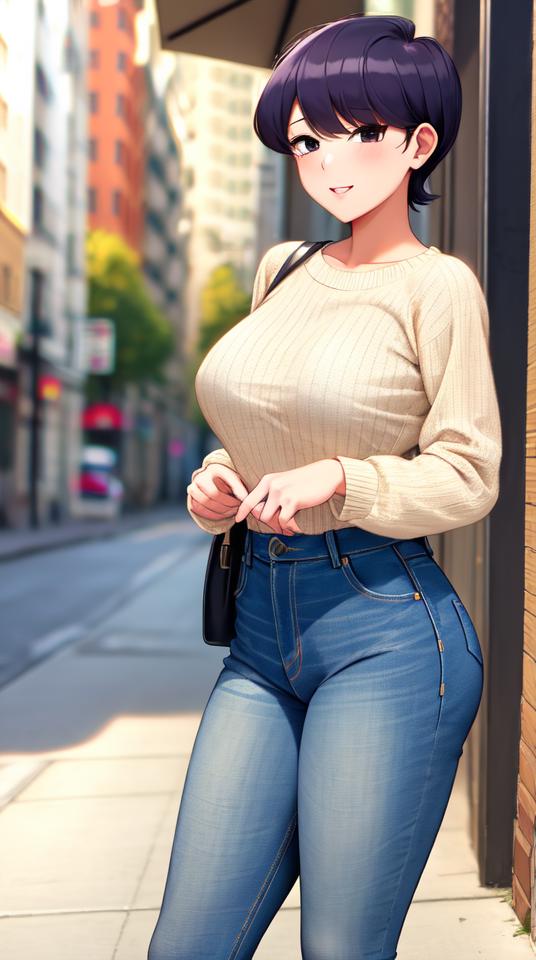
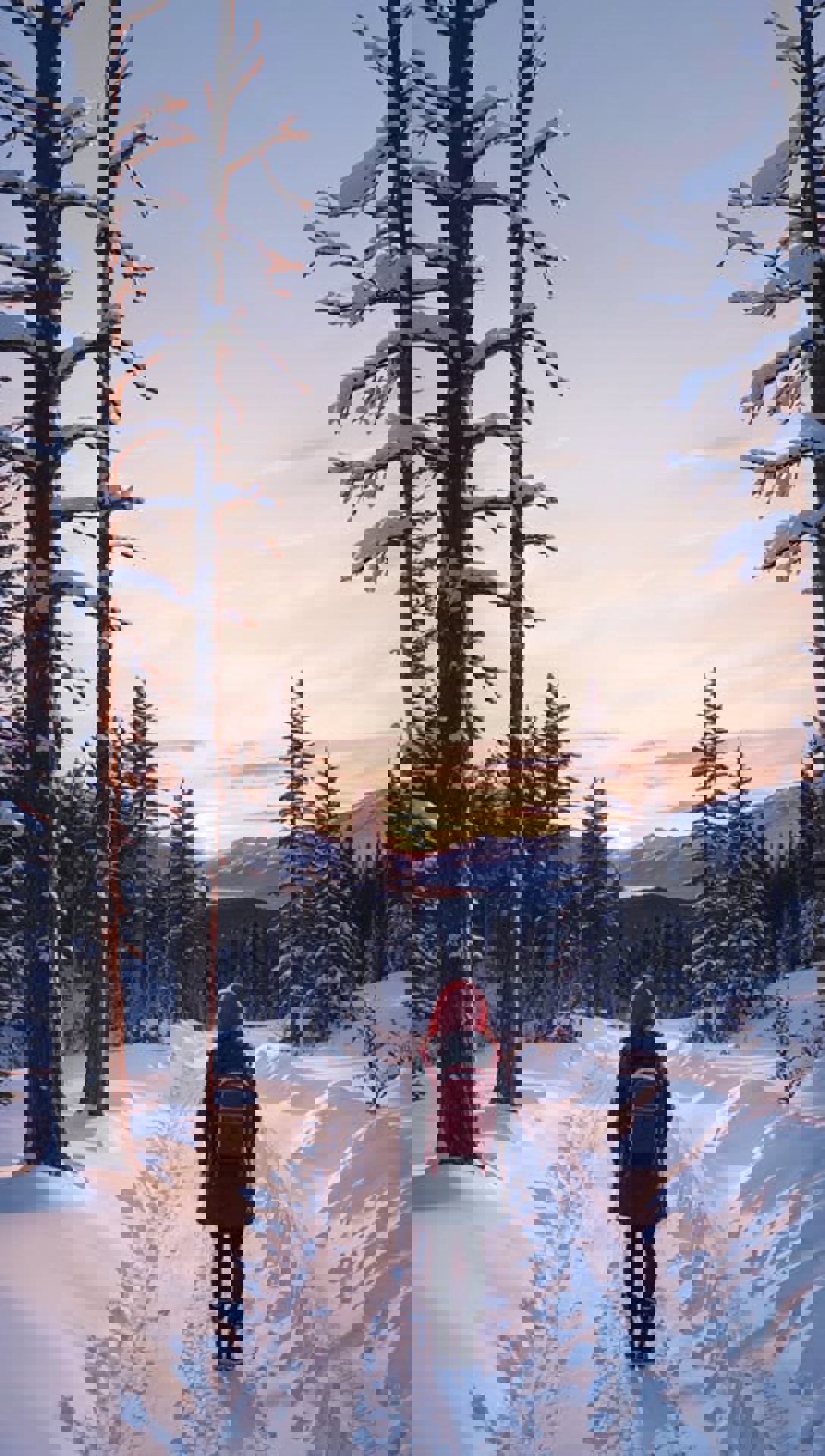
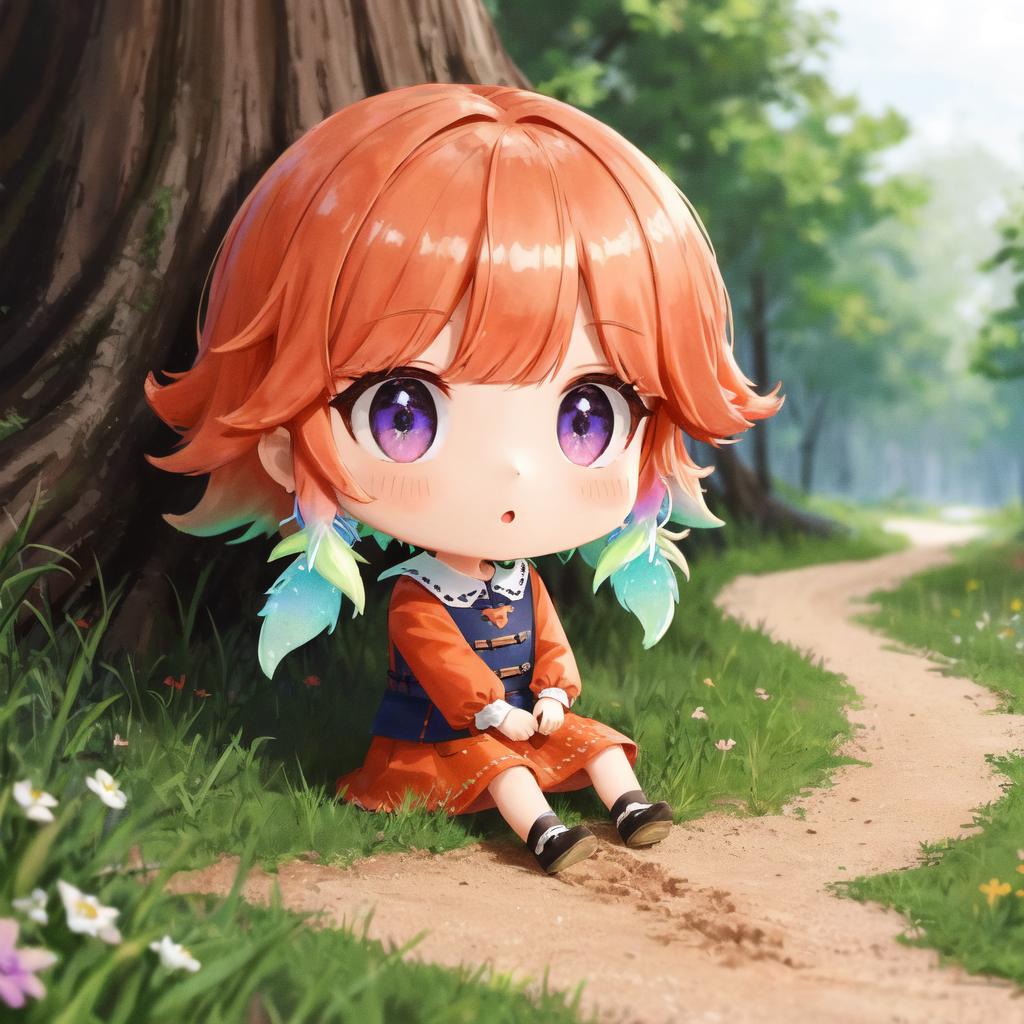
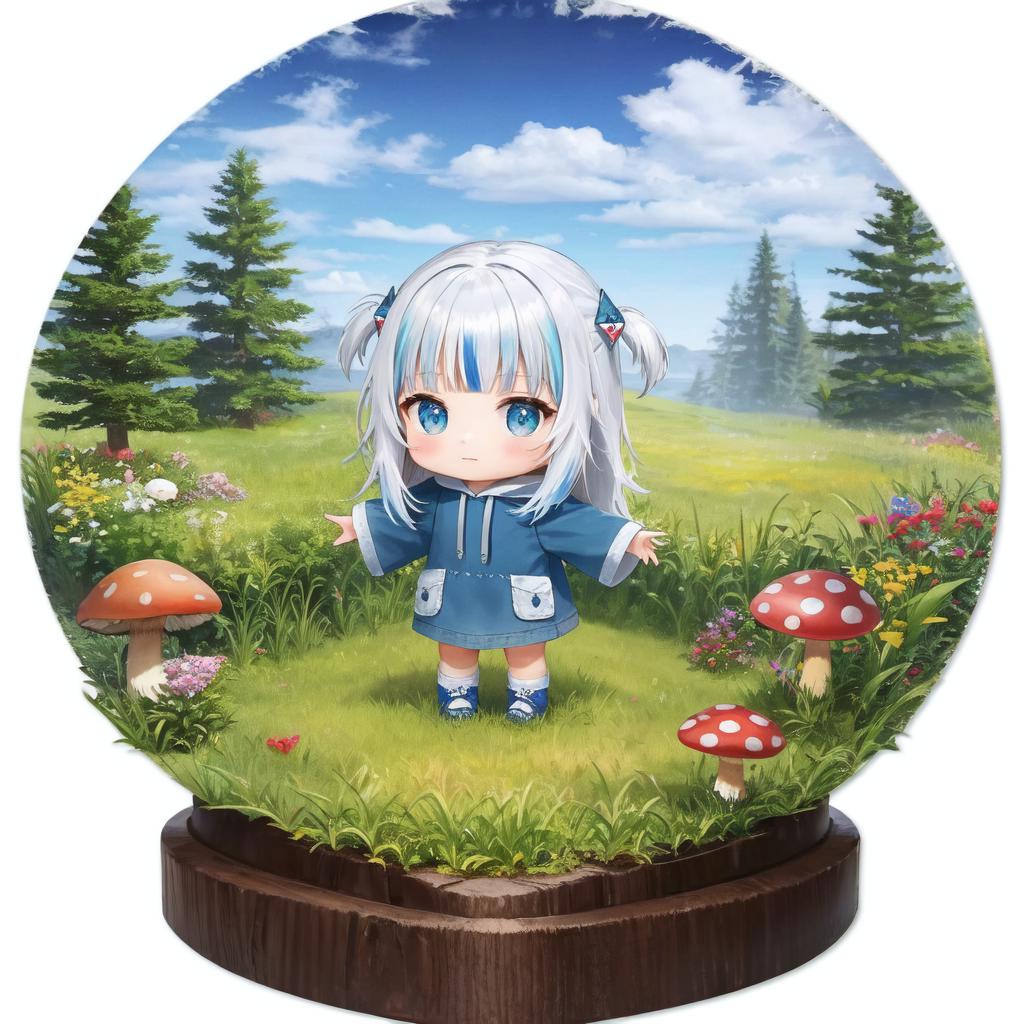
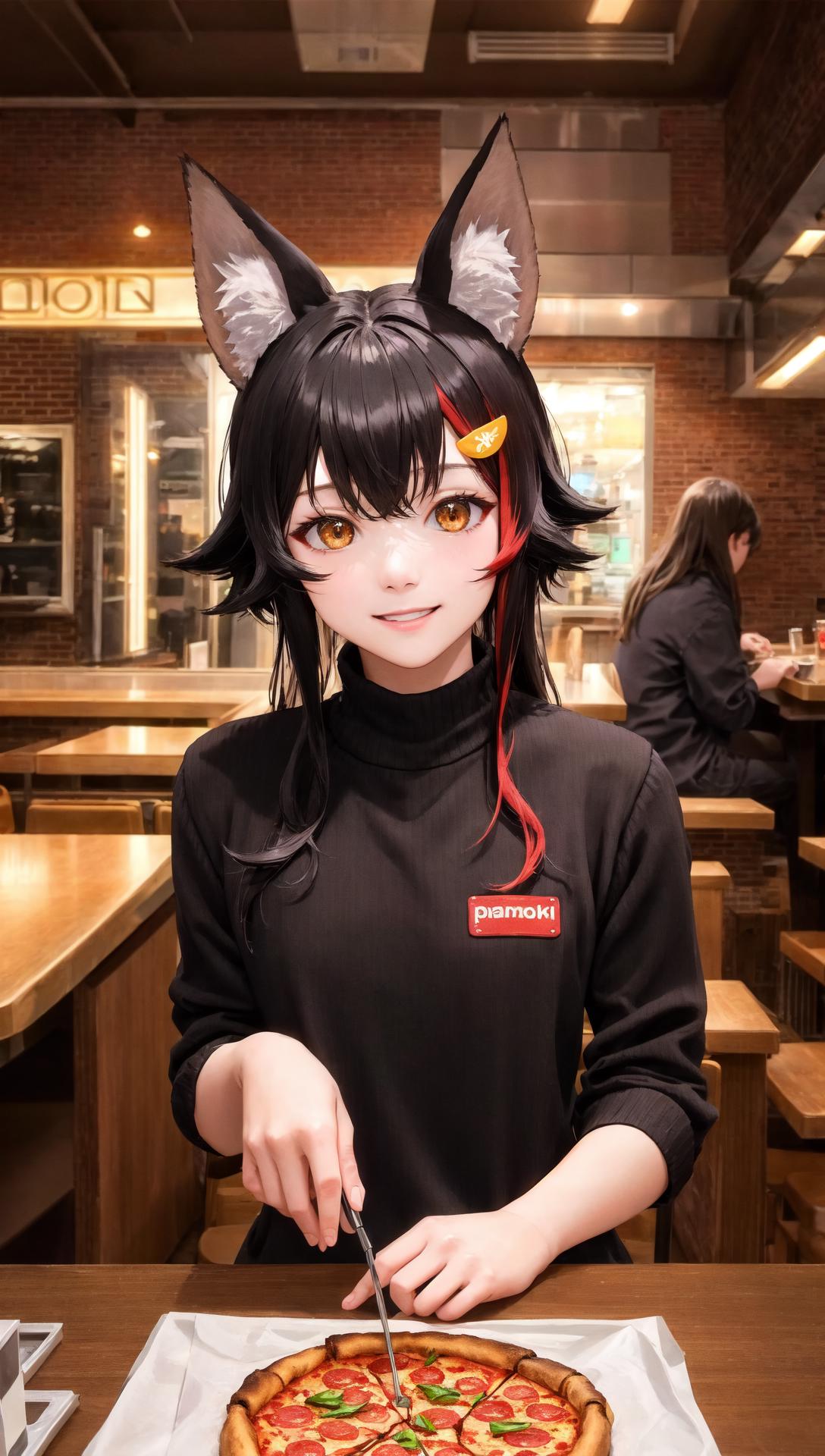
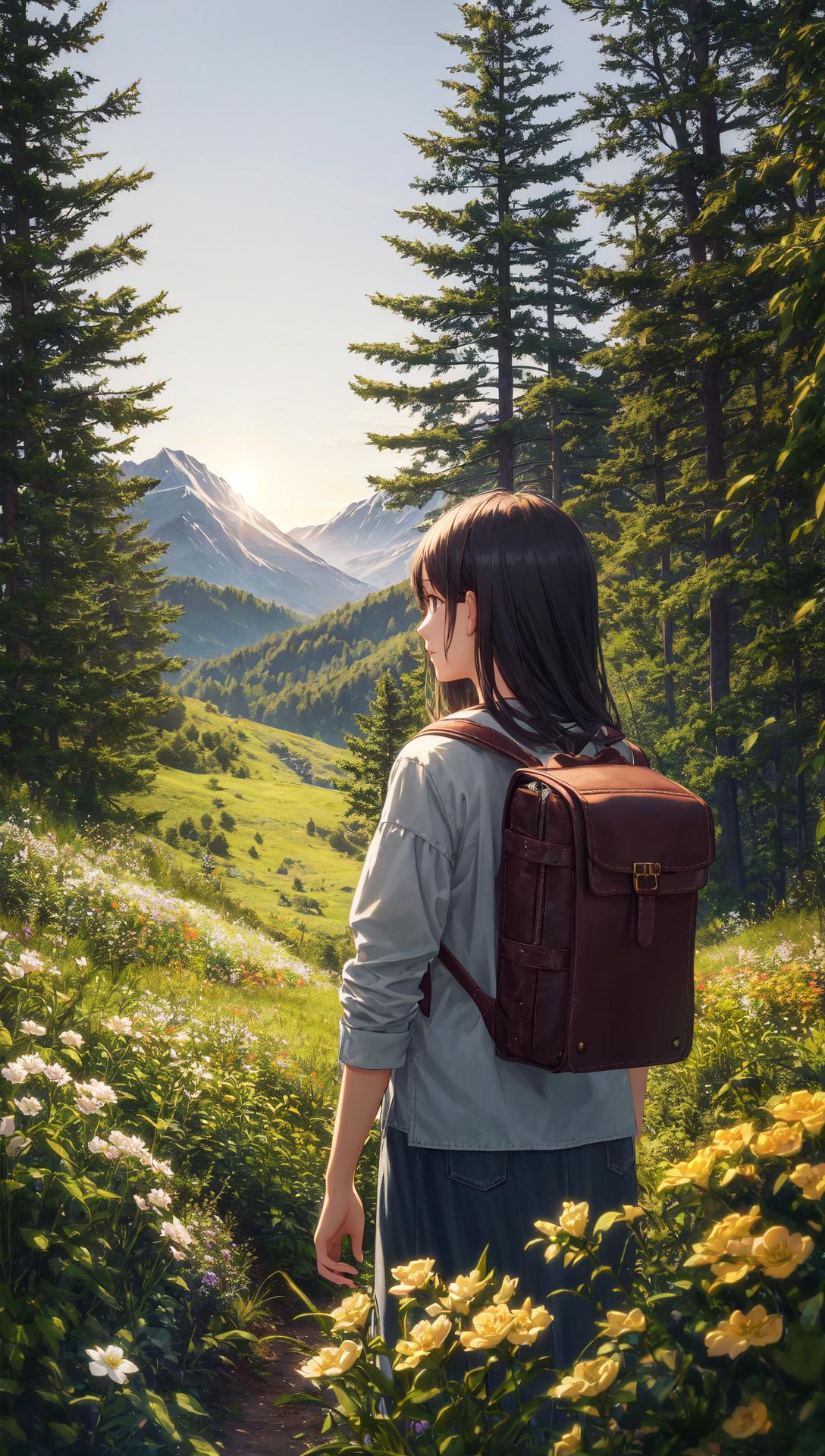
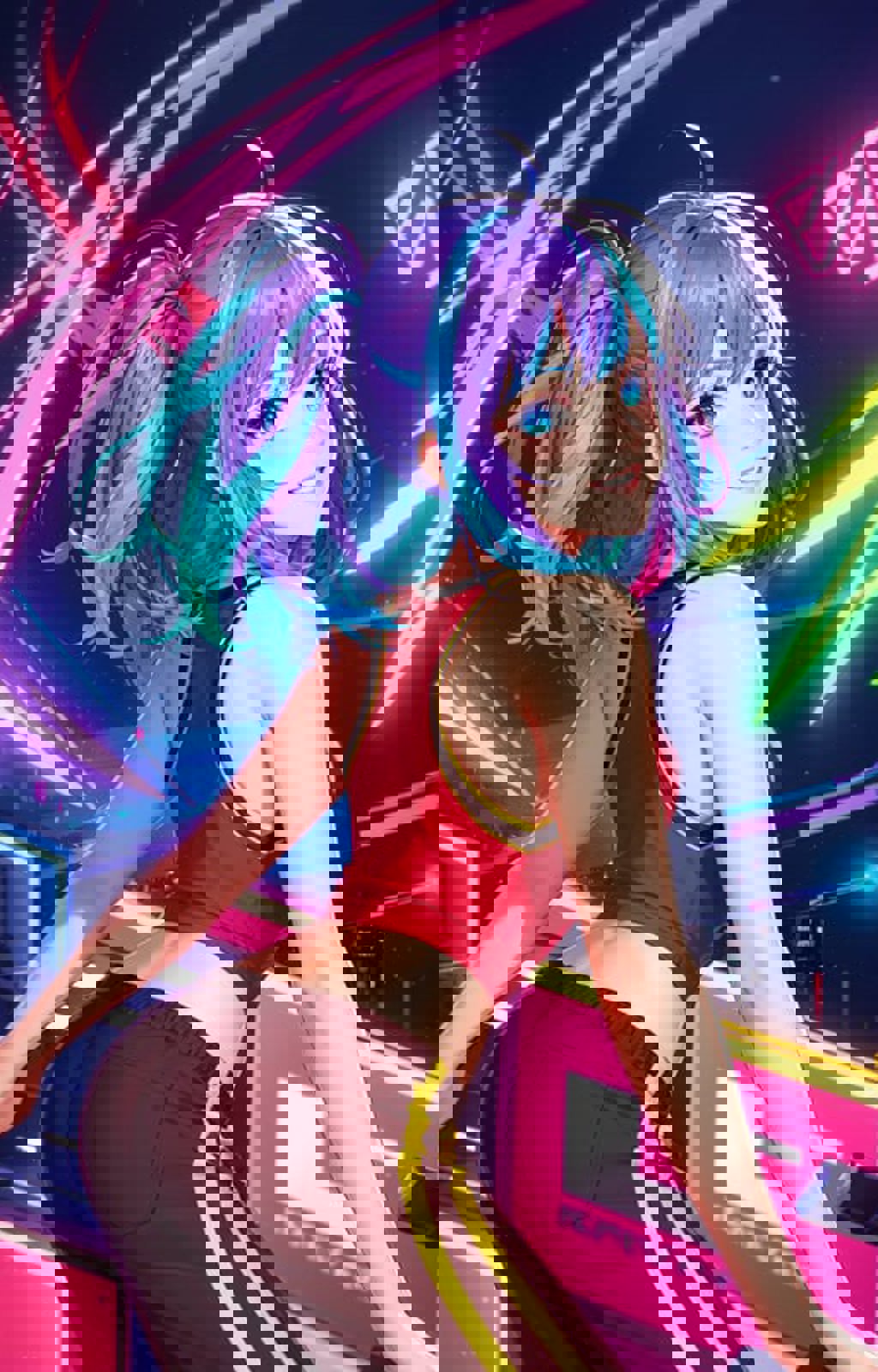
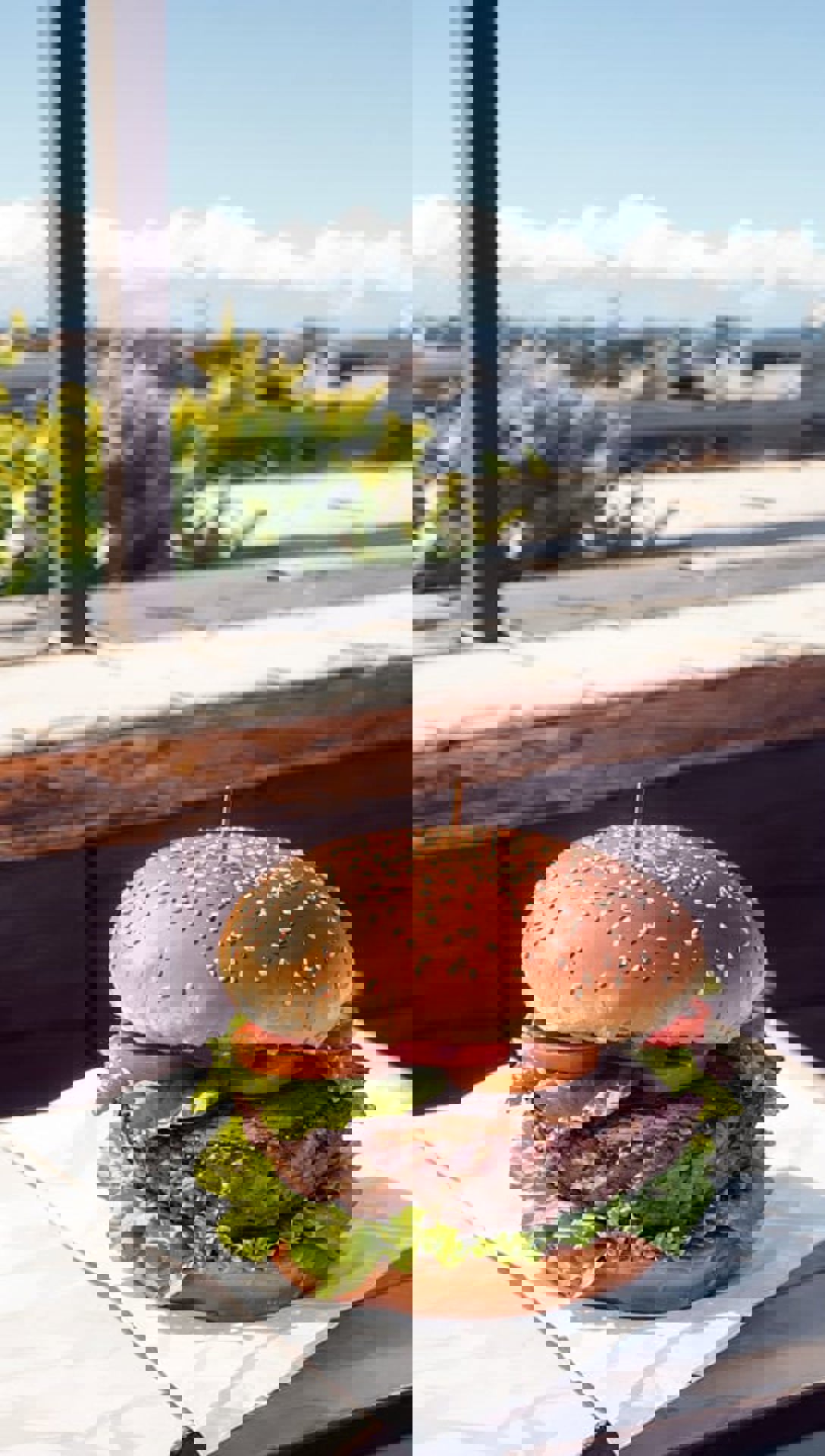
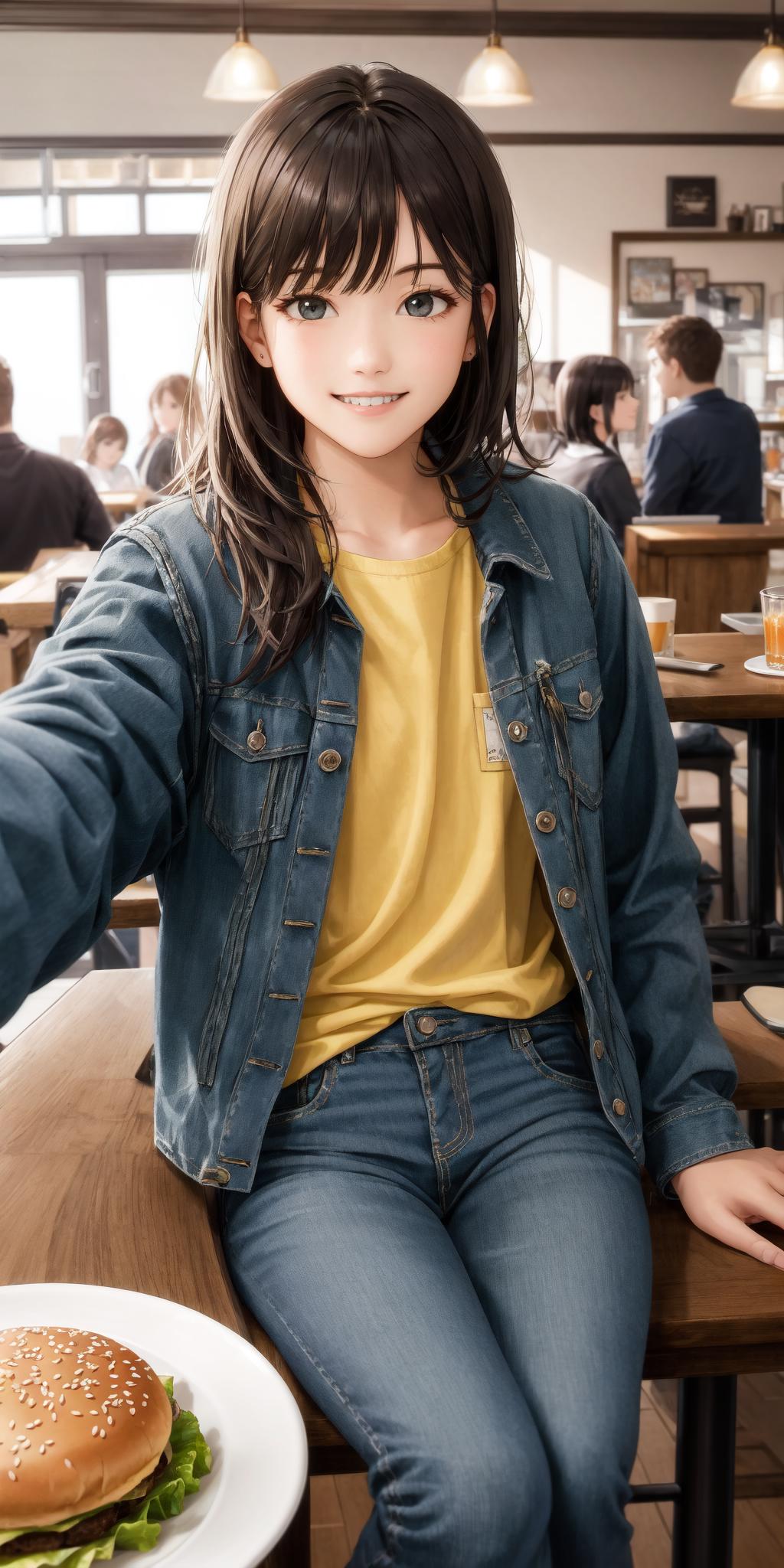
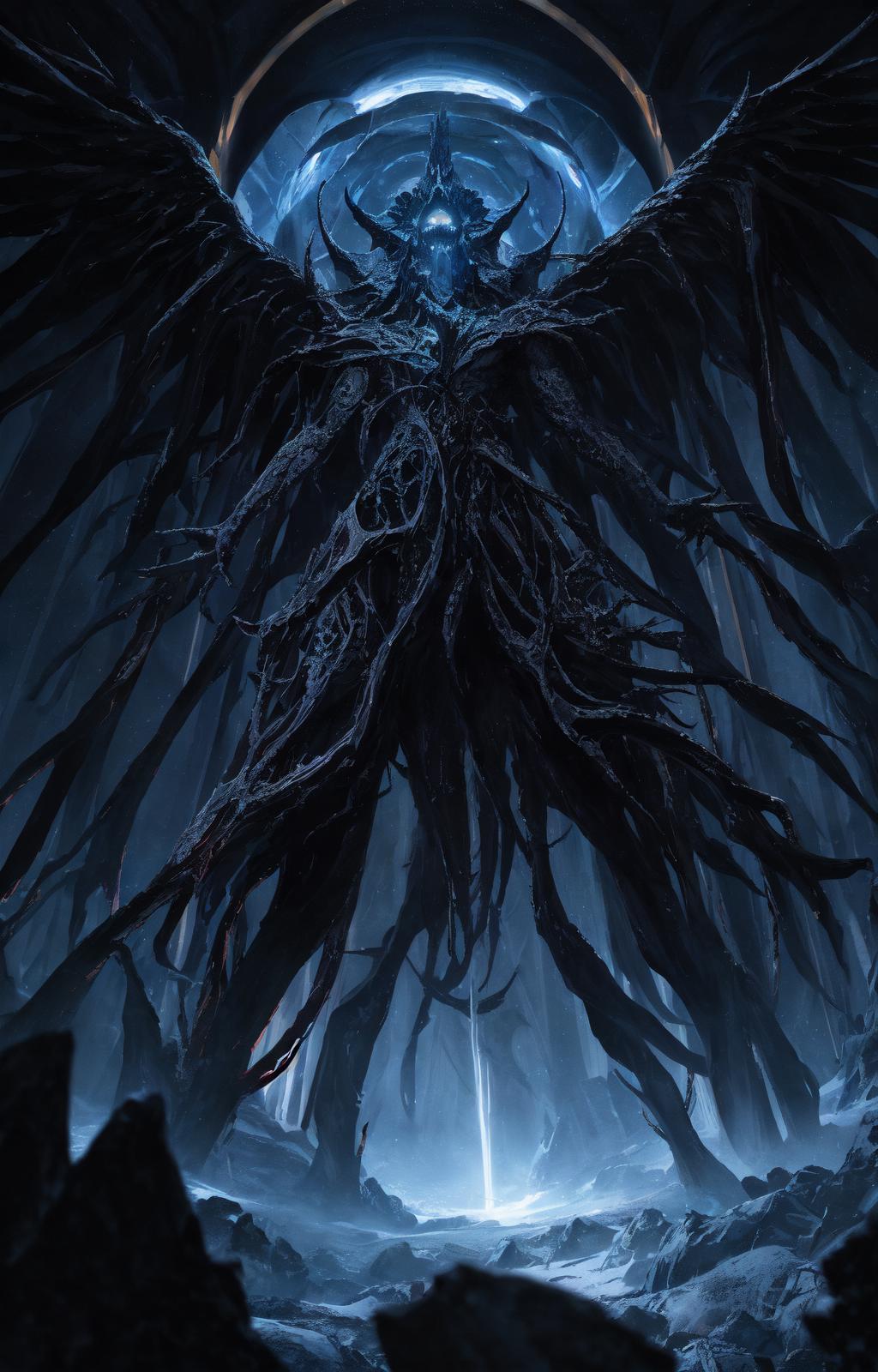
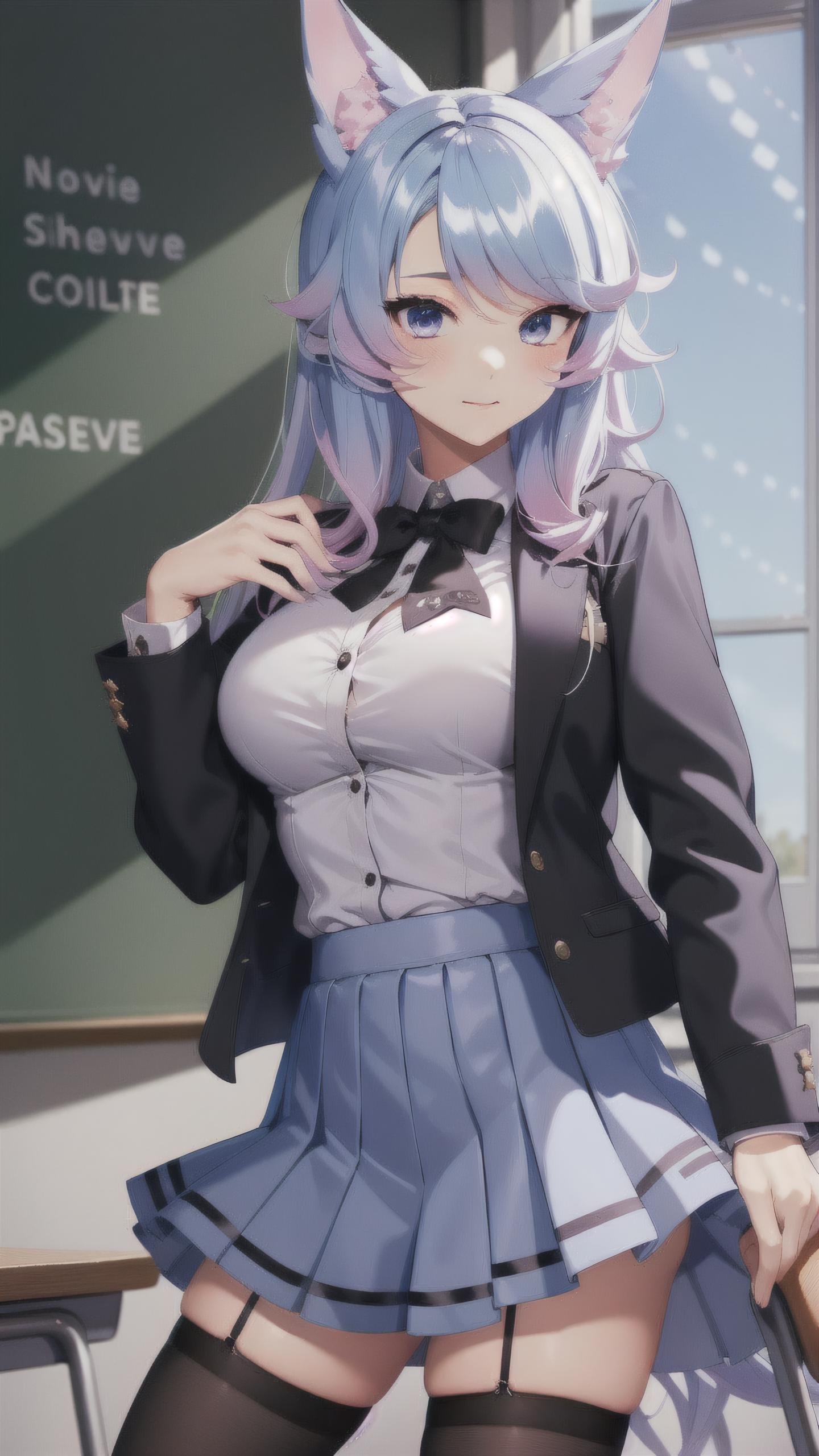
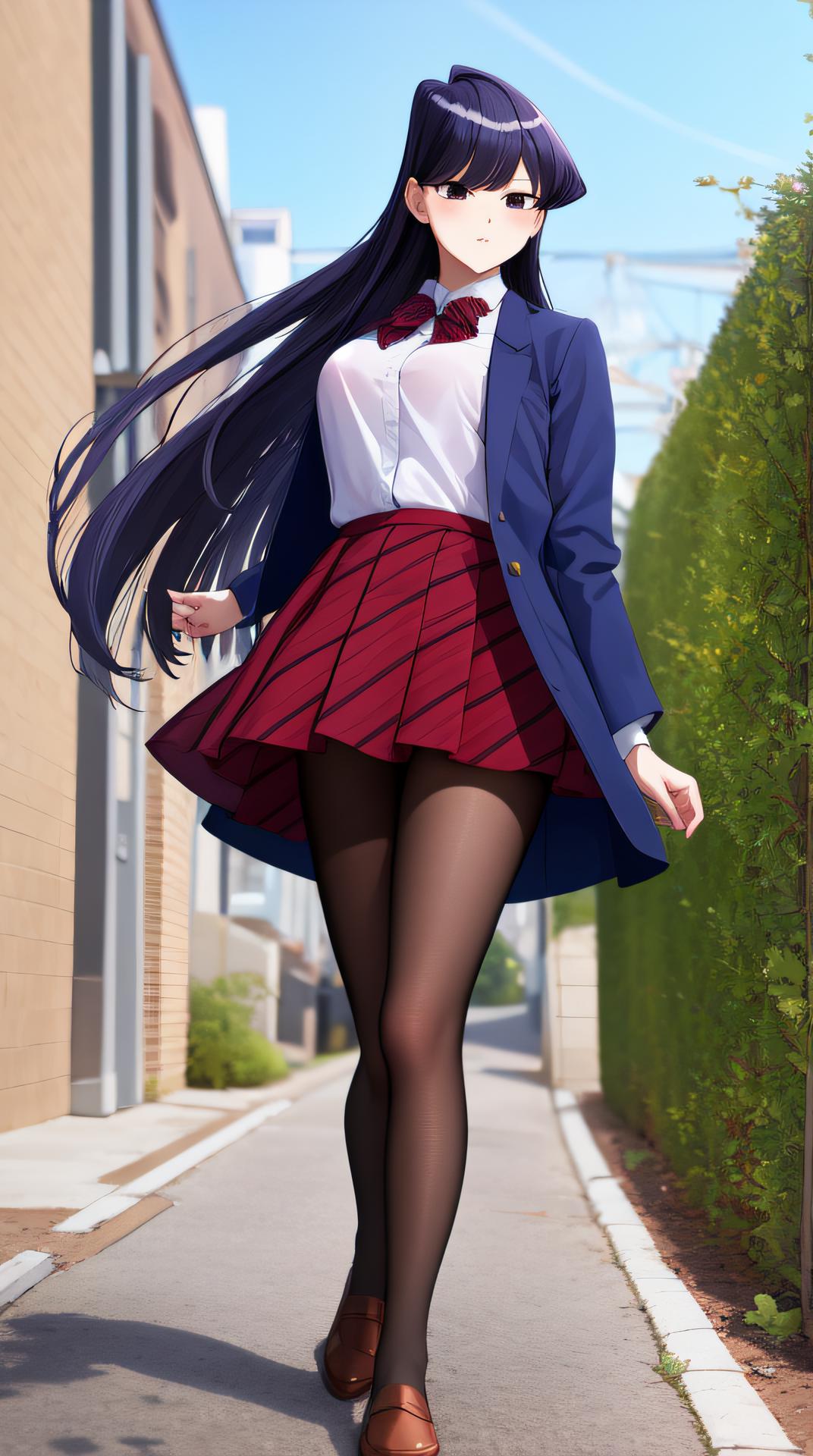
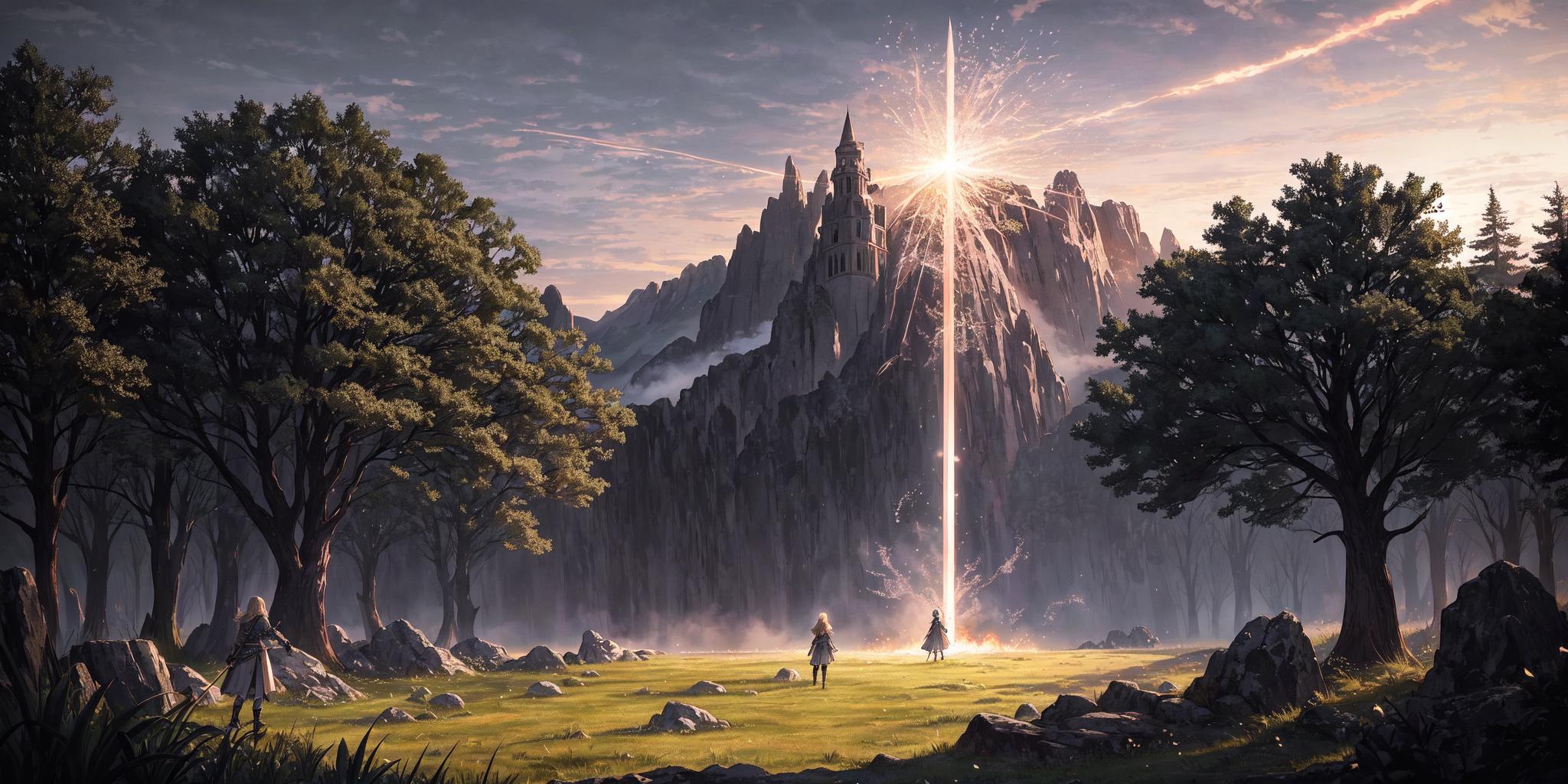
Isopropanol Addiction Mix (so named because of my ongoing struggles with drinking rubbing alcohol) is a semi-realistic merge of a few different models, mostly anime, that has resulted in a nice versatile model. It works surprisingly well with a lot of LoRAs, and produces very good close-up details. It is based, ultimately, on Anything v4.5 and BasilMix.

Recommended Settings

These are the settings that I use personally. Feel free to experiment.

  • Sampler: DPM++ 2M Karras

  • CFG Scale: 7.5

  • Steps: 20

  • Clip Skip: 2

  • Hires Upscale (best enjoyed with this): Either Latent (Nearest-Exact) or whatever your preferred upscaler is, such as 4x-UltraSharp. The former should have a higher denoising strength (0.5 is the hard minimum, sometimes a bit higher than that is needed, I like 0.6), and the latter can have any denoising strength, but I recommend 0.3-0.4 for it. Again, up to you. If your VRAM keeps getting gobbled up, try this extension.

  • VAE: kl-f8-anime2.ckpt, also known as the Waifu Diffusion VAE, is good and my personal choice. You can also use blessed2.vae.pt.

  • Positive prompt: See the examples above. For a more realistic look, try adding "hyperrealistic" to your prompt. Equally "anime" may shift you in the other direction, but only so far.

  • Negative prompt: A lot of models seem to have a bit of an issue with earrings and ear piercings being disproportionately common. Try adding "(ear piercing, earrings:1.2)" or similar. Beyond this, I recommend EasyNegative and bad-image-v2-39000. Try the negatives I use in the example images!

  • How Do I Get Darker Images Please Help: Behold! DarkKukiv1.safetensors at 0.3-0.4 LoRA strength. At least, that one is my favourite. You can try other offset noise LoRAs if you want.

Feel free to share what it creates in a review.

Xem bản dịch

Đánh giá và nhận xét

4.8 /5
0 đánh giá

Chưa nhận đủ đánh giá hoặc bình luận

R
Refiner_Img
753
19.4K
Thông báo
2024-04-02
Đăng mô hình
2023-03-22
Cập nhật thông tin mô hình
Chi tiết mô hình
Loại
Checkpoint
Thời gian đăng tải
2023-03-22
Mô Hình Cơ Bản
SD 1.5
Giới thiệu phiên bản

This is the initial version of Isopropanol Addiction Mix. I will copy the recommended (but not required) settings below.

Recommended Settings

These are the settings that I use personally. Feel free to experiment.

  • Sampler: DPM++ 2M Karras

  • CFG Scale: 7.5

  • Steps: 20

  • Hires Upscale: Either Latent (Nearest-Exact) or whatever your preferred upscaler is, such as 4x-UltraSharp. The former should have a higher denoising strength (0.5 is the hard minimum, sometimes a bit higher than that is needed, I like 0.6), and the latter can have any denoising strength, but I recommend 0.3-0.4 for it. Again, up to you.

  • VAE: kl-f8-anime2.ckpt, also known as the Waifu Diffusion VAE, is good and my personal choice. You can also use blessed2.vae.pt.

  • Positive prompt: See the examples above. For a more realistic look, try adding "hyperrealistic" to your prompt. Equally "anime" may shift you in the other direction, but only so far.

  • Negative prompt: A lot of models seem to have a bit of an issue with earrings and ear piercings being disproportionately common. Try adding "(ear piercing, earrings:1.2)" or similar. Beyond this, I recommend EasyNegative.

  • How Do I Get Darker Images Please Help: Behold! DarkKukiv1.safetensors at 0.3-0.4 LoRA strength. At least, that one is my favourite. You can try other offset noise LoRAs if you want.

Phạm Vi Giấy Phép
Model Source: civitai

1. Quyền đối với các mô hình được đăng lại thuộc về người sáng tạo ban đầu.

2. Người sáng tạo gốc muốn xác nhận mô hình vui lòng liên hệ nhân viên SeaArt AI qua kênh chính thức. Nhấp để xác nhận

Phạm Vi Giấy Phép Tạo Dựng
Hình Ảnh Trực Tuyến
Thực Hiện Kết Hợp
Cho phép tải xuống
Giấy Phép Thương Mại
Hình ảnh được tạo có thể bán hoặc sử dụng cho mục đích thương mại
Cho phép bán lại hoặc bán sau khi hợp nhất
QR Code
Tải xuống ứng dụng SeaArt
Tiếp tục hành trình sáng tạo AI trên thiết bị di động