
Loại
Checkpoint
Thời gian đăng tải
2024-12-01
Mô Hình Cơ Bản
Flux.1 S

# Shuttle 3.1 Aesthetic
Join our [Discord](https://discord.gg/shuttleai) to get the latest updates, news, and more.
## Model Variants
These model variants provide different precision levels and formats optimized for diverse hardware capabilities and use cases
- [bfloat16](https://huggingface.co/shuttleai/shuttle-3.1-aesthetic/resolve/main/shuttle-3.1-aesthetic.safetensors)
- GGUF (soon)
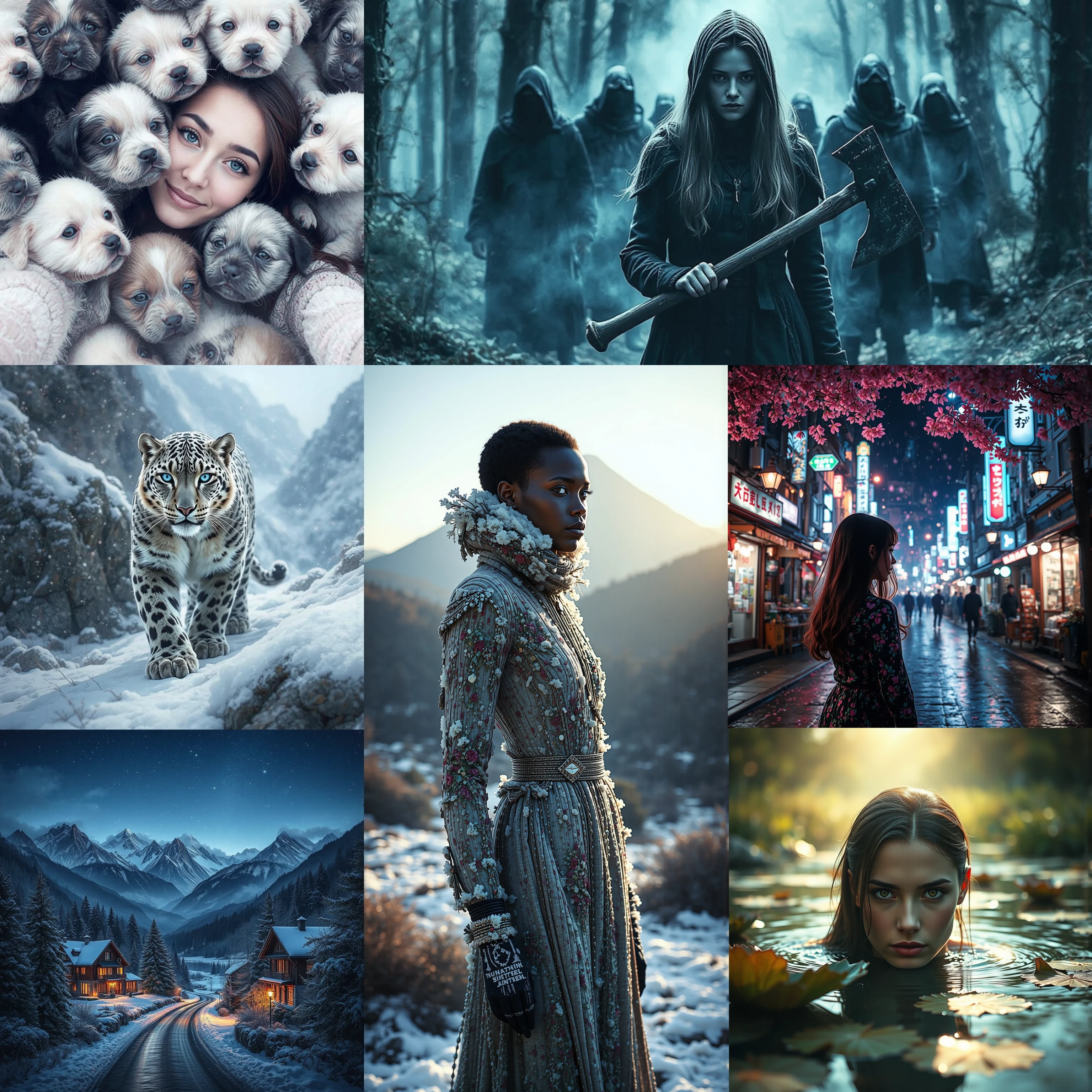
Shuttle 3.1 Aesthetic is a text-to-image AI model designed to create detailed and aesthetic images from textual prompts in just 4 to 6 steps. It offers enhanced performance in image quality, typography, understanding complex prompts, and resource efficiency.
You can try out the model through a website at https://designer.shuttleai.com/
## Using the model via API
You can use Shuttle 3.1 Aesthetic via API through ShuttleAI
- [ShuttleAI](https://shuttleai.com/)
- [ShuttleAI Docs](https://docs.shuttleai.com/)
## Using the model with 🧨 Diffusers
Install or upgrade diffusers
```shell
pip install -U diffusers
```
Then you can use DiffusionPipeline to run the model
```python
import torch
from diffusers import DiffusionPipeline
# Load the diffusion pipeline from a pretrained model, using bfloat16 for tensor types.
pipe = DiffusionPipeline.from_pretrained(
"shuttleai/shuttle-3.1-aesthetic", torch_dtype=torch.bfloat16
).to("cuda")
# Uncomment the following line to save VRAM by offloading the model to CPU if needed.
# pipe.enable_model_cpu_offload()
# Uncomment the lines below to enable torch.compile for potential performance boosts on compatible GPUs.
# Note that this can increase loading times considerably.
# pipe.transformer.to(memory_format=torch.channels_last)
# pipe.transformer = torch.compile(
# pipe.transformer, mode="max-autotune", fullgraph=True
# )
# Set your prompt for image generation.
prompt = "A cat holding a sign that says hello world"
# Generate the image using the diffusion pipeline.
image = pipe(
prompt,
height=1024,
width=1024,
guidance_scale=3.5,
num_inference_steps=4,
max_sequence_length=256,
# Uncomment the line below to use a manual seed for reproducible results.
# generator=torch.Generator("cpu").manual_seed(0)
).images[0]
# Save the generated image.
image.save("shuttle.png")
```
To learn more check out the [diffusers](https://huggingface.co/docs/diffusers/main/en/api/pipelines/flux) documentation
## Using the model with ComfyUI
To run local inference with Shuttle 3.1 Aesthetic using [ComfyUI](https://github.com/comfyanonymous/ComfyUI), you can use this [safetensors file](https://huggingface.co/shuttleai/shuttle-3.1-aesthetic/blob/main/shuttle-3.1-aesthetic.safetensors).
## Training Details
Shuttle 3.1 Aesthetic uses Shuttle 3 Diffusion as its base. It can produce images similar to Flux Dev in just 4 steps, and it is licensed under Apache 2. The model was partially de-distilled during training. We overcame the limitations of the Schnell-series models by employing a special training method, resulting in improved details and colors.

1. Quyền đối với các mô hình được đăng lại thuộc về người sáng tạo ban đầu.
2. Người sáng tạo gốc muốn xác nhận mô hình vui lòng liên hệ nhân viên SeaArt AI qua kênh chính thức. Nhấp để xác nhận
