
Loại
Wildcards
Thời gian đăng tải
2024-01-19
Mô Hình Cơ Bản
SDXL 1.0


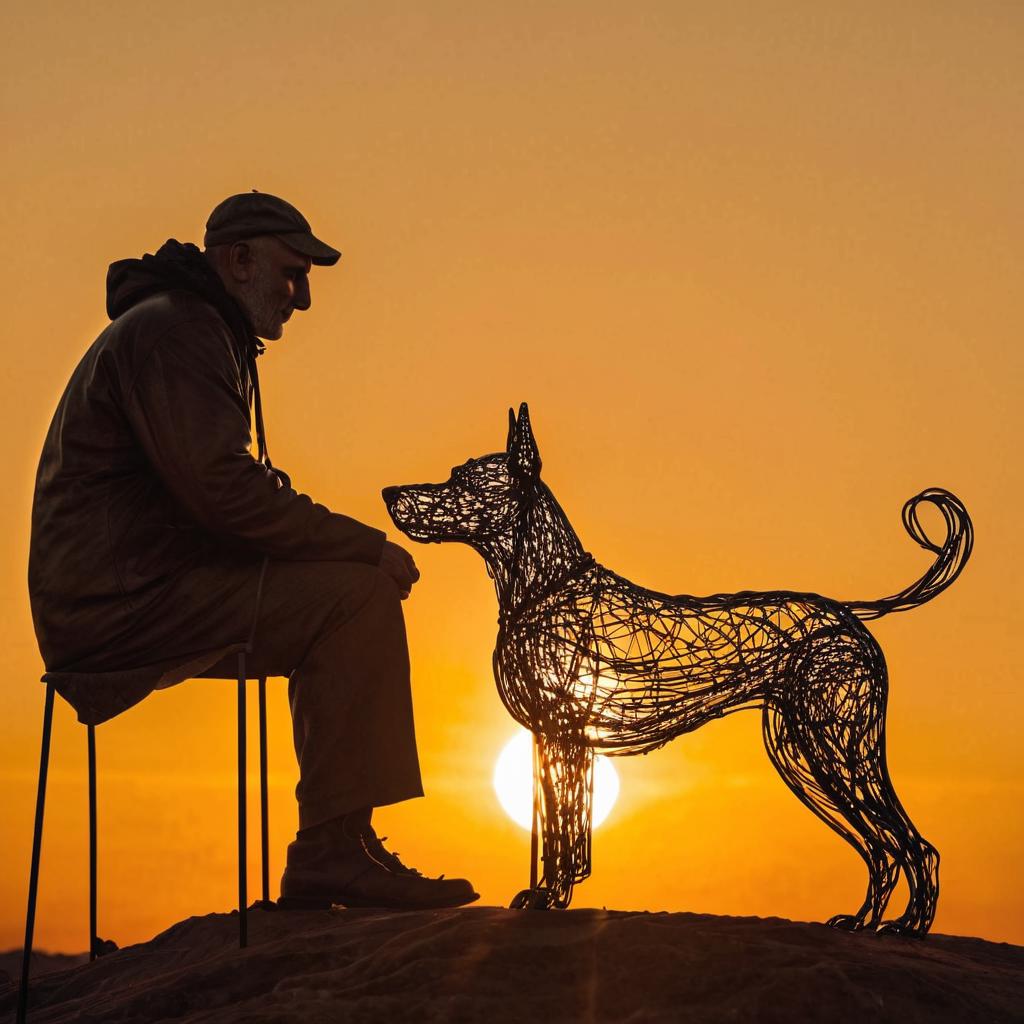
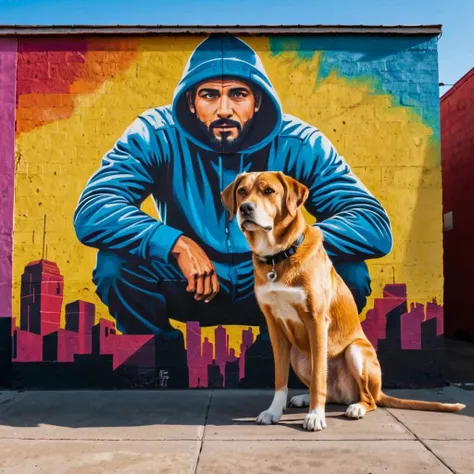
This is to assist image generation models apply random keywords within a prompt; in this instance specifically the start of the prompt to randomize the style of the image.
Here are some examples:
A 16-color palette pixel art
A 3D claymation scene
A 3D holographic projection
A 3D sidewalk chalk drawing
A 3D wireframe model
A 8-bit pixel sprite
A UV blacklight painting
It should be saved as a .txt file in the wildcards directory if generating images locally in Fooocus, and wildcards_official for Ruined Fooocus.
For A1111: This is a Wildcard collection, it requires an additional extension in Automatic 1111 to work on that platform. (See the guidance to the right on this page).
Usage: Simply put two underscores around the filename prefix. i.e.(__stylePrefix__ at the start of the prompt.
For example "__stylePrefix__ of a man and his loyal dog"
This will then cause one of the items in the list to be inserted into the prompt. For example "A 16-color palette pixel art of a man and his loyal dog", next prompt in the batch could be "A pen and ink drawing of a man and his loyal dog".
Keep in mind that your checkpoint or lora may not recognize the style and will produce a 'default' response, and images generated are highly dependent on the checkpoint and lora training material; 'A gouache still life' may not be recognized in your favorite furrymix checkpoint. Larger scale checkpoints are likely to produce more hits than the more specific ones.
Comments, suggestions, amendments and inclusions most welcome in the comments.

1. Quyền đối với các mô hình được đăng lại thuộc về người sáng tạo ban đầu.
2. Người sáng tạo gốc muốn xác nhận mô hình vui lòng liên hệ nhân viên SeaArt AI qua kênh chính thức. Nhấp để xác nhận
