








Chi tiết
Gợi Ý
v1.0
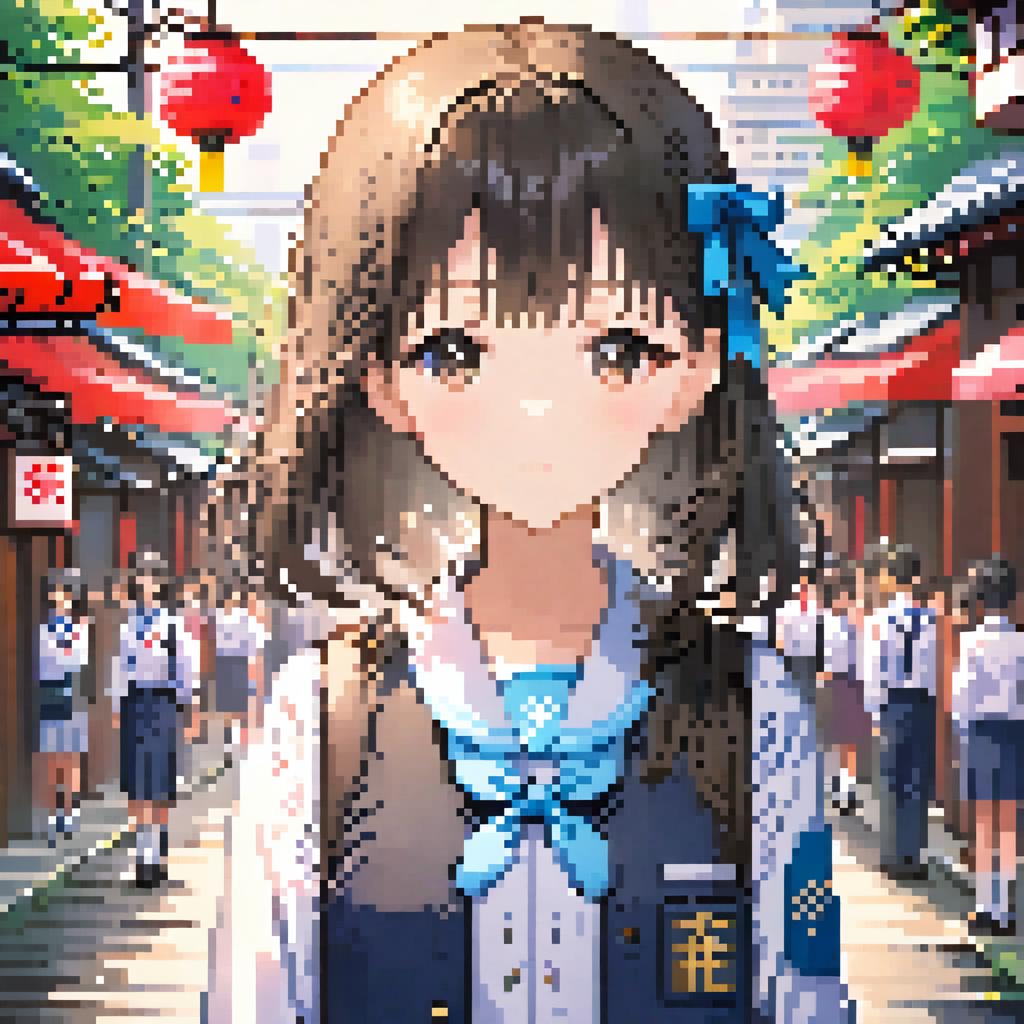
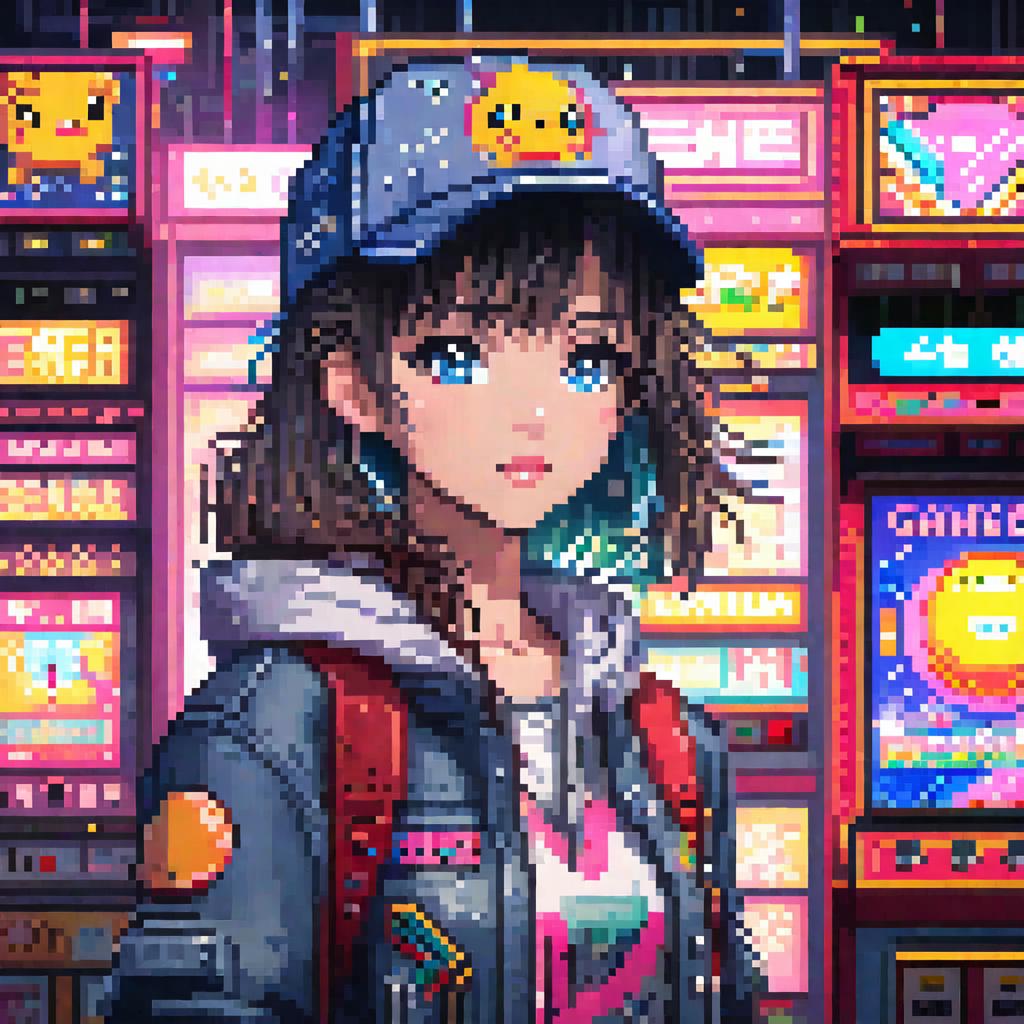
【SDXL Turbo】 Pixel Art | Super Fast Only 5 Steps

【SDXL Turbo】 Pixel Art | Super Fast Only 5 Steps

775
31
51
#อนิเมะ
#Photorealistic
#Pixel
#Style
#woman
#girls
#เรียลลิสติก
#วิดีโอเกม

Download closed, online link:

https://d.design/model-detail/a3147d8fb62e489bb0f73b1c69992539

Hi guys,this is Husky_AI,

This is a pixel art model based on SDXL training:

The triggering words is: pixel art.

For anime style, please write: anime

Realistic: realistic

Chibi: chibi

Landscape: landscape

=============================================

Turbo Recommended parameters:

Steps:5

sampler:DPM++ SDE

CFG Scale:4

=============================================

Below is a pixel repair plugin I wrote for this model, which can fix subtle pixel distortions in images:

https://github.com/sd47942452/sd-webui-pixel-fix

Install PIL: pip install Pillow

Download the plugin and place it in the following path:

Your path\extensions

Start sd-webui, and you will find "Pixel Fix" in the lower-left corner of the interface.

Check the enable box, adjust the size of the pixel grains, and then run the image normally. After running, you will have the original image and the repaired image.

こんにちは、みなさん、Husky_AIです。

これはSDXLトレーニングに基づくピクセルアートモデルです。

トリガーワードは「pixel art」です。

アニメスタイルの場合は、animeと書いてください。

リアル:realistic

チビ:chibi

風景:landscape

Turbo Recommended parameters:

Steps:5

sampler:DPM++ SDE

CFG Scale:4

以下は、このモデル用に私が書いたピクセル修復プラグインです。これは画像中の微細なピクセルの歪みを修復できます:

https://github.com/sd47942452/sd-webui-pixel-fix

PILのインストール:pip install Pillow

プラグインをダウンロードして、次のパスに配置します:

あなたのパス\extensions

sd-webuiを起動すると、インターフェースの左下隅に「Pixel Fix」が表示されます。

有効ボックスをチェックし、ピクセル粒子のサイズを調整してから画像を通常通り実行します。実行後、元の画像と修復された画像が得られます。

Xem bản dịch

Đánh giá và nhận xét

5.0 /5
0 đánh giá

Chưa nhận đủ đánh giá hoặc bình luận

no-data
Không có dữ liệu
avatar
Trò chuyện với mô hình
Thông báo
2024-04-01
Đăng mô hình
2026-02-16
Cập nhật thông tin mô hình
Chi tiết mô hình
Loại
Checkpoint
Thời gian đăng tải
2024-01-15
Mô Hình Cơ Bản
SDXL 1.0
Từ Kích Hoạt
pixel art
Sao chép
Giới thiệu phiên bản

我是《AI魔法绘画》的作者,链接:https://item.m.jd.com/product/14093180.html 购书后可进官方群

Hi guys,this is Husky_AI,

This is a pixel art model based on SDXL training:

The triggering words is: pixel art.

For anime style, please write: anime

Realistic: realistic

Chibi: chibi

Landscape: landscape

Below is a pixel repair plugin I wrote for this model, which can fix subtle pixel distortions in images:

https://github.com/sd47942452/sd-webui-pixel-fix

Install PIL: pip install Pillow

Download the plugin and place it in the following path:

Your path\extensions

Start sd-webui, and you will find "Pixel Fix" in the lower-left corner of the interface.

Check the enable box, adjust the size of the pixel grains, and then run the image normally. After running, you will have the original image and the repaired image.

こんにちは、みなさん、Husky_AIです。

これはSDXLトレーニングに基づくピクセルアートモデルです。

トリガーワードは「pixel art」です。

アニメスタイルの場合は、animeと書いてください。

リアル:realistic

チビ:chibi

風景:landscape

以下は、このモデル用に私が書いたピクセル修復プラグインです。これは画像中の微細なピクセルの歪みを修復できます:

https://github.com/sd47942452/sd-webui-pixel-fix

PILのインストール:pip install Pillow

プラグインをダウンロードして、次のパスに配置します:

あなたのパス\extensions

sd-webuiを起動すると、インターフェースの左下隅に「Pixel Fix」が表示されます。

有効ボックスをチェックし、ピクセル粒子のサイズを調整してから画像を通常通り実行します。実行後、元の画像と修復された画像が得られます。

Phạm Vi Giấy Phép
Model Source: civitai

1. Quyền đối với các mô hình được đăng lại thuộc về người sáng tạo ban đầu.

2. Người sáng tạo gốc muốn xác nhận mô hình vui lòng liên hệ nhân viên SeaArt AI qua kênh chính thức. Nhấp để xác nhận

Phạm Vi Giấy Phép Tạo Dựng
Hình Ảnh Trực Tuyến
Thực Hiện Kết Hợp
Cho phép tải xuống
Giấy Phép Thương Mại
Hình ảnh được tạo có thể bán hoặc sử dụng cho mục đích thương mại
Cho phép bán lại hoặc bán sau khi hợp nhất
QR Code
Tải xuống ứng dụng SeaArt
Tiếp tục hành trình sáng tạo AI trên thiết bị di động