Loại
LORA
Thời gian đăng tải
2024-11-02
Mô Hình Cơ Bản
Illustrious
Từ Kích Hoạt
SplitScreen, split screen
upper body
Sao chép

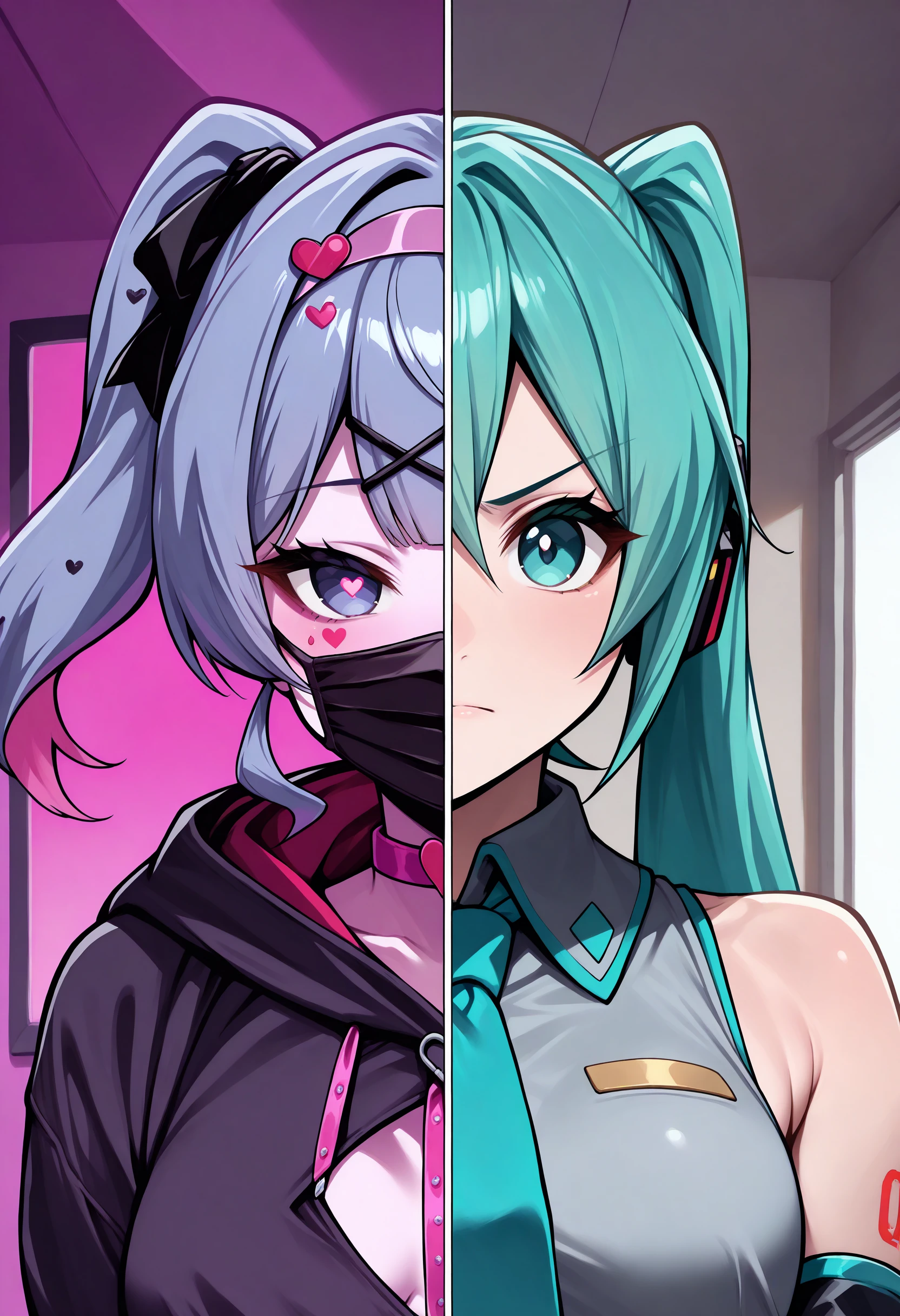
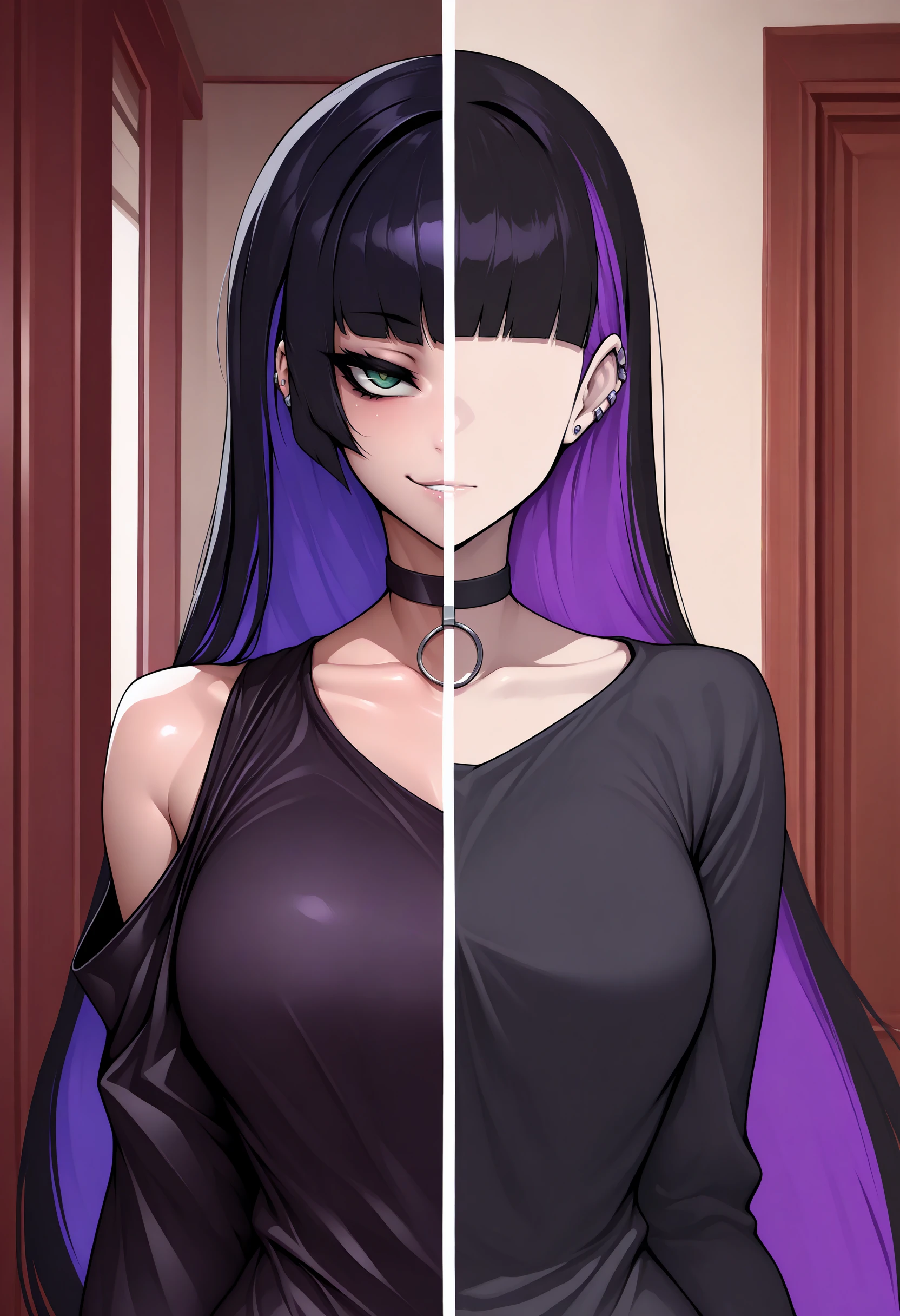
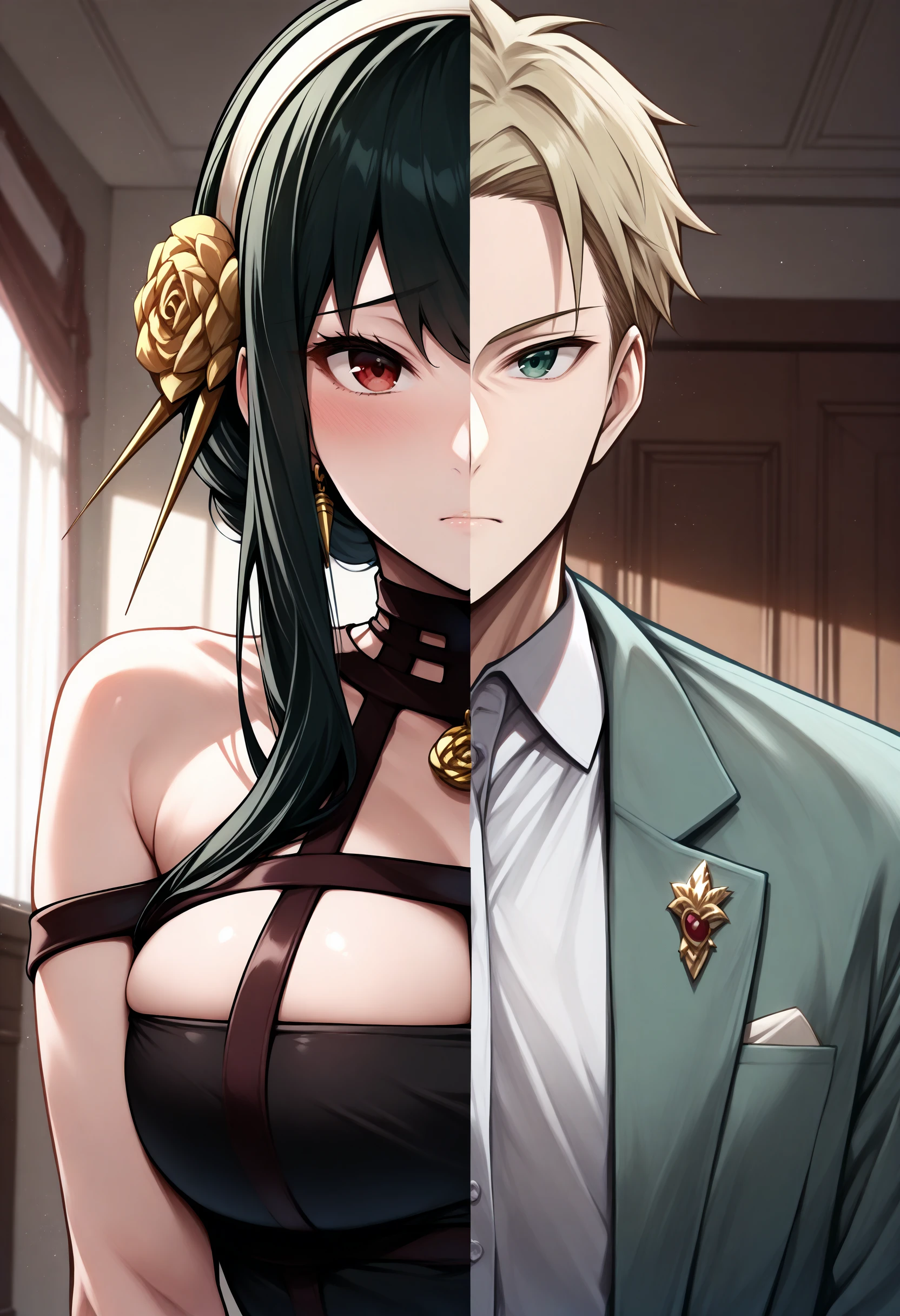
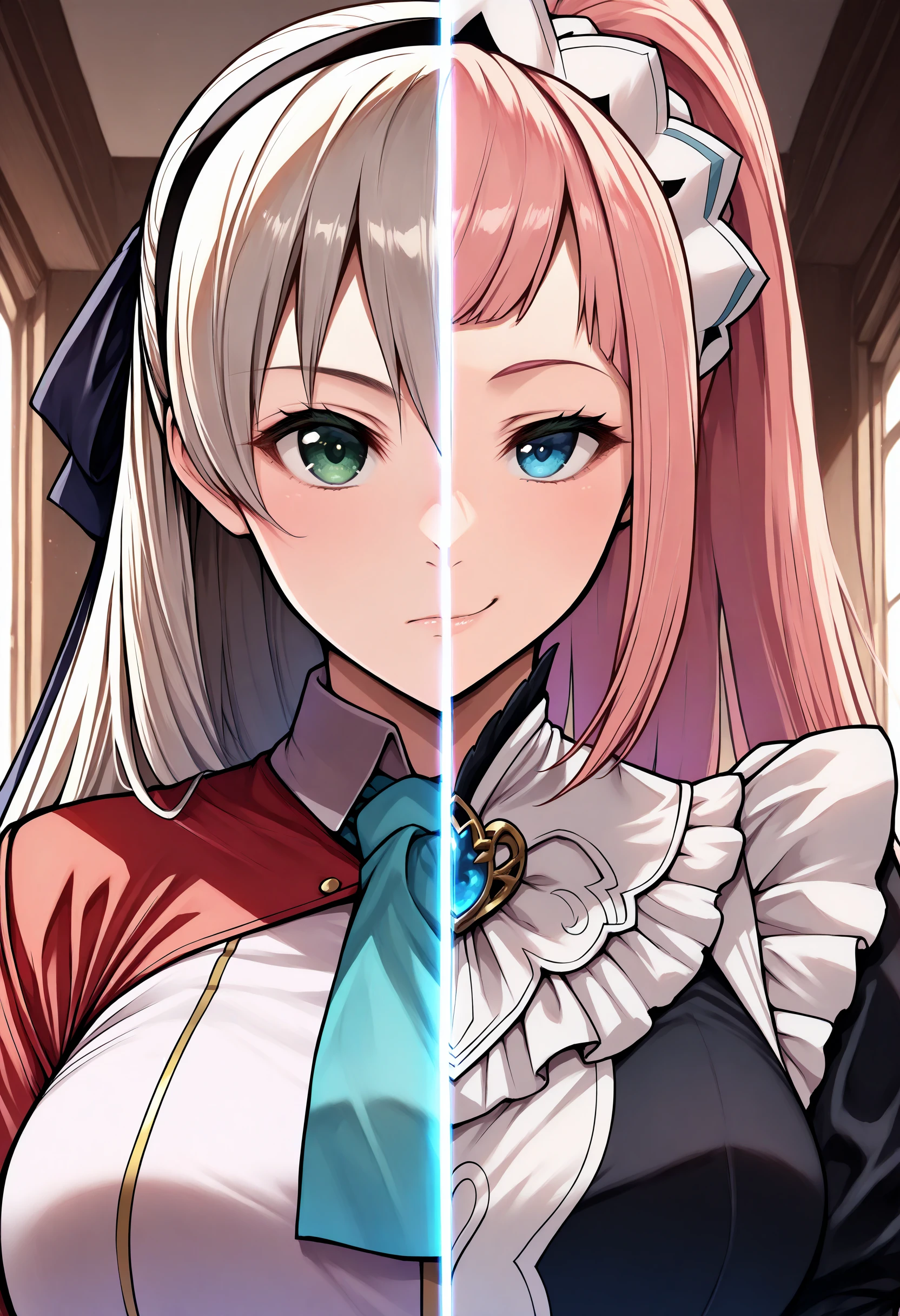
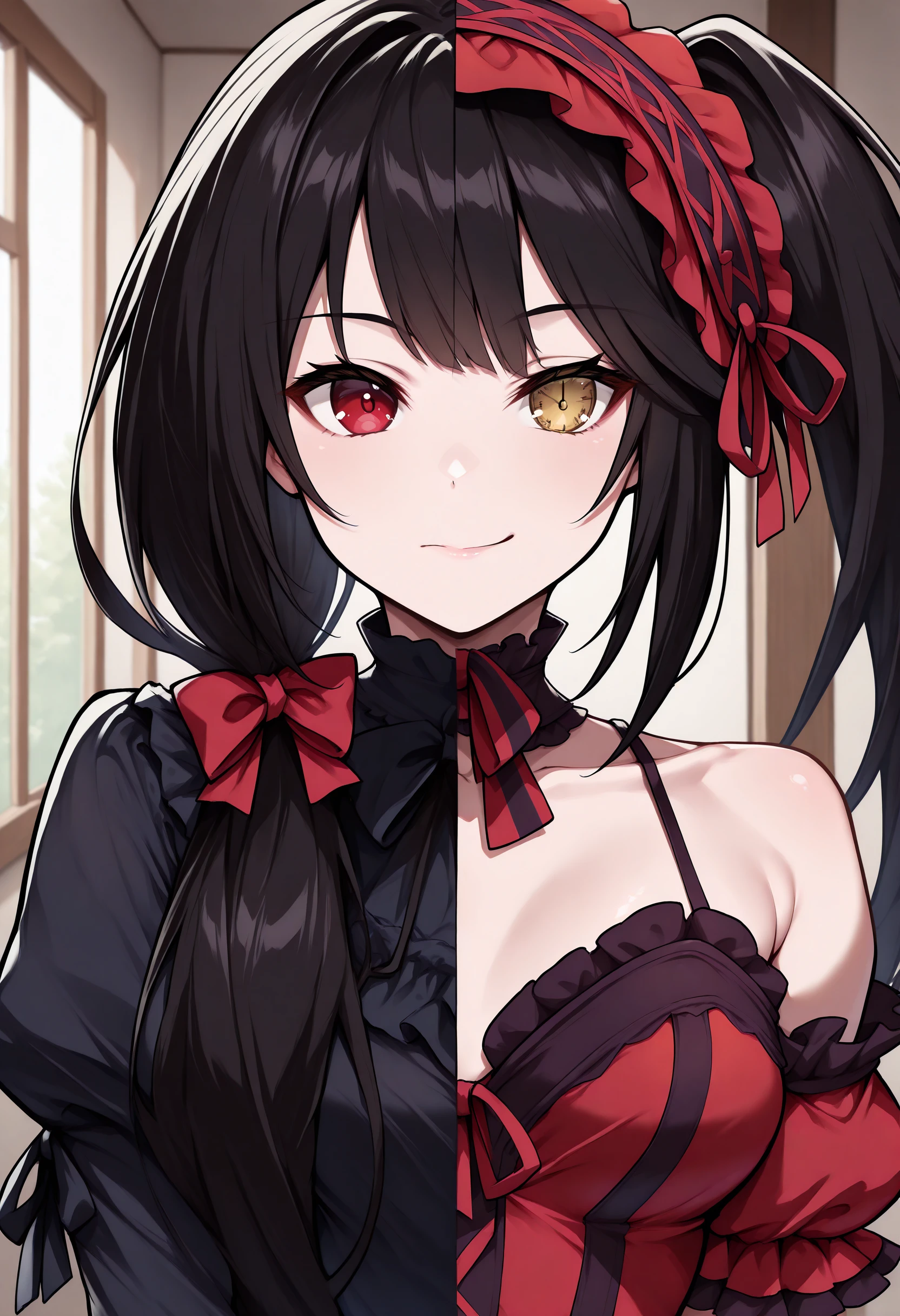
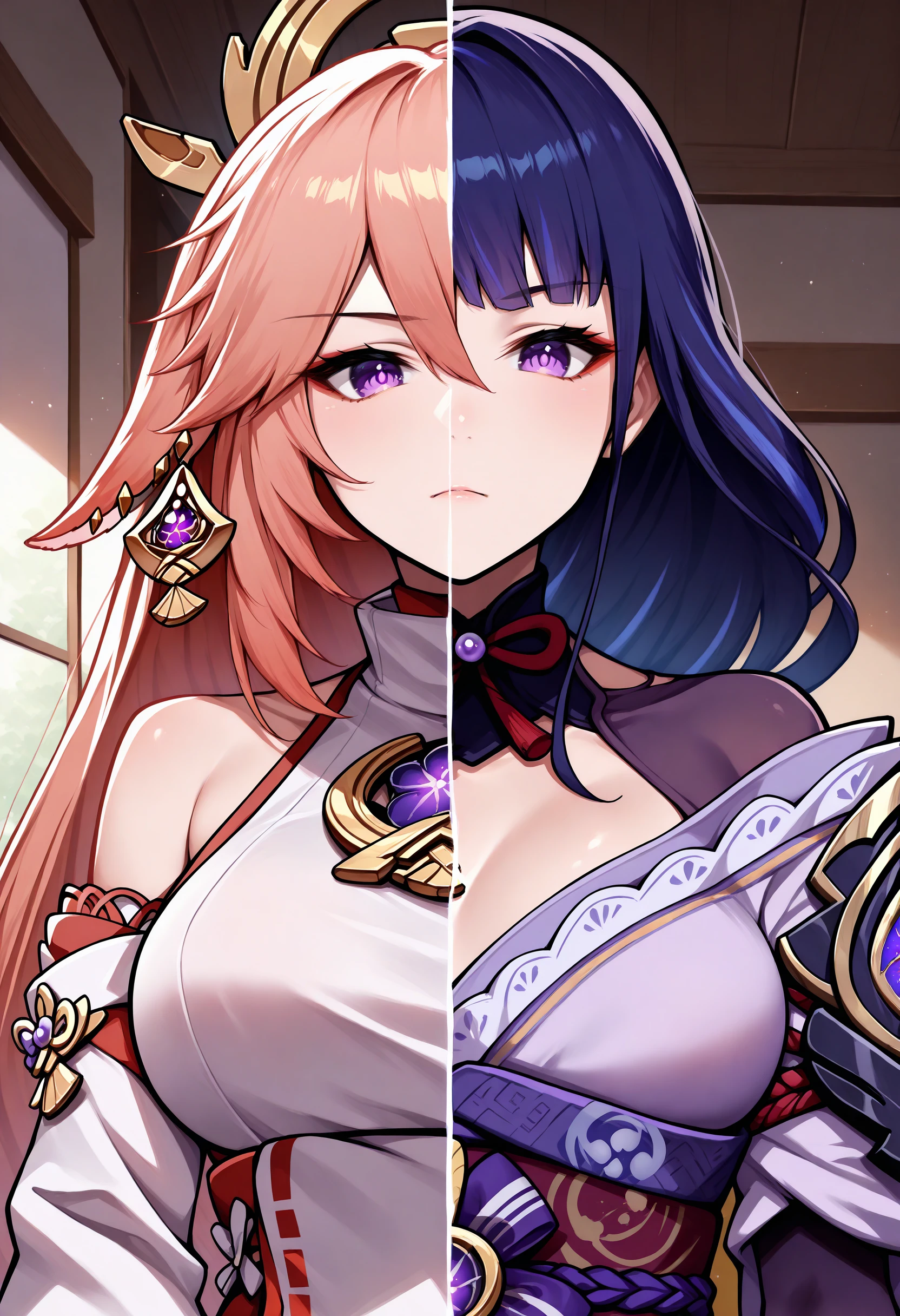
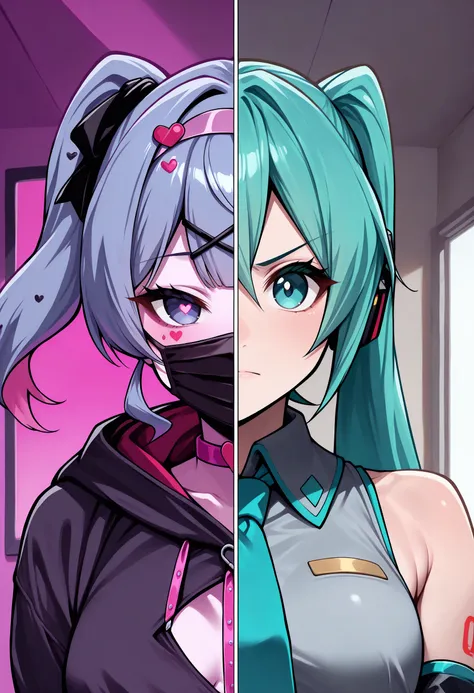
Split Screen | Concept LoRA IllustriousXL
Weight can go from 0.8 up to 1.2. I recommend 1. Works with almost every Style, every Character and Photorealistic Models. Works on baked in characters without the help of Forge Couple / Regional Prompt. Some Images were generated via Regional Prompt / Forge Couple. Settings can be seen below. Reduce LoRA weight to 0.4 -0.55, when using common prompt.
Trigger Word:
SplitScreen, split screen
Helping Prompt:
upper body
How to use LoRA's in auto1111:
Download LoRA
Copy the file to stable-diffusion-webui/models/lora
Select your LoRA and use the triggerword
Make sure to change the weight if needed (by default it's :1)
Have Fun!


1. Quyền đối với các mô hình được đăng lại thuộc về người sáng tạo ban đầu.
2. Người sáng tạo gốc muốn xác nhận mô hình vui lòng liên hệ nhân viên SeaArt AI qua kênh chính thức. Nhấp để xác nhận
