Chi tiết
Gợi Ý
1.0
Invisible

Invisible

0
2
0
#Character

IMPORTANT INSTRUCTIONS!

This model was trained on SD base 1.5 version BUT It does also work for 1.4 as they both share the same Clip encoder.

Install instructions.

Simply place the invisible.pt file inside the \stable-diffusion-webui\models\hypernetworks folder. Load the model inside the Automatic1111 interface under settings hypernetwork.

Use instructions.

Use 1.0 hypernetwork strength for best results.

Use DPM++ SDE Karras sampler with 15 steps and CFG of 4.0.

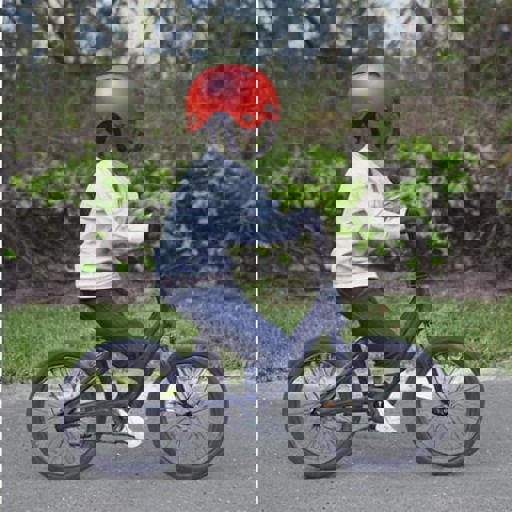
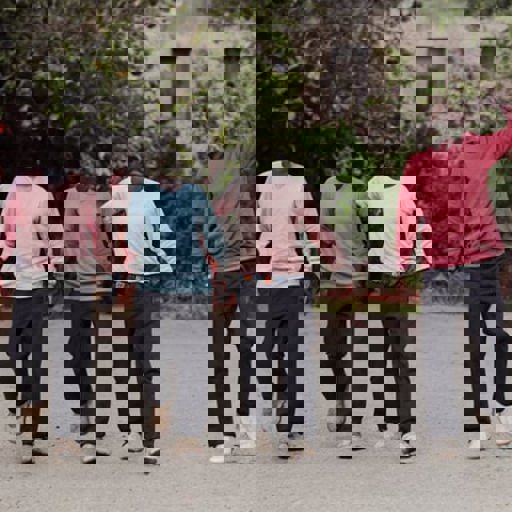
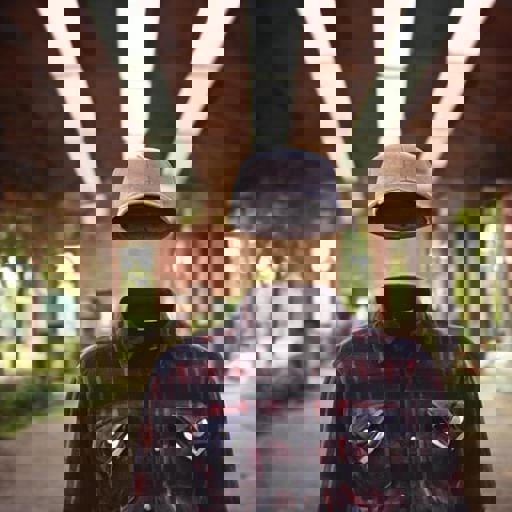
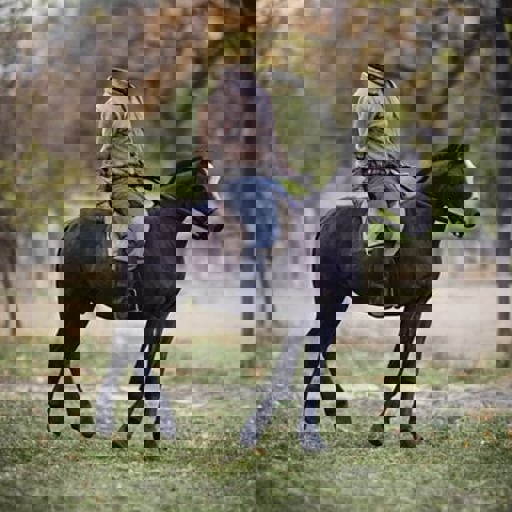
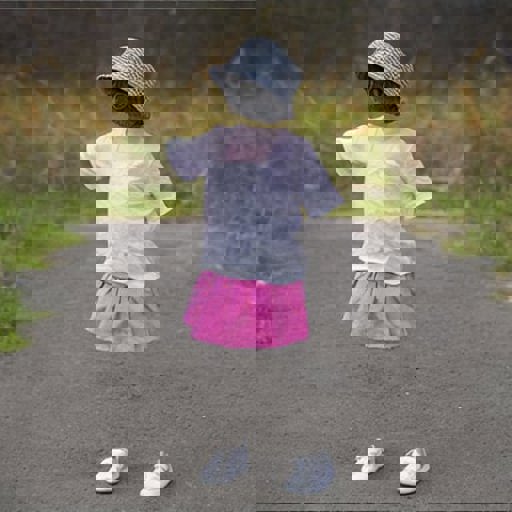
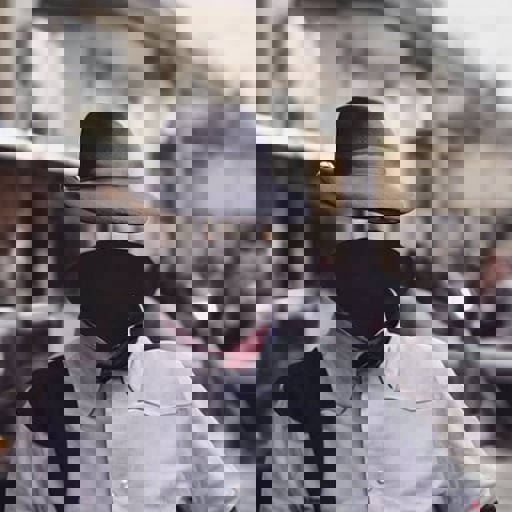
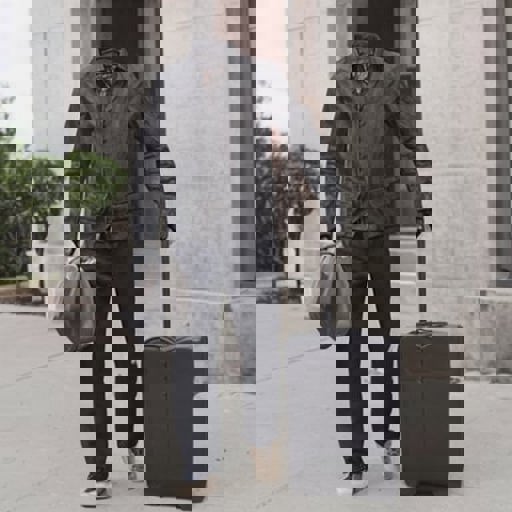
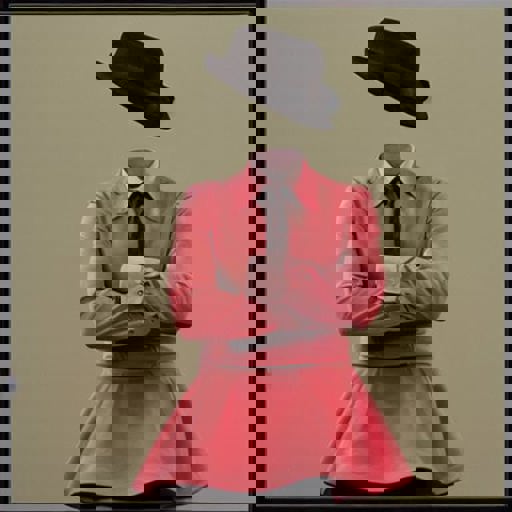
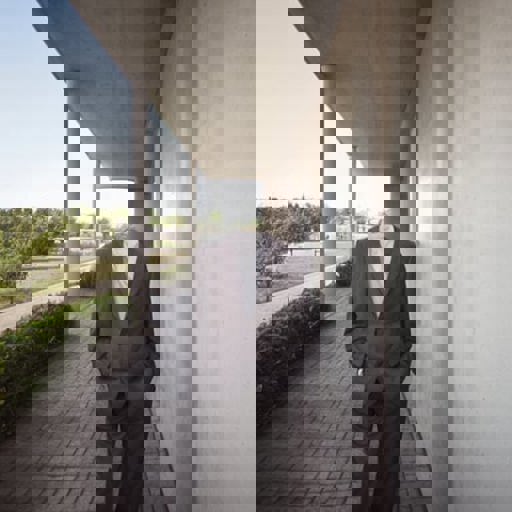
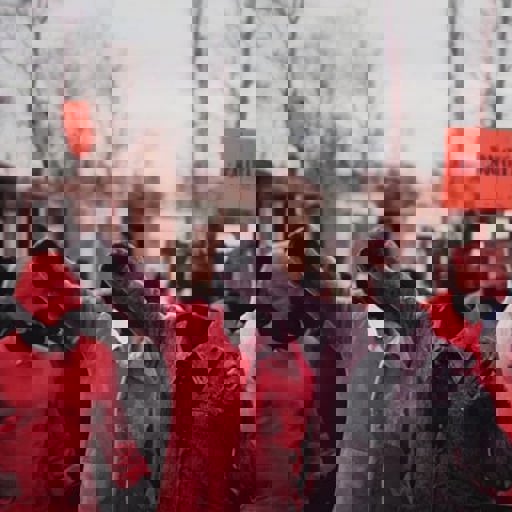
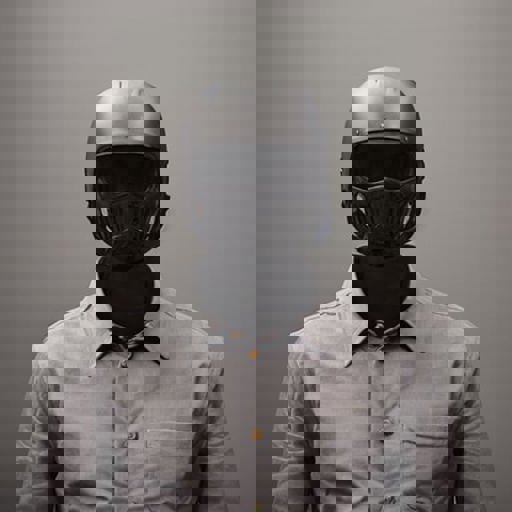
Make sure and always include the word invisible somewhere in the prompt. For people always preface the subject with invisible, example "invisible man walking", "invisible girl playing in the backyard", etc...

VERY IMPORTANT! Always describe the background in some detail or you WILL get a very generic boring background.. So for example DON'T just say "an old invisible man". DO say "an old invisible man inside a rustic hut".

For some fun, use the 1.5 inpaint model with this hypernetwork on your photos. Simply prompt invisible and use the inpaint tool to inpaint any exposed skin and watch the magic happen.

Xem bản dịch

Đánh giá và nhận xét

-- /5
0 đánh giá

Chưa nhận đủ đánh giá hoặc bình luận

no-data
Không có dữ liệu
avatar
Thông báo
2024-07-25
Đăng mô hình
2023-03-20
Cập nhật thông tin mô hình
Chi tiết mô hình
Loại
Hypernetwork
Thời gian đăng tải
2023-03-20
Mô Hình Cơ Bản
SD 1.5
Từ Kích Hoạt
invisible
Sao chép

Phạm Vi Giấy Phép
Model Source: civitai

1. Quyền đối với các mô hình được đăng lại thuộc về người sáng tạo ban đầu.

2. Người sáng tạo gốc muốn xác nhận mô hình vui lòng liên hệ nhân viên SeaArt AI qua kênh chính thức. Nhấp để xác nhận

Phạm Vi Giấy Phép Tạo Dựng
Hình Ảnh Trực Tuyến
Thực Hiện Kết Hợp
Cho phép tải xuống
Giấy Phép Thương Mại
Hình ảnh được tạo có thể bán hoặc sử dụng cho mục đích thương mại
Cho phép bán lại hoặc bán sau khi hợp nhất
QR Code
Tải xuống ứng dụng SeaArt
Tiếp tục hành trình sáng tạo AI trên thiết bị di động