
Loại
Checkpoint
Thời gian đăng tải
2023-03-20
Mô Hình Cơ Bản
SD 1.5
Từ Kích Hoạt
dicuki
Sao chép

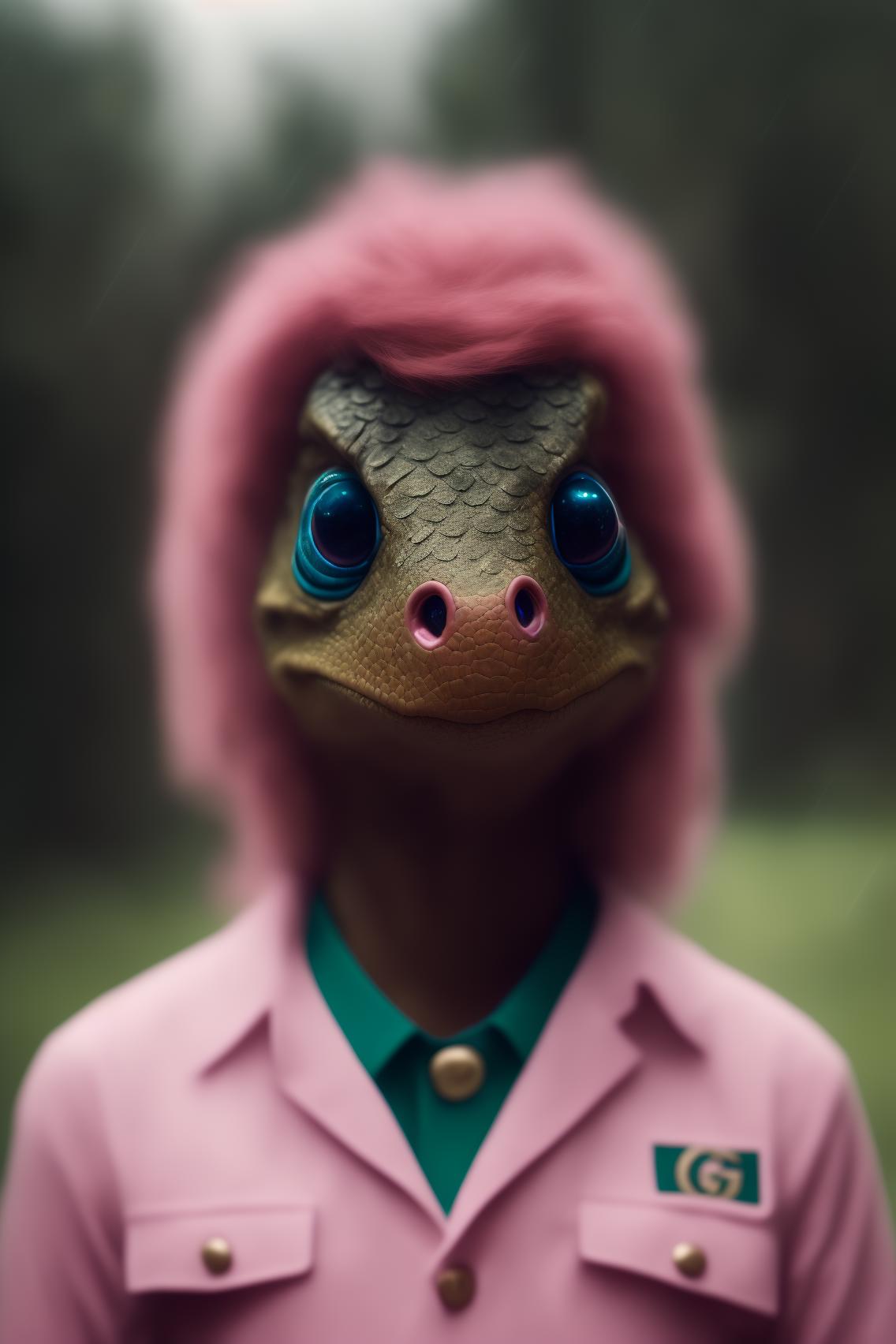
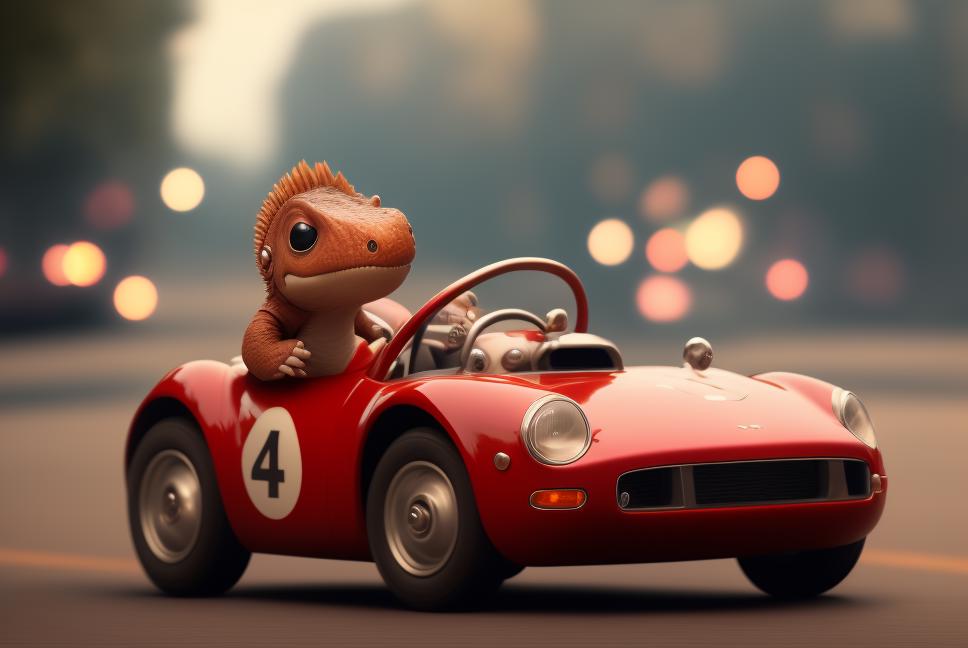
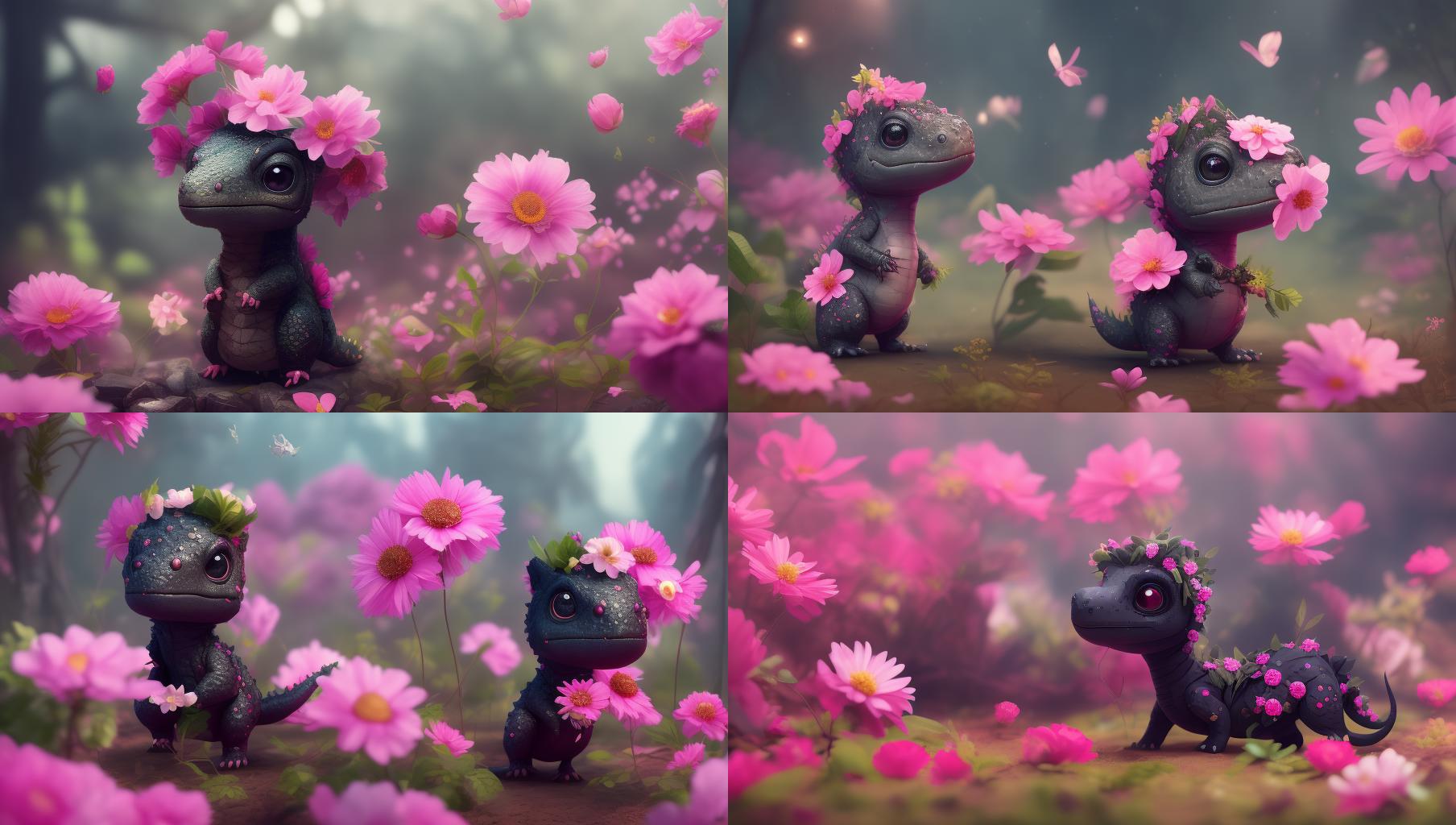
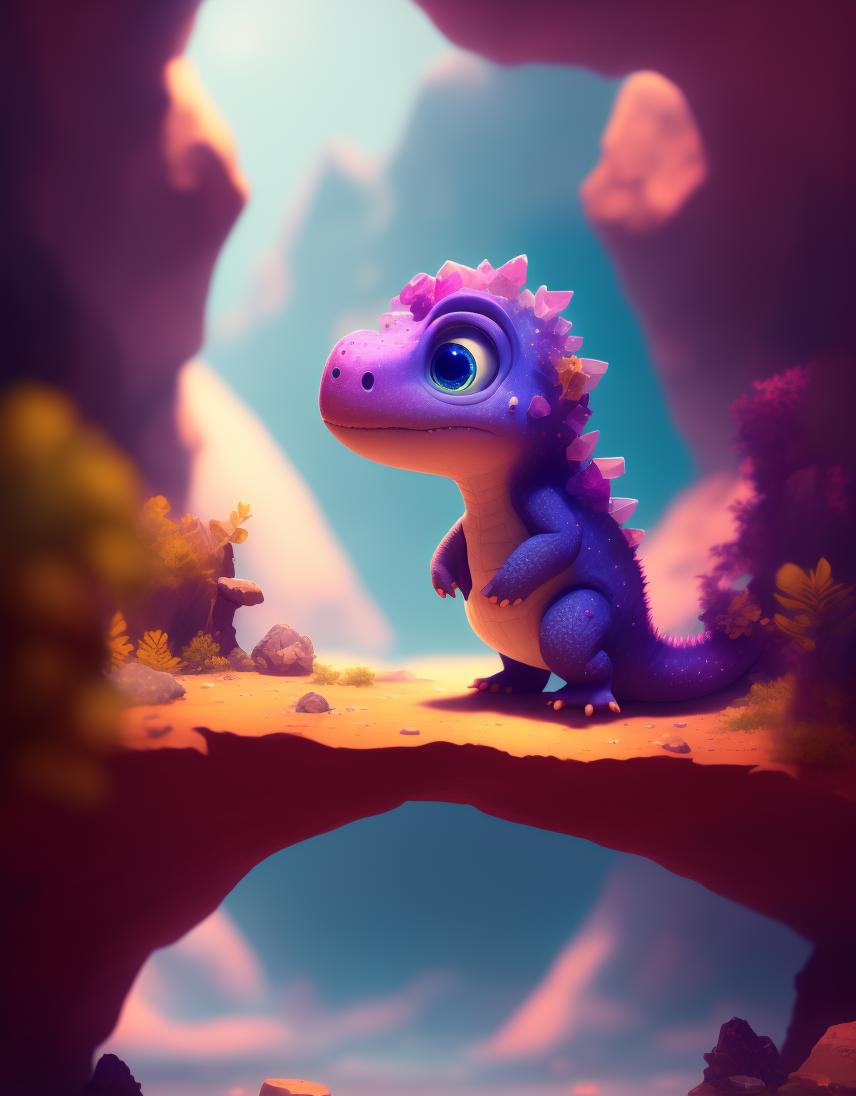
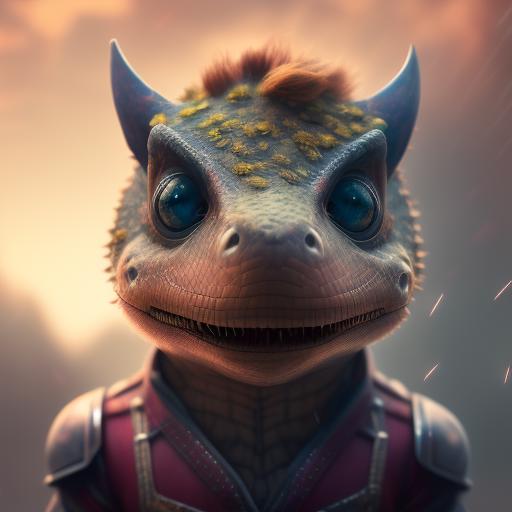
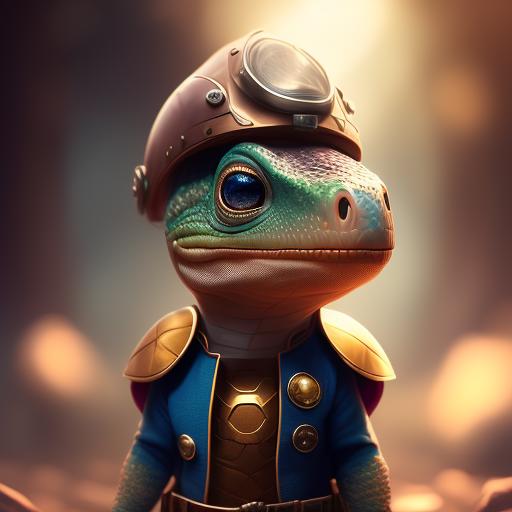
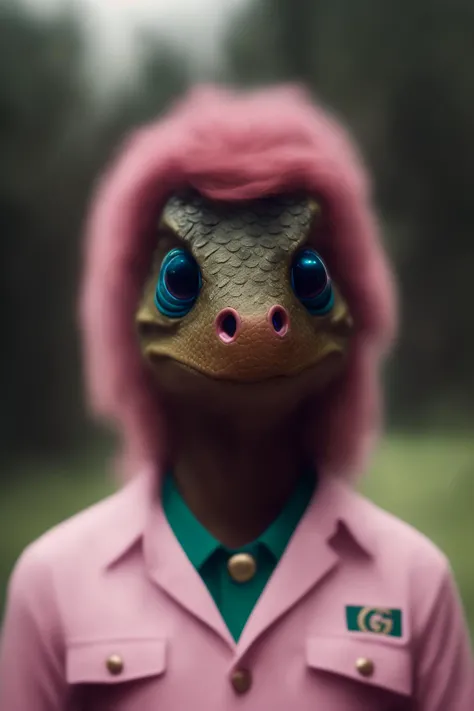
Model trained in SD 1.5 with photos generated with Midjourney, created to generate dinos
You can also make objects... landscapes, etc, but maybe you need more tries:
30 steps - 7cfg
euler a,ddim, dpm++sde...
you can use different resolutions, you can generate interesting things
(portraits 512x616 works nice)
TOKEN: dicuki, dicuki style, dicuki as a "x", dicuki mix "x"
Possible positives: beautiful, cute , 4k, detailed , digital art, trending arstation, film still "x", cinematic, intricate details, disney , pixar
Possible negatives: umbrella, ugly, pencil draw, bad photo, cartoon, bad colors, bad taste, sketch, illustration, low resolution, low quality, cropped, wrong, black and white, bw, out of focus, blurry
Generate images and choose the one you like the most, and send it to the img2img section.
In img2img, choose to generate 2-4 or more images. If you want it to resemble the original photo, set "denoising" to 0.4-0.5-0.6. If you want more changes in the image, you can set "denoising" from 0.6 to 1.
Once those 4 images are generated, choose the one you like the most (or generate more images until you find the one you like) and send it back to img2img.
Now we will increase the resolution of the image. If the photo is 512x512, we can set it to 680x680 and 50 steps for example (changing "denoising" if we want it to resemble more or less) and generate 2-4 more images again and choose the one we like and send it back to img2img and keep increasing the resolution of the image little by little until you want to, in order to not lose details.
At this point, we can lower denoising to 0.15 if we don't want the image to change, and generate 1 image with 50/100 steps, this way we can make giant images with high resolution/quality.
If you want to share the images, you can tag me on social media or in the comments! I'd LOVE to SEE what you can do with the model!
Twitter: @RichViip
Instagram: richviip
Reddit: Richviip
Discord: RichVip#6402
If you have any doubts, you can talk to me on social media or in the comments!
Thank you for the support and great help of ALL the people on Patricio's discord (especially to Abecar), who were at every moment of the creation of the model giving their opinion on more than 15 different types of models and making my head hurt less!
Social media of Patricio, follow him!!
Youtube: patricio-fernandez
Twitter: patriciofernanf

1. Quyền đối với các mô hình được đăng lại thuộc về người sáng tạo ban đầu.
2. Người sáng tạo gốc muốn xác nhận mô hình vui lòng liên hệ nhân viên SeaArt AI qua kênh chính thức. Nhấp để xác nhận
