

Generate
History
Private Creation
Details


75
210
2025-03-11 02:49:29 Update
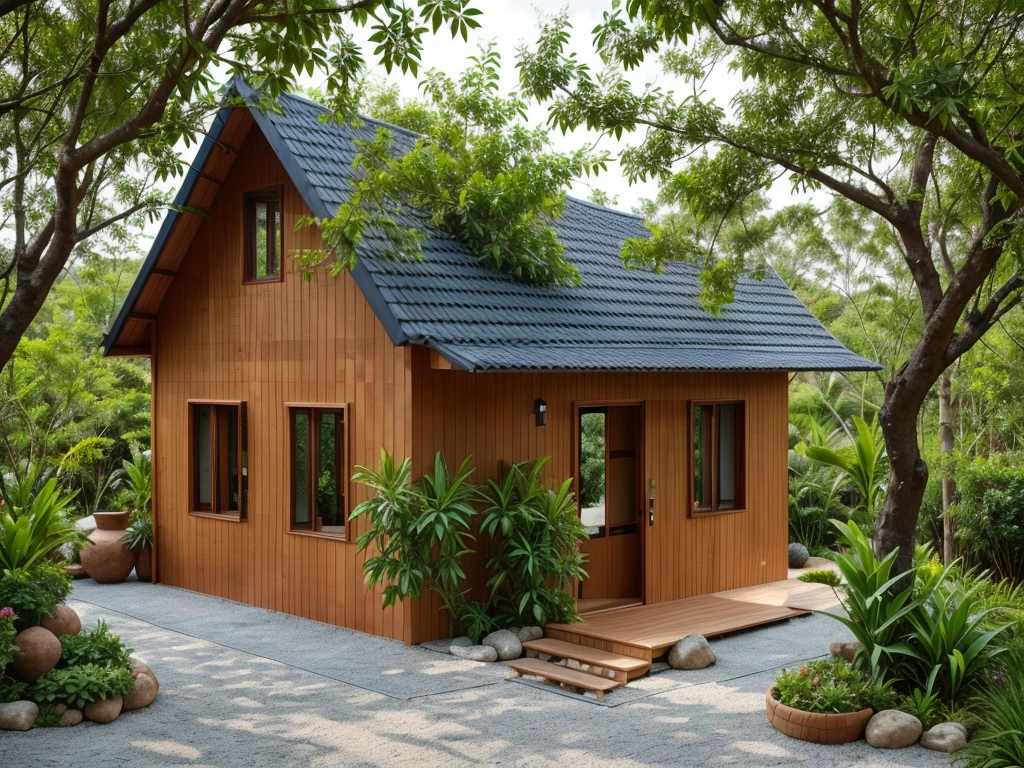
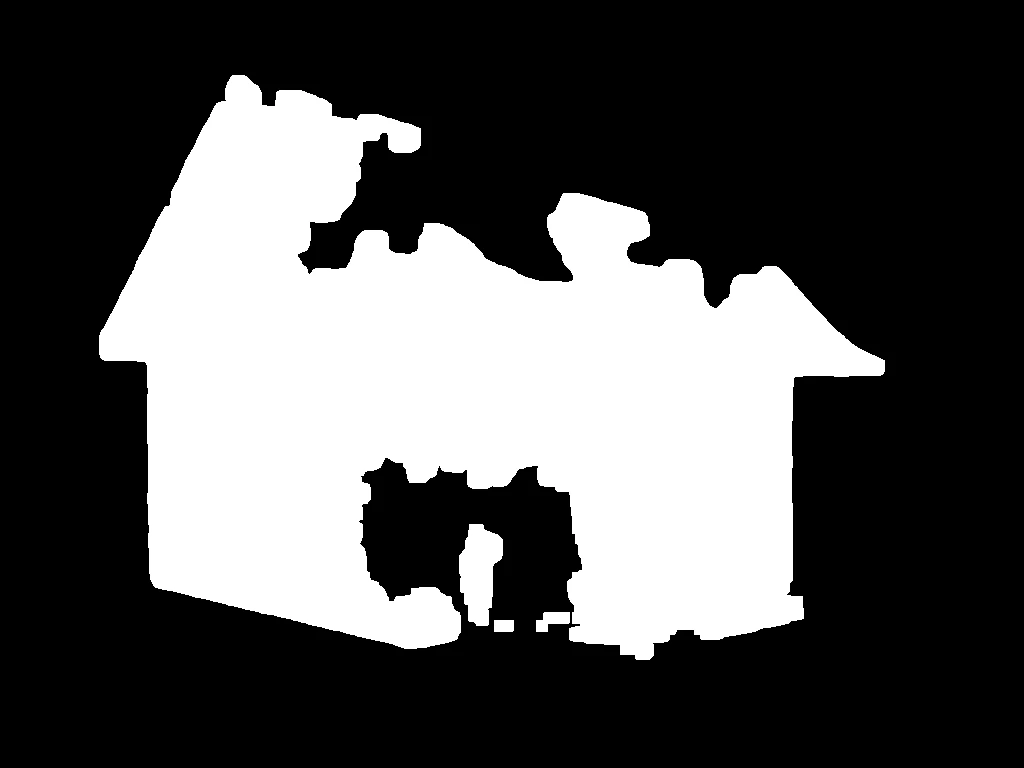
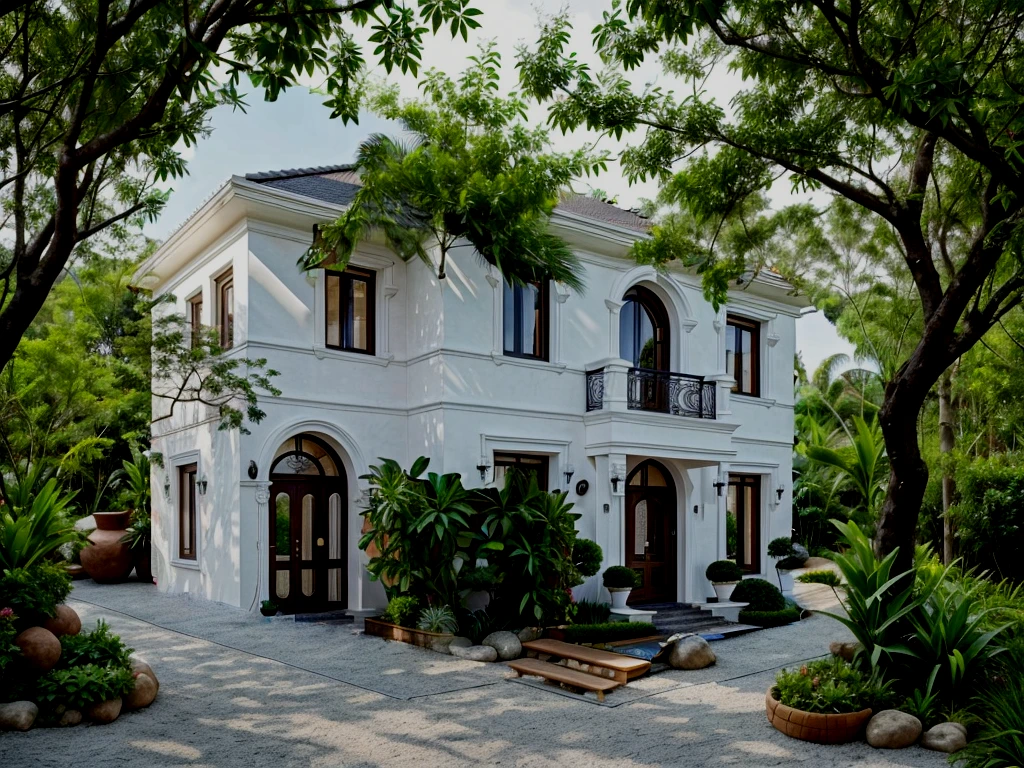
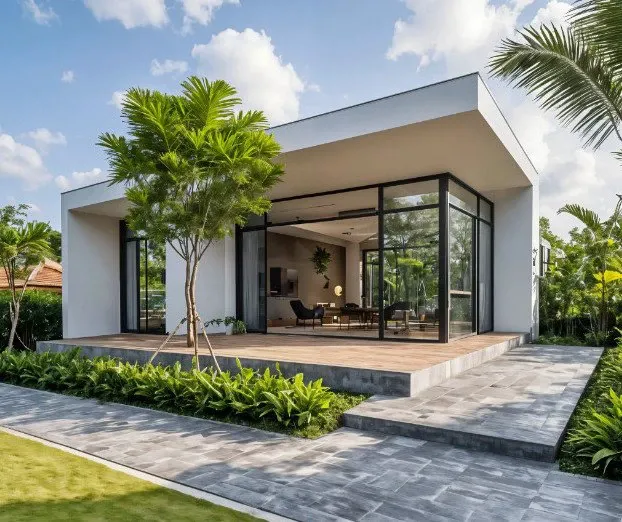
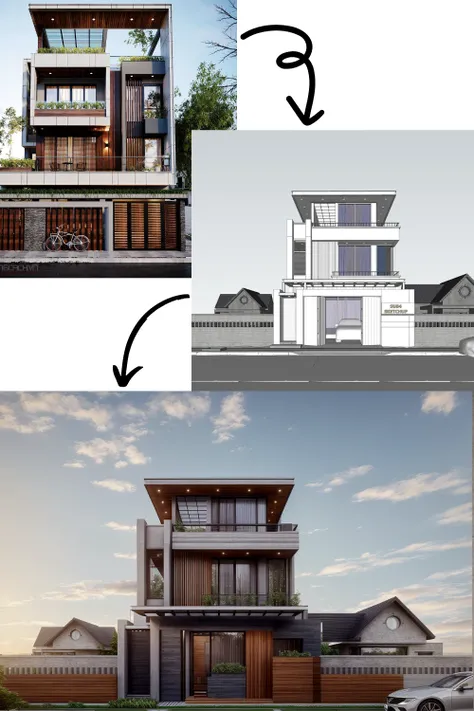
This workflow has the function of changing the object , architecture ( interior) Keep the background unchanged.
Step 1 : Upload the image you want to change ( main image )
Step 2: Style selection ( lora) _Choose Lora
Select the power of lora
Step 3: Enter the name of the object you want to change . For example :house,villa,.. ( fill name object)
Step 4 : Select the number of images to create ( Image quantity )

No data available

Narch AI
173
1.1K
Explore Related







Download SeaArt App
Continue your AI creation journey on mobile devices