










Generate
Recently Used
Private Creationvip-icon
Original - Creator Incentive Program

AI Age Filter

4.4
2025-09-01 06:56:03 Update
51.7K Views
19.3K Apply
156
1
Comment
1
0/400
0 comment
empty
No Data

Free AI Age Filter Online: Meet the Younger or Older You

Discover the magic of time travel through your own face with free AI age changer.

SeaArt AI Age Filter

AI Old Age Filter & AI Young Age Filter

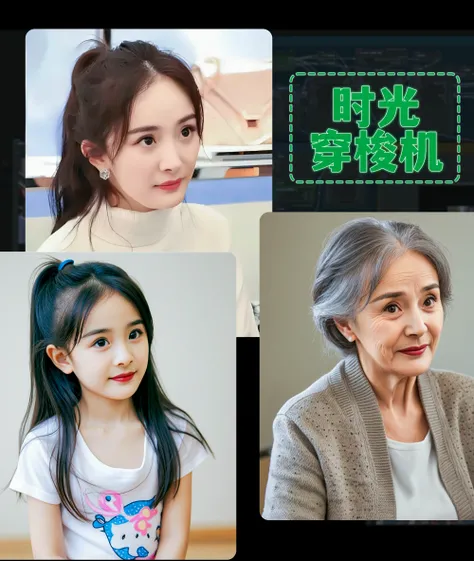
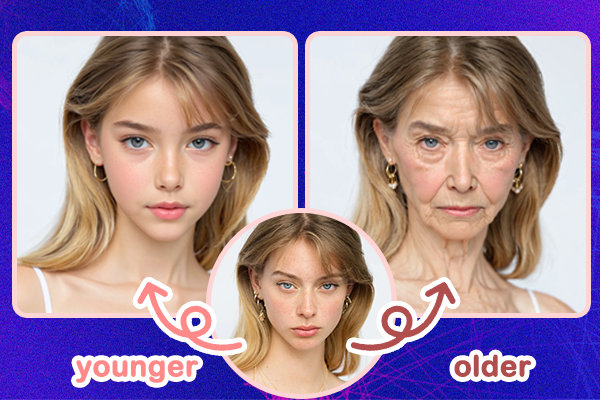
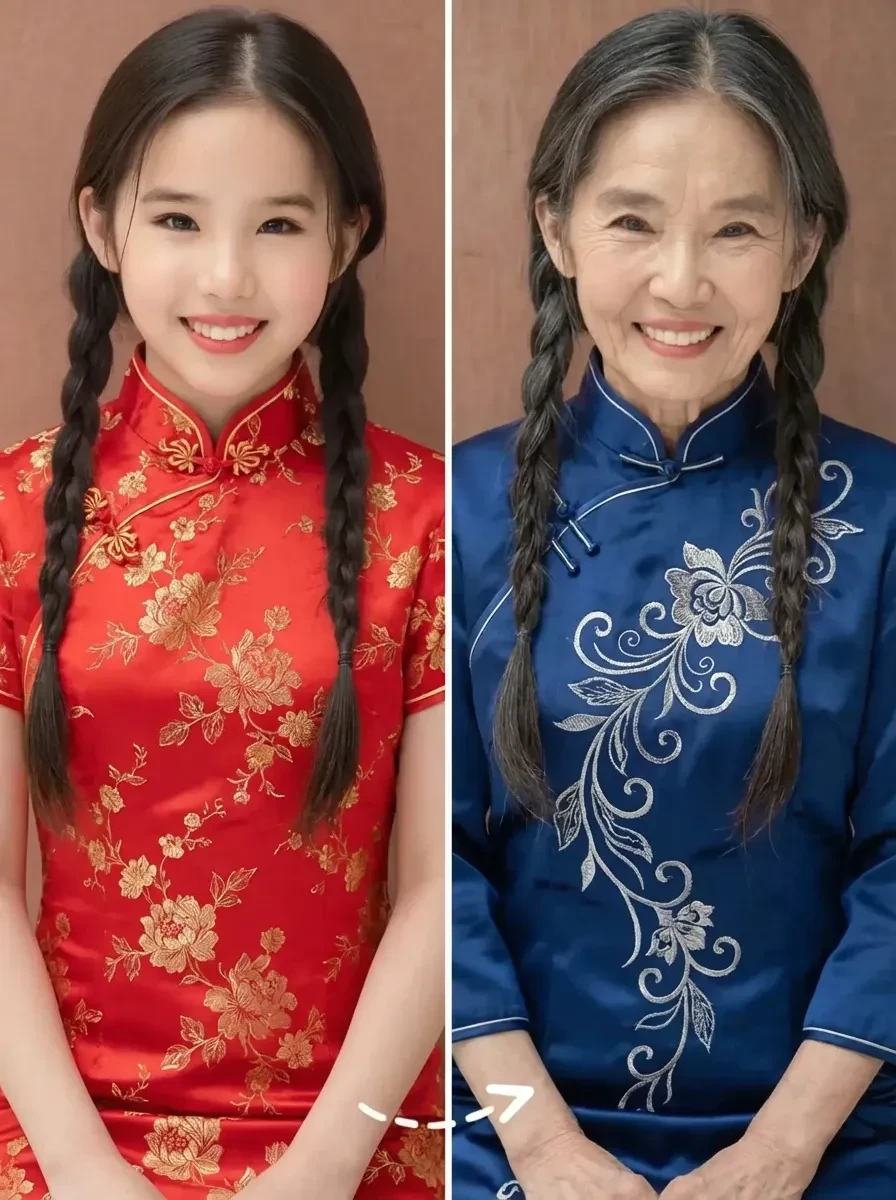
Ever wonder what you'll look like in 50 years, or what you looked like as a child? SeaArt AI's photo age changer online lets you explore your past and future selves with a single image upload. You can easily control your age from 0 to even 100, and the whole transformation is quick, easy, and realistic.

Share AI Age Progression

Join the Time Travel Trend on Social Media

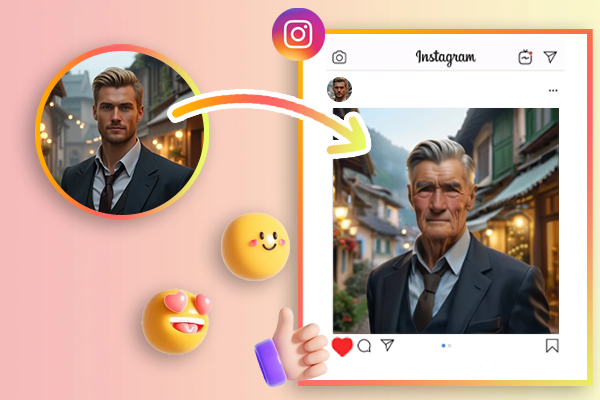
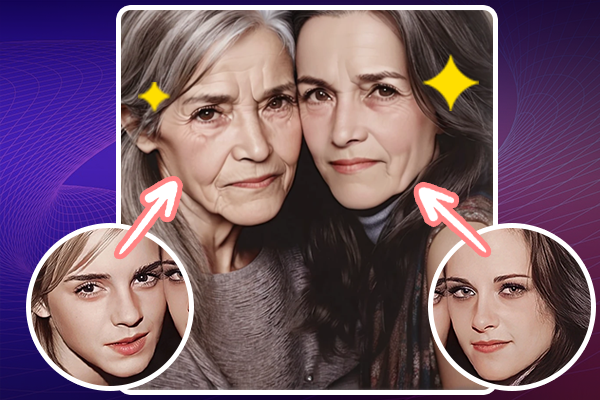
The time travel trend is taking over social media, especially on platforms like Instagram and TikTok, where users love transforming their faces into realistic photos of their younger or older selves. With SeaArt's AI filter, you can add stunning details like wrinkles, grey hair, etc. to gain more attention and likes.

Transform age for a group photo

Prank Your Friends with Transformed Photos

Want to have some fun with your family and friends? Use this funny face aging AI filter to transform a photo of yourself or them, and show how they might look older or younger than expected. It's a playful way to surprise everyone, and the best part is, it's completely free and easy to use!

Why Choose SeaArt AI Age Filter?

AI Face Detection

Advanced AI technology makes photo scanning and facial features recongnize better.

Multi-Age Options

This AI image ager offers multiple AI-developed age-filtering options.

Unmatched Accuracy & Realism

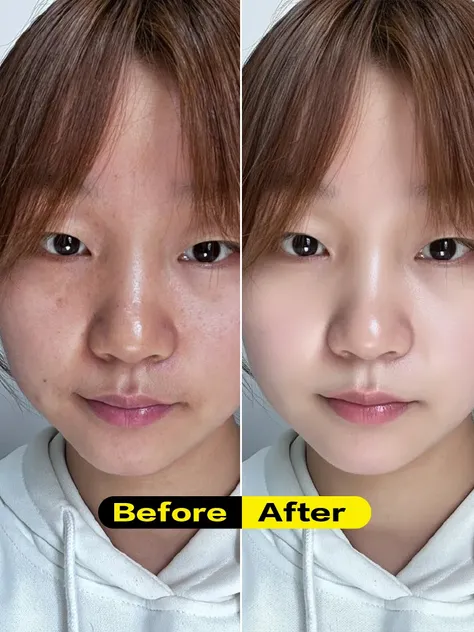
Photo age changer offering smooth, natural results without distortion.

Fully Customizable

You can adjust age to your exact preference. This AI filter offers precise flexibility to meet your creative vision or project needs.

How to Use an AI Photo Age Filter

Discover how to use the aging tool to visualize the passage of time on any image.

Step 1: Upload Your Photo

Visit SeaArt AI age filter on your mobile or PC browser, and simply upload a portrait photo of yourself.

Step 2: Choose Aging Style

Select your preferred aging style and adjust the creativity level to your liking. The first parameter intensity defaults to 2, if you want to change to a child and set it to -2.

Step 3: Generate Image

Click "Create" button to apply the age change AI online for free and wait a few seconds to see your transformed image.

FAQs - Age Filter Online Free

collapse

How can I make my photo look younger or older?

With the SeaArt's AI age filter, you can change yourself age with just a few clicks. Just take a photo and let the aging filter show you what you'll look like when you're old or child.

expand

What formats can SeaArt AI age changer use?

Image formats we support: JPEG/JPG, PNG, GIF and other mainstream image formats.

expand

How to age my face online free?

SeaArt AI also offers face age calculators that let you discover your face's estimated age in just seconds - simply upload your photo and get the result.

empty
No Data