
Generate
Recently Used
Private Creationvip-icon
Original - Creator Incentive Program

AI Wink Filter

4.7
2025-10-11 03:15:18 Update
2.0K Views
2.4K Apply
74
Comment
Comment
0/400
0 comment
empty
No Data

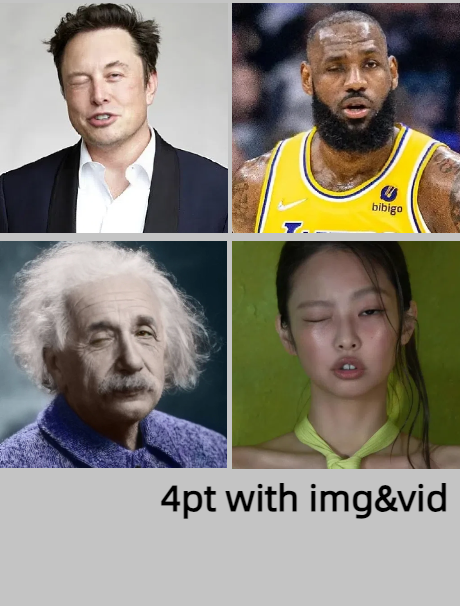
Make Photo Wink with Free Online Wink Filter

Make photo wink using SeaArt AI. Instantly apply natural photo eye blinking effects to images and transform them into engaging animated winking videos.

One-Click Photo Eye Blinking Effect

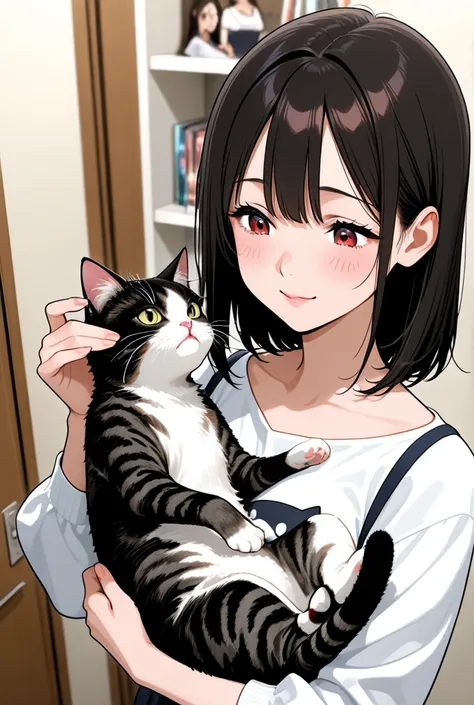
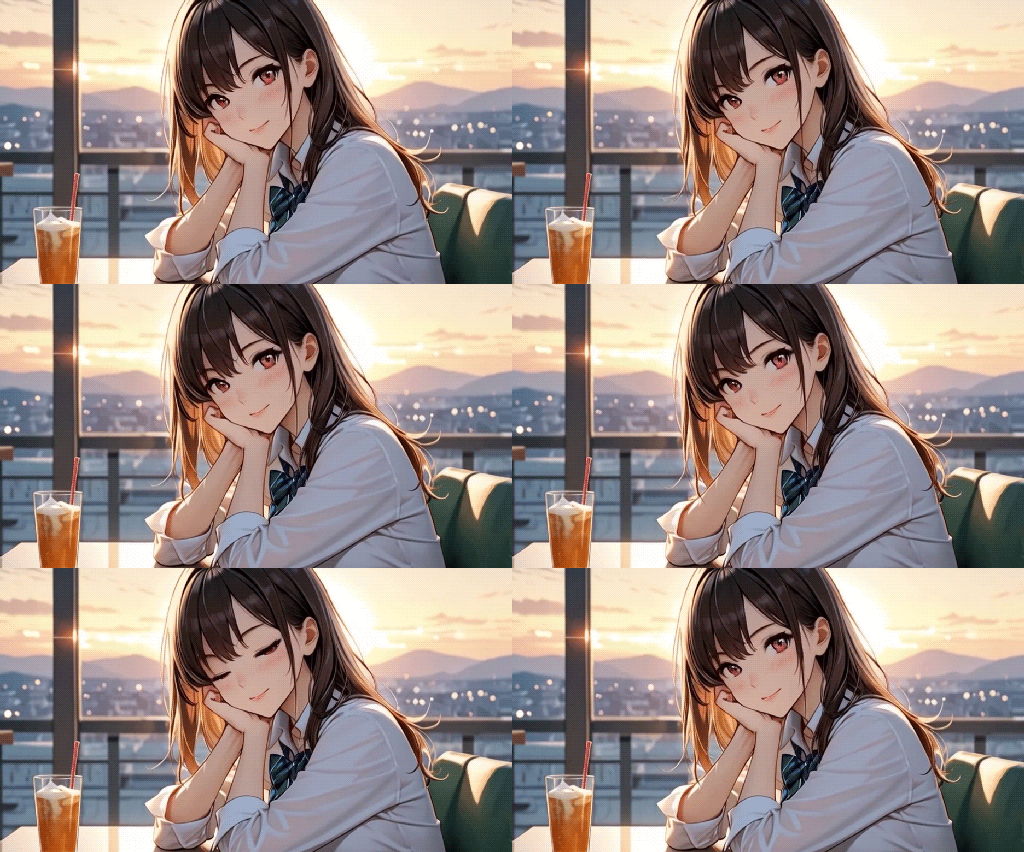
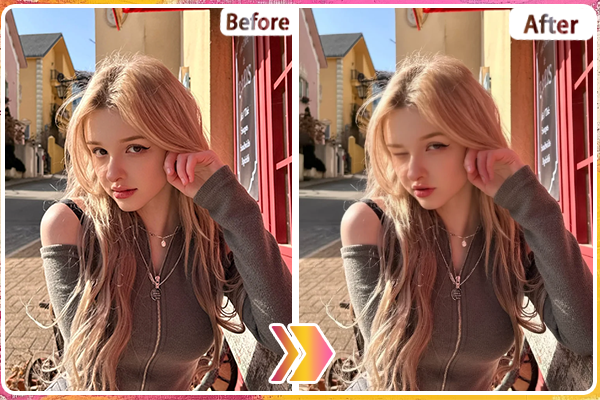
Make photo wink instantly to make your ordinary selfies more captivating and expressive content. SeaArt AI enables one-click transformation of static images into charming animated winking videos. Simply upload your selfie and watch as this AI wink filter adds natural photo eye blinking effect animations that make your photos more fun, engaging, and full of personality.

Photo Eye Blinking Effect

Make Photo Wink Naturally and Realistically

Experience realistic AI generated video when you make photo wink with accurate facial recognition technology. This AI wink filter detects and maps your eye positioning in real-time, analyzing natural blinking gestures and facial structures. It generates seamless photo eye blinking effect animations that appear completely natural and unedited every time.

Make Image Wink

Add a Fun Wink to Your Pet or Anime Characters

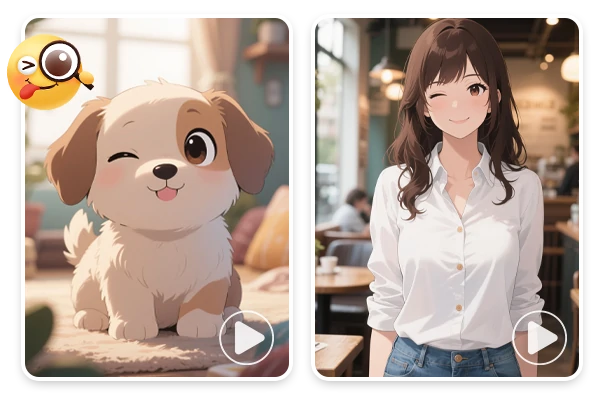
Expand your creativity beyond human photos! Make photo wink with your beloved pets, anime characters, and fictional avatars with AI wink filter. This tool adapts to diverse subjects like animal portraits and animated figures. Transform your favorite pet photos or anime artwork into winking animations that bring entertainment and fun. You can also try the AI smile filter to add a charming smile to your photo.

Photo to Video Eye Blink

Enhance Your Online Charisma with AI Blinking Effects

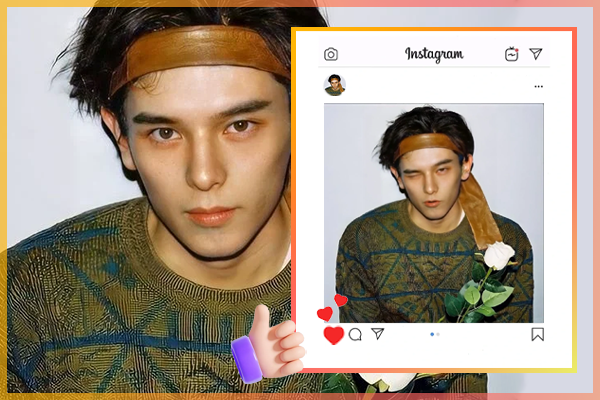
Make photo wink for irresistible thumbnails, memes, and stickers that boost click-through rates dramatically. Use this AI wink filter on YouTube thumbnails to increase click-through rates, create shareable memes for viral distribution, design expressive stickers for messaging apps, and enhance profile photos for dating apps. Apply photo eye blinking effects to your Instagram, TikTok, or Facebook posts now!

How to Make Photo Wink with AI?

It's easy and fast to apply this wink filter in three simple steps:

Step 1: Upload Your Photo

Select your selfie or portrait photo and upload it.

Step 2: Hit on "Generate"

Click on "Generate" and then wait for a few seconds.

Step 3: Preview and Download

Click on "History" and you'll find your result. Preview, download, and share with friends.

Make Photo Wink with AI - FAQs

collapse

What is the wink filter?

It is an AI tool that automatically adds photo eye blinking effect to any photograph. Using advanced facial recognition technology, it detects eyes in images and creates natural blinking animations. The filter can transform static photos into animated winking videos or apply subtle blinking effects to still images. Perfect for enhancing selfies, creating engaging social media content, designing memes, and adding playful charm to portraits, avatars, and digital communications.

expand

Yes, SeaArt would give each user 150 credits daily to explore all the features. You can use this AI wink filter for free using these credits.

What is the format of the generated result?

expand

What is the format of my results?

SeaArt's make photo wink tool produces results in multiple formats to suit different needs. Static winking photo generated as high-quality JPG or PNG image files, while animated winking videos are exported as MP4 files

expand

Is my photo data secure?

Definitely. All photos are processed securely, and your uploaded data is not stored on the server.

empty
No Data