
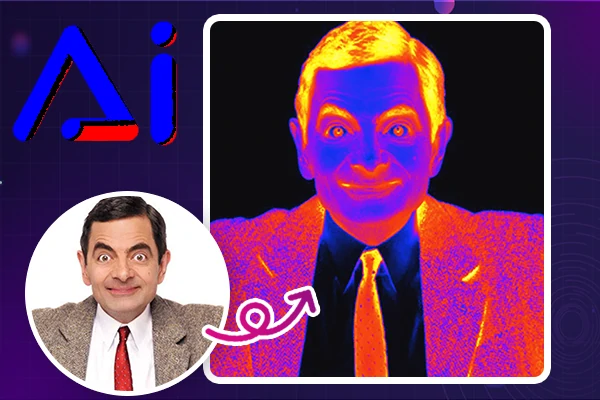
Continue your AI creation journey on mobile devices
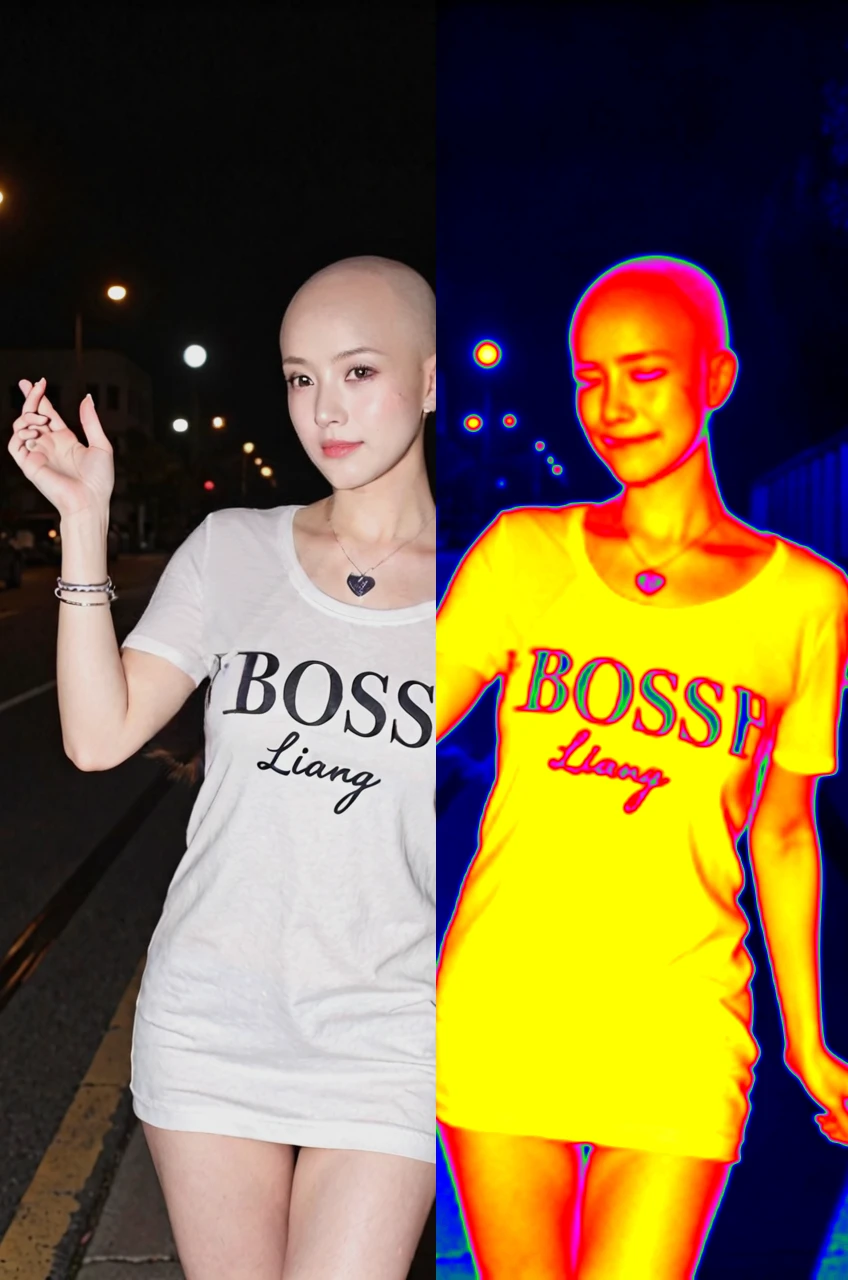
Find Endless Possibilities of Thermal Filter
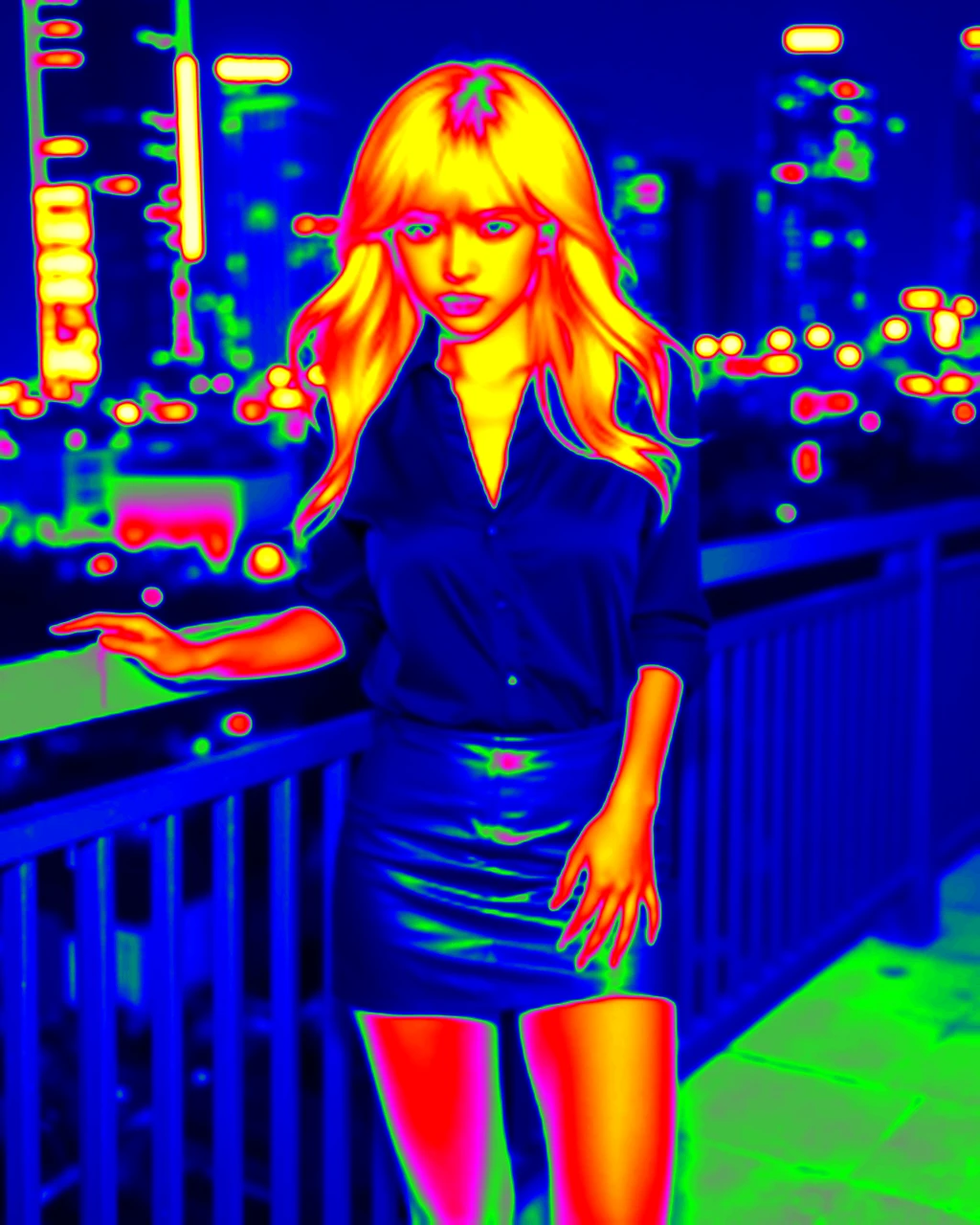
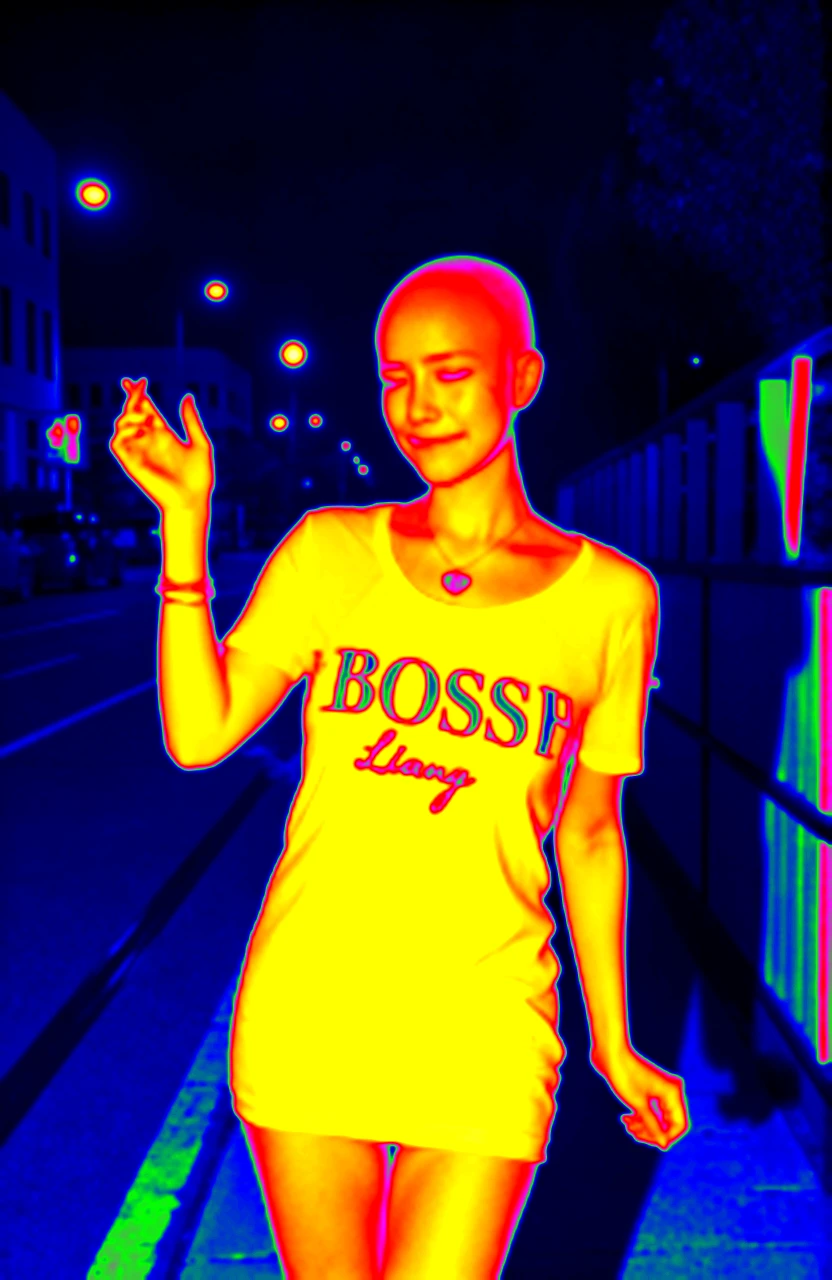
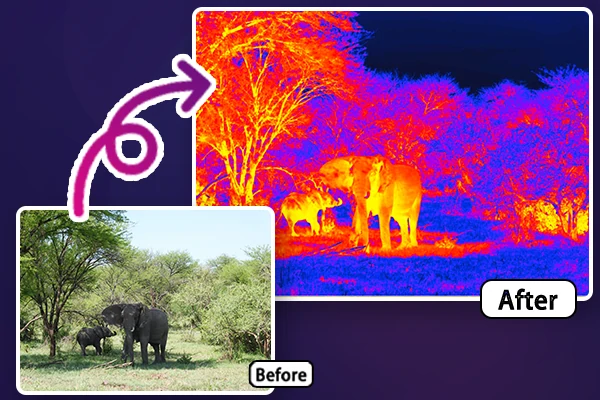
AI-powered thermal visuals open new dimensions in creativity, education, and professional projects, transforming your images into realistic thermal camera photos without professional equipment.
Spark Creativity and Fun on Social Media
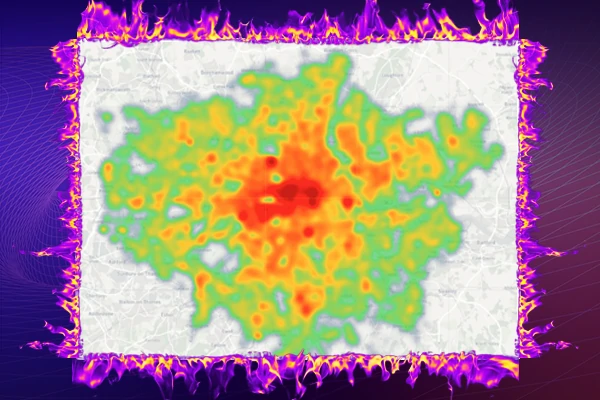
Make your posts stand out with eye-catching thermal effects that grab attention instantly. Whether you're sharing on Instagram, TikTok, or any other platform, our thermal filter helps you create unique visuals that enhance your content's appeal. Have fun pranking your friends with realistic heatmap effects and a bald filter, or use them to set trends and add a playful touch to your posts.
Generate Thermal Covers to Films and Documentaries
Upgrade your creative projects with captivating thermal visuals. Produce documentaries or craft artistic films with infrared filter that add depth and intrigue. Use our thermal camera filter or other filters to convey emotion, highlight details, or create a surreal atmosphere, ensuring your work leaves a lasting impression on your audience.
Engage learners with vivid thermal images that simplify complex concepts like heat distribution, temperature changes, or energy efficiency. SeaArt AI thermal filter delivers high-quality visuals to make abstract ideas more accessible and understandable. Perfect for classrooms, training sessions, and interactive learning, it's an invaluable resource for educators seeking effective and engaging teaching tools.
Our tool transforms your photos into thermal visuals in seconds, delivering seamless results with advanced AI
User-Friendly Interface
Enjoy a simple and intuitive design that requires no technical skills. Upload, generate, and download with just a few clicks.
High-Quality Results
Achieve professional thermal effects with details. Each photo is enhanced to deliver high-quality results.
How to Use Thermal Camera Filter?
Upload Your Photo
Choose any photo from your device and upload it.
Generate Thermal Image
Our AI will instantly apply a vivid thermal filter, transforming your photo in seconds.
Preview and Download
Save your newly transformed image and start using it right away.
Thermal Filter – FAQs
What is a thermal effect?
A thermal effect simulates the appearance of heat distribution in an image, using vibrant colors like red, orange, and blue to represent different temperature levels.
How to add a thermal effect on my photo?
Easily transform your photo into a thermal image with our one-click thermal filter. Just upload your photo, apply the filter, and enjoy your new, visually striking thermal-style visual.
Is this a real thermal imaging tool?
No, it's a simulated effect for creative and visual purposes, not actual thermal imaging.