
Generate
History
Private Creation
Details
1.9K
2.0K
2025-04-03 04:09:20 Update
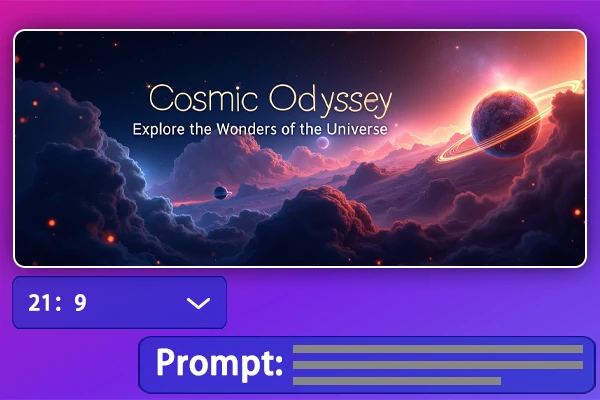
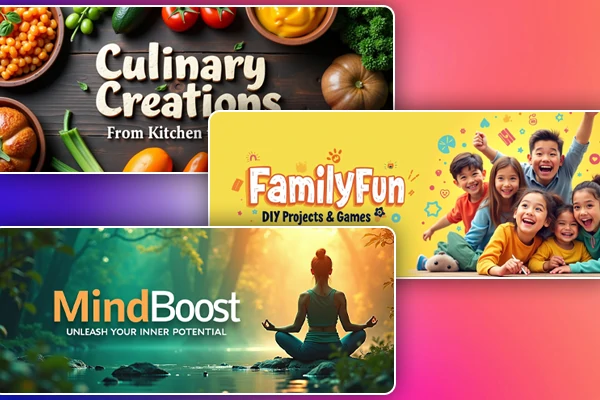
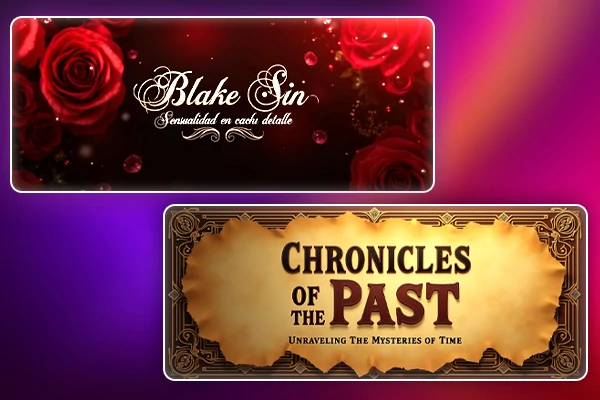
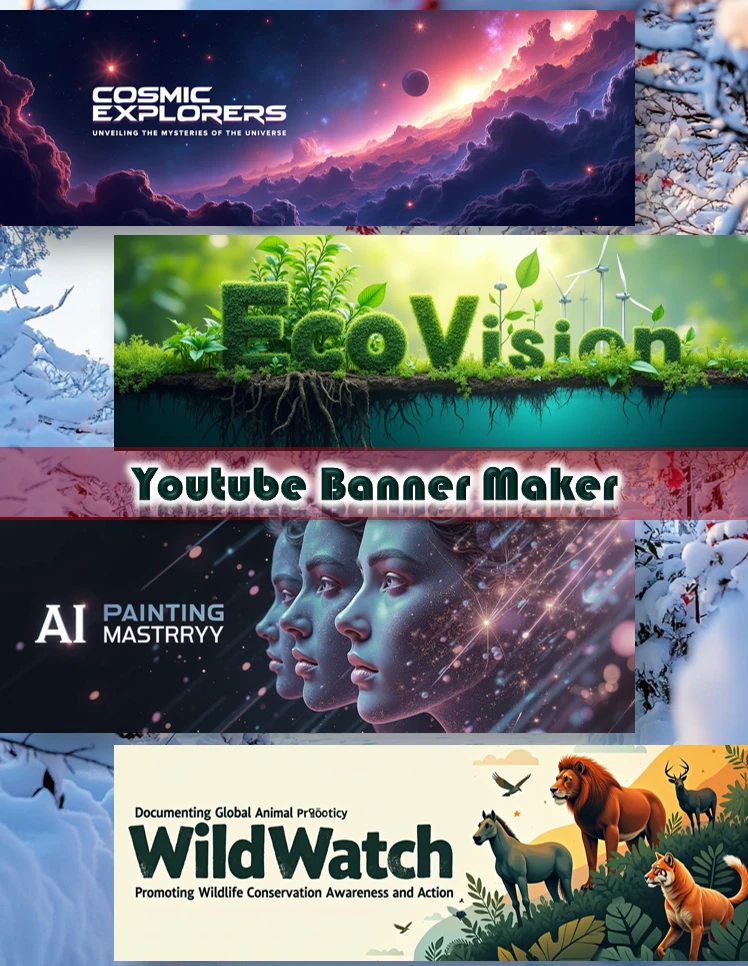
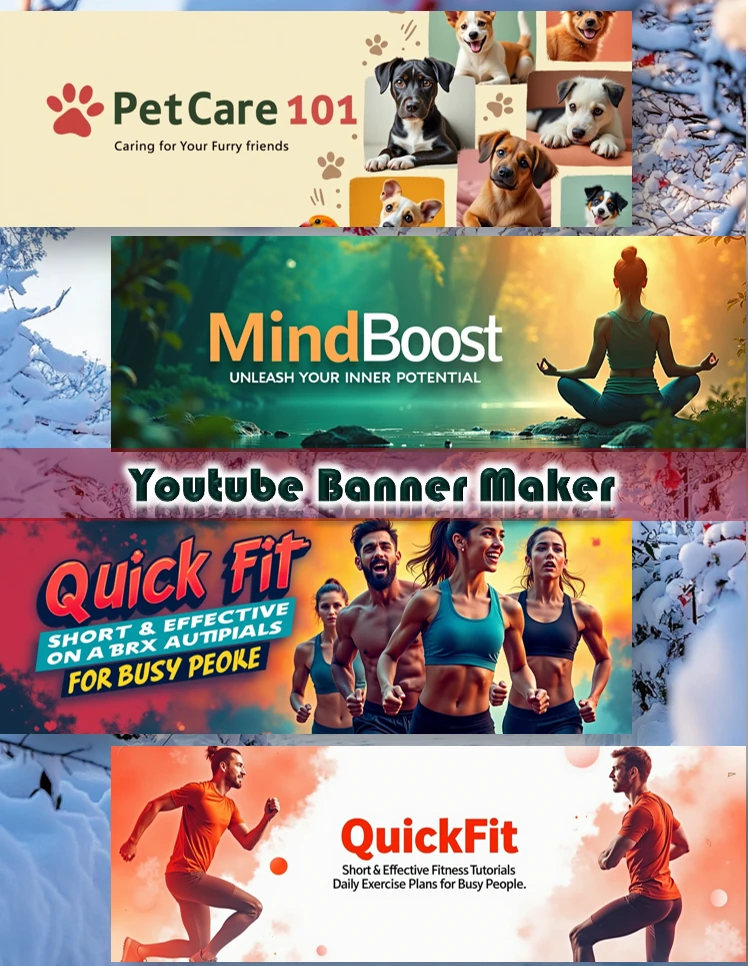
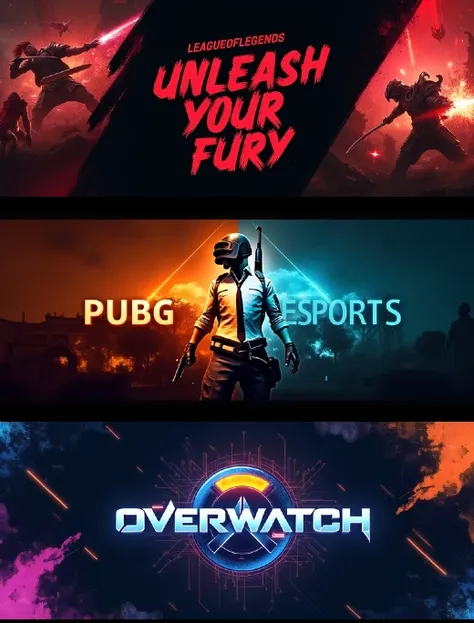
Enter the YouTube channel name and profile, and add a brief description of your design requirements. The app will quickly generate a banner design for you.

No data available

Xi
2.2K
42.4K
Explore Related







Download SeaArt App
Continue your AI creation journey on mobile devices