Generate
History
Private Creationvip-icon
Details
AI Image Watermark Remover
Original

AI Image Watermark Remover

848
0
1.5K
2025-03-27 06:14:14 Update

Erases watermarks, logos, and any unwanted text from your images easily and quickly with this AI image watermark remover. A pristine finish without compromising quality.

Rating & Review

2.5 /5
0 Ratings

Not enough ratings or reviews received yet

no-data
No data available

Why This AI Image Watermark Remover

Free to Use

Remove watermark from photo online free, with no hidden cost involved.

HD Quality Output

Retain your image's quality and deliver crisp and clear results each time.

File Security

All uploaded files are handled securely and only used for watermark removal purposes.

Fast & Easy Removal

Quickly remove watermarks with just a few clicks, no editing skills needed.

Eliminate Watermark from Photo Easily and Smoothly

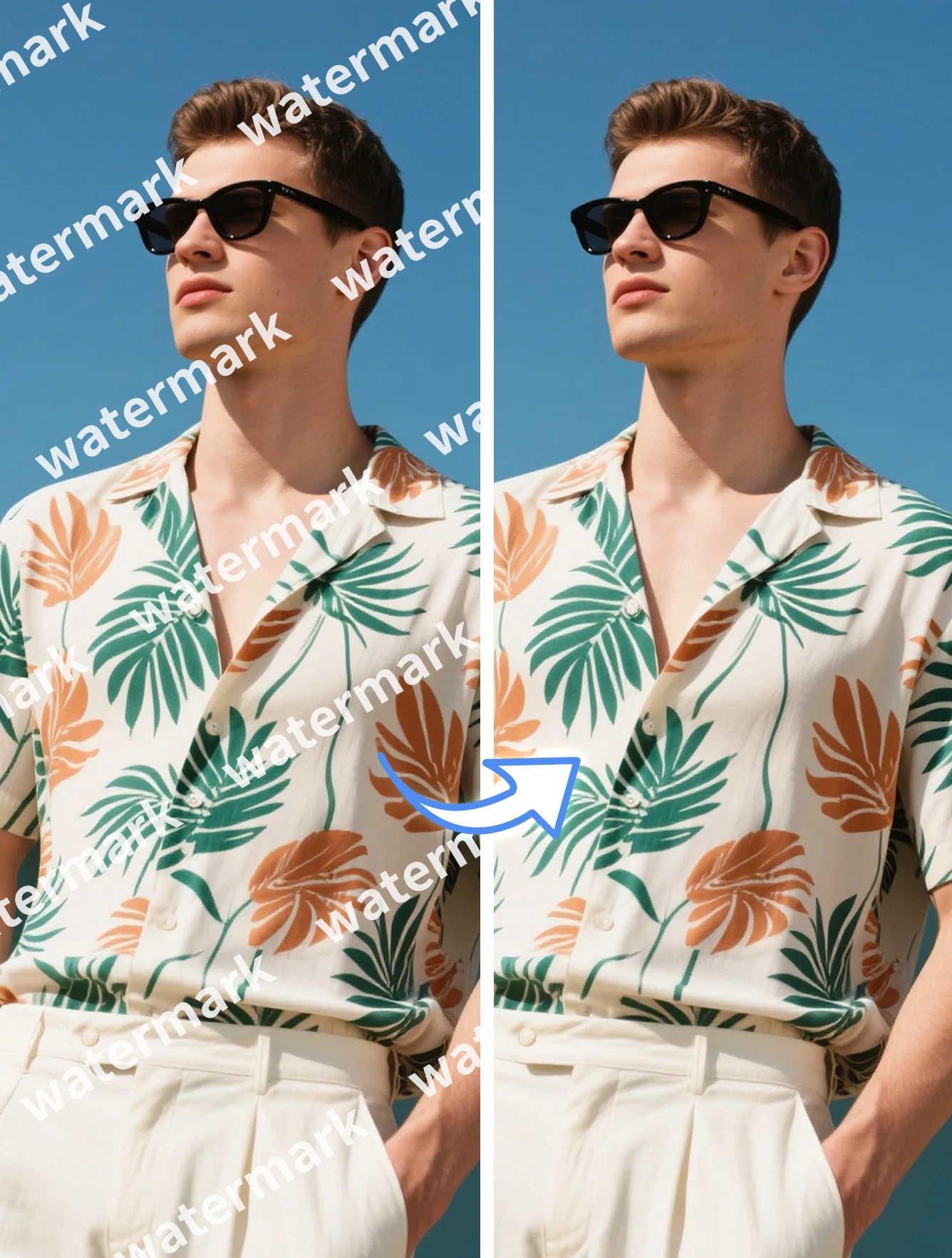
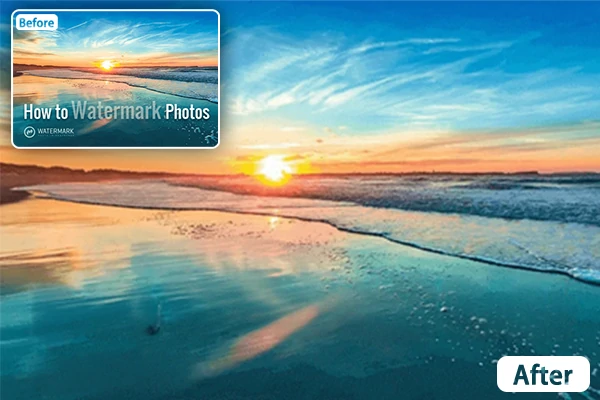
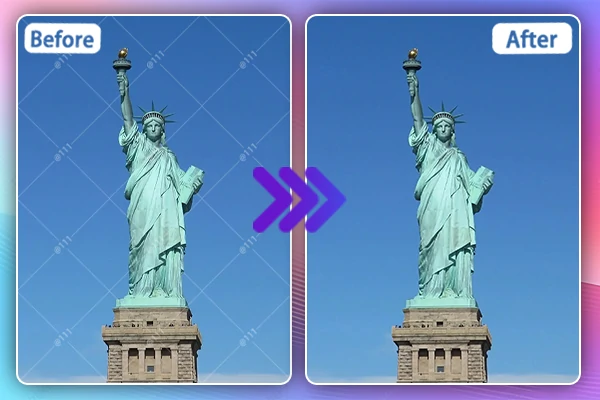
Removing watermark from your photo has never been easier. Instantly wipe out any unwanted watermarks with SeaArt AI image watermark remover. Experience a hassle-free and simple removal!

remove watermark from your image 1

Take off Watermarks Effortlessly with AI

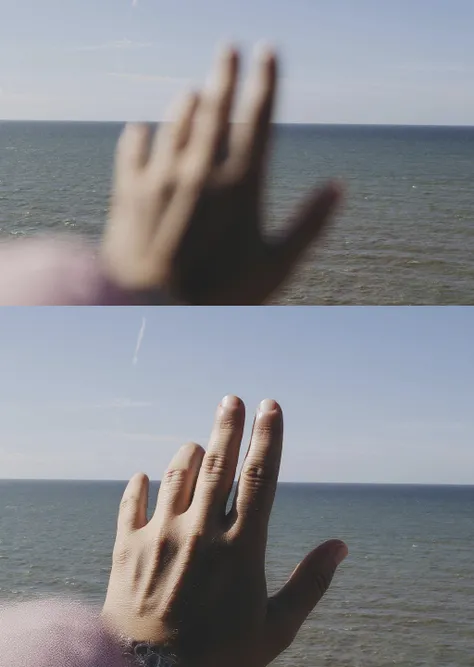
Swiftly remove any watermark from your photos - this AI-driven image watermark remover makes it a piece of cake. Process your images quickly and ensure no trace of undesired watermarks remains. Perfect for amateurs as well as professionals. No editing experience is needed. Produce clean, professional results without fuss or complications. Always your go-to solution for pristine images in seconds.

remove watermark from your image 2

Manually Erase Watermark While Keeping Background Intact

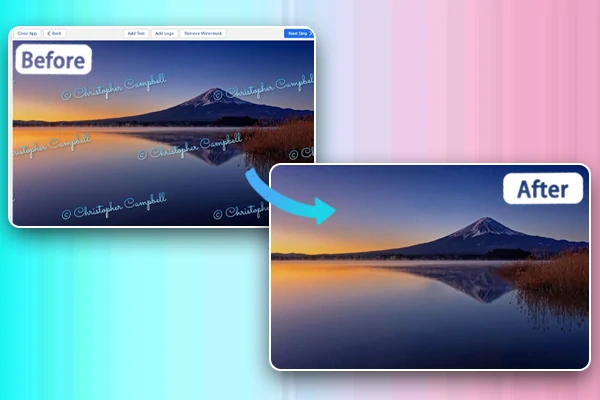
Erase watermarks efficiently and flexibly by simply brushing over the area you want to clear. This AI image watermark remover utilizes cutting-edge layer detection capability, preserving the integrity of your images. The original background remains untouched and unaffected. Give you HD watermark-free results without image quality loss. No more vagueness caused by watermark removal.

remove watermark from your image 3

Edit Out Any Watermark from Different Formats

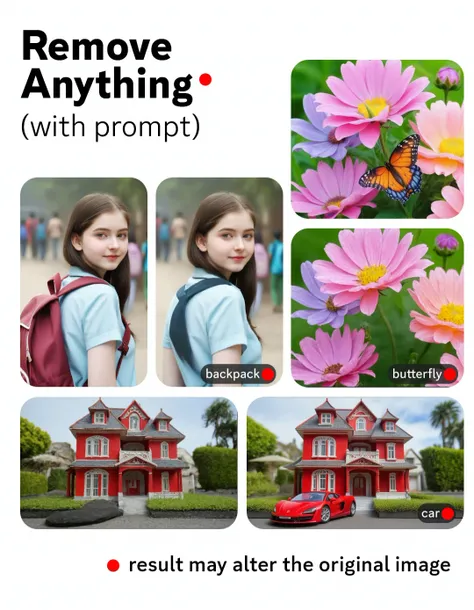
SeaArt AI image watermark remover supports common types of image files including JPG, JPEG, PNG, and WEBP. Clear off text, signature, stamp, emojis, logos or anything else that you don't want to appear on your images with ease, even remove people from a photo . Edit out any watermarks from different formats seamlessly, making your creative output remain high-quality and free of distractions.

How to Use This AI Image Watermark Remover

Step 1: Upload Your Image

Upload an image that you want to remove watermark.

Step 2: Manually Erase Watermark

Once your image is uploaded, click on "Edit Mask" to erase any watermark. You can customize the brush size as you like.

Step 3: Click on "Generate"

After you brush over the area you want to get rid of, hit "Done" and "Generate" to begin the process.

Step 4: Preview and Download

Preview your result and download it watermark-free.

AI Image Watermark Remover - FAQs

collapse

What is a watermark remover?

A watermark remover is a tool used to erase signatures, logos, text, or any other type of watermarks from images without damaging the original quality.

expand

Is this AI image watermark remover free to use?

Yes, you could use it for free, as in SeaArt, you can explore all its features and models without cost.

expand

Is there an AI that removes watermarks?

Yes, SeaArt AI image watermark remover utilizes advanced AI to remove watermarks simply and easily.

expand

Is it illegal to remove watermarks?

Removing watermarks can be illegal if it involves copyrighted images or is done without the copyright owner's permission. Always ensure you have the right to edit or use the image before removing its watermark.