Generate
Recently Used
Private Creationvip-icon
Original - Creator Incentive Program

Motion Blur Effect

5
2025-03-25 15:43:01 Update
431 Views
70 Apply
7
Comment
Comment
0/400
0 comment
empty
No Data

Get Dynamic and Energetic Photos with Motion Blur

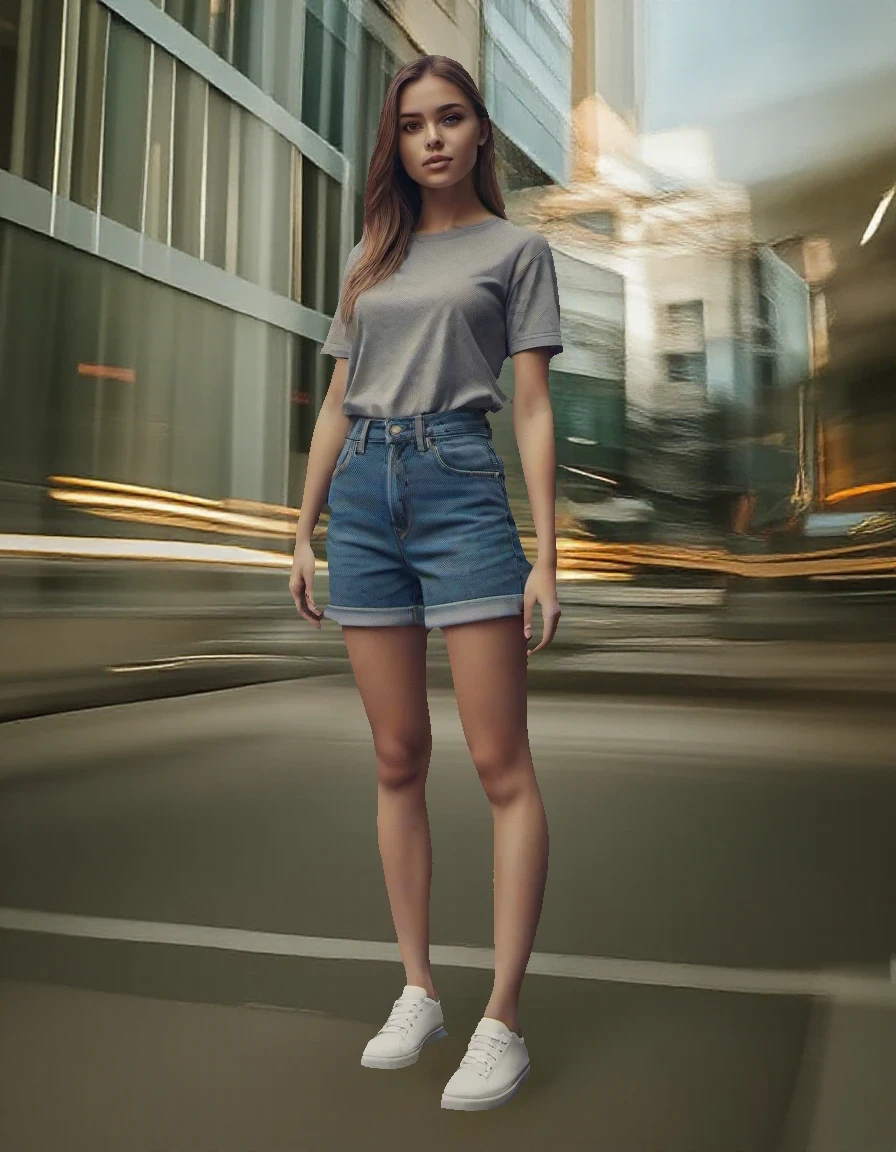
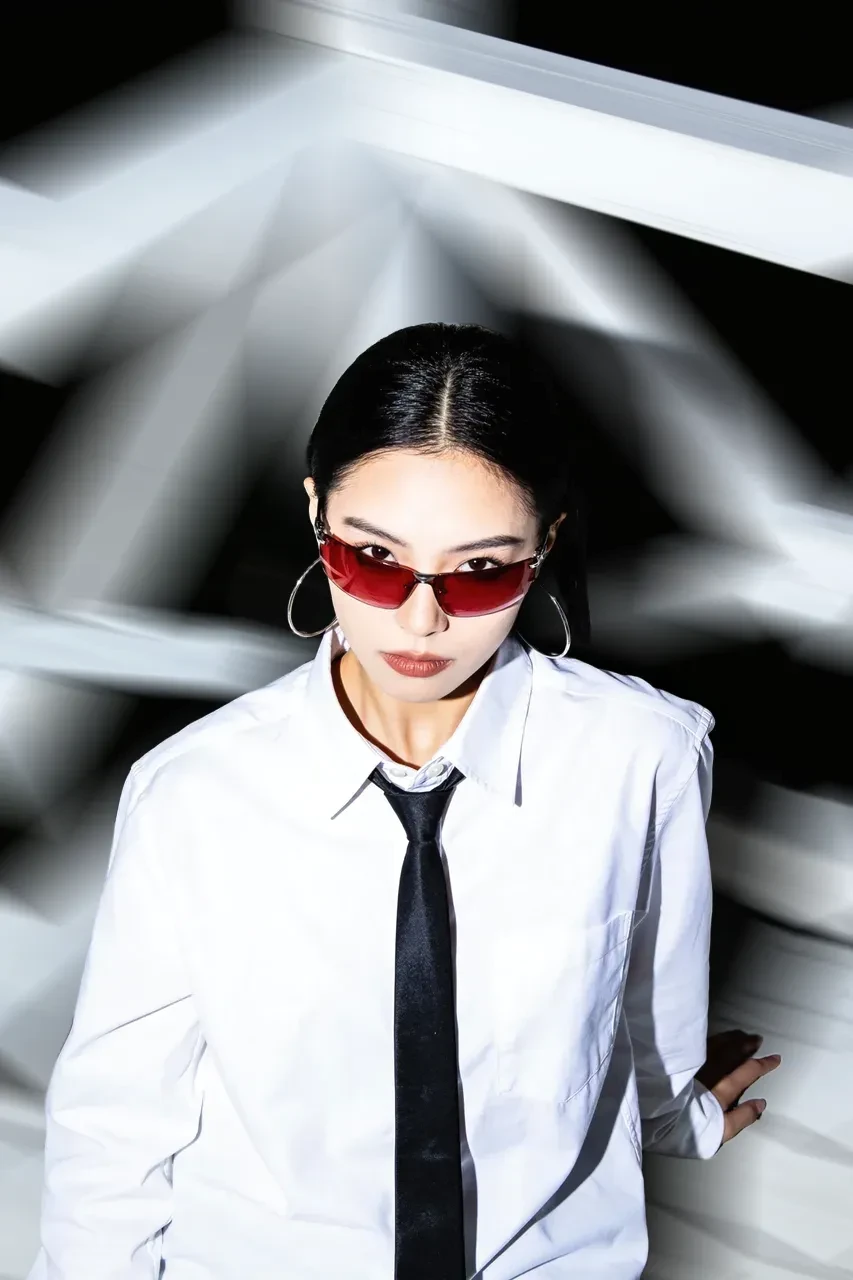
Easily add motion blur to your photos and instantly bring them to life with a sense of speed and action. SeaArt AI motion blur online tool effortlessly transforms still images into dynamic shots that capture movement and excitement.


Add motion blur to your photo 1

Apply Stunning Motion Effects in Seconds

In just one click, add motion blur to any photo and give it a dynamic, high-energy feel. If you want to capture fast-moving objects or just want to create a sense of movement, this tool enhances your photos with zero hassle. No editing expertise required - just upload your image and watch your picture come to life. Ideal for photographers and creative enthusiasts alike!

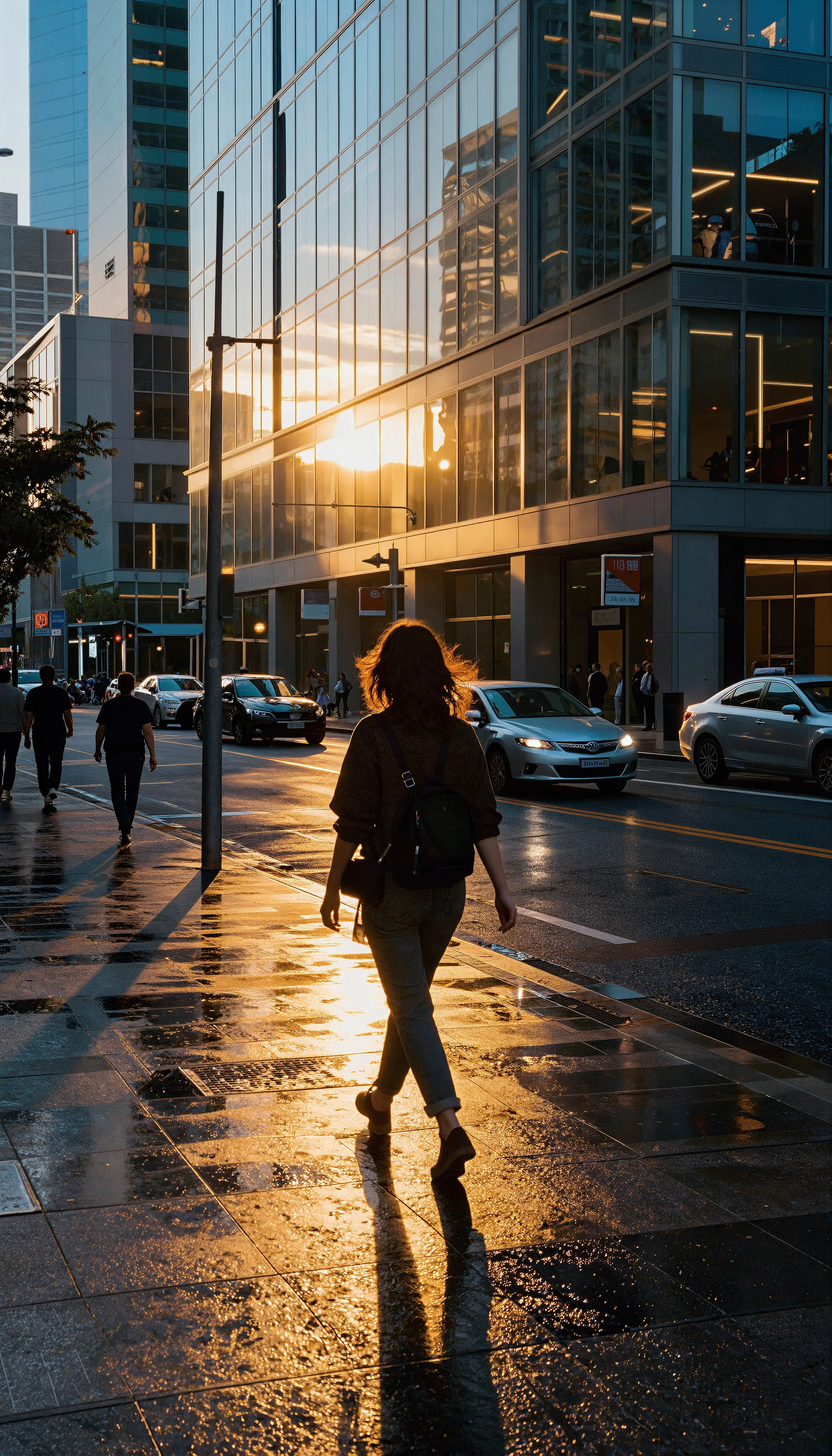
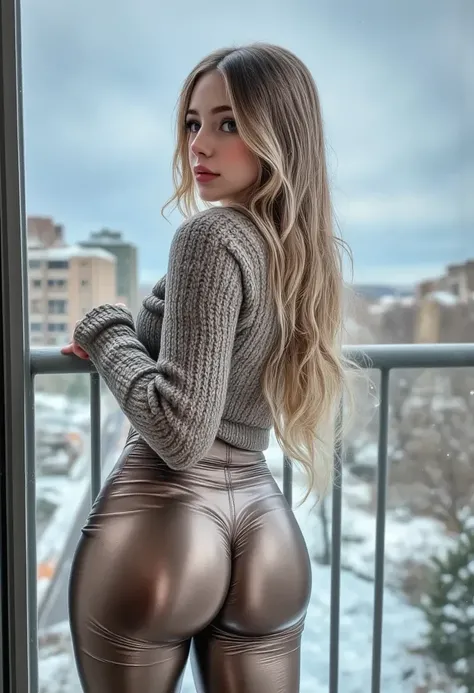
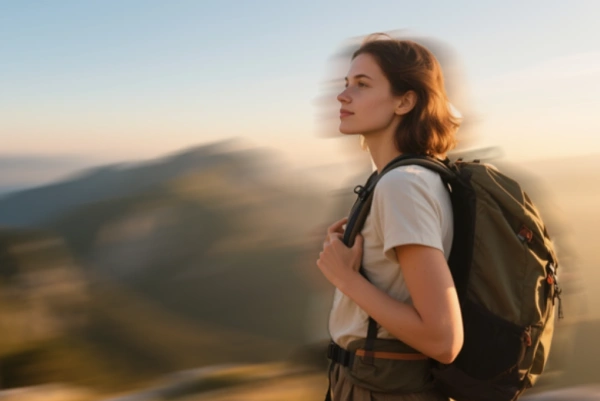
Add motion blur to your photo 2

Add Motion Blur to Make Photos Look Professional

Take your photos to the next level by adding motion blur to emphasize action. Perfect for fashion, dance, performance photography, or any scene with movement, motion blur creates the illusion of speed and fluidity. This tool offers a simple yet effective way to add motion blur to your photos' backgrounds. Give your images a more professional and dynamic edge.

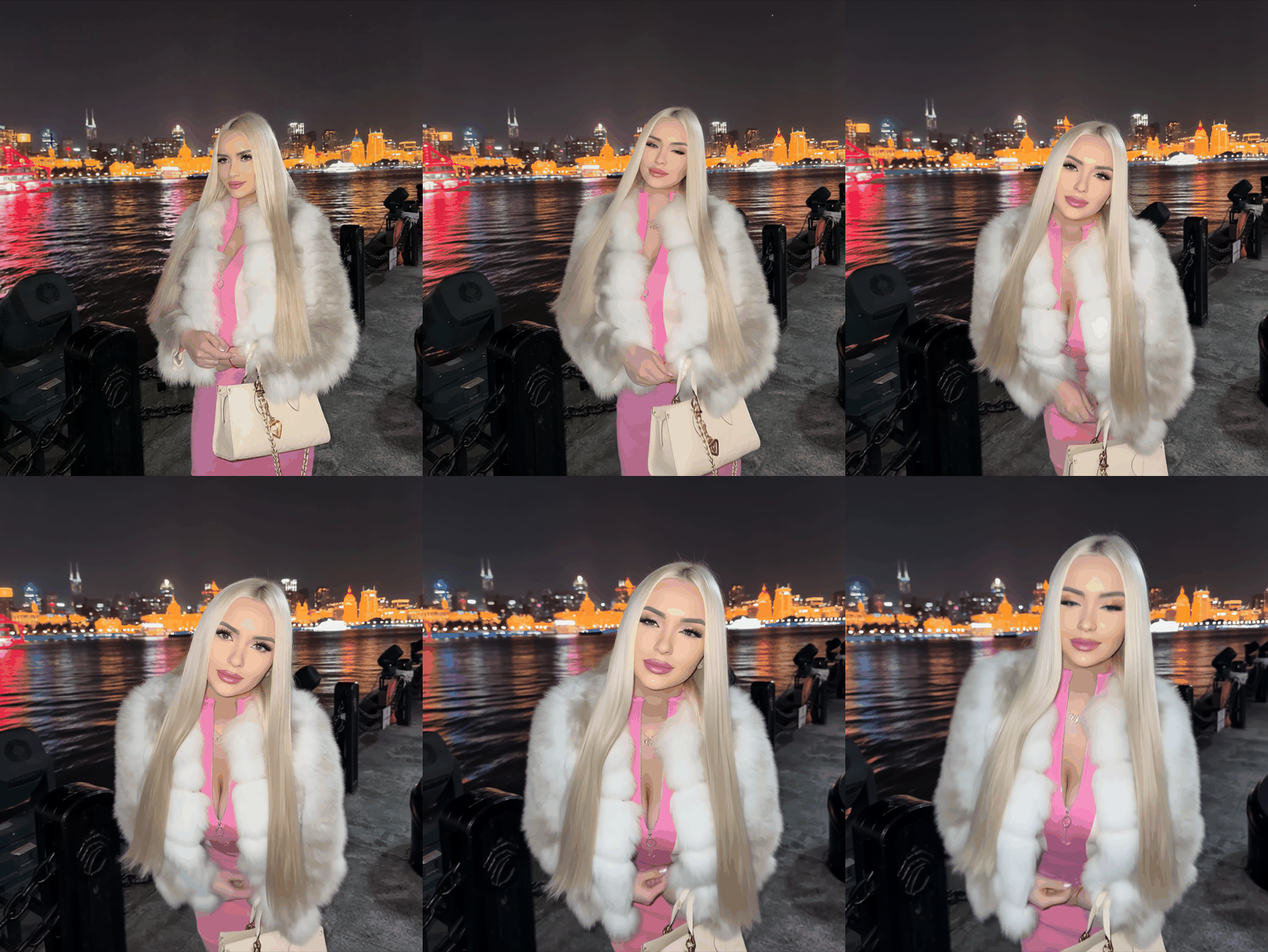
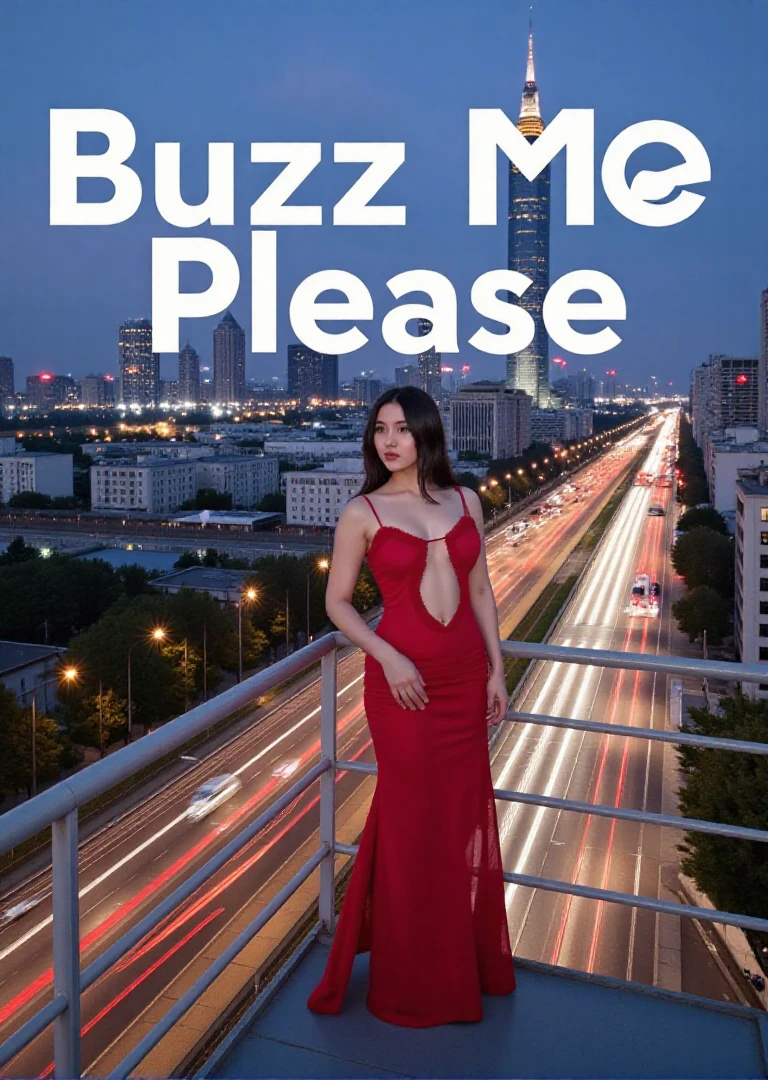
Add motion blur to your photo 3

Highlight the Subject and Create Focus with Motion Blur

Help isolate the subject of your photo, this motion blur utilizes advanced AI to blur the background or other less important elements. Capture the viewer's attention directly to the focal point of the image. Add energy and excitement to your photos, making them more eye-catching and shareable. Give it a try and get artistic and engaging photos now.

How to Add Motion Blur to Your Photo

Step 1: Upload Your Photo

Start by uploading the photo you want to apply the motion blur effect.

Step 2: Click on "Generate"

Once your photo is uploaded, hit on the "Generate" button to start the generation.

Step 3: Preview and Download

Preview the photo to see how the motion blur looks and simply click "Download" to save your enhanced image.

Motion Blur - FAQs

collapse

What is the motion blur?

Motion blur is a photographic effect that simulates the appearance of movement by blurring parts of an image, typically the background or moving objects.

expand

Is it better to have motion blur on or off?

It depends on the context. Motion blur is great for adding dynamism and emphasizing movement, but it should be turned off if you want a sharp, crisp image with clear details.

expand

Is this motion blur tool free to use?

Yes, the motion blur tool on SeaArt offers free access, as in SeaArt, you can explore all its features and models without cost.

empty
No Data